Free Open Graph Image Generator: Make the link look worth clicking.
Build the image that appears when your page is shared. The free Social card scene is 1200 × 630: a headline above a browser frame that runs off the bottom edge. Add your screenshot, write the line, and export the file your og:image tag points to.
Make an Open Graph imageNo sign-up. No watermark. Made for desktop browsers.
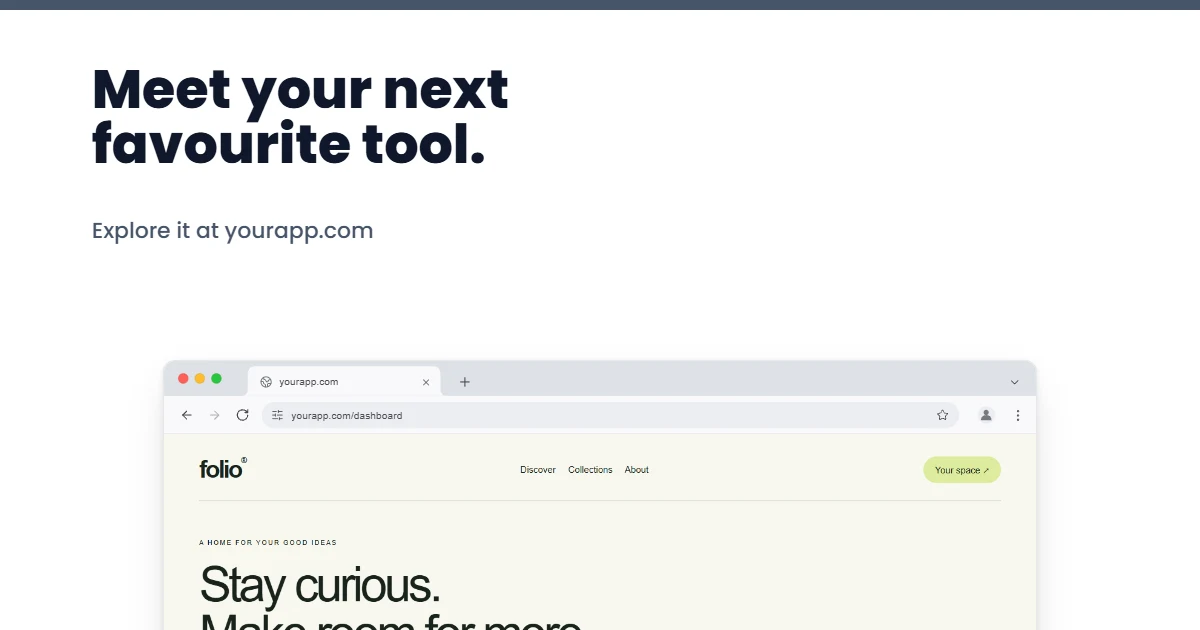
How to make Open Graph images.
- 01
Add the screenshot and the line
Open the Social card scene and replace the sample screenshot with your product or page. Edit the headline on the canvas and keep it to a few words, since previews are shown small. The frame picker swaps the browser for a phone or a laptop.
- 02
Keep the important parts central
Platforms crop and overlay link previews differently, so keep the headline and the key part of the screenshot away from the edges. Switch to Full editor to add a logo, or apply your brand kit's colours and fonts.
- 03
Export and reference the file
Download a PNG or JPEG; 1200 × 630 is well inside the free limit. Upload the file to your site and point the og:image and twitter:image tags at it. Brayer makes the image; it does not host it or add tags to your pages.
One image, a dozen places
The same file appears in chat apps, social feeds and search previews, often at thumbnail size and sometimes cropped towards a square. Design for the smallest of them: large type, one screenshot, strong contrast. PNG keeps flat colour and text crisp; JPEG is smaller when the screenshot contains photographs. For a launch, the App launch collection has a matching Launch link card, free to edit and Pro to export, beside its store screenshots and posts.
What is included for free?
Every device frame and starter scene, plus one free scene from each premium collection, custom canvas dimensions, local saving, and PNG or JPEG export up to 3,000 px on the long side, with no watermark or account. Pro adds larger exports up to 4×, WebP, transparent backgrounds, the premium collections, size batches, and optional cloud sync.
Compare Free and ProRead next
- Connect AI: Design with Claude or ChatGPT via MCPAdd Brayer's MCP connector to Claude, ChatGPT, Claude Code or Cursor, turn on Connect AI in the studio, and let your AI app build mockups in your open tab.
- Brayer vs Shots: Choosing a Mockup ToolCompare Brayer and Shots for screenshot mockups, launch graphics and animated content: a practical example, workflow differences and clear plan limits.
GOOD TO KNOW
Before you create.
What size should an Open Graph image be?
1200 × 630 pixels, a 1.91:1 ratio, is the size most platforms recommend for large link previews, and it is what this scene uses. You can set any other exact size on the canvas.
Can Brayer make an image for every page automatically?
No. Each image is designed and exported by hand, or by an AI app through Connect AI. For a handful of key pages, add a page per image to one design so the layout stays consistent; Pro exports them together as a ZIP.
Should I export PNG or JPEG?
Both export free. PNG suits flat colour and text; JPEG gives a smaller file when the screenshot contains photographs. WebP export needs Pro.
Does it work for X cards and LinkedIn?
Yes. Both read the same 1200 × 630 image from your page's tags; X uses it for its large summary card. Keep text clear of the edges, because each platform crops a little differently.
Find your next mockup.
Starting points for product launches, portfolios and client work.
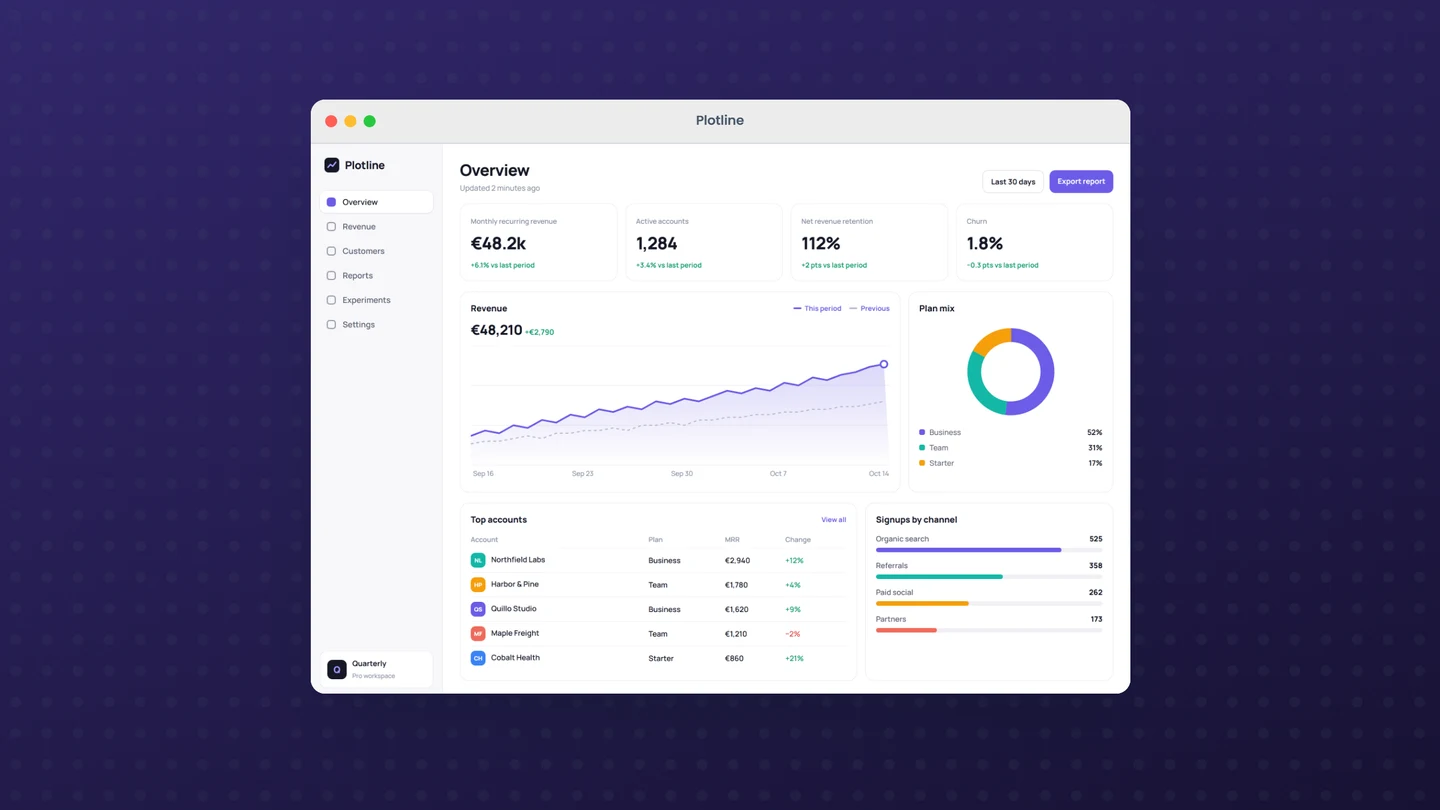
macOS window mockups
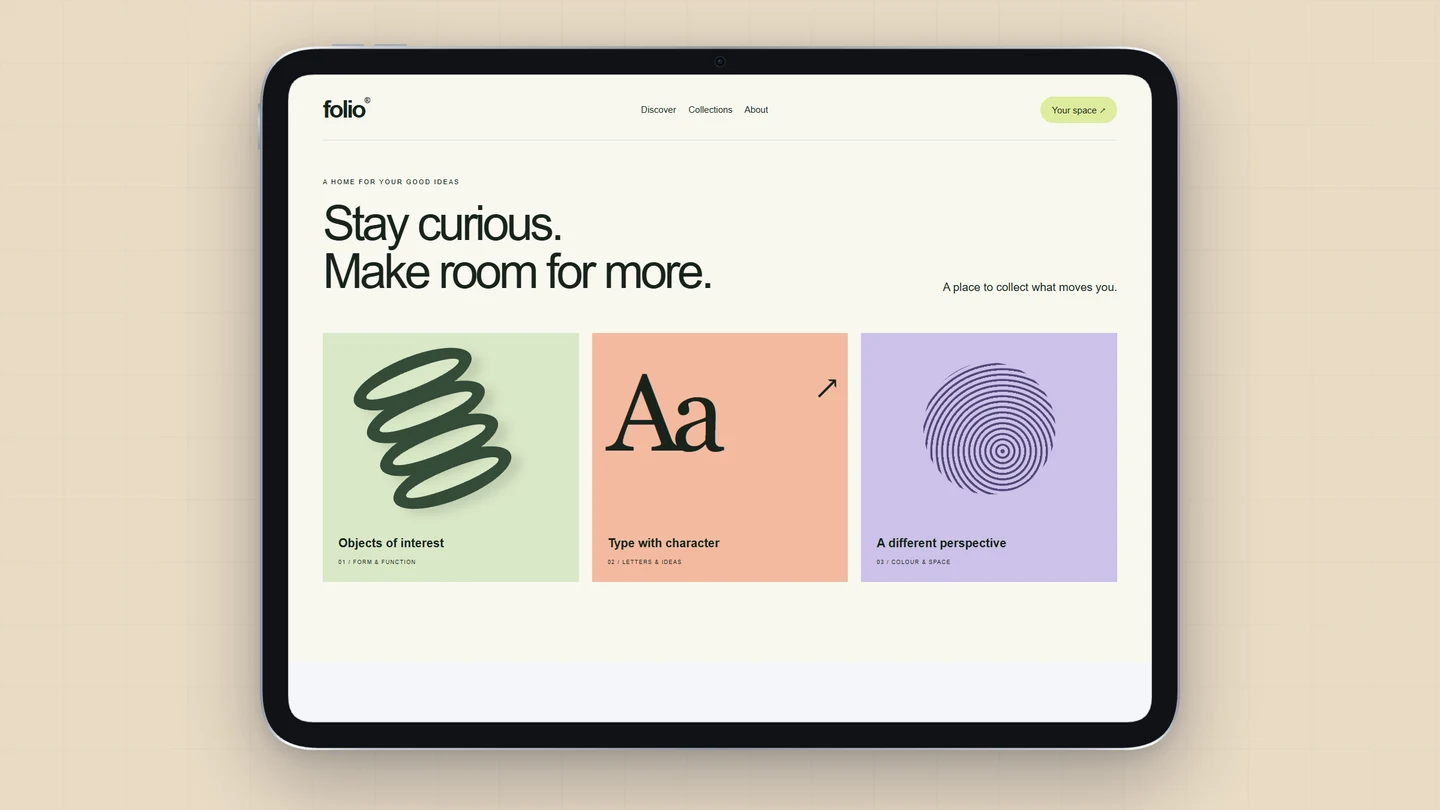
iPad mockups
MacBook mockups
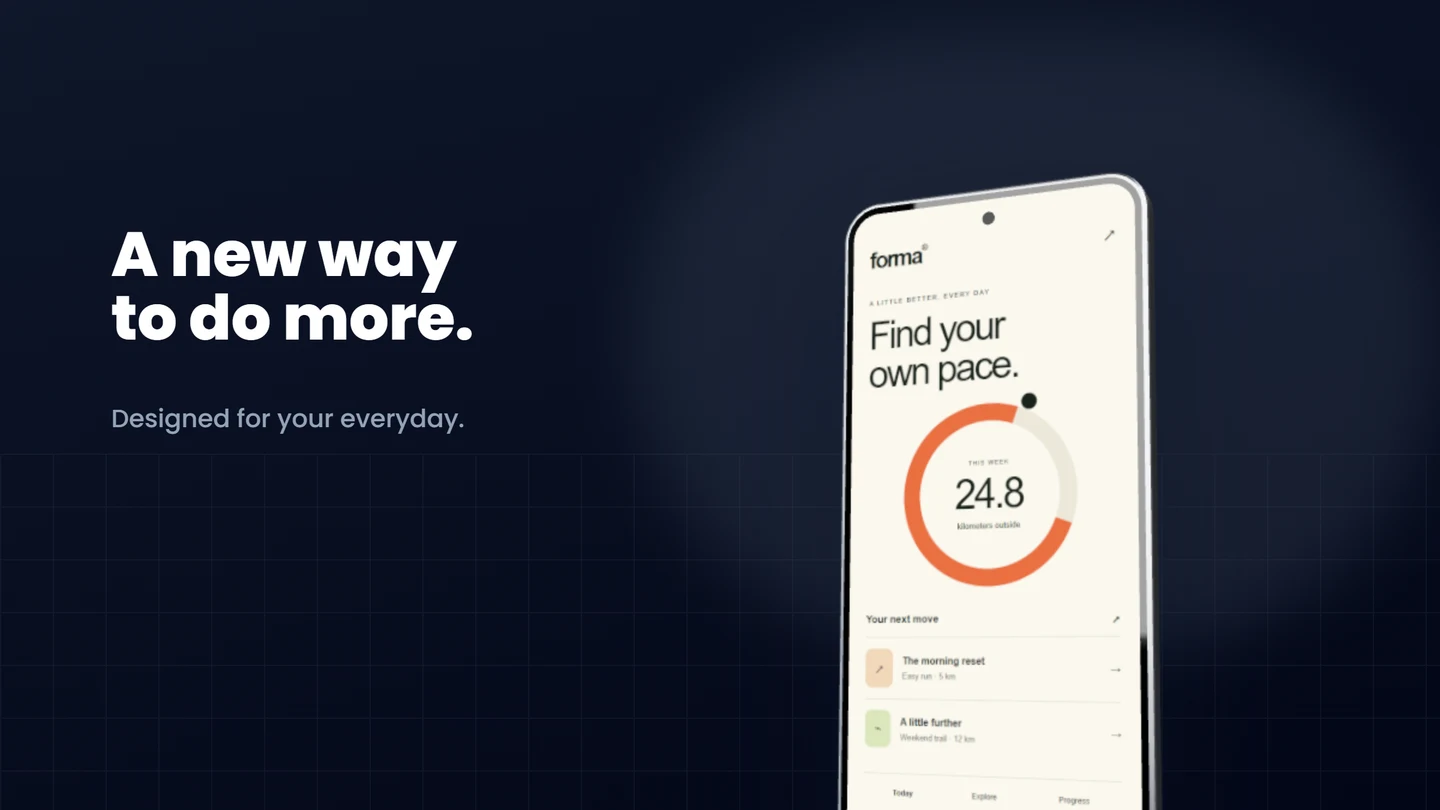
Android mockups
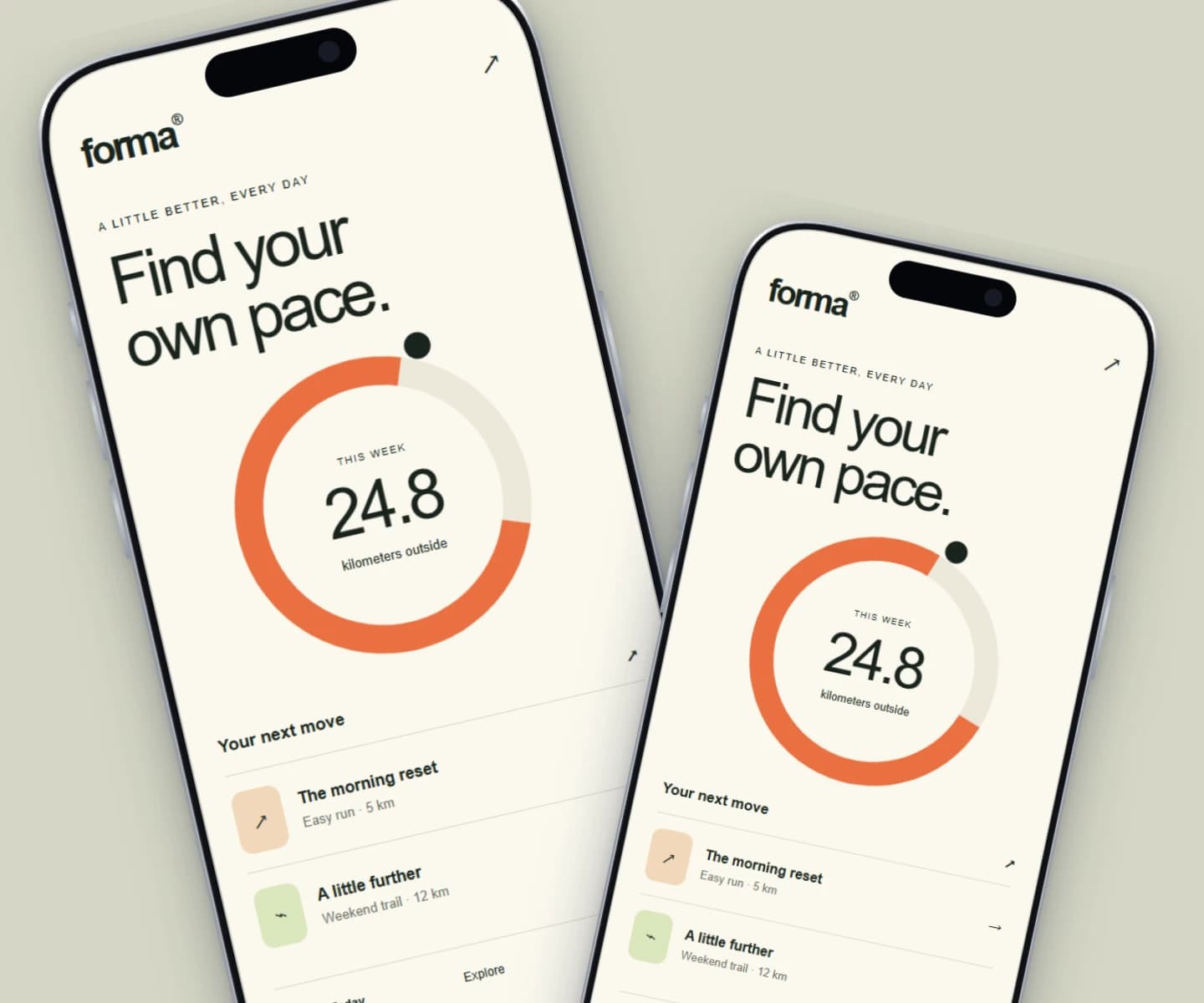
iPhone mockups
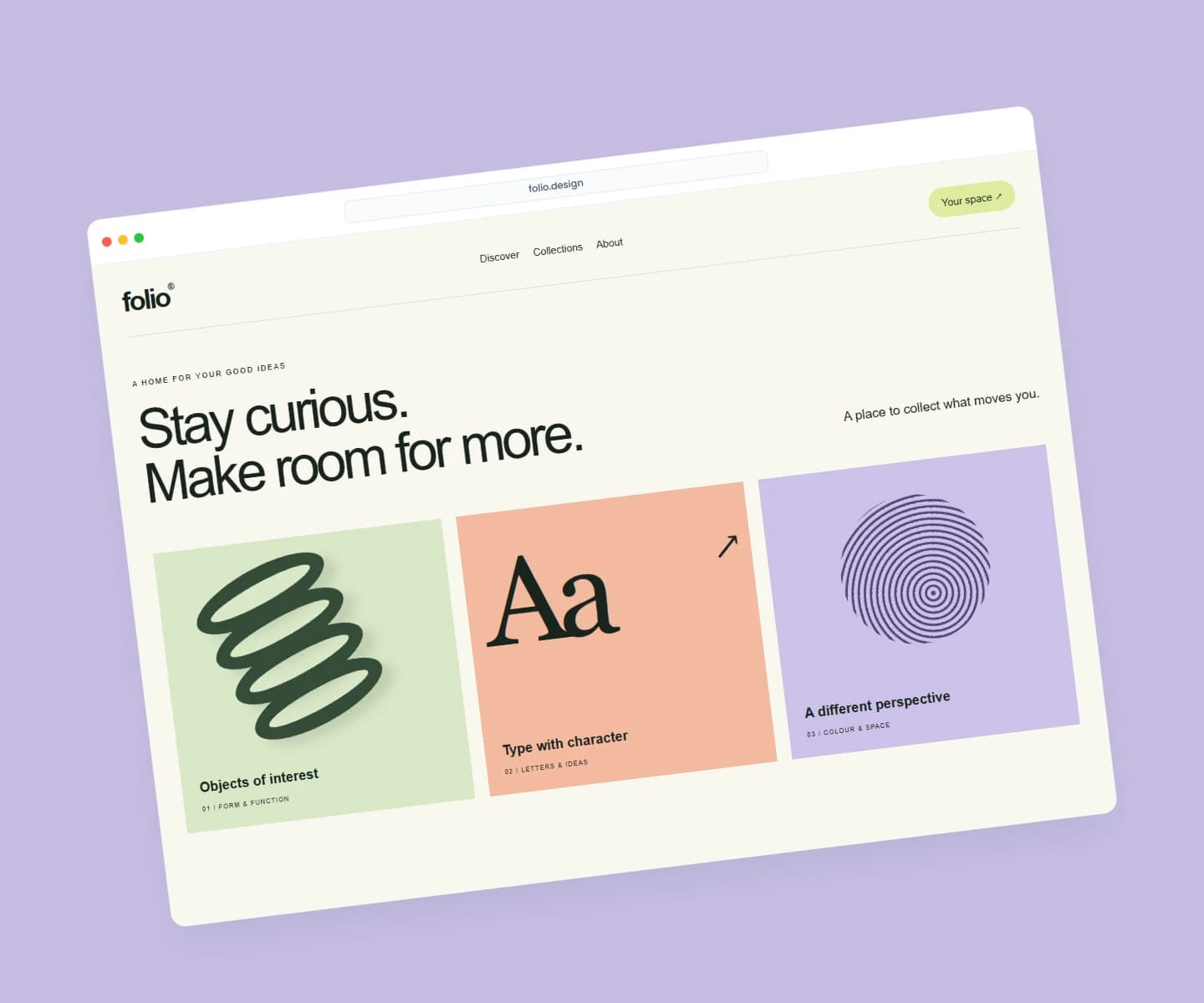
Website mockups
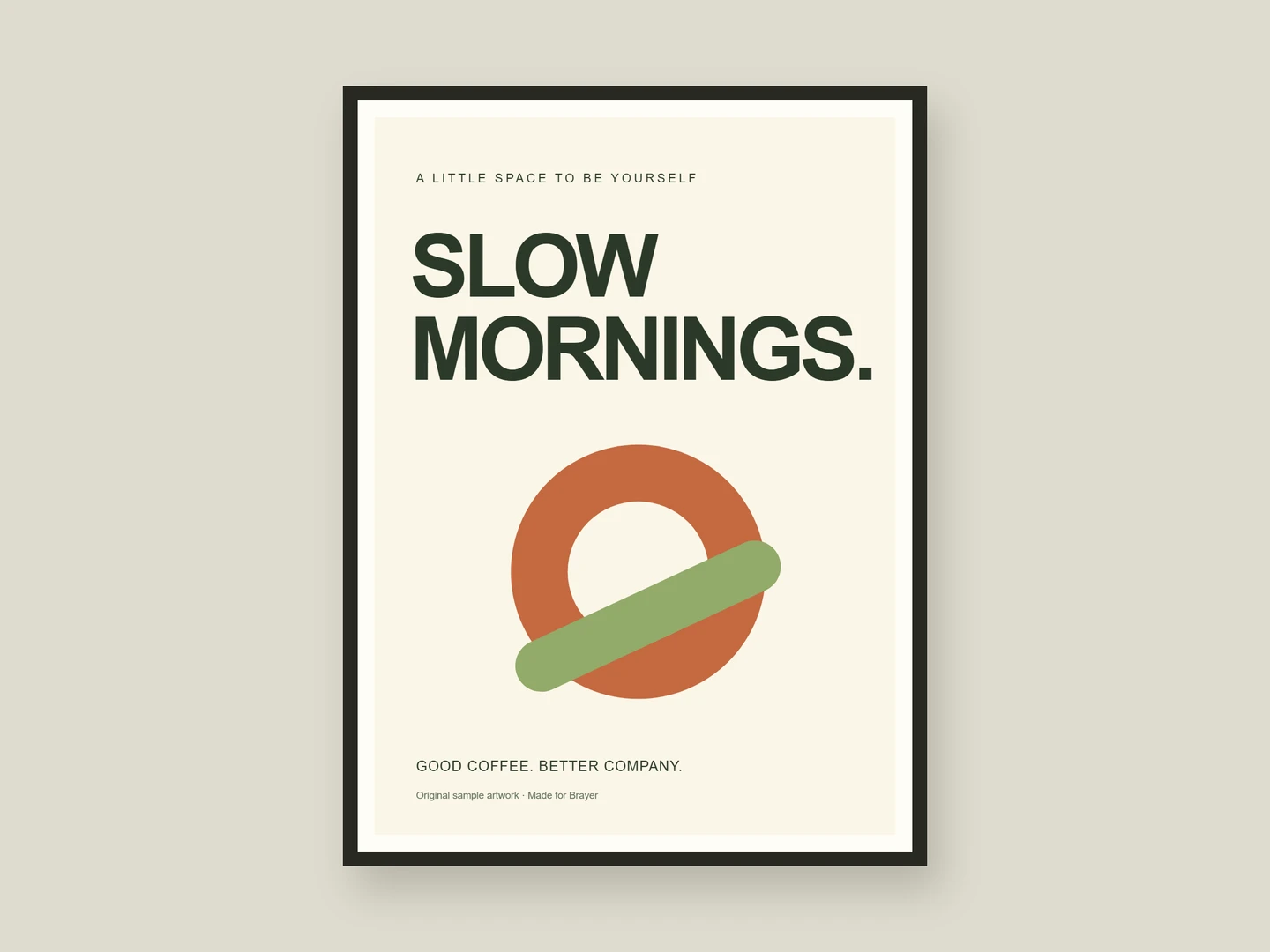
Poster mockups
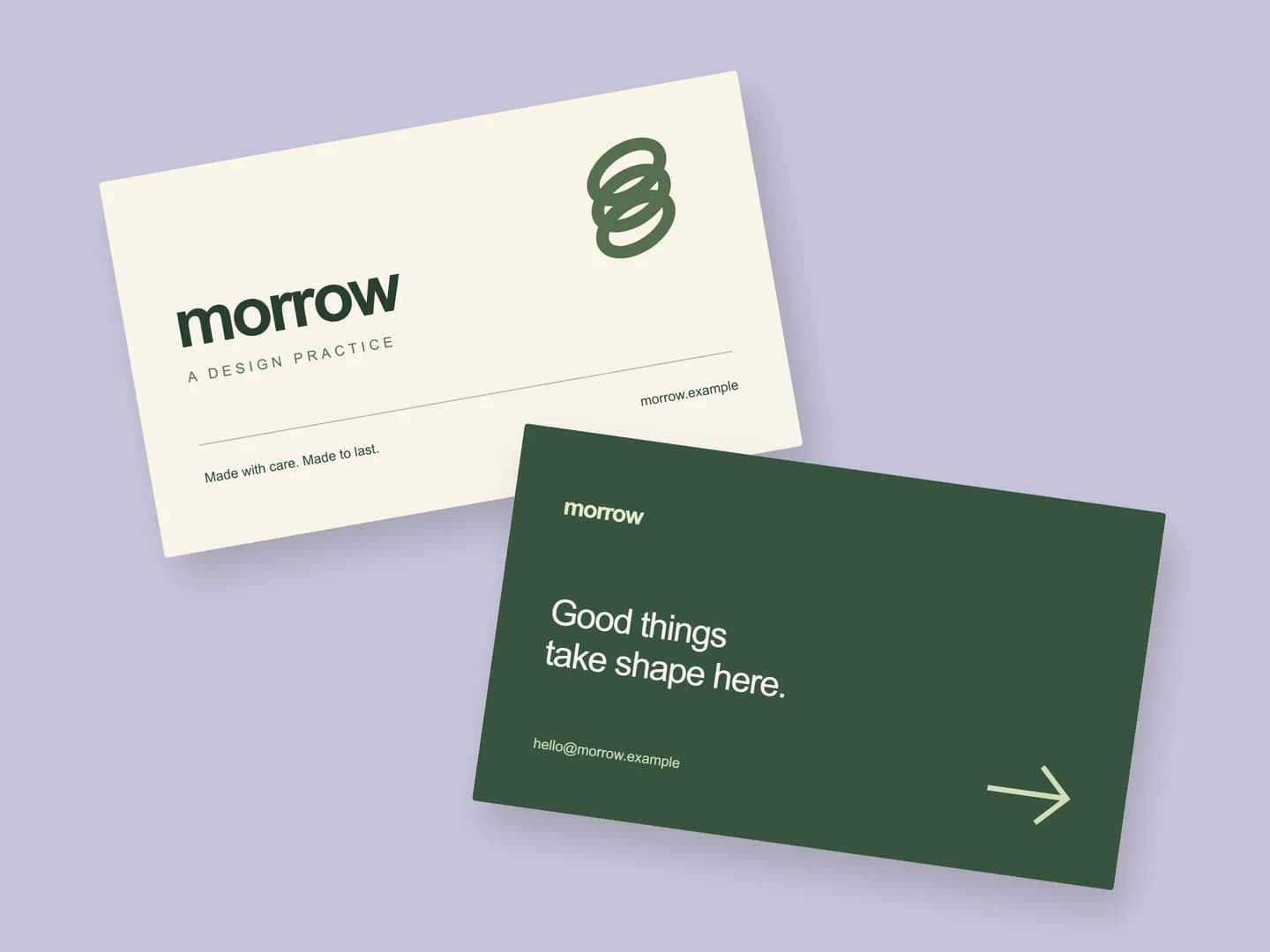
Business card mockups
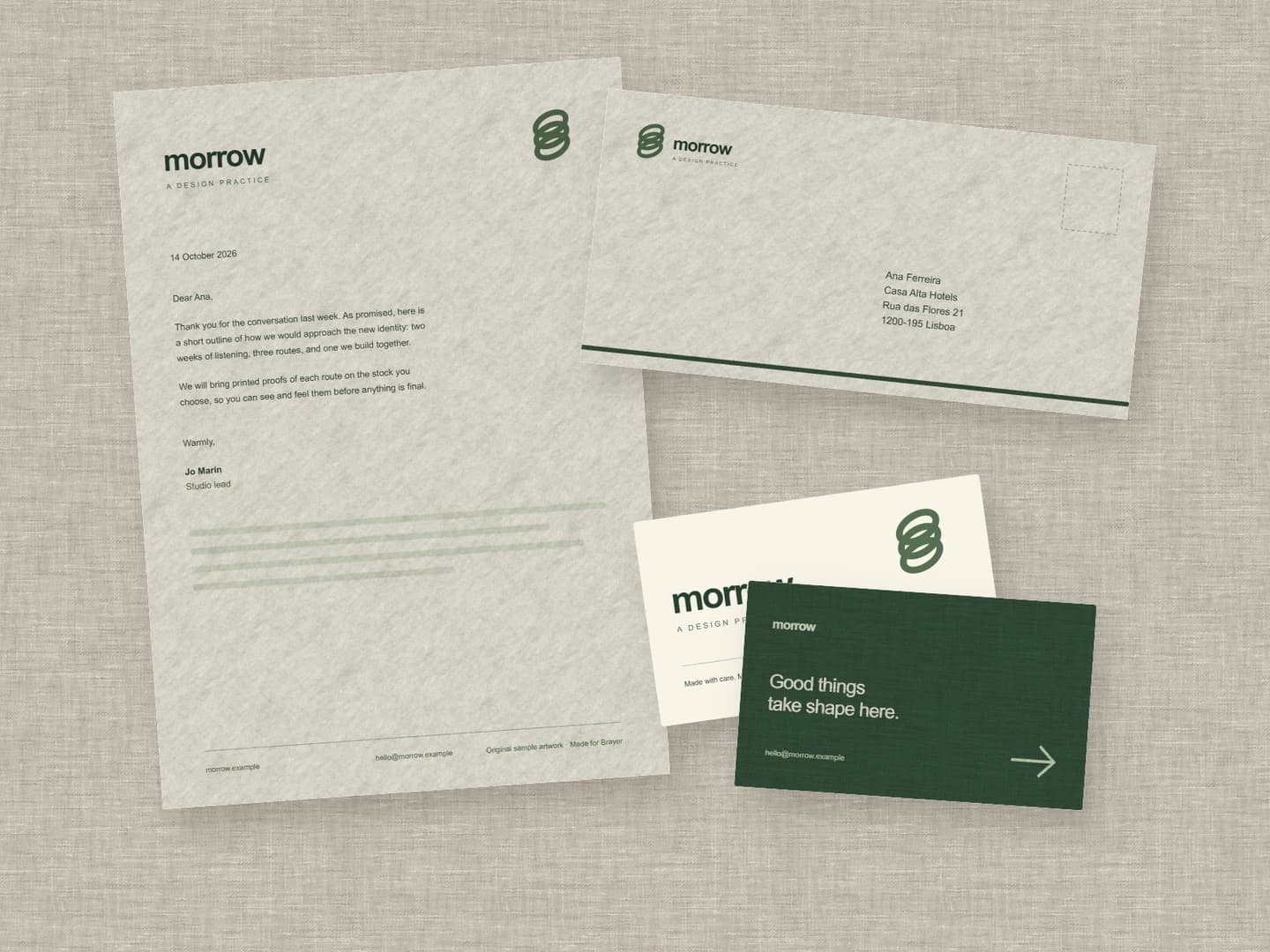
Stationery mockups
Each page opens a real scene you can edit.
All 20 mockup generatorsYour next visual starts here.
Make an Open Graph imageFree to start. Your files stay local by default.