Free Android Mockup Generator: Show your Android app in its own frame.
Give your Android release a clear product visual. Start with a 3D Android scene, add a screenshot from your app, and adjust the phone angle and background for a landing page or launch post.
Make an Android mockupNo sign-up. No watermark. Made for desktop browsers.
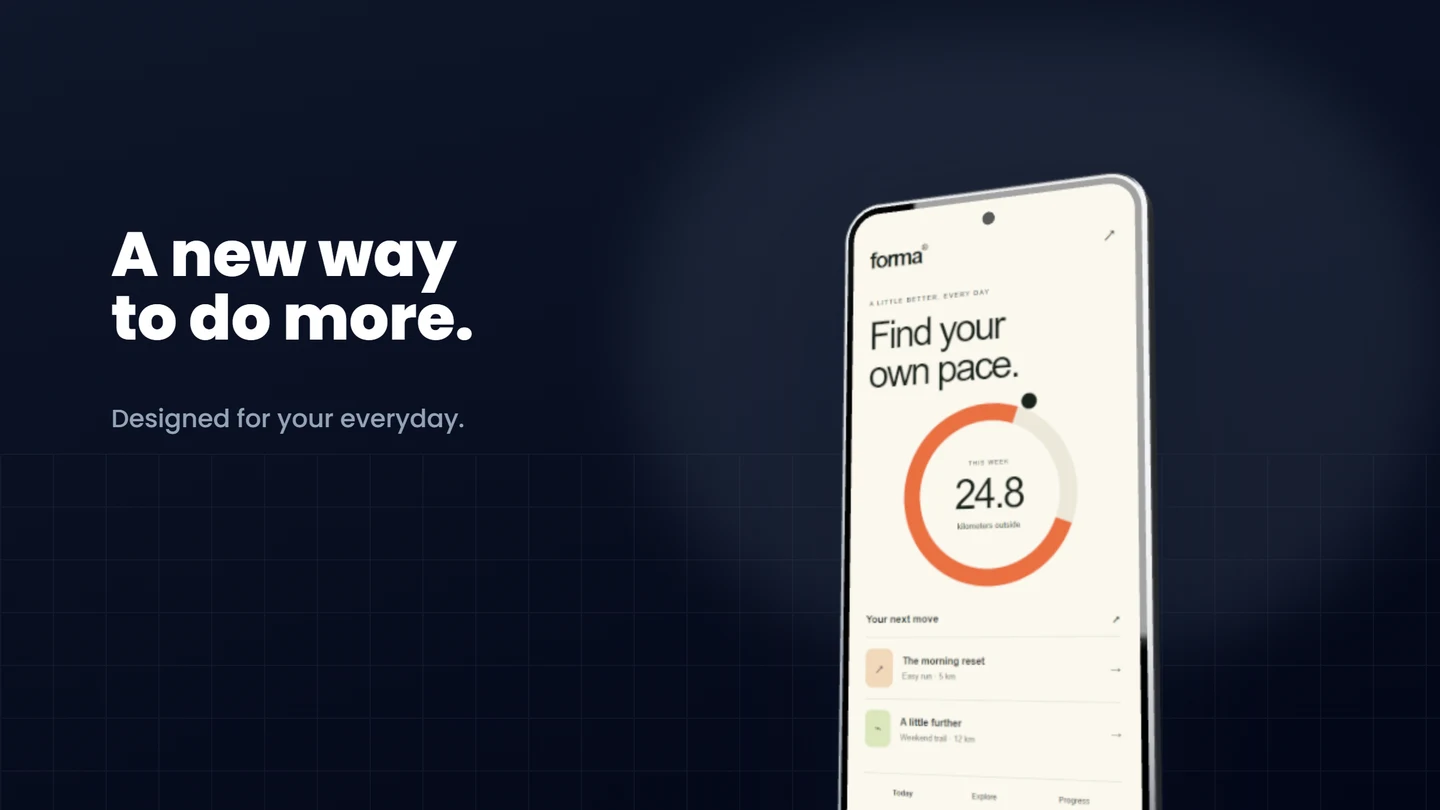
How to make Android mockups.
- 01
Capture the Android experience
Use a screenshot from the Android version of your app. Include the screen that explains its main benefit, and remove real customer details before sharing. The sample scene is a starting point; it does not capture your app for you.
- 02
Keep the interface readable
Replace the sample image, then adjust the crop inside the phone. A small tilt gives a homepage image depth; a straighter phone is easier to read at social-feed size. Switch to a flat Android or Pixel frame if the 3D angle hides too much of the interface.
- 03
Choose the destination
Use a wide composition for your website or a portrait canvas for a launch card. Export a single PNG or JPEG for free at its exact size, up to 3,000 px on the long side. Store-listing screenshots have separate requirements: follow our Google Play guide before uploading.
A launch image and a store screenshot do different jobs
A dramatic phone angle works well beside a short announcement. For a store listing, the interface needs to stay large enough to inspect. Try a simpler composition with one feature per image. Keep a reusable local project for each release so you can change the screenshot without rebuilding the layout.
What is included for free?
Every device frame and starter scene, plus one free scene from each premium collection, custom canvas dimensions, local saving, and PNG or JPEG export up to 3,000 px on the long side, with no watermark or account. Pro adds larger exports up to 4×, WebP, transparent backgrounds, the premium collections, size batches, and optional cloud sync.
Compare Free and ProRead next
- Google Play Screenshots and Feature Graphic GuideMake Google Play phone screenshots and a separate 1024 × 500 feature graphic: a practical Brayer workflow with Google's asset rules and export tips.
- Brayer vs Rotato: Mockups and Motion ComparedCompare Brayer's browser mockups and short videos with Rotato's 3D animation workflow, purchase model and device tools. Includes an editable Brayer example.
GOOD TO KNOW
Before you create.
Can I use a Pixel-style frame?
Yes. The studio includes flat Android and Pixel frames as well as the 3D Android scene. All current frames are available for free.
Does this export an Android app or a video?
Brayer exports presentation images, and Pro also exports short MP4 or WebM videos made with motion presets and keyframes. Motion previews are Free. It does not package an APK or record your app's interface; bring your own screenshot.
Can I export a whole launch set?
Free lets you export pages individually. Pro adds a multi-page ZIP and image replacement batches, so a repeated layout can produce a set in one run.
Find your next mockup.
Starting points for product launches, portfolios and client work.
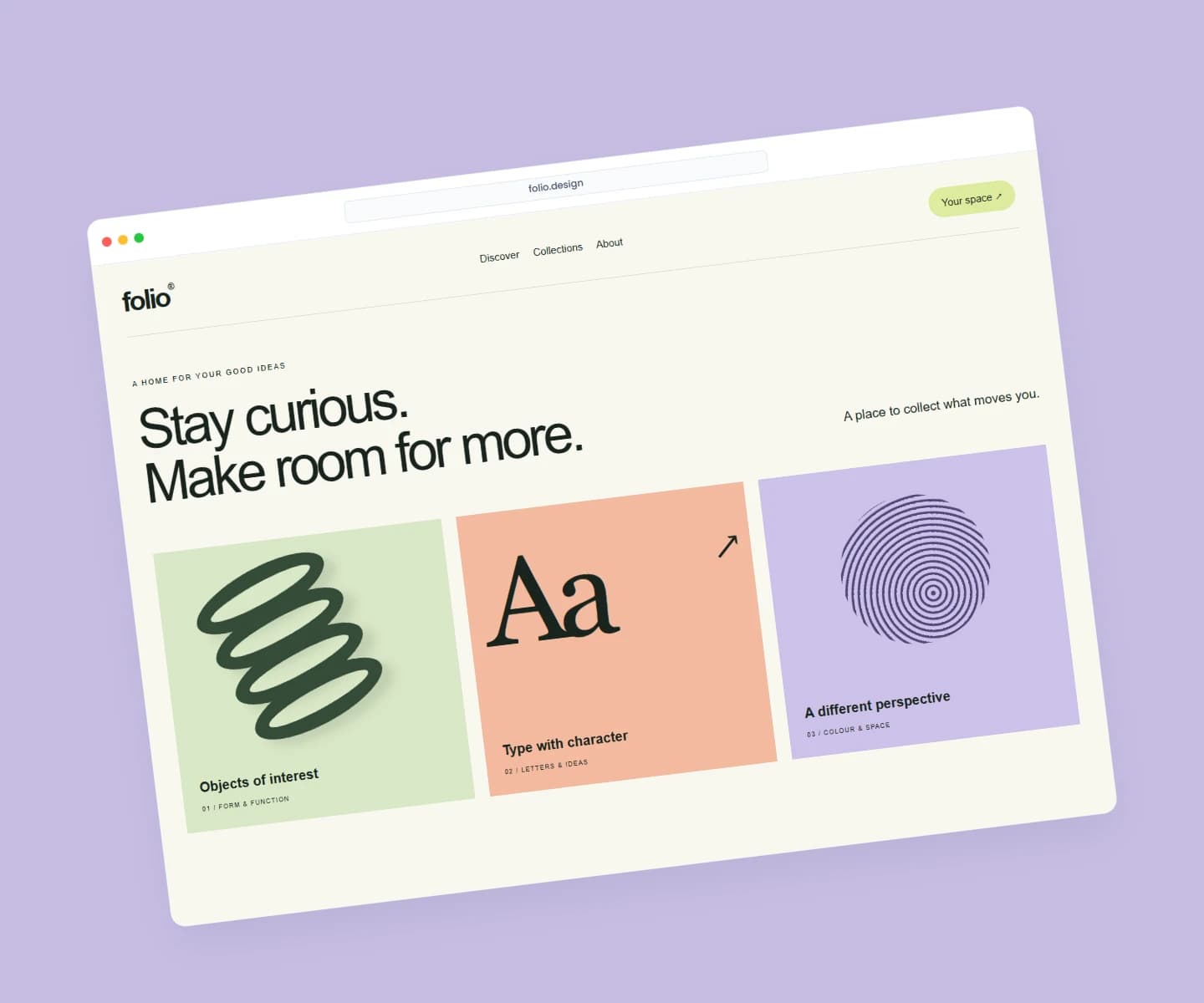
Website mockups
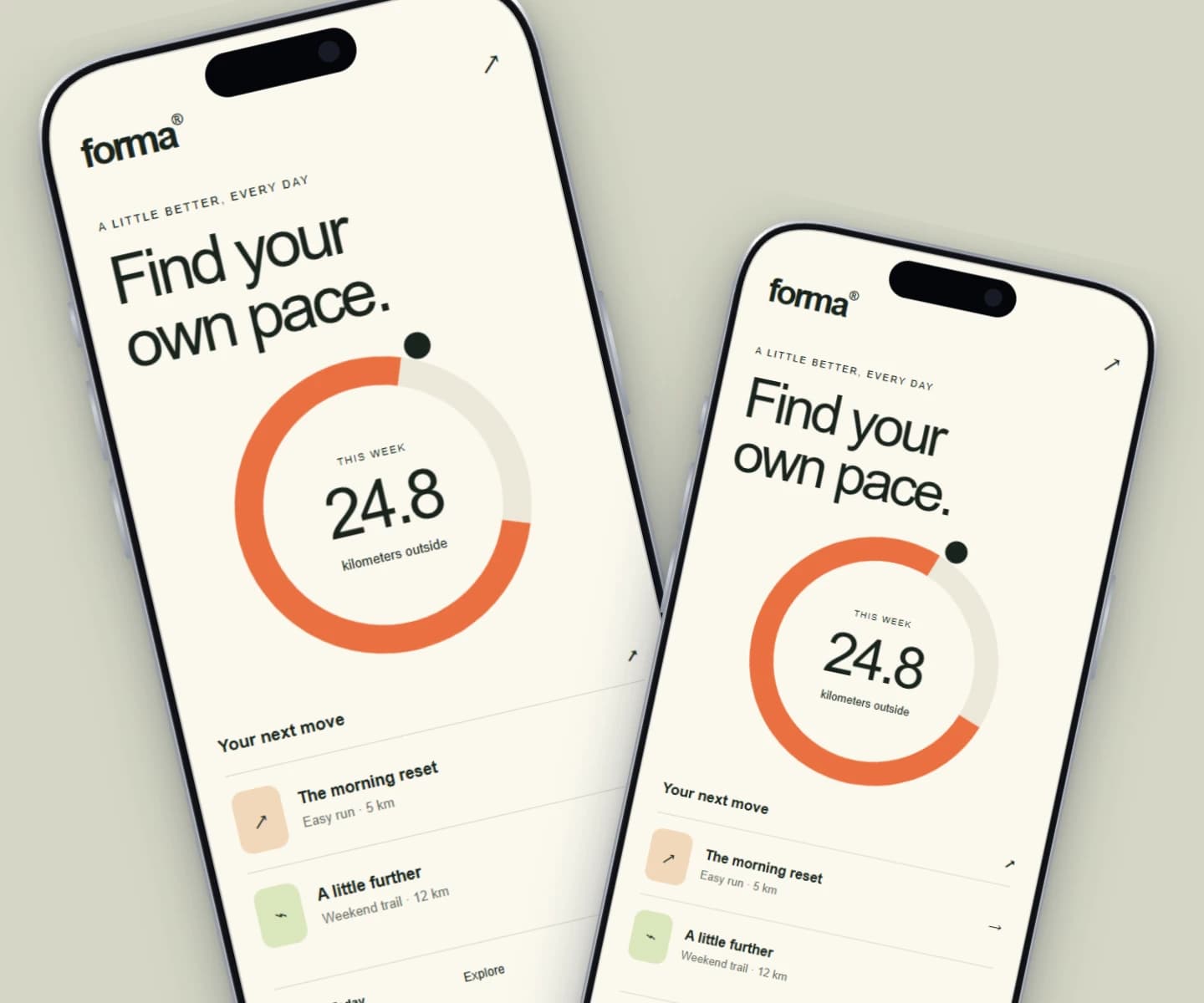
iPhone mockups
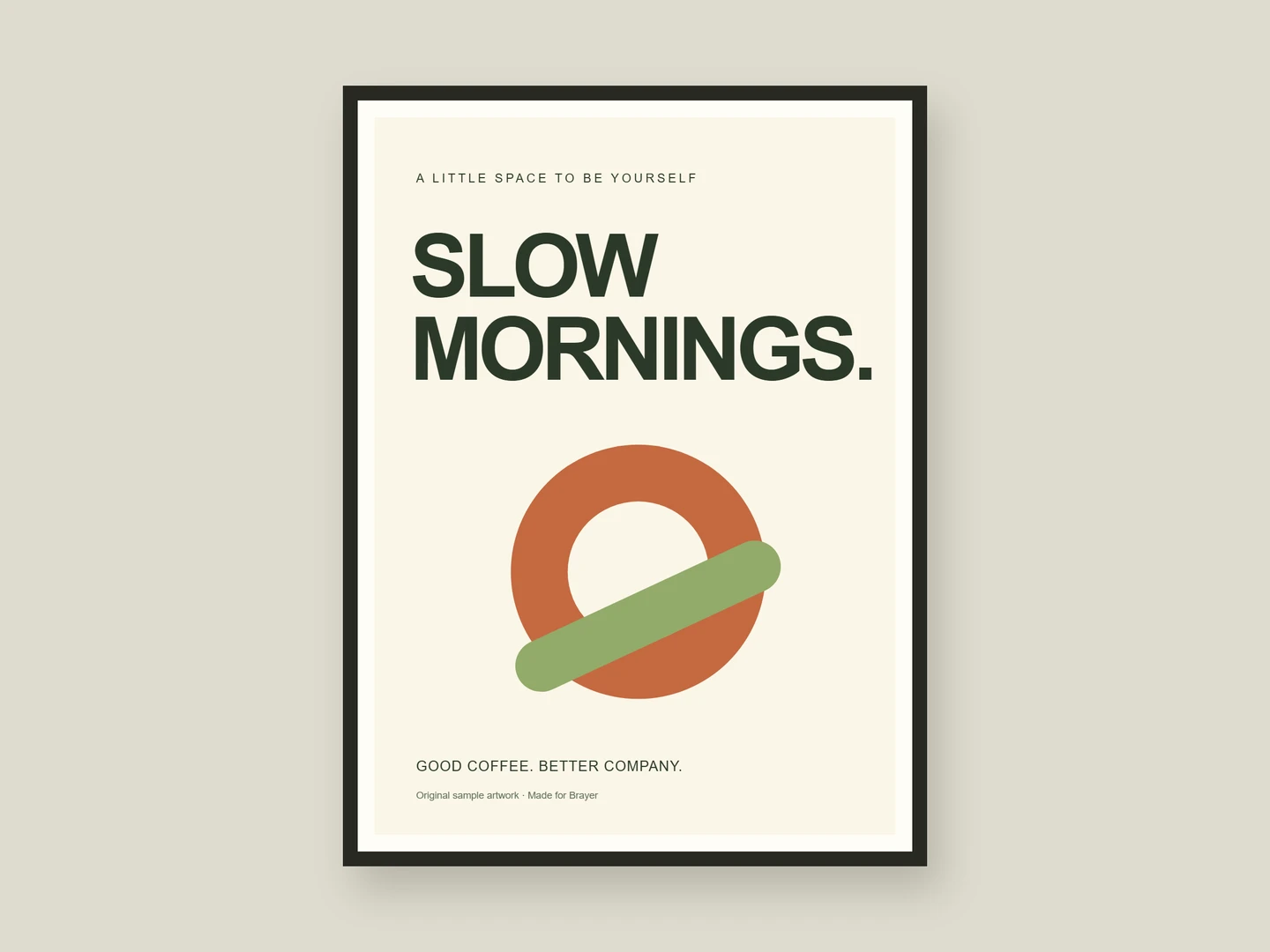
Poster mockups
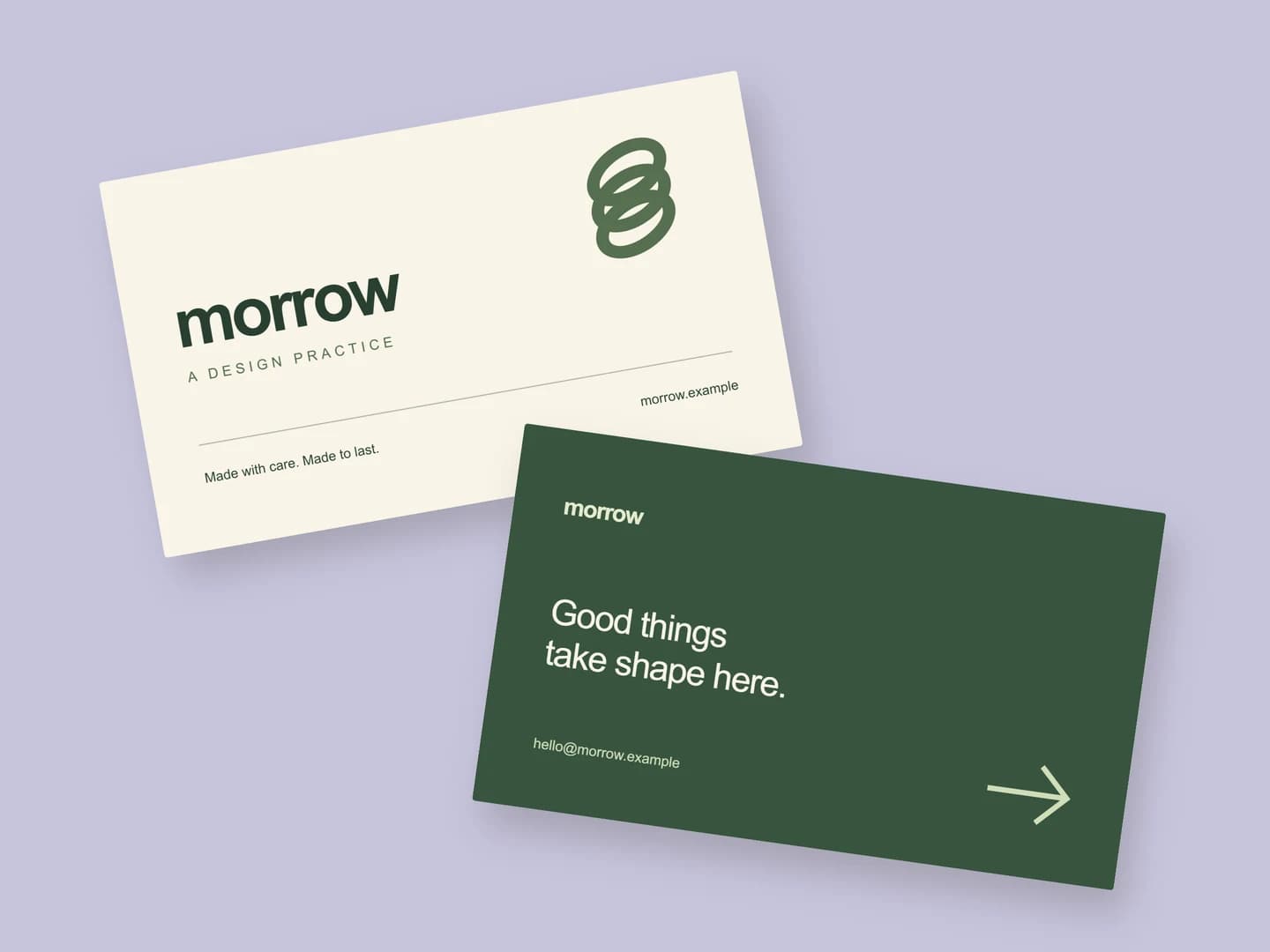
Business card mockups
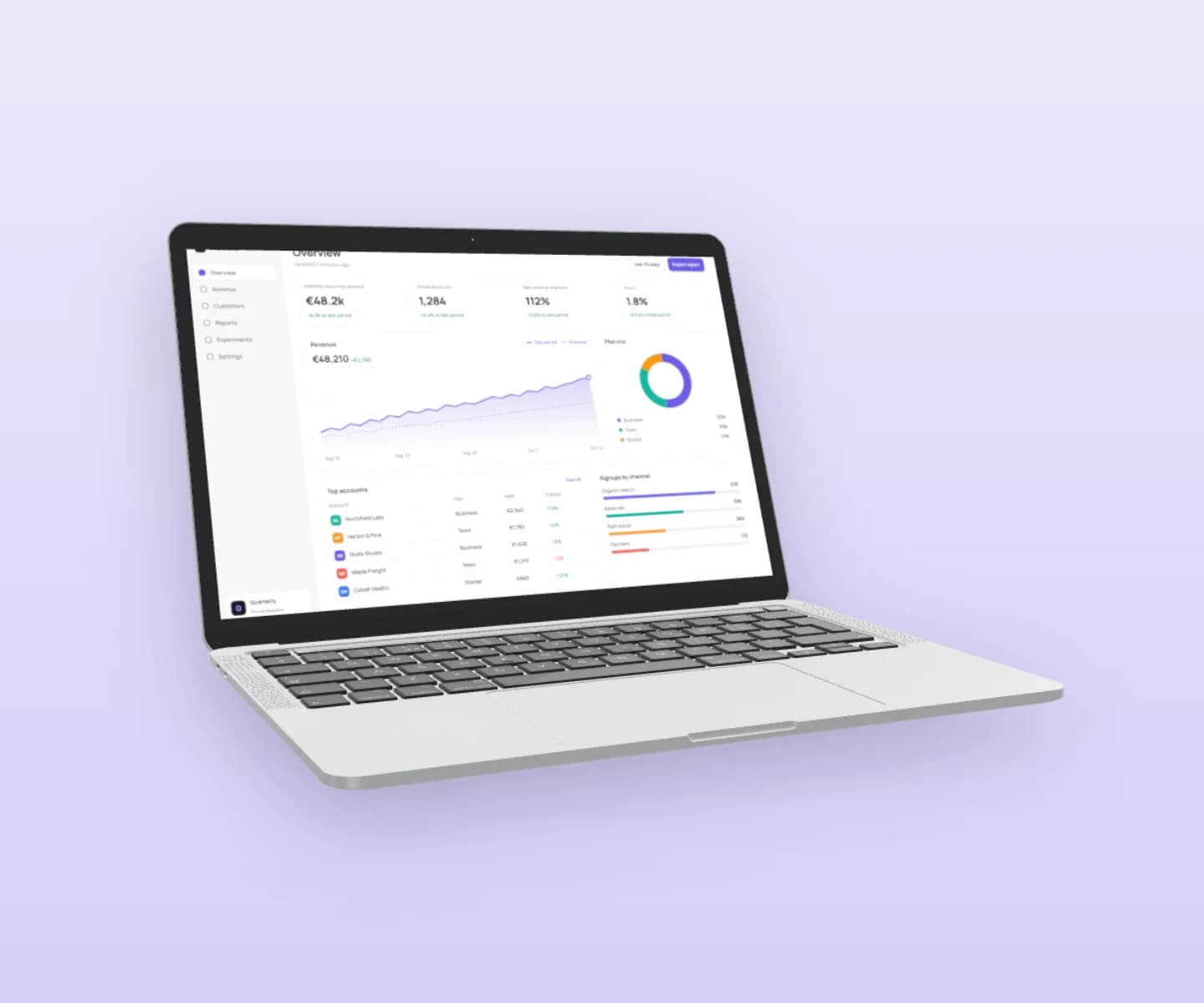
MacBook mockups
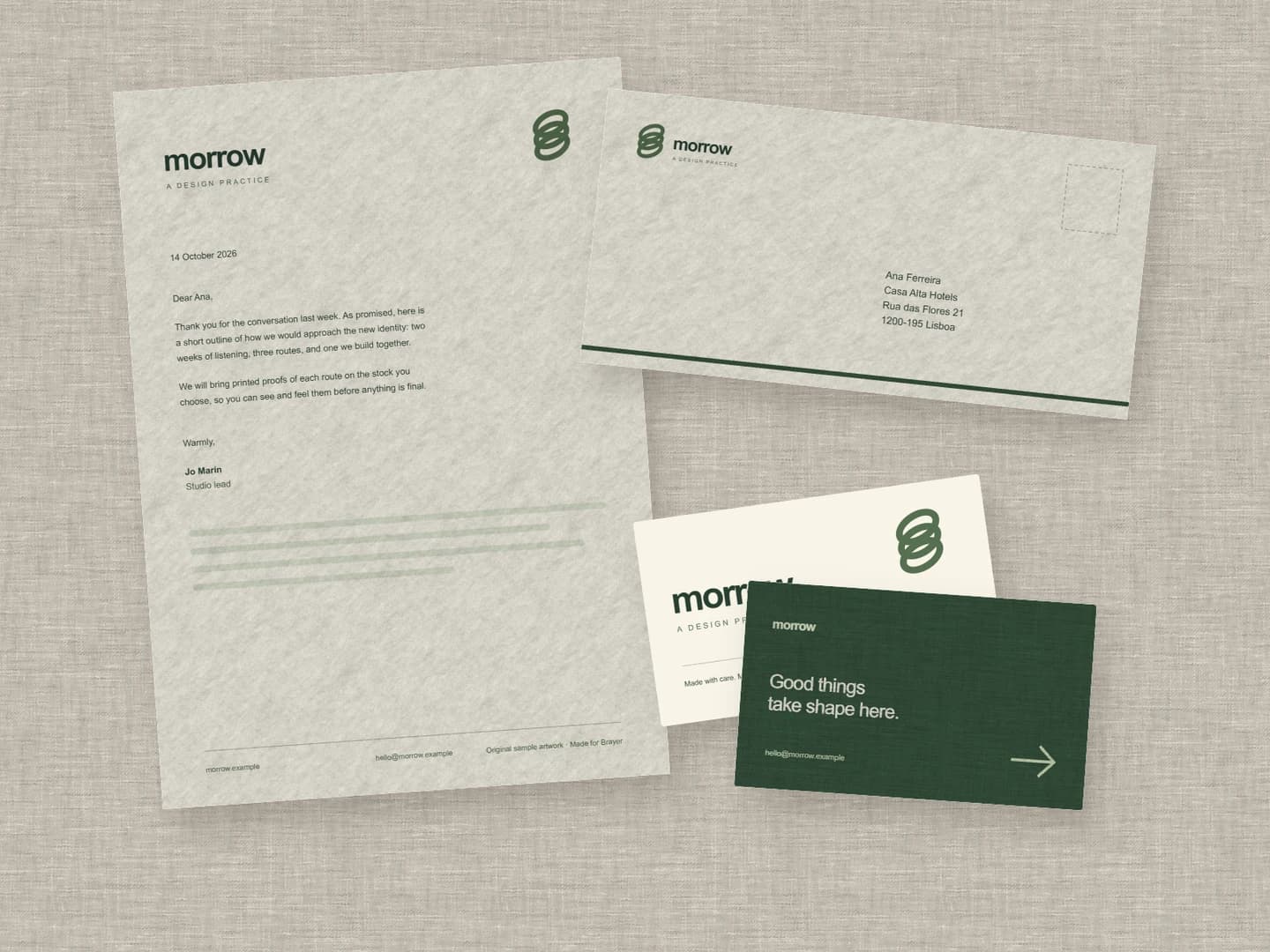
Stationery mockups
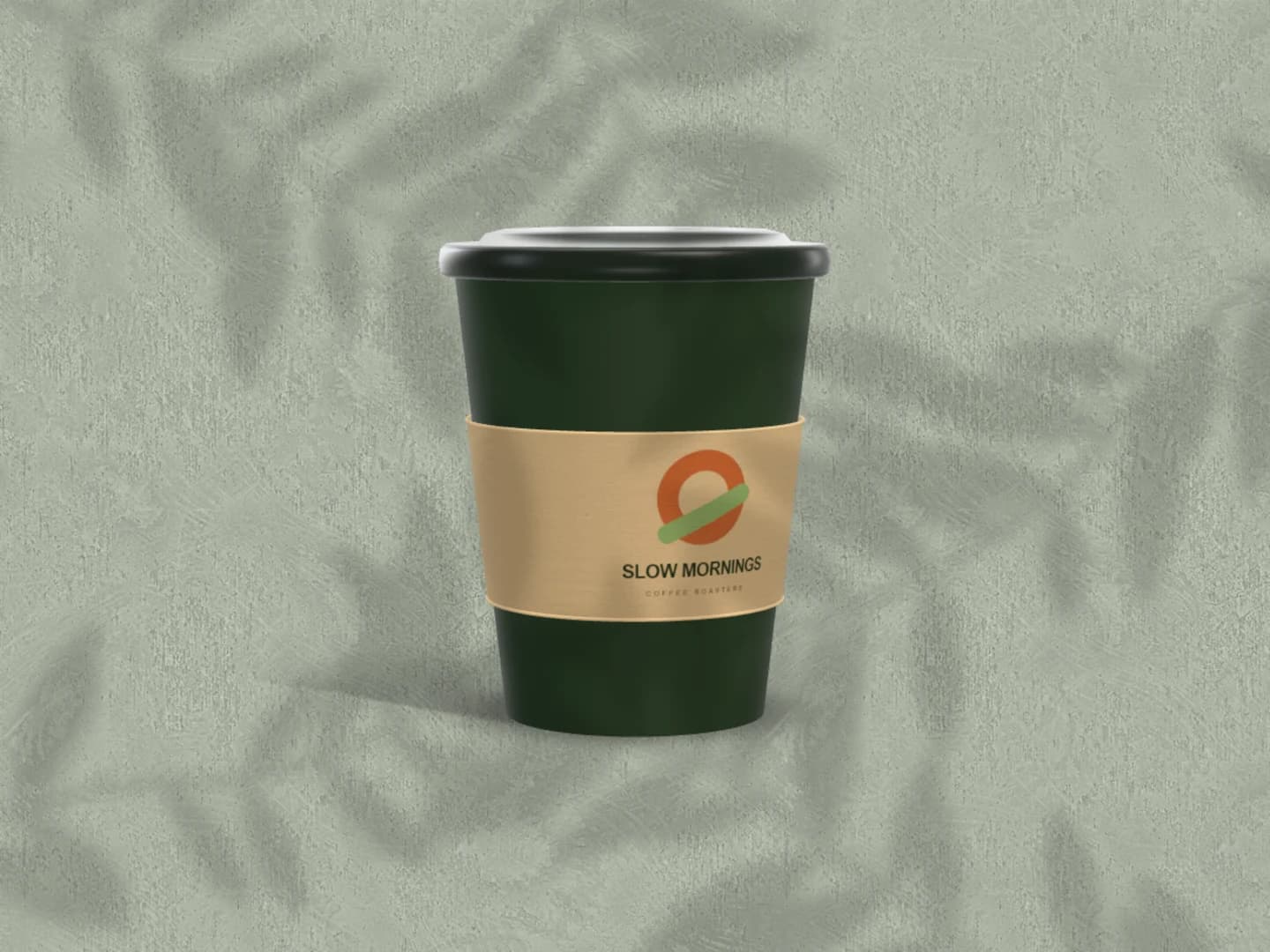
Café branding mockups
Can mockups
Carton mockups
Each page opens a real scene you can edit.
Every mockup generatorYour next visual starts here.
Make an Android mockupFree to start. Your files stay local by default.