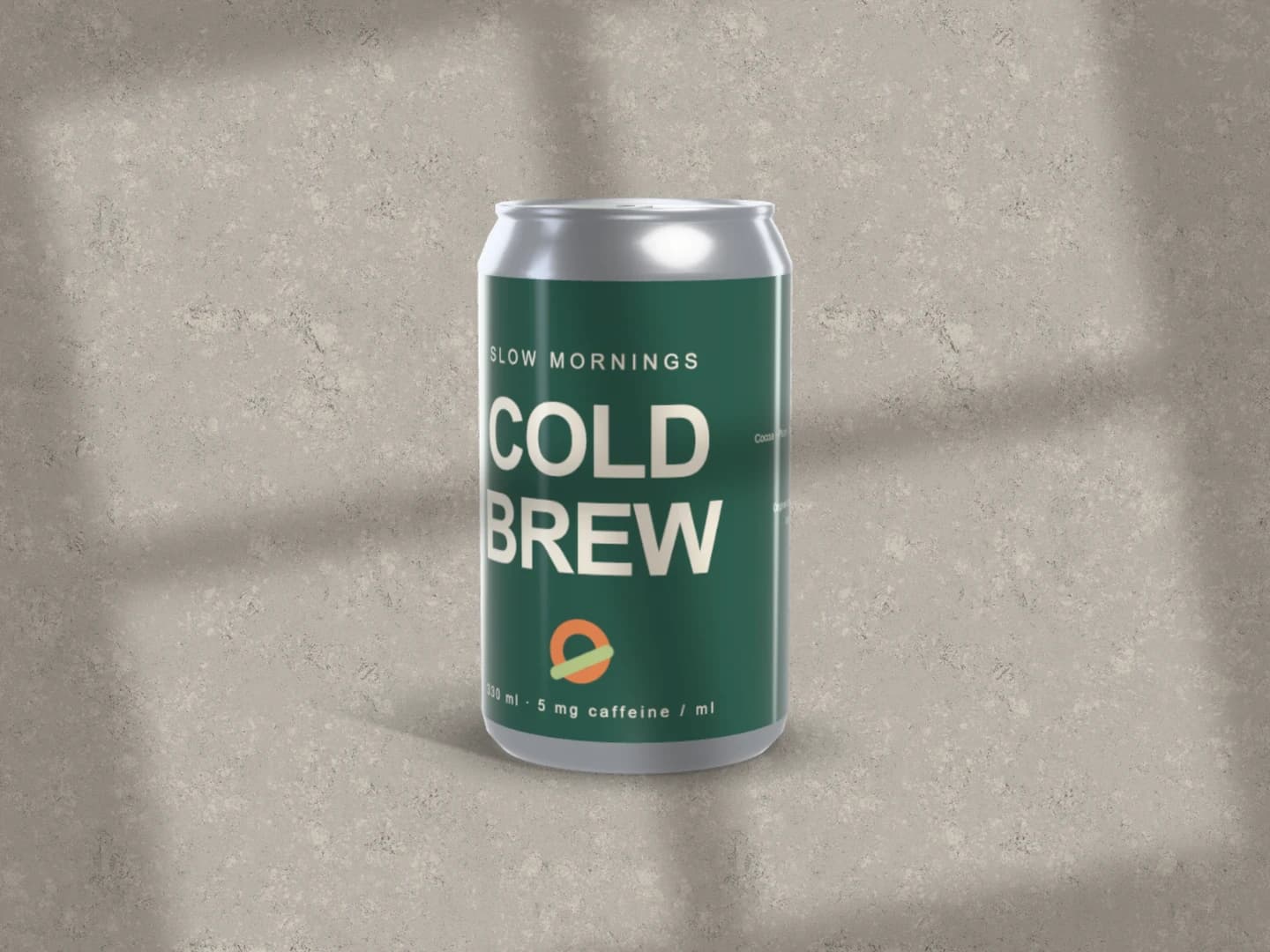
Inspect one label on the free can
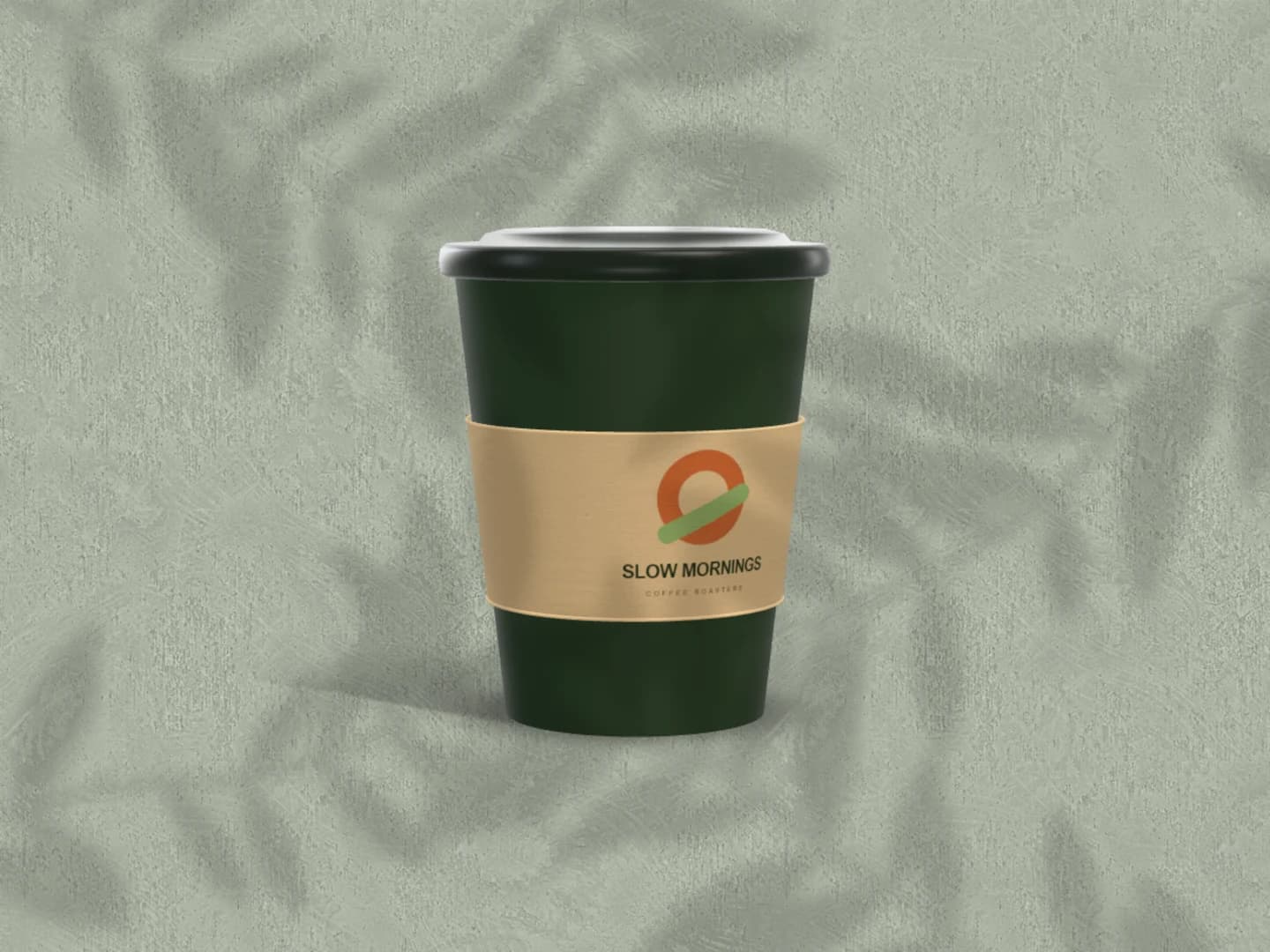
Use the single-can scene to check the main mark, the curve and the relationship between the wrap and lid. A current-page PNG or JPEG up to 3,000 px exports free.
Open the free can scenePreview a cold brew, soda or other drinks identity on a 3D can with full-wrap artwork. Start with the free single-can scene, choose the body and lid colours, and turn the can until the important part of the label is visible.
Make a free can mockupNo sign-up. No watermark. Made for desktop browsers.
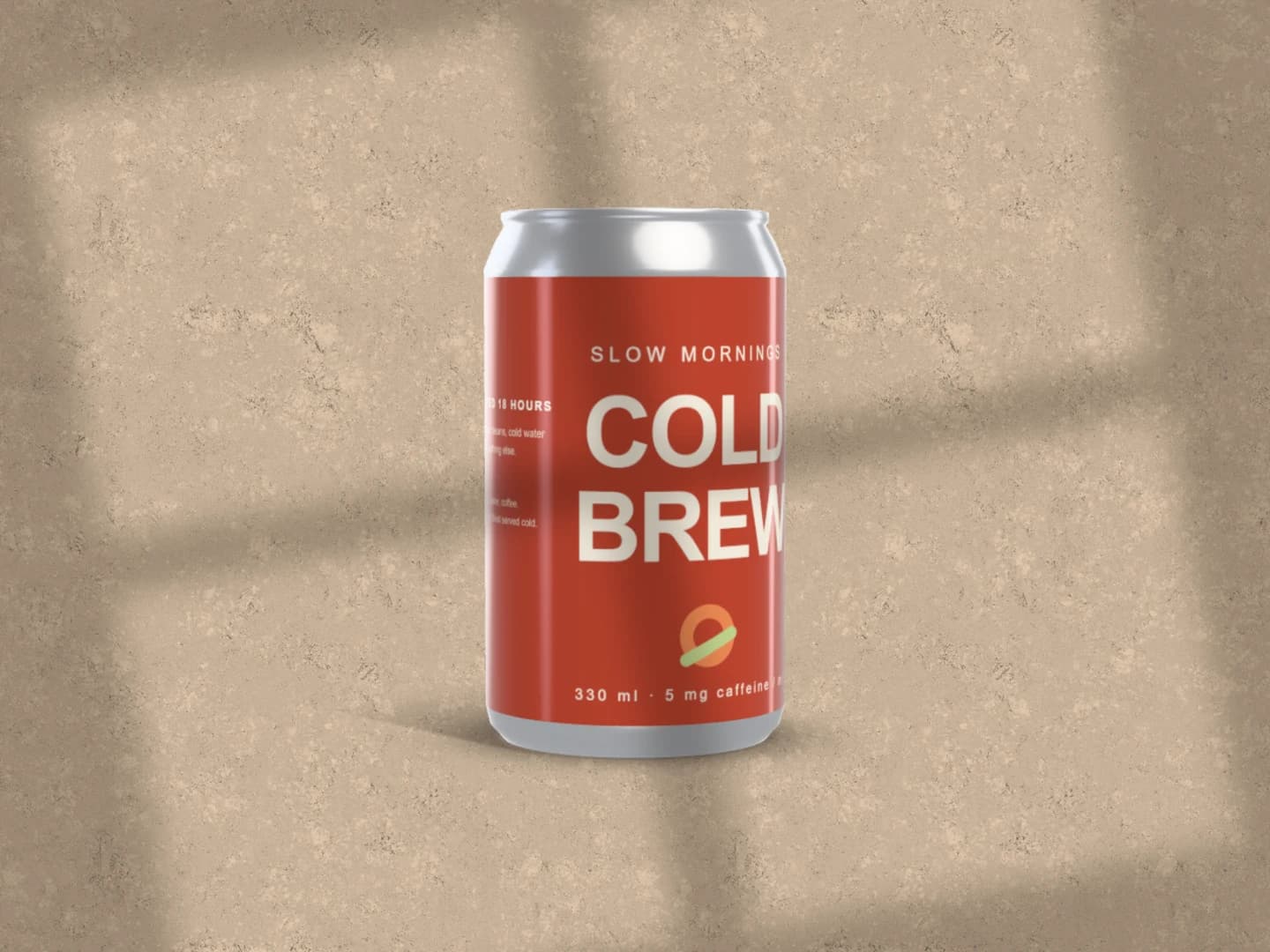
Real exports from Brayer. Each scene opens ready to edit.
Use the single-can scene to check the main mark, the curve and the relationship between the wrap and lid. A current-page PNG or JPEG up to 3,000 px exports free.
Open the free can scene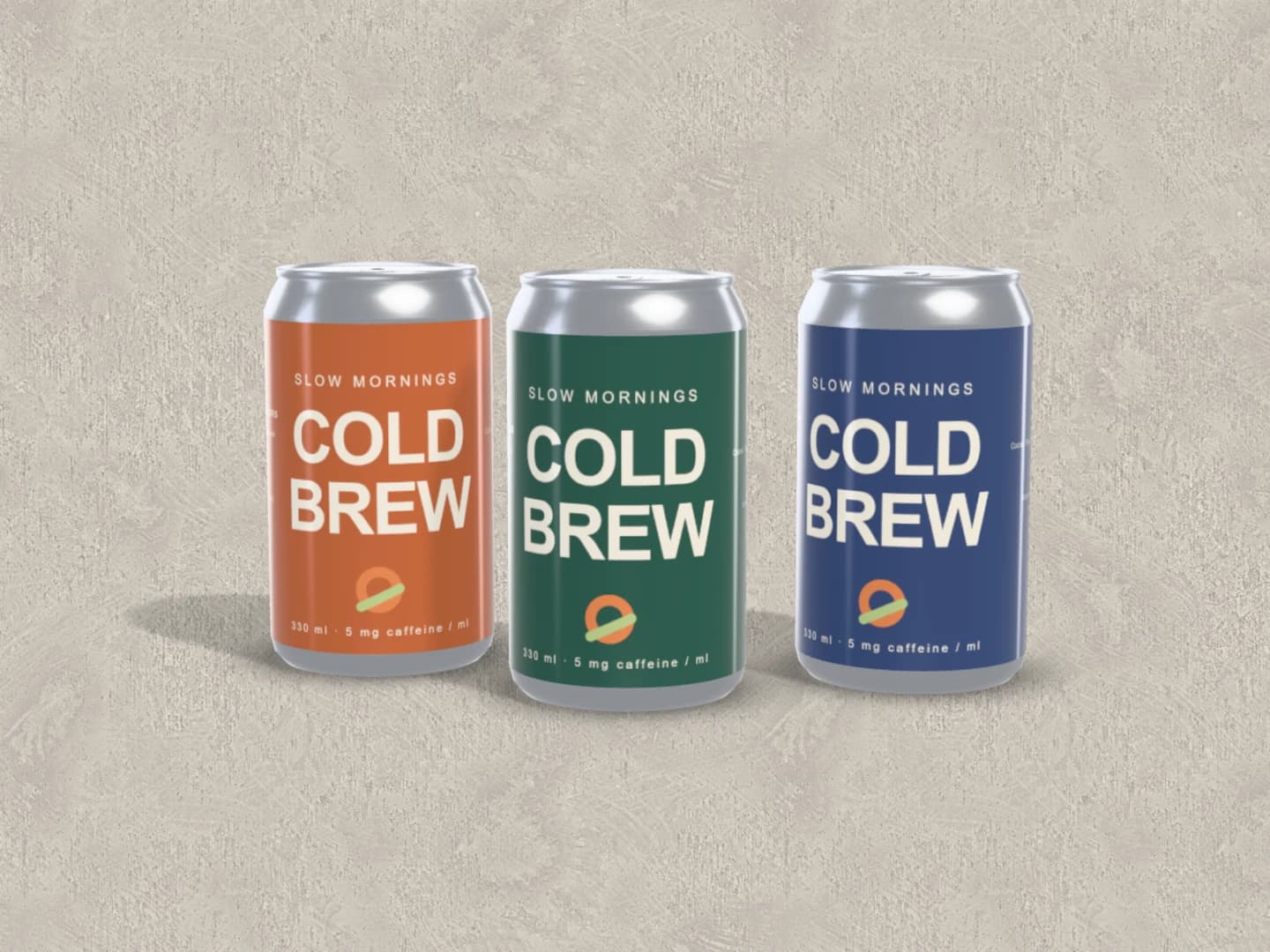
The Flavour trio presents the same wrap on three can colours. Use it to compare a product family in one view. For different text or artwork per flavour, make variants and inspect them separately.
Explore the Flavour trioFree to open and customise. Pro required to export this scene.
Select the can and replace its Wrap image with your label artwork. Use a transparent image when the can colour should show through. Adjust artwork fit, scale and position; Brayer does not generate the label design or capture artwork from a product URL.
Turn the can to inspect the front and where the wrap meets around the back. Keep the brand name clear of the most distorted edge in the final view. Adjust the finish, lighting and background so reflections do not hide small text.
Download the single-can scene as a free PNG or JPEG up to 3,000 px. Pro adds exports of the premium Drinks scenes and ZIP exports of variants. Pair the can with a café identity when it belongs to a wider food-and-drink brand.
The wrap's centre stays easy to read while its edges turn away from the camera. Use the mockup to choose a useful presentation angle and check the balance of the mark against the body colour. Keep the actual label production file separate: this is a visual model, not a check of a manufacturer's can dimensions, printable area or seam tolerances.
Every device frame and starter scene, plus one free scene from each premium collection, custom canvas dimensions, local saving, and PNG or JPEG export up to 3,000 px on the long side, with no watermark or account. Pro adds larger exports up to 4×, WebP, transparent backgrounds, the premium collections, size batches, and optional cloud sync.
Compare Free and ProGOOD TO KNOW
Yes. The Drinks can scene exports PNG or JPEG up to 3,000 px on the long side with no account or watermark. The Flavour trio and other premium Drinks scenes require Pro to export; all can be edited before choosing a plan.
Yes. The can has separate body, lid and label colours, plus its wrap artwork controls. Transparent portions of your artwork let the underlying colour show through. The product is opaque; there is no glass or visible liquid simulation.
The grouped trio shares its wrap artwork and varies the can colours. Use separate can layers for independent labels in one scene, or artwork variants for separate versions of the same composition. A ZIP containing every variant requires Pro.
No. These mockups are presentation visuals, not dielines or print-ready PDFs. Keep the production artwork in your design tool. For a product with flat printable faces, try the carton mockup.
Starting points for product launches, portfolios and client work.
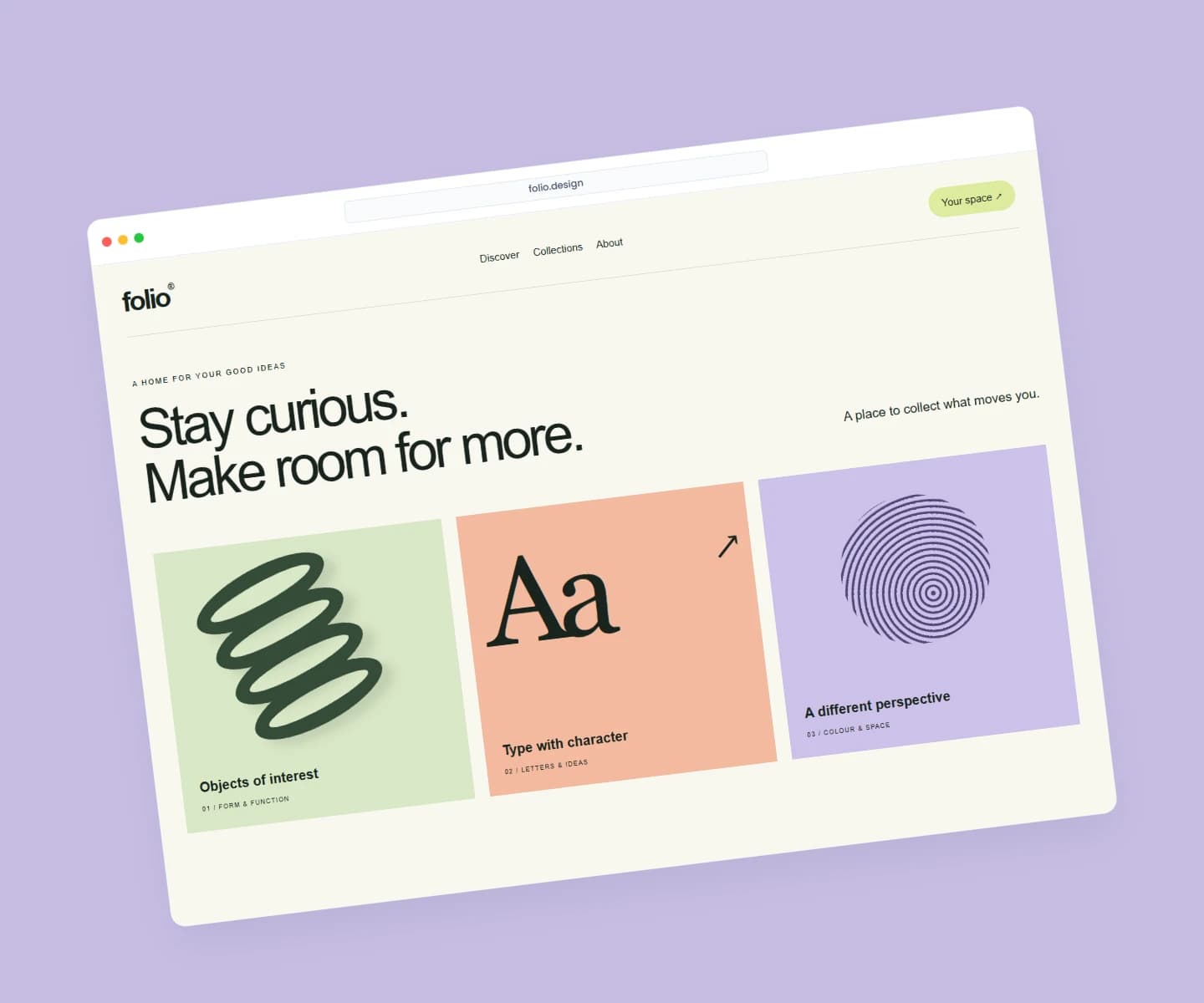
Each page opens a real scene you can edit.
Every mockup generatorFree to start. Your files stay local by default.