Free iPhone Mockup Generator: Make your app screenshot worth a closer look.
Turn a screen from your app into an iPhone mockup for a launch, landing page, or portfolio. Start with two angled phones, replace the sample artwork, and make the composition your own.
Make an iPhone mockupNo sign-up. No watermark. Made for desktop browsers.
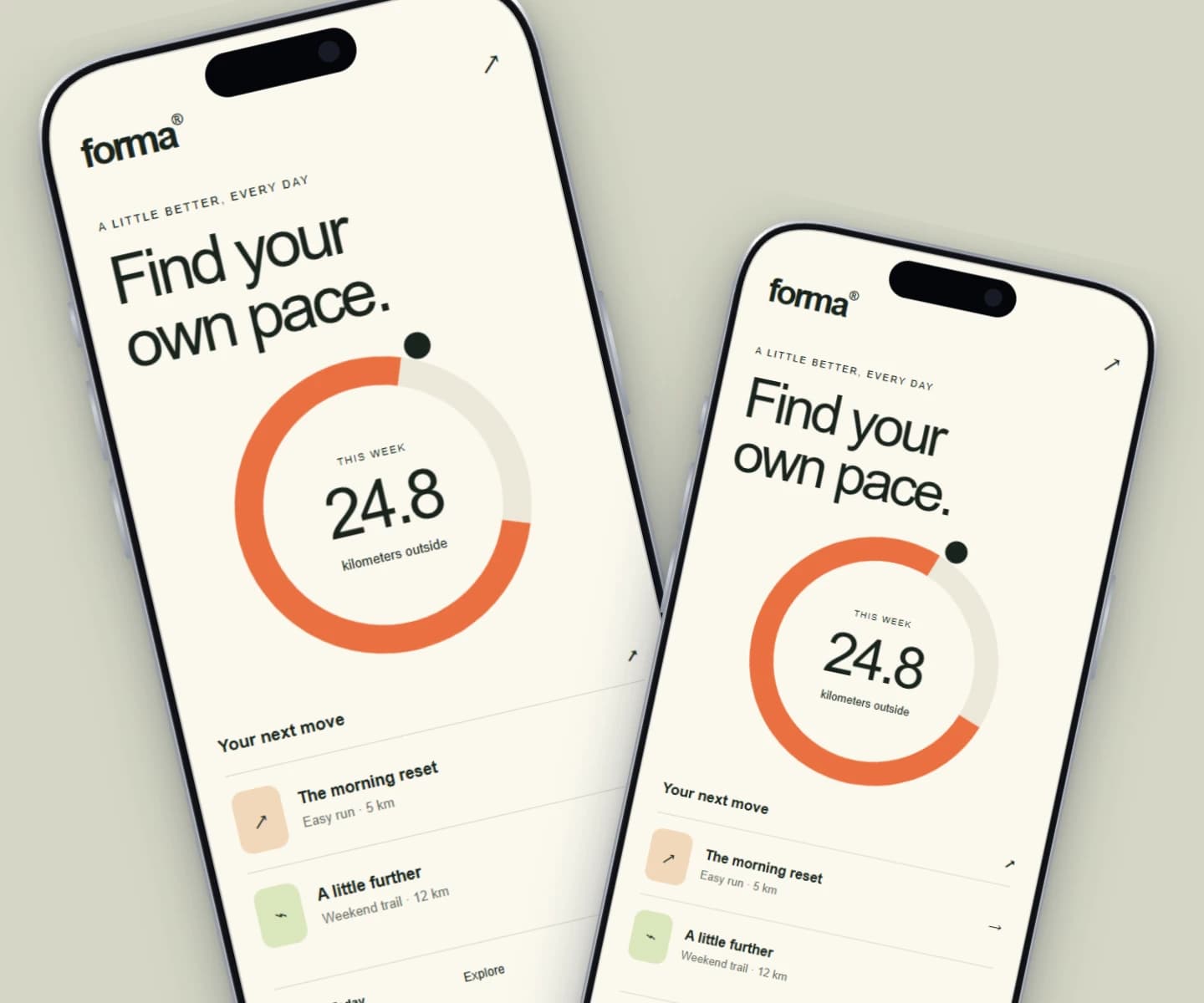
How to make iPhone mockups.
- 01
Start with your actual app
Capture a screen that makes your app easy to understand. Open the phone scene and add your screenshot. Each frame can use its own image, so you can show two features or two moments in a flow.
- 02
Find the right composition
Adjust the crop inside each phone, change the background, and position the frames. Use Quick mockup for the first result, then switch to Full editor to add text, shapes, or more precise adjustments.
- 03
Download a finished visual
Choose the canvas dimensions for your website or social post and export a watermark-free PNG or JPEG. Your design is saved in this browser; export a project file to keep a portable backup.
One app, several stories to tell
Lead with your strongest screen for a launch announcement. Pair two screens to explain a workflow. Add a short headline when the image needs to stand on its own in a feed. Brayer lets you arrange the screenshot and surrounding design together, so the mockup can match the rest of your product identity.
What is included for free?
Every device frame and starter scene, plus one free scene from each premium collection, custom canvas dimensions, local saving, and PNG or JPEG export up to 3,000 px on the long side, with no watermark or account. Pro adds larger exports up to 4×, WebP, transparent backgrounds, the premium collections, size batches, and optional cloud sync.
Compare Free and ProRead next
- How to Make App Store ScreenshotsPlan iPhone screenshots at 1206 × 2622 for Apple's required set, add iPad if you need it, and export readable launch images in Brayer. Sourced from Apple.
- App Store Screenshot Sizes & Checker (2026)App Store screenshot sizes (October 2026): required iPhone set 1206 × 2622 or 1179 × 2556. Check size, format and transparency locally.
- Connect AI: Design with Claude or ChatGPT via MCPAdd Brayer's MCP connector to Claude, ChatGPT, Claude Code or Cursor, turn on Connect AI in the studio, and let your AI app build mockups in your open tab.
GOOD TO KNOW
Before you create.
Do I need Photoshop or a design account?
No. The free studio runs in a desktop browser without an account or installation. Upload or paste your image, customize a scene, and download it.
Are Android mockups available too?
Yes. The studio includes Android phone and 3D Android scenes as well as iPhone frames. Start from the Android mockup generator, or explore them from the device and scene controls.
Can I make App Store screenshots?
Yes. The canvas has App Store presets, including iPhone 6.3″ at 1206 × 2622, one of the two sizes in Apple's required iPhone set, and every Brayer store preset exports on the Free plan. The App Store screenshot sizes guide lists every size. Check App Store Connect before you submit; Brayer doesn't validate listings or guarantee approval.
Find your next mockup.
Starting points for product launches, portfolios and client work.
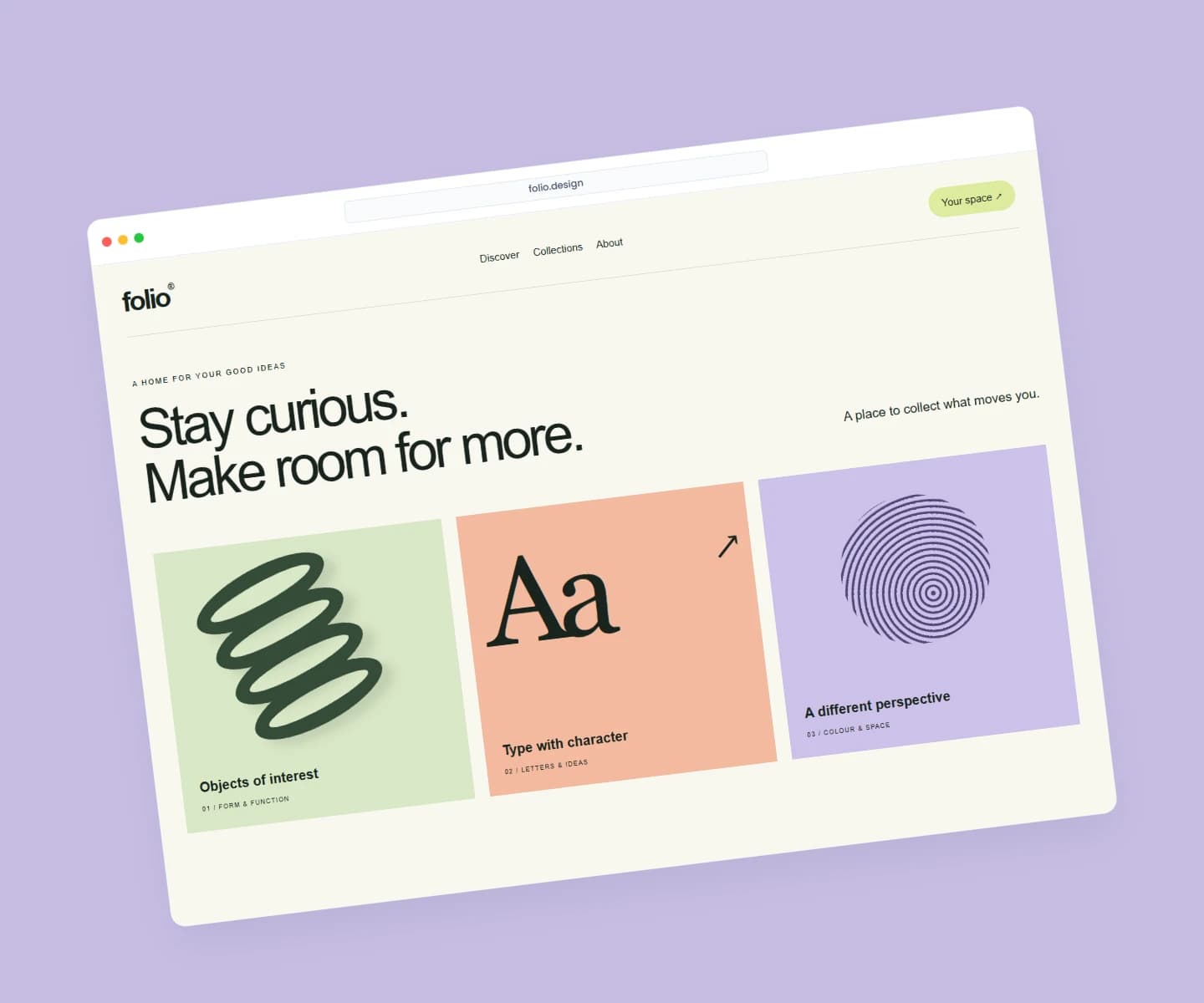
Website mockups
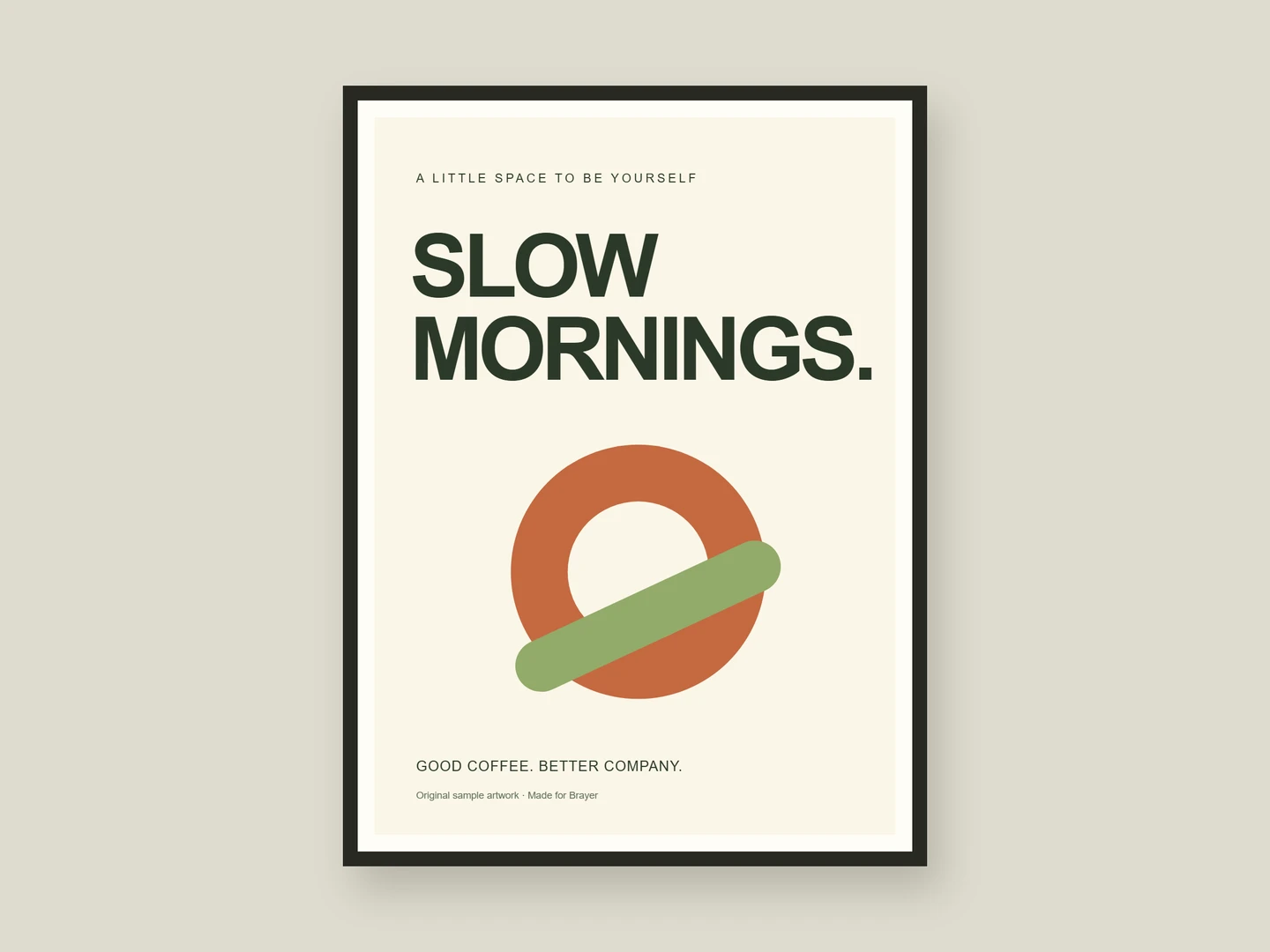
Poster mockups
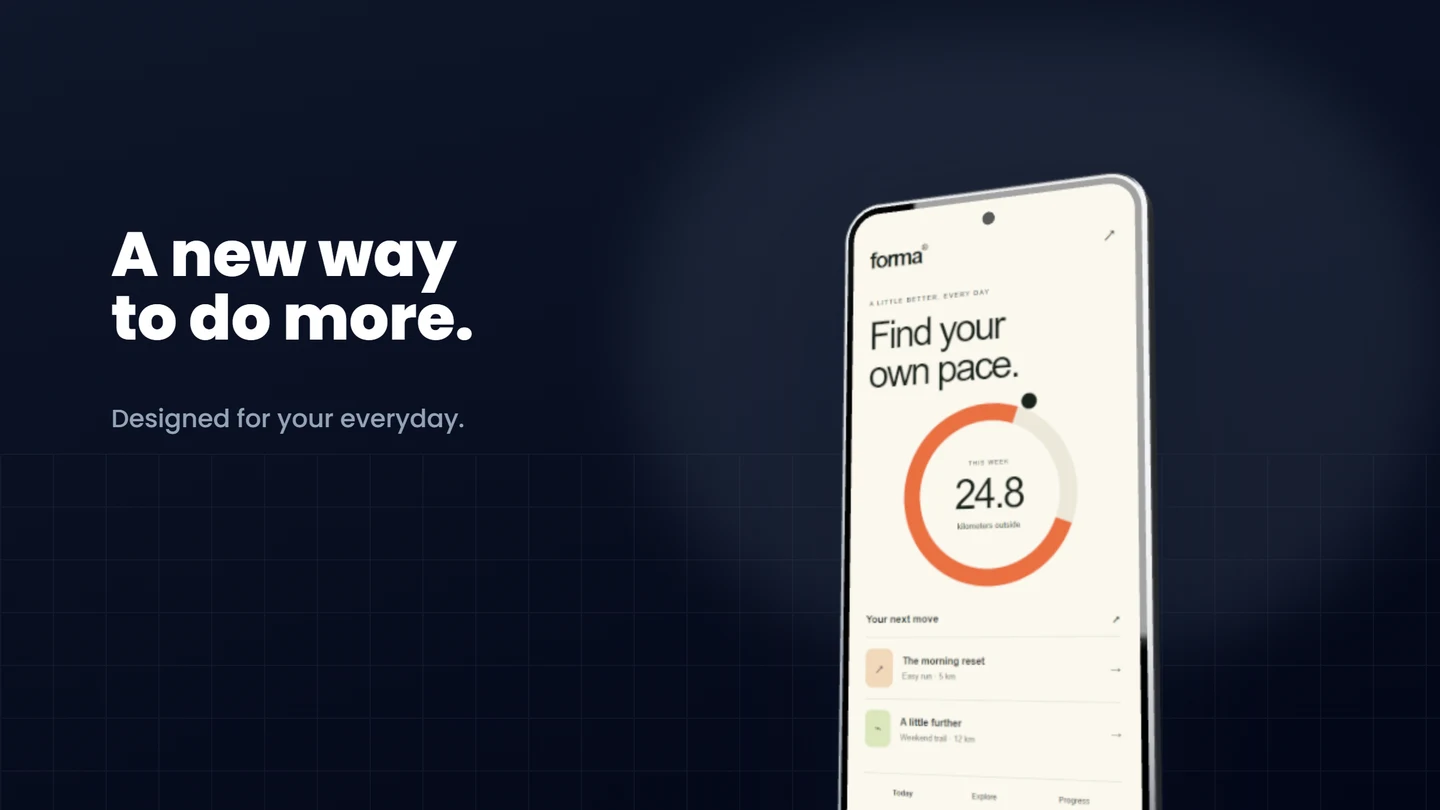
Android mockups
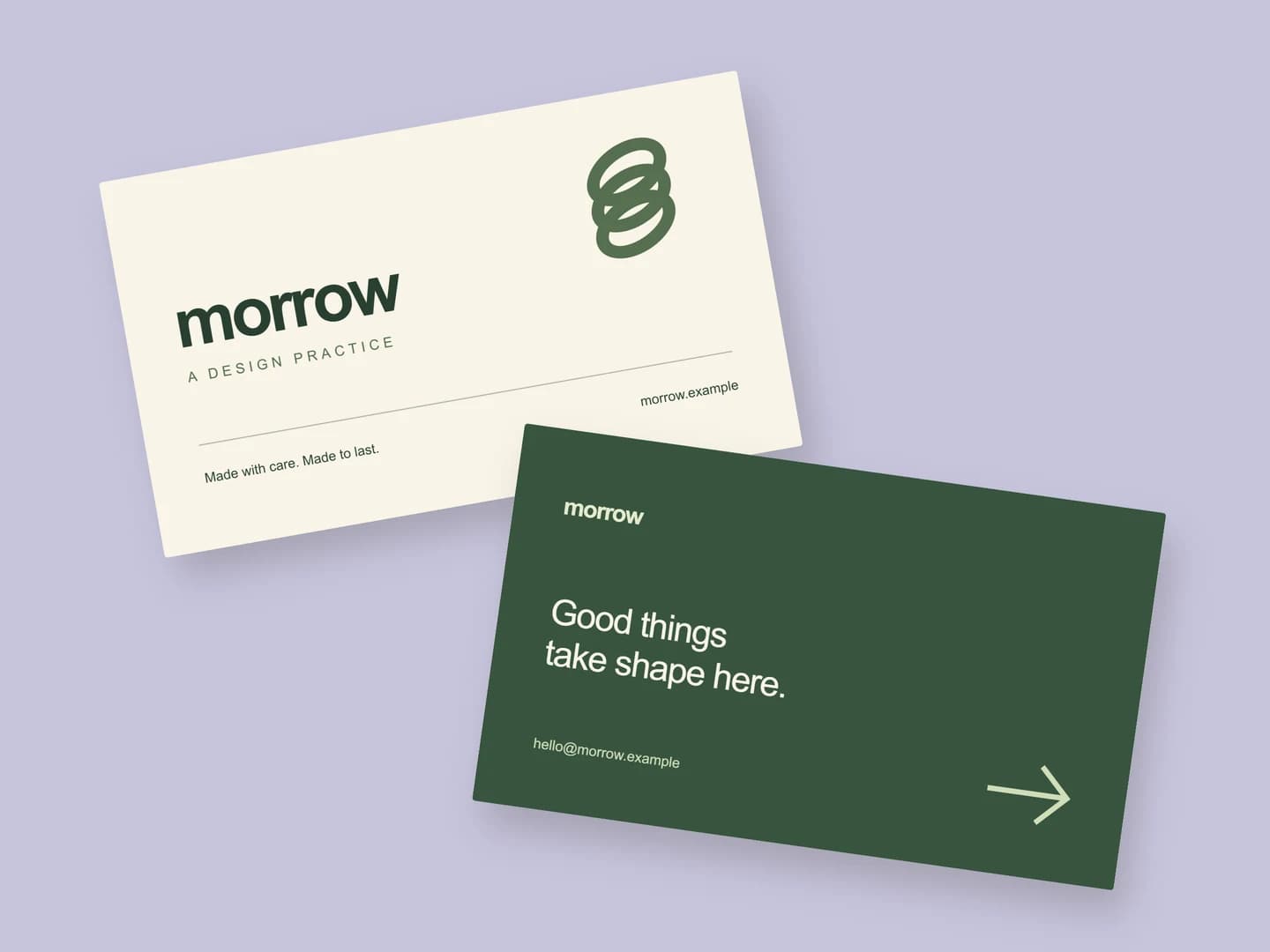
Business card mockups
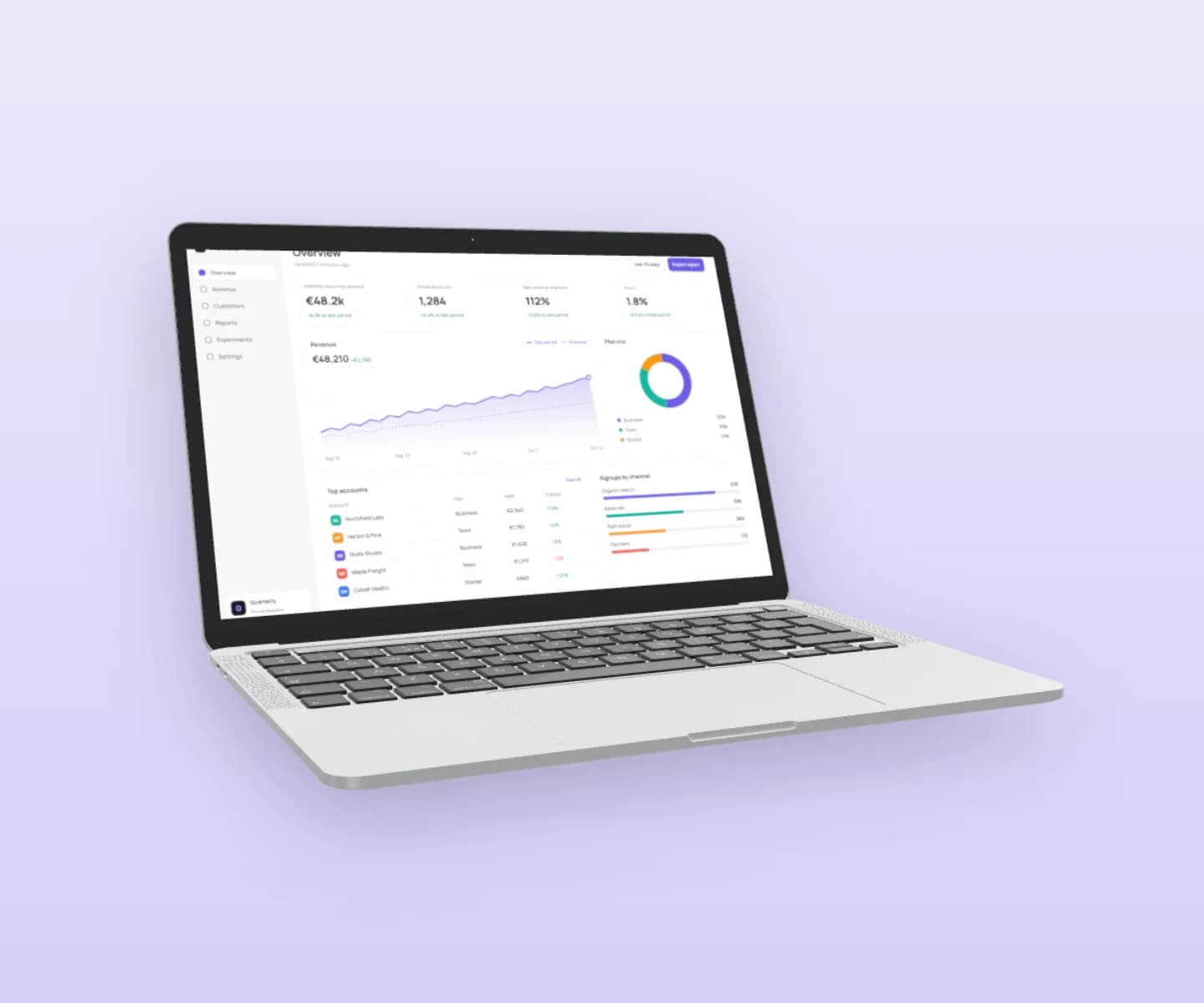
MacBook mockups
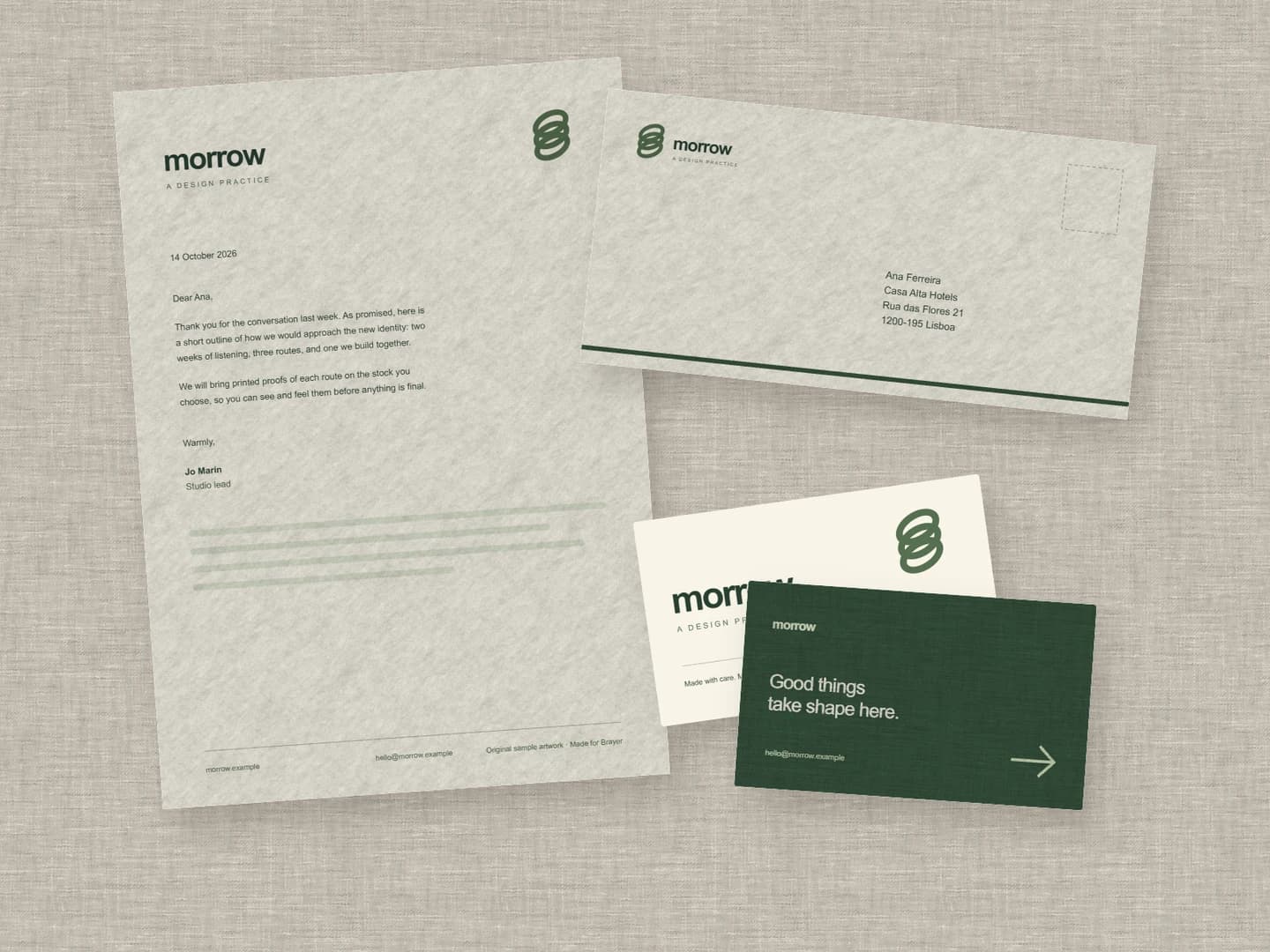
Stationery mockups
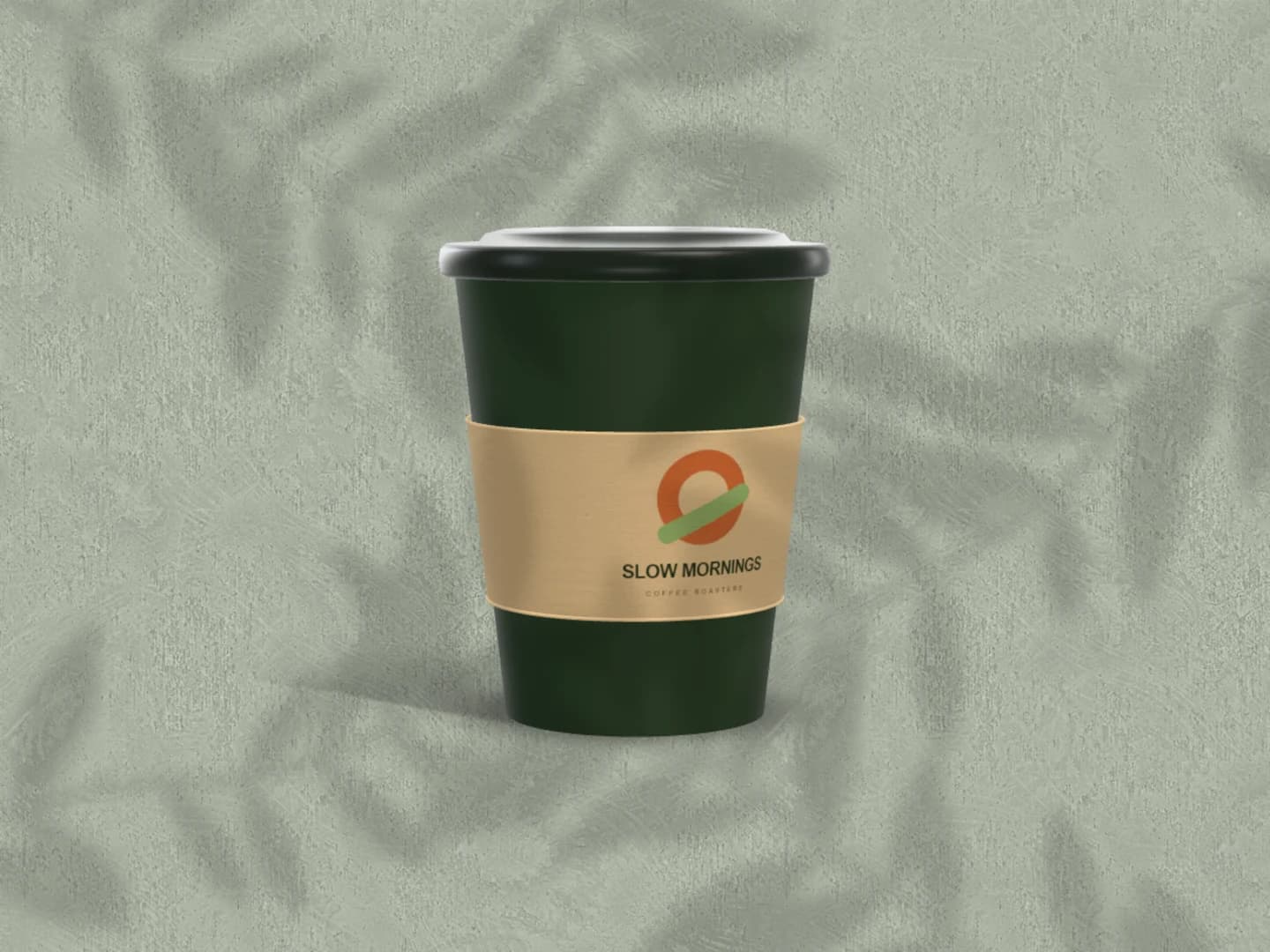
Café branding mockups
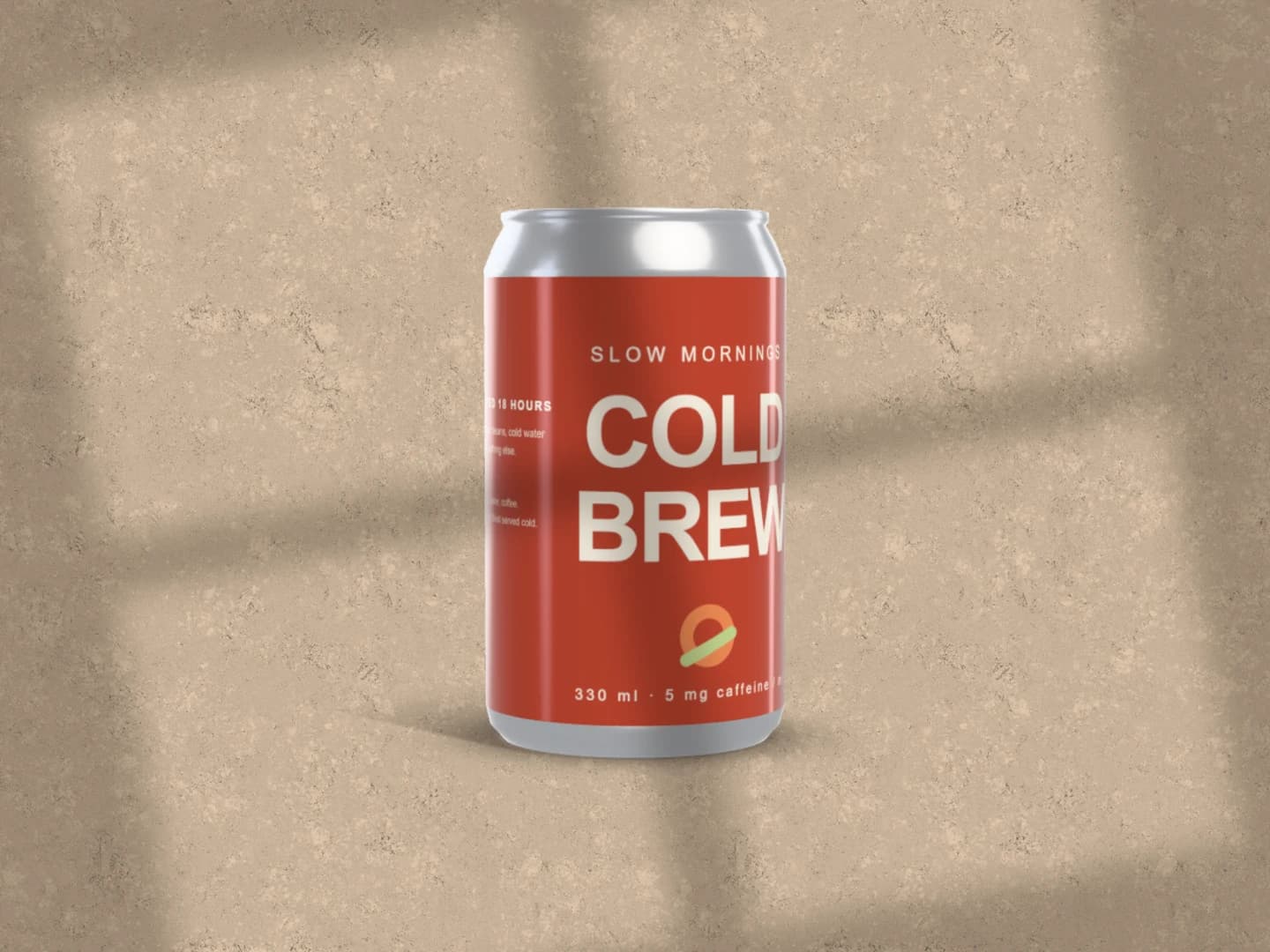
Can mockups
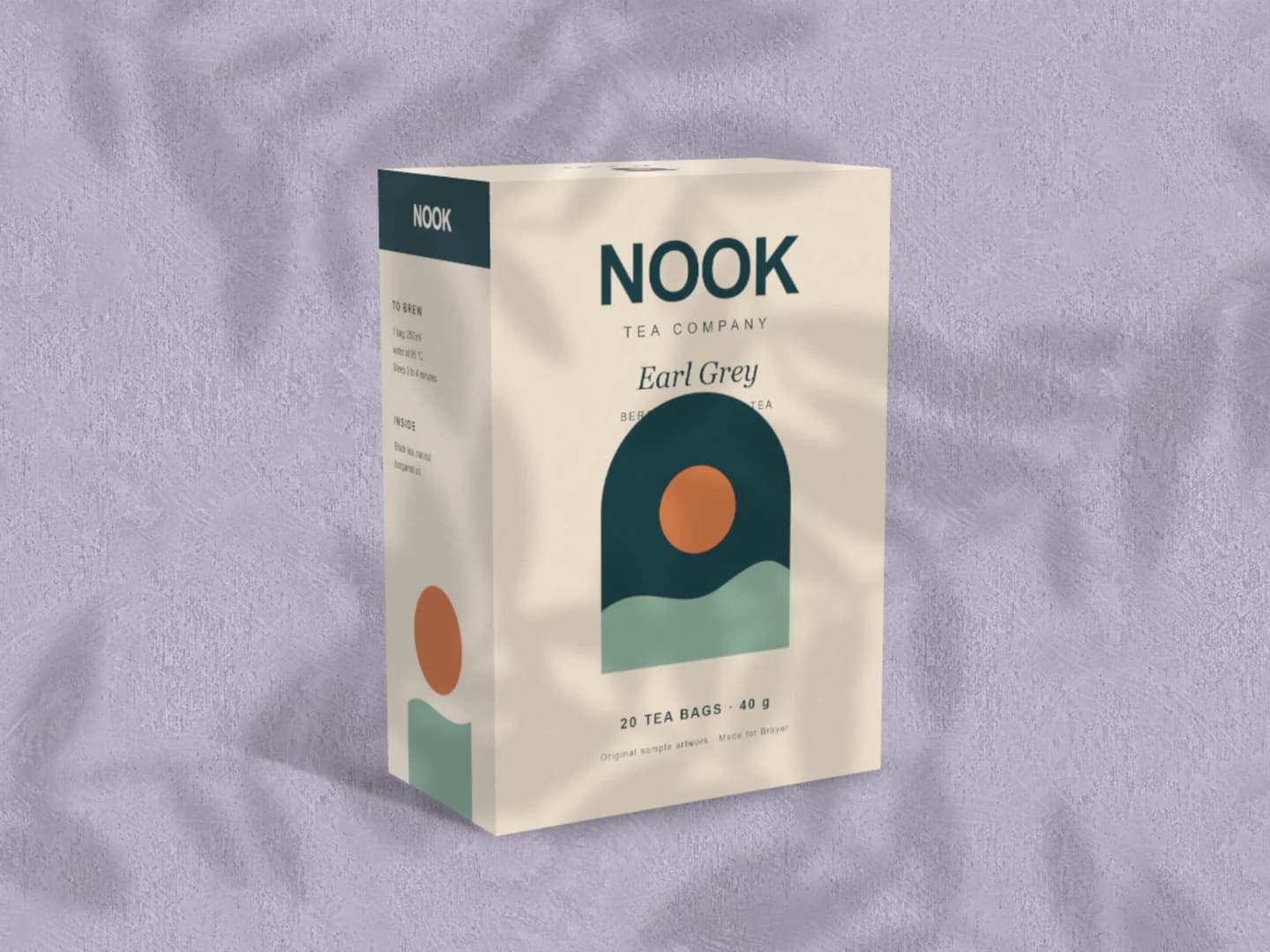
Carton mockups
Each page opens a real scene you can edit.
Every mockup generatorYour next visual starts here.
Make an iPhone mockupFree to start. Your files stay local by default.