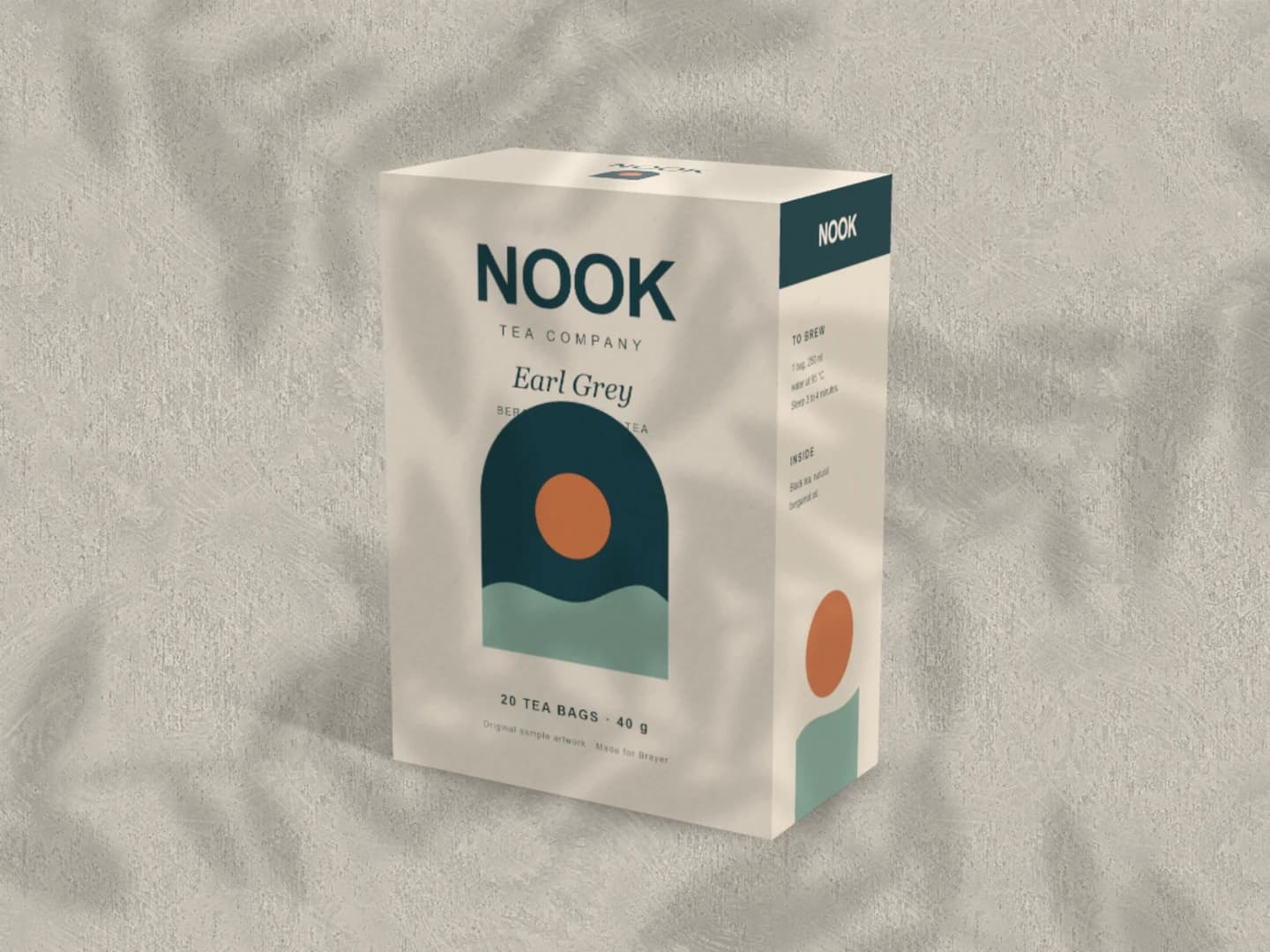
Start with the free single carton
Inspect the main panel and its relationship to the side and top. Replace each face independently and export this scene as a free PNG or JPEG up to 3,000 px.
Open the free carton scenePlace your artwork on a 3D carton and turn it to show the front, side and top together. Start with the free single-box scene to present a tea, food or retail identity without assembling a photo mockup.
Make a free carton mockupNo sign-up. No watermark. Made for desktop browsers.
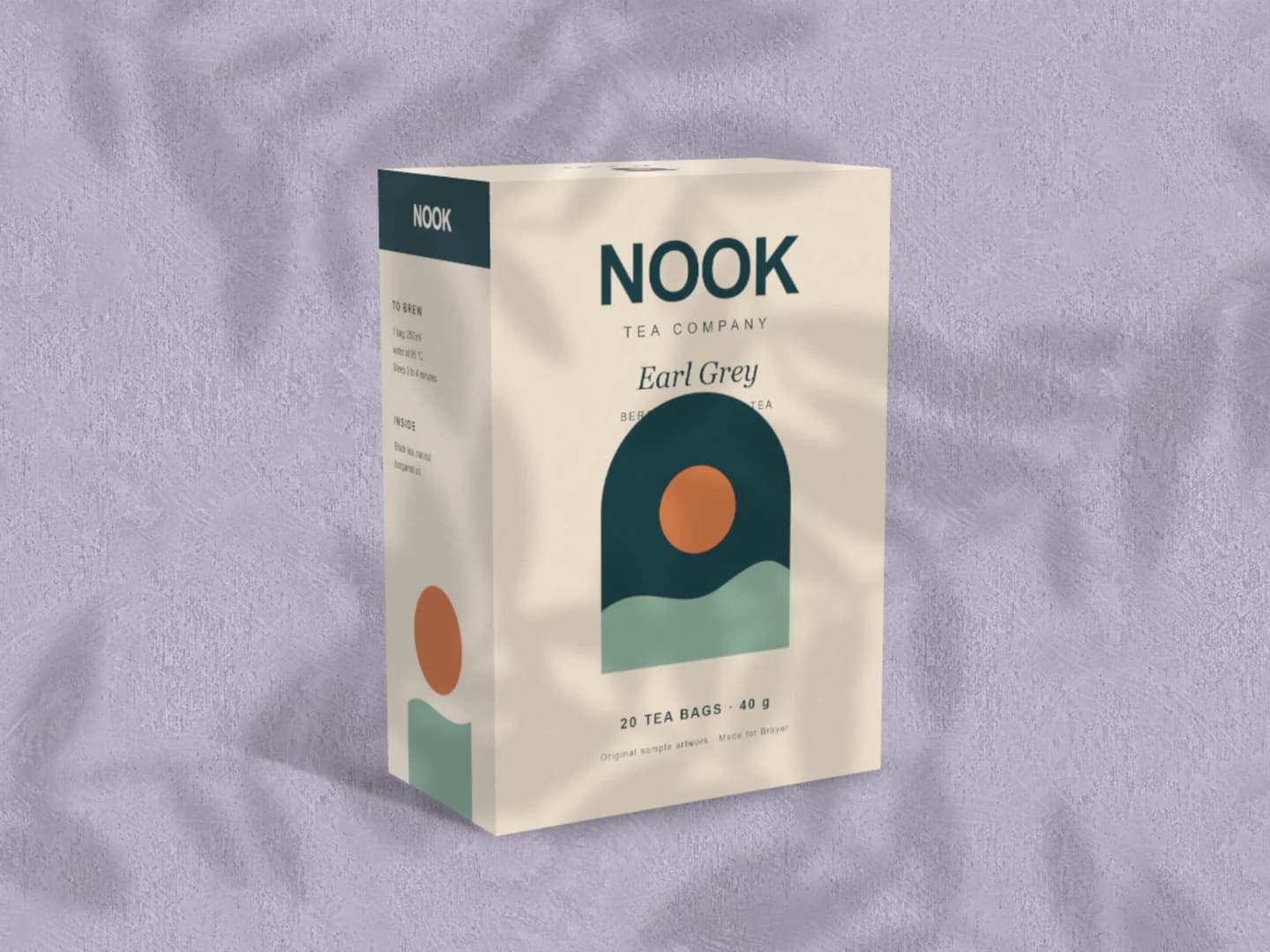
Real exports from Brayer. Each scene opens ready to edit.
Inspect the main panel and its relationship to the side and top. Replace each face independently and export this scene as a free PNG or JPEG up to 3,000 px.
Open the free carton scene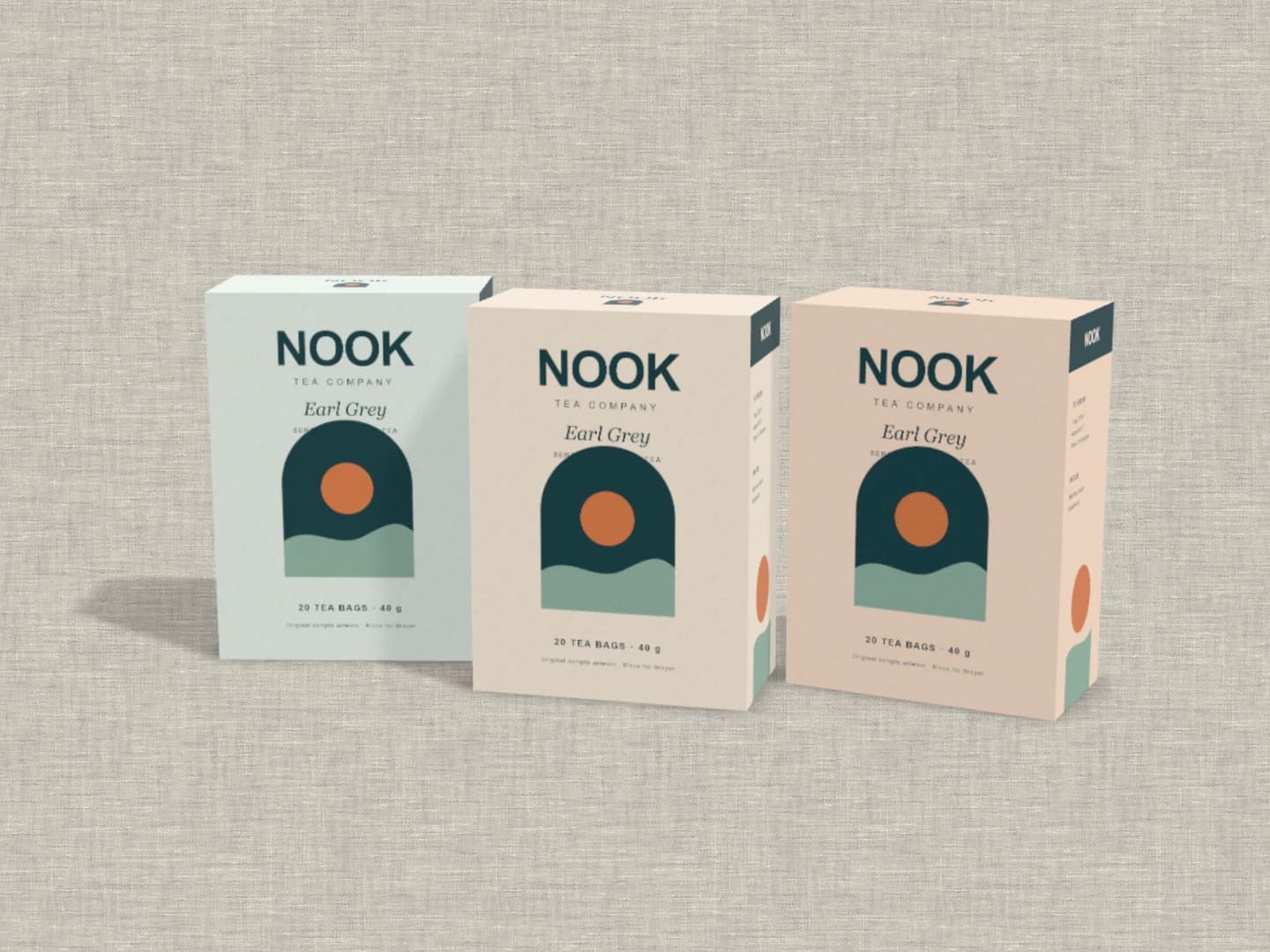
The Tea range uses the same face artwork across three box colourways. Compare the colours together, or use separate product layers when each box needs its own copy and artwork.
Explore the Tea rangeFree to open and customise. Pro required to export this scene.
Prepare separate images for the front, back, right side, left side and top. Select the carton, choose an artwork face and replace its sample image. A complete unfolded dieline is not automatically split or folded into a model.
Adjust each face's fit, scale and placement, then turn the carton to inspect the corners. Keep small details away from edges that disappear at the chosen angle. Choose a material treatment and background that keep the panel hierarchy readable.
Download the single-carton scene for free as PNG or JPEG up to 3,000 px. Use a closer, straighter view to review the front, and a wider angled view for a client deck. Pro unlocks exports of the Tea range, Mailer box and other premium Packaging scenes.
The front carries the main identity, the side can explain the product and the top helps it read from above. Inspect those relationships on a single box before moving to colourways or a larger composition. Brayer's carton is a presentation model with named artwork faces; it does not validate folds, glue flaps, dimensions or a printer's dieline. For a brand system beyond the box, add a stationery presentation.
Every device frame and starter scene, plus one free scene from each premium collection, custom canvas dimensions, local saving, and PNG or JPEG export up to 3,000 px on the long side, with no watermark or account. Pro adds larger exports up to 4×, WebP, transparent backgrounds, the premium collections, size batches, and optional cloud sync.
Compare Free and ProGOOD TO KNOW
The Carton scene is Free, with PNG or JPEG export up to 3,000 px and no watermark. The front-on scene, Tea range, Mailer box and Tea launch post are premium scenes: free to edit, Pro to export.
Yes. Front, back, right side, left side and top have independent artwork controls. Pick the face in the product inspector, then replace and position its image. The bottom does not have an artwork slot.
Not as an automatically folded package or custom 3D model. Use separate face images with Brayer's supplied carton shapes. Keep the original dieline in your packaging design tool for production.
Yes. The can mockup generator wraps one artwork image around a curved drinks can. The carton uses separate flat faces, so prepare the artwork for the product you are presenting.
Starting points for product launches, portfolios and client work.
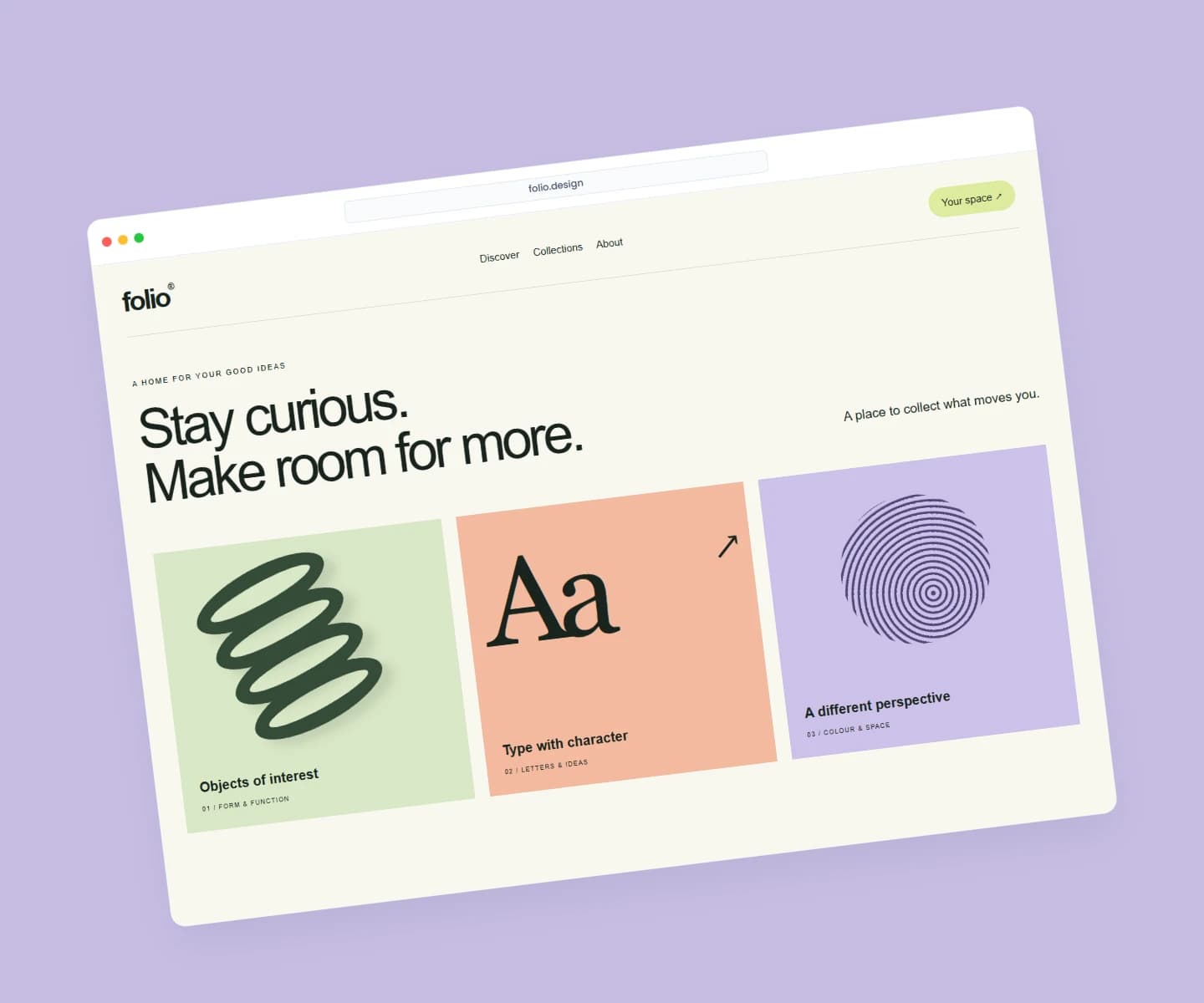
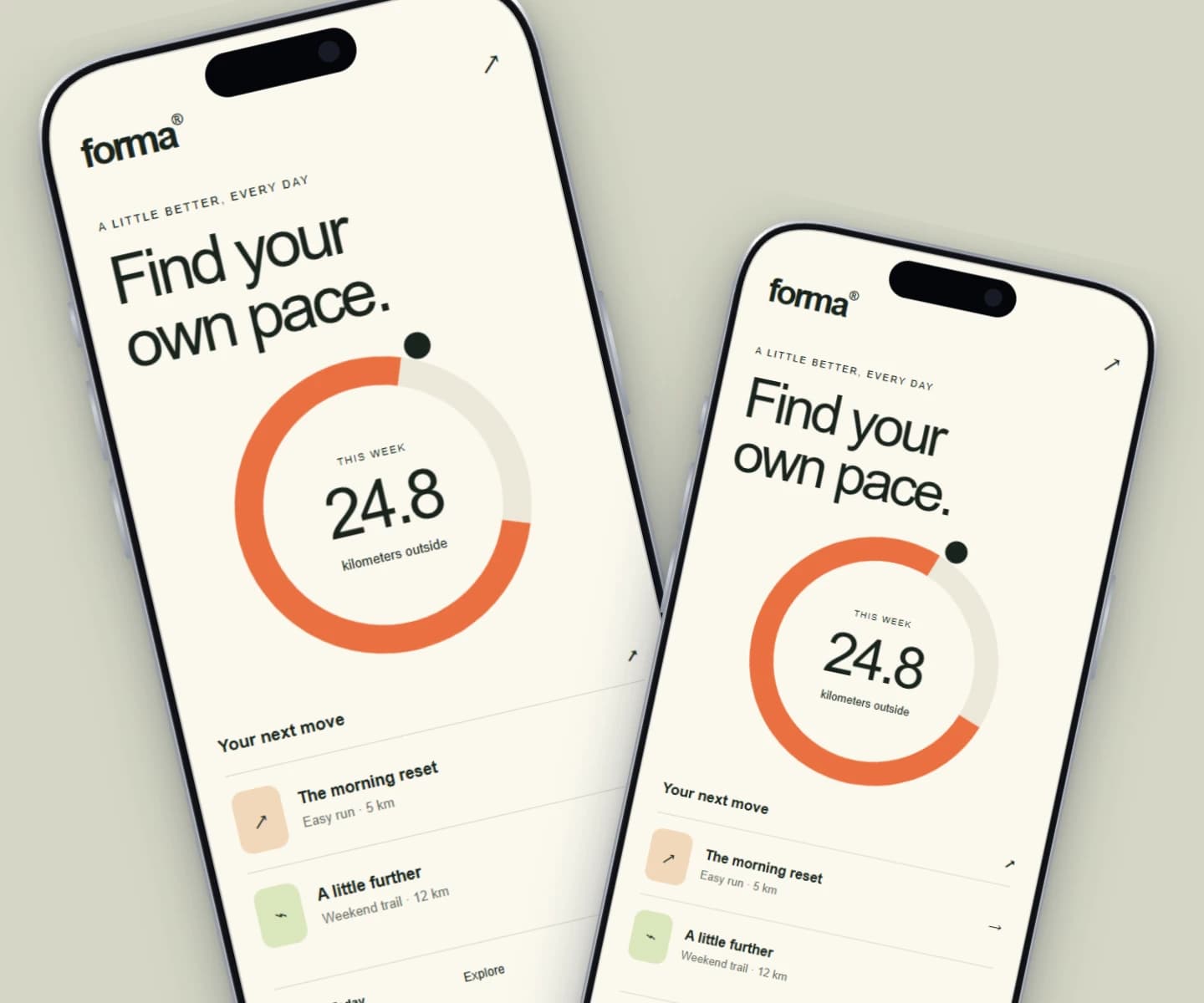
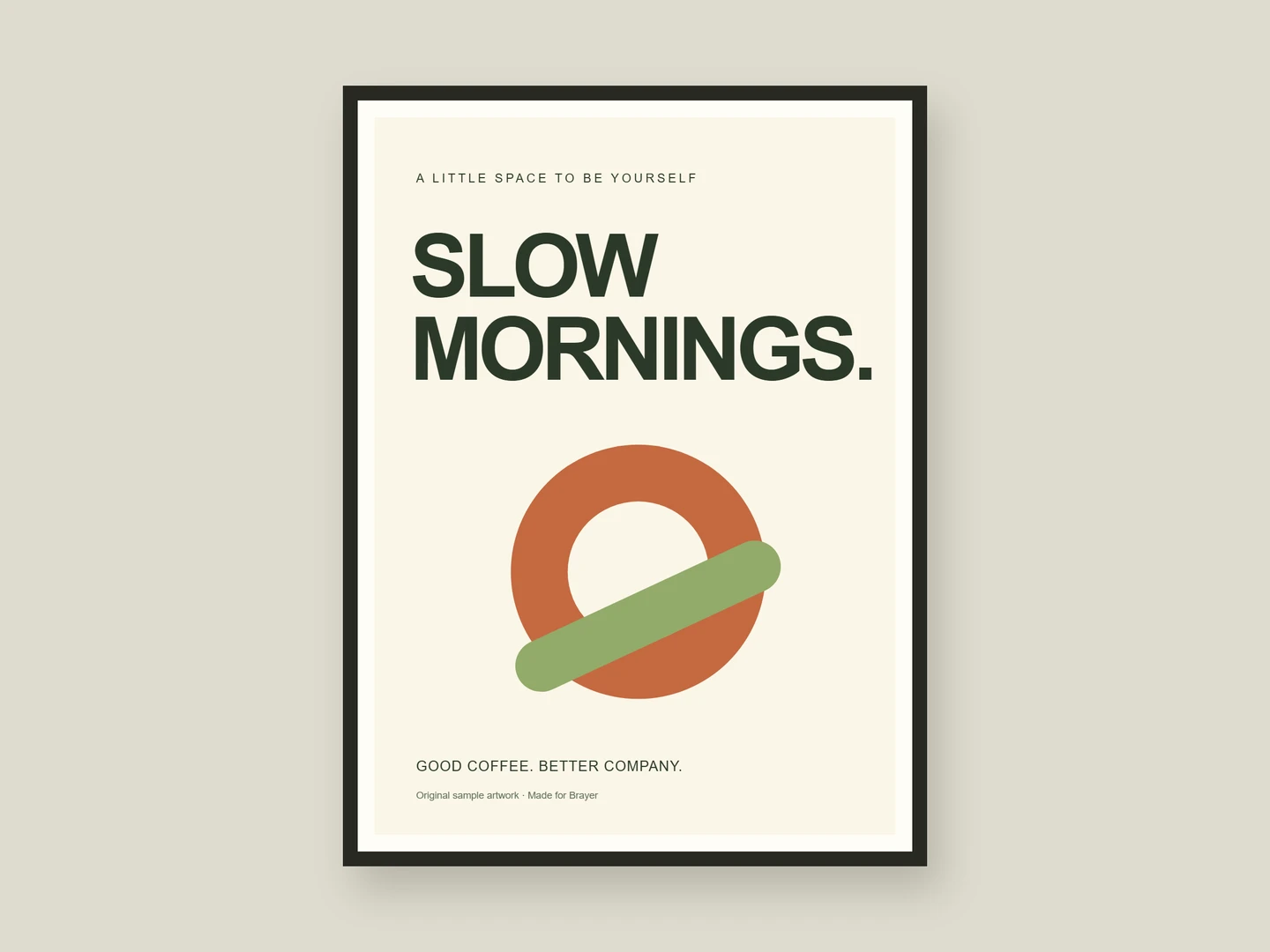
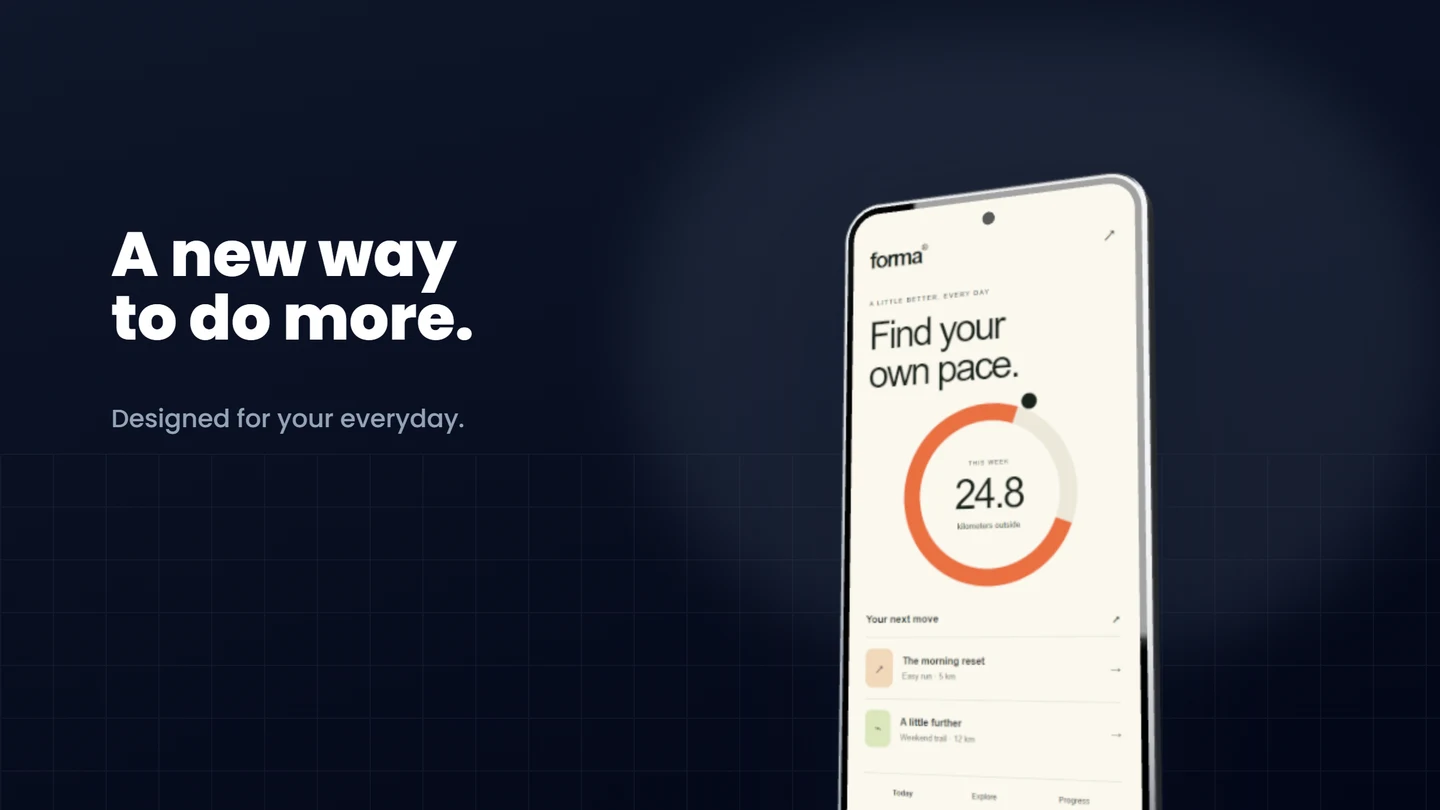
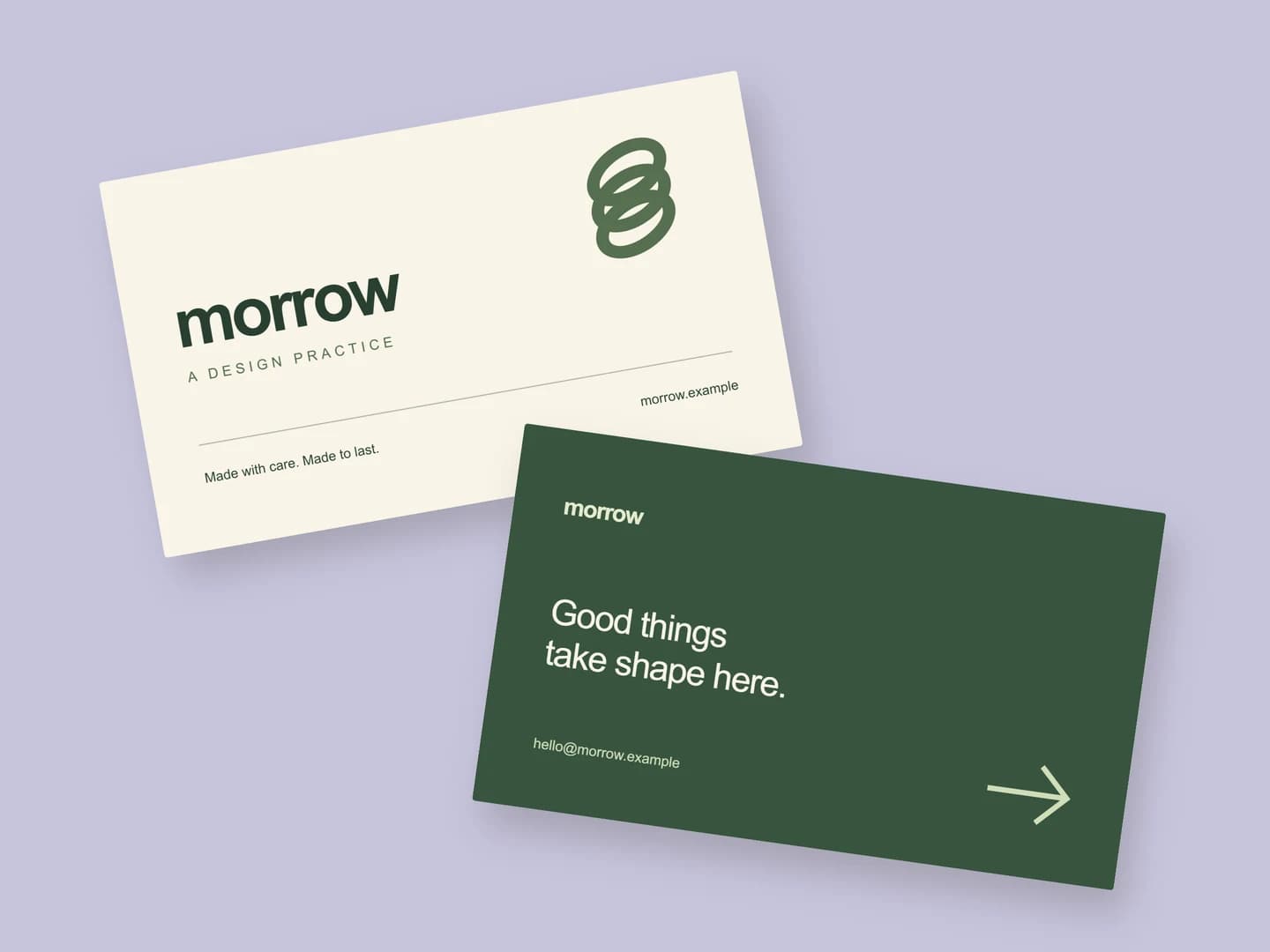
Each page opens a real scene you can edit.
Every mockup generatorFree to start. Your files stay local by default.