CHOOSING YOUR TOOLS
Brayer or Rotato: choose the tool that fits the motion in your brief.
Brayer combines still compositions with short videos made from presets and editable keyframes. Rotato offers a dedicated device animation workflow, with a Mac app and a web product in public beta. Compare the motion controls, output limits and devices that your brief requires.
By Álex Coca · Published · Updated
Use a real brief to separate the options
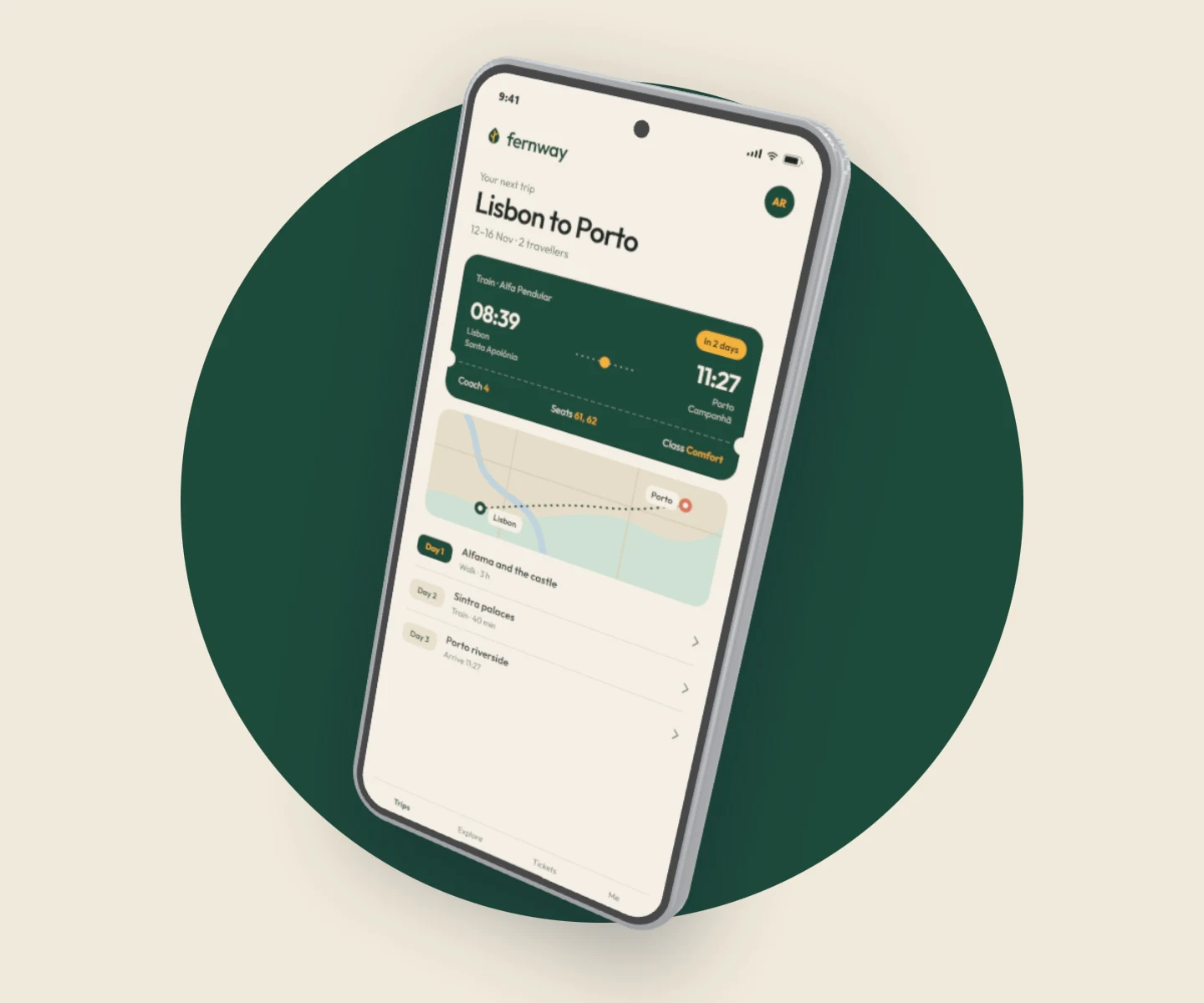
Imagine a founder needs a hero image for an Android app landing page. In Brayer, open the 3D Android scene, replace the screenshot and adjust the phone pose. Add supporting text in Full editor and export a still image at the website's target dimensions. The example on this page comes from that editable scene.
For a short device turn, Brayer’s Motion panel offers presets and editable placement, opacity and 3D-pose keyframes. Pro exports one page as MP4 or WebM up to 1080p, 1 to 30 seconds, 24 or 30 fps, without audio, or as an App Store app preview at one of Apple's exact sizes. Rotato’s documented animation timeline and camera tools are worth evaluating for a more extensive device-animation workflow; the two products do not promise identical controls or outputs.
Compare the purchase with the work you will repeat
Rotato's desktop pricing distinguishes phone-only access from broader device libraries and template bundles. The plans are one-time purchases with continued use; the included update period is limited. That is a different commitment from a recurring hosted subscription.
Brayer Free covers individual still exports with no watermark or account, including custom dimensions up to 3,000 px on the long side and all current frames. Pro (€9/month, €79/year, or €12 for a 30-day pass that doesn't renew) is useful when the repetitive work grows: larger exports, page sets, replacing many images, size packs, client kits and optional cloud sync. Choose based on the work you expect to repeat, not only the first example image.
Public product comparison, checked 15 October 2026. Rotato's Mac plans and its web product are priced separately; check both.
| Decision | Brayer | Rotato |
|---|---|---|
| Primary output | PNG/JPEG stills; WebP and short MP4/WebM videos on Pro | Device stills and animated video; WebP and AVIF stills since version 159 |
| 3D workflow | Editable poses, motion presets and per-layer keyframes | Animation timeline and camera controls |
| Commercial model | Free tier; Pro €9/month, €79/year or a €12 30-day pass | Mac: one-time $79, $89 or $199 (USD). Rotato Web: free during its public beta, with a subscription for unlimited exports without a watermark |
| Updates | Hosted application updates | Desktop plans list 6 or 12 months of updates |
| AI agents | Connect AI: Claude, ChatGPT and other MCP apps edit your open studio tab (free beta, free account) | Rotato CLI (MCP) for AI agents and scripts, added to the Mac app in version 159 |
What this comparison establishes
We tested the Brayer scene shown here and reviewed Rotato's official product, pricing and release pages. This is not a hands-on review of its paid Mac application, its renderer quality, or its web beta's feature parity. Rotato now links to a public web beta, so describing it simply as ‘Mac only’ would be incomplete.
Rotato 159, released on 7 October 2026, added 2D text and images on the canvas, WebP and AVIF stills, an experimental Cinema renderer that uses path tracing, and a command-line tool for AI agents and scripts. So a headline beside the device can now be set in Rotato as well as in Brayer; we haven't tested these new Rotato features.
For a practical evaluation, reuse the same screenshot in each tool and compare your desired pose, crop, output and editing workflow. If you need animation, test the whole motion export before buying; a successful still render does not prove the animation will meet your brief.
Check the source requirements
Product features and submission requirements can change. These official pages support the comparison or specifications above.
Keep building your launch set
- Animate Mockups with Presets and Keyframes
- How to Make App Store Screenshots
- App Store Screenshot Sizes & Checker (2026)
- Localize App Store Screenshots in Brayer
- Google Play Screenshots and Feature Graphic Guide
- Connect AI: Design with Claude or ChatGPT via MCP
- Brayer vs Shots: Choosing a Mockup Tool
Android mockups · iPhone mockups
Try the example