Free Stationery Mockup Generator: Show how the whole identity fits together.
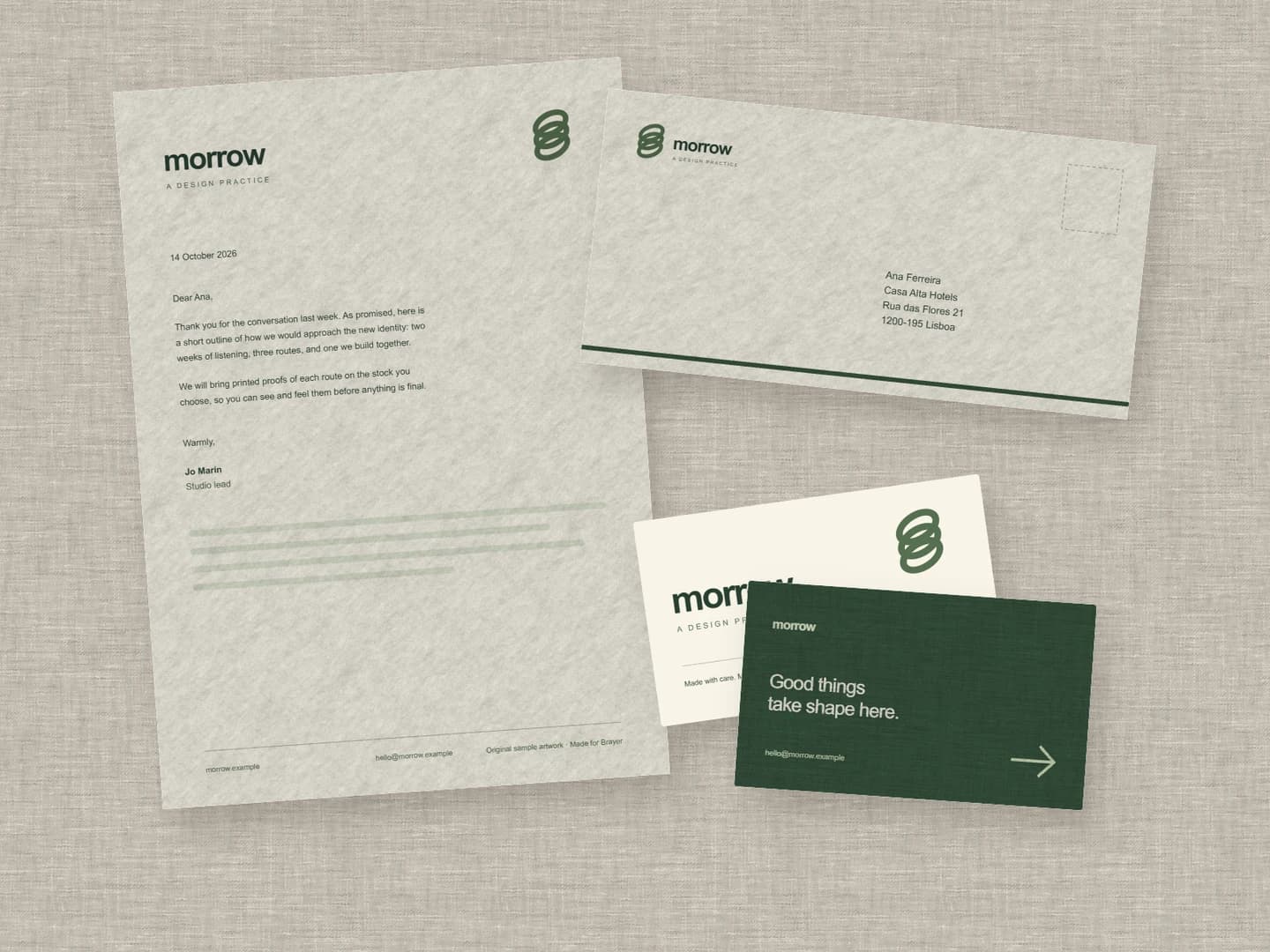
Put your letterhead, envelope and business cards in one editable stationery mockup. The free scene starts with the fictional morrow identity on linen; replace its artwork to present your own brand as a coordinated set.
Make a stationery mockupNo sign-up. No watermark. Made for desktop browsers.
How to make stationery mockups.
- 01
Prepare one image per surface
Bring separate artwork for the letterhead, envelope and each side of the card. Keep the page proportions from your source designs. Open the stationery set, select a surface and replace its sample artwork, then repeat for the remaining pieces.
- 02
Make the paper part of the identity
Choose a paper stock and matte or gloss finish for each surface. Smooth, Uncoated, Linen, Recycled, Kraft and Board give different presentation textures. Adjust the crop, rotation and shadows, keeping the logo and contact details clear across the set.
- 03
Export the client presentation
Set the canvas size for your deck or portfolio and export PNG or JPEG up to 3,000 px on the long side for free. Save a project file with the artwork so you can revise the presentation after feedback. For a close-up of the card design, use the business card scene.
A system is easier to judge when the pieces share a frame
The letterhead shows the everyday typography; the envelope tests the mark at a smaller scale; the cards bring front and back into the same view. Start with one consistent paper treatment, then introduce differences only where the identity needs them. The pieces remain separate editable surfaces, so you can rearrange the set, make room for a caption or pair it with a poster mockup.
What is included for free?
Every device frame and starter scene, plus one free scene from each premium collection, custom canvas dimensions, local saving, and PNG or JPEG export up to 3,000 px on the long side, with no watermark or account. Pro adds larger exports up to 4×, WebP, transparent backgrounds, the premium collections, size batches, and optional cloud sync.
Compare Free and ProRead next
- Connect AI: Design with Claude or ChatGPT via MCPAdd Brayer's MCP connector to Claude, ChatGPT, Claude Code or Cursor, turn on Connect AI in the studio, and let your AI app build mockups in your open tab.
GOOD TO KNOW
Before you create.
Is the complete stationery scene free to export?
Yes. The letterhead, envelope and business cards in this scene are all Free. Download a PNG or JPEG up to 3,000 px on the long side without an account or watermark. Larger exports, transparent backgrounds and ZIP exports require Pro.
Can I use different artwork and paper on each item?
Yes. Select each surface to change its image, crop, paper stock and finish. The front and back of the business card can have separate artwork. Your images stay local by default.
Does the mockup include bleed, CMYK or a print-ready PDF?
No. It produces a presentation image of your identity. Keep the original artwork and use your printer's specifications for dimensions, bleed, colour and production files. Brayer does not simulate embossing or validate a print run.
Can I extend the identity to café products?
Yes. The café branding workflow shows a takeaway cup, coffee bag and menu. Its single-cup scene exports free; the complete Café set needs Pro to export.
Find your next mockup.
Starting points for product launches, portfolios and client work.
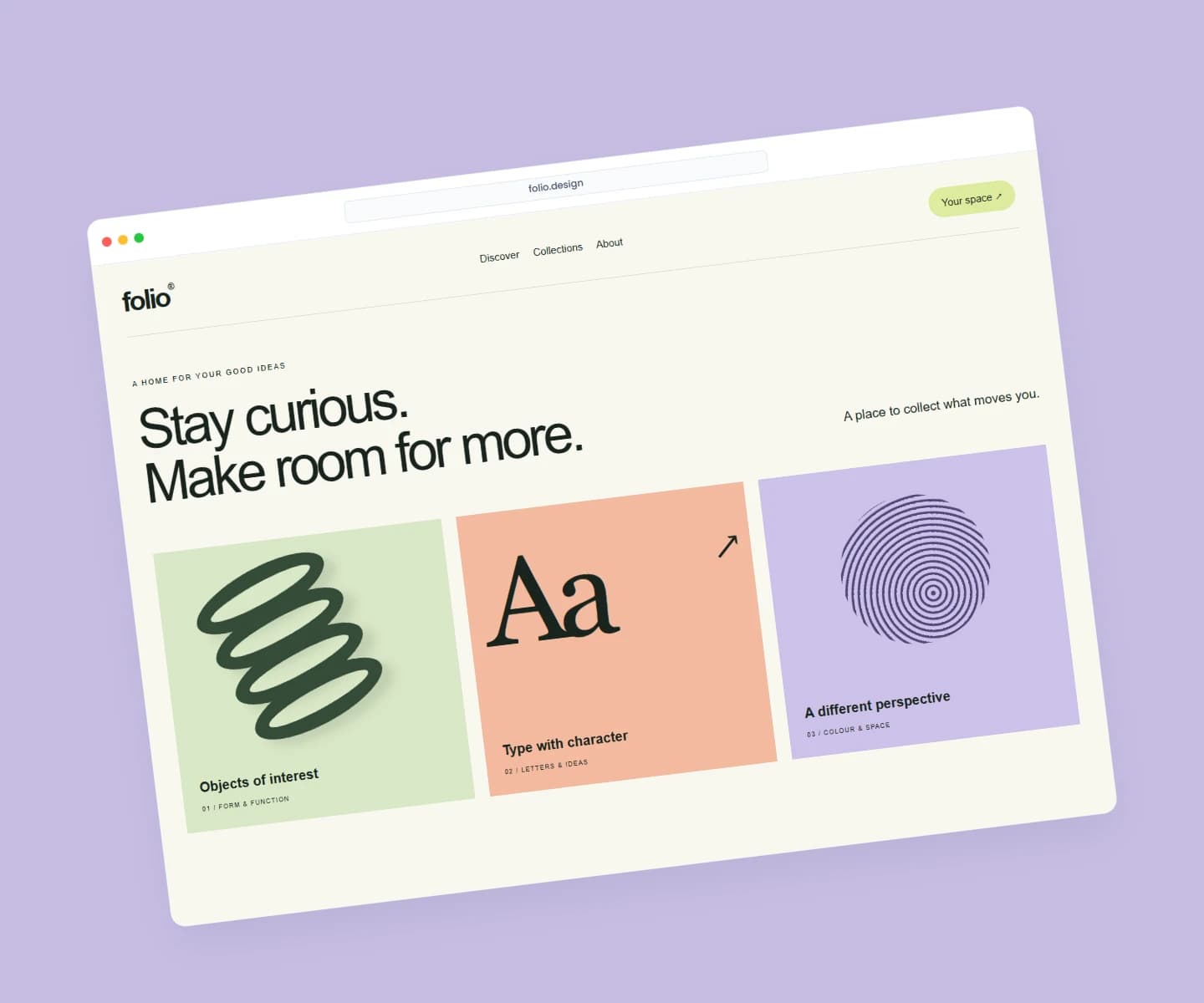
Website mockups
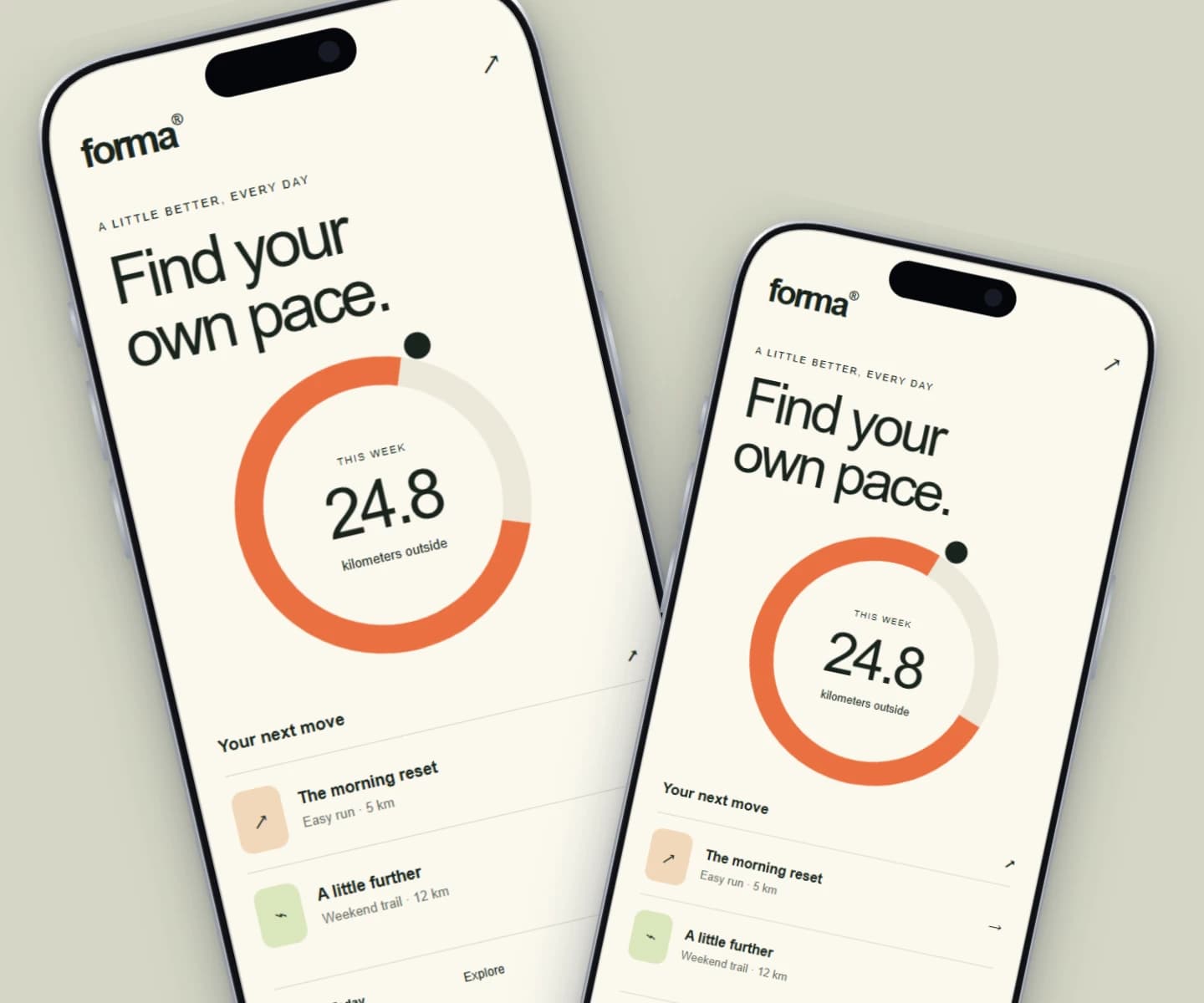
iPhone mockups
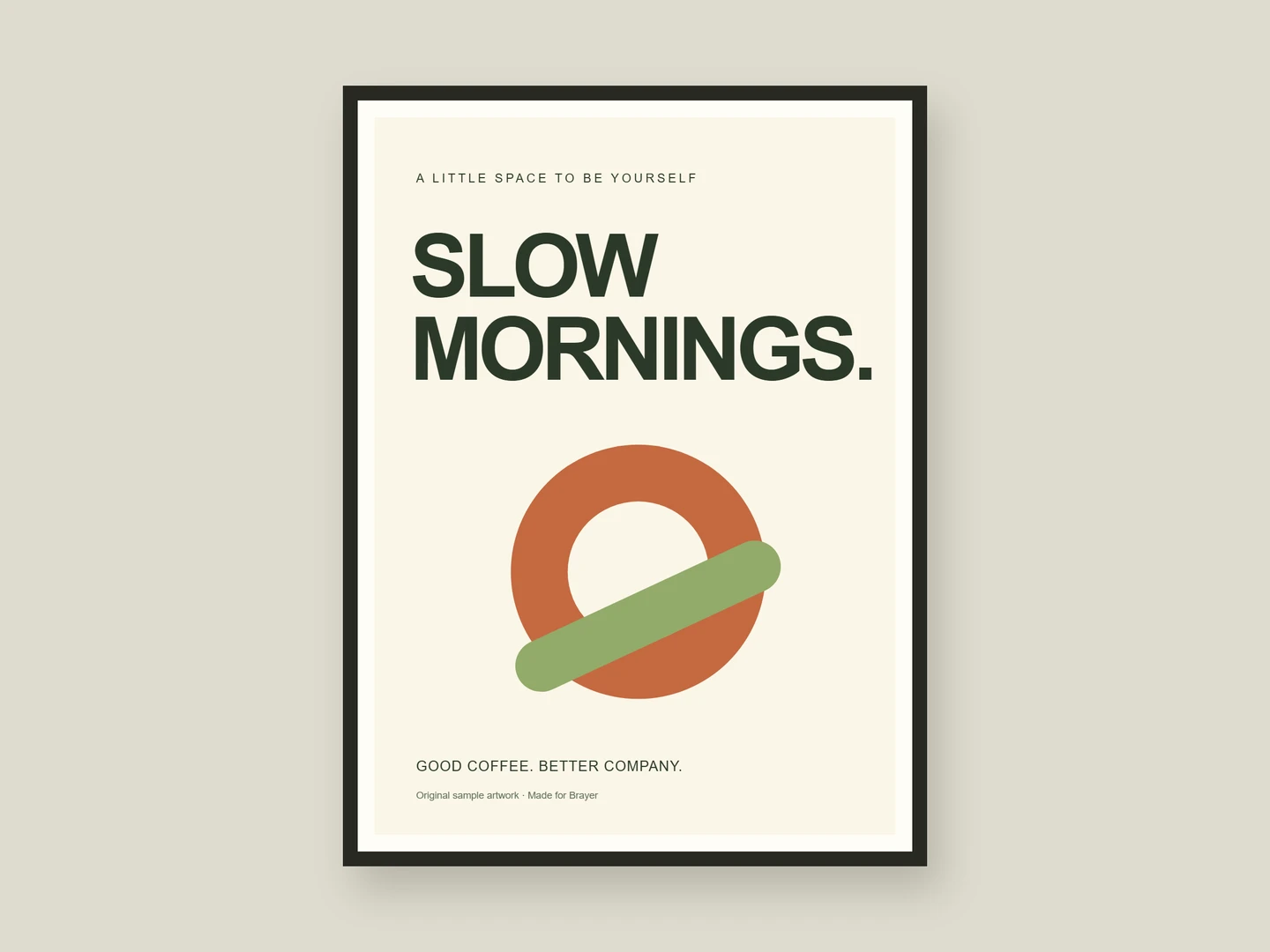
Poster mockups
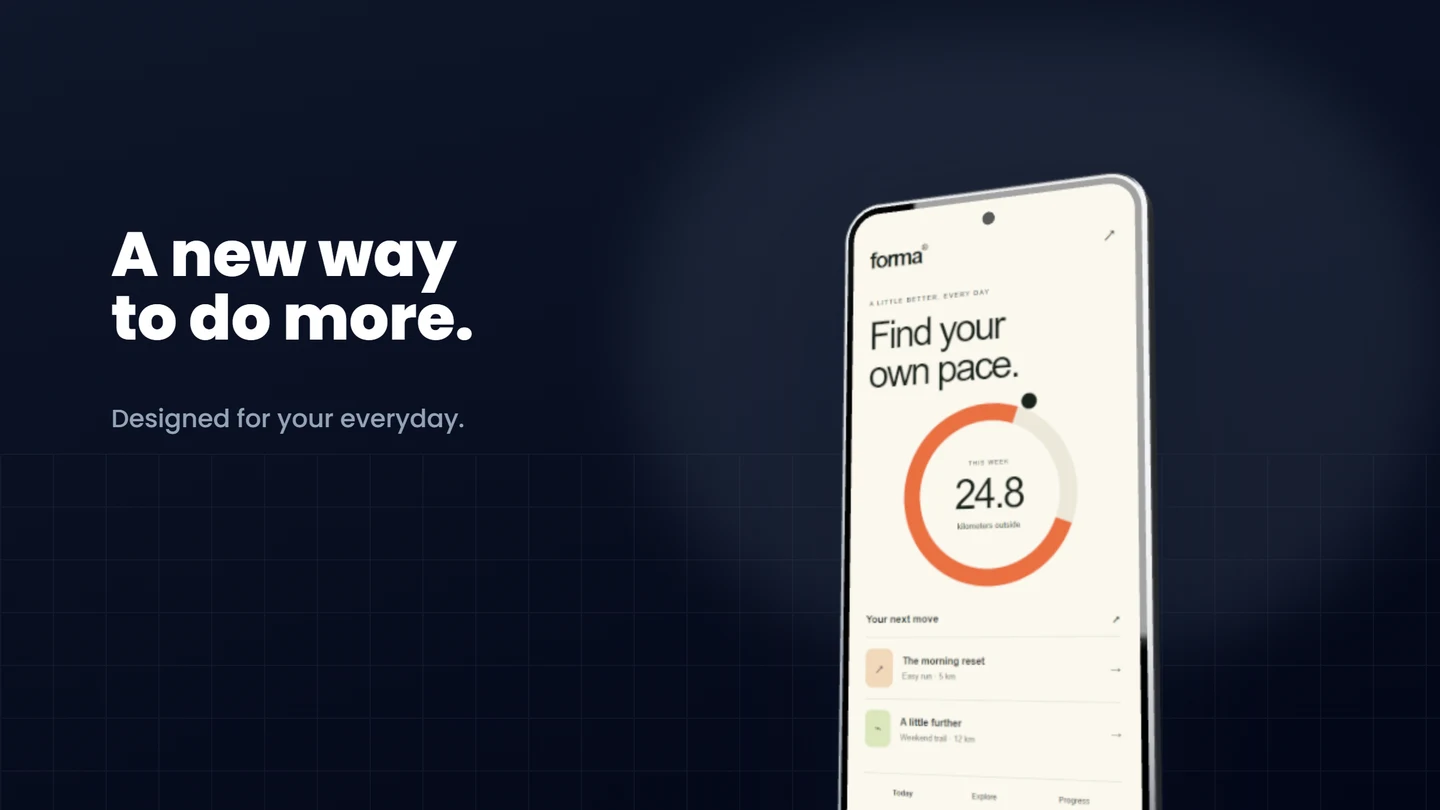
Android mockups
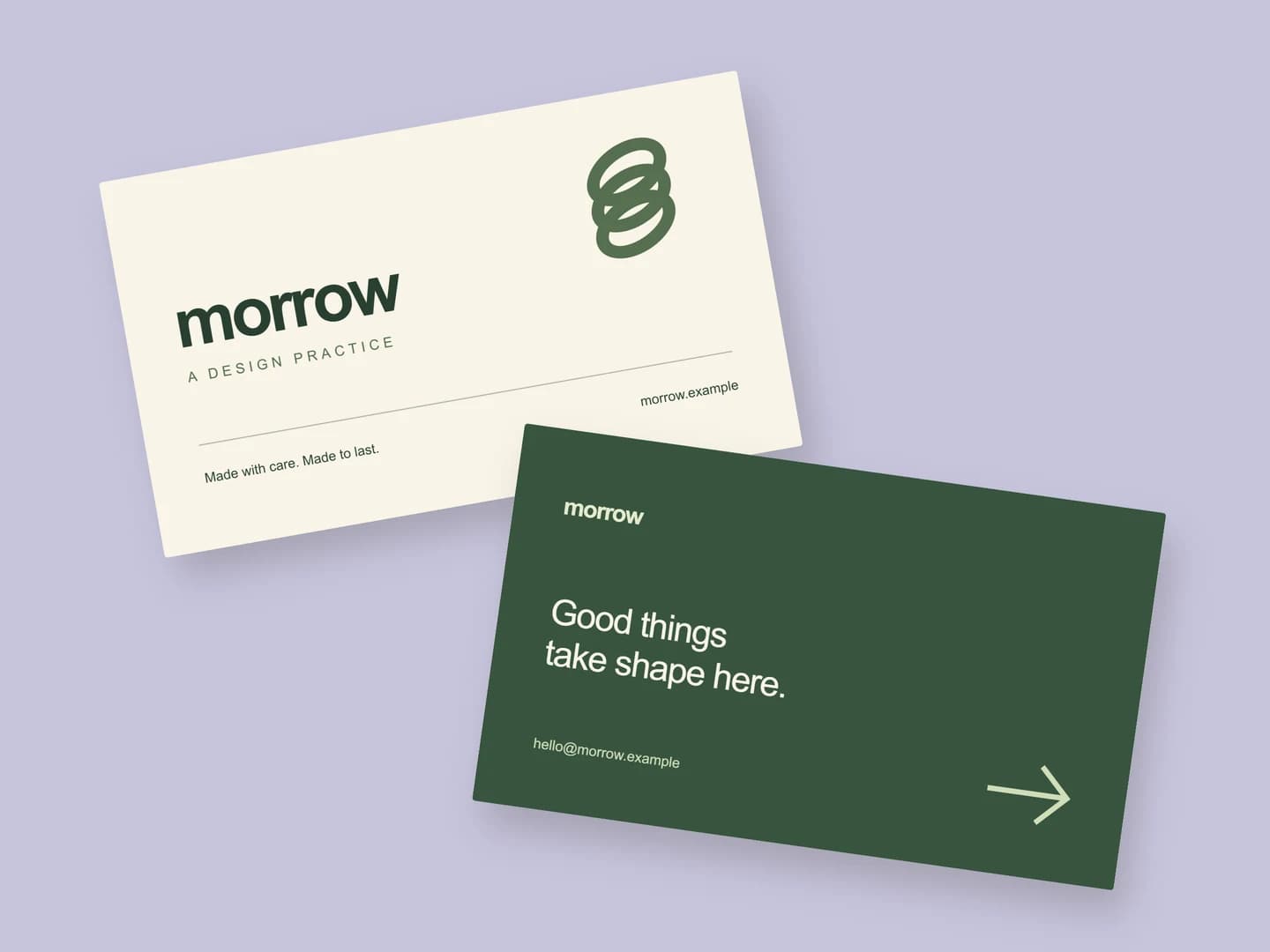
Business card mockups
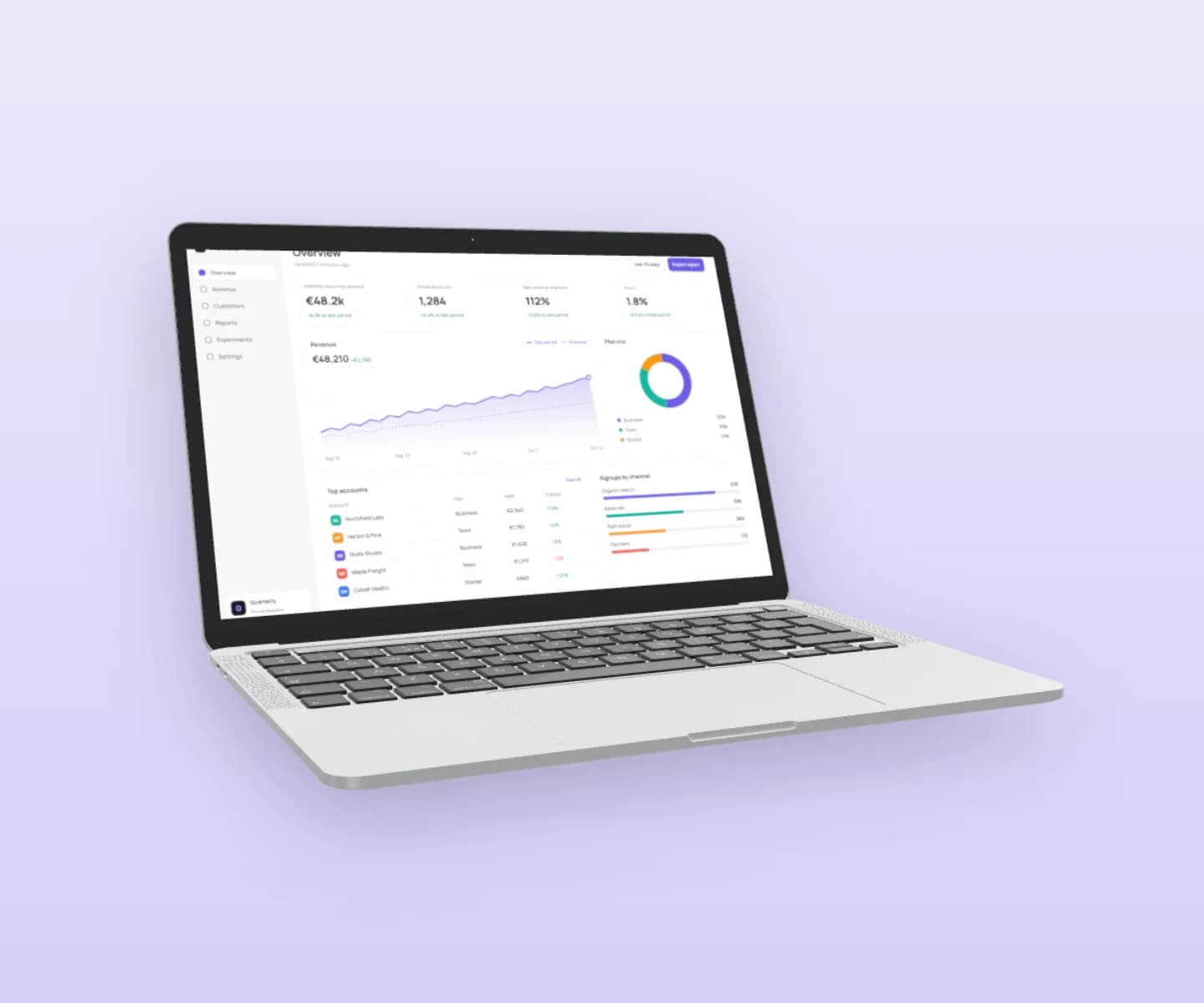
MacBook mockups
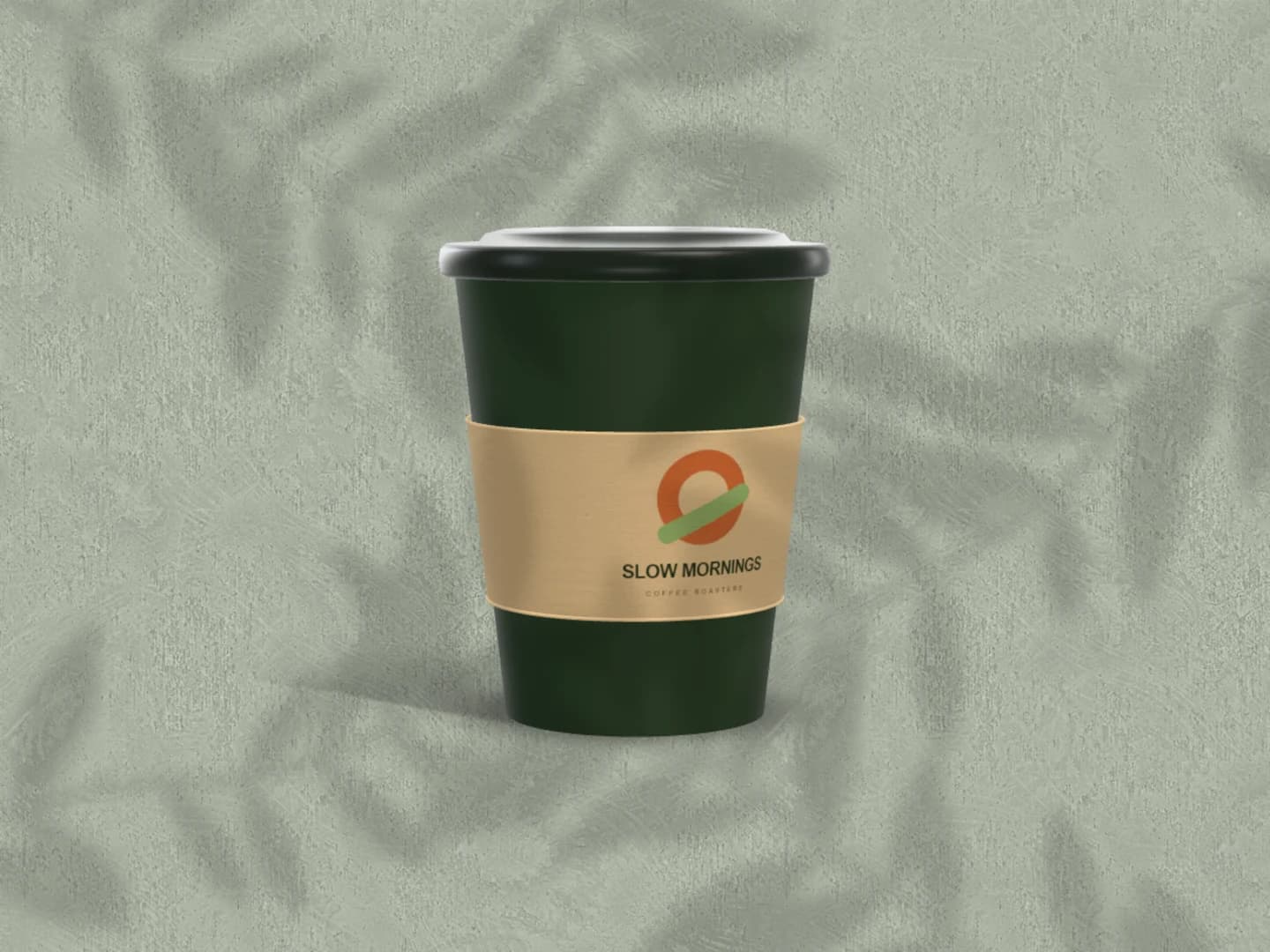
Café branding mockups
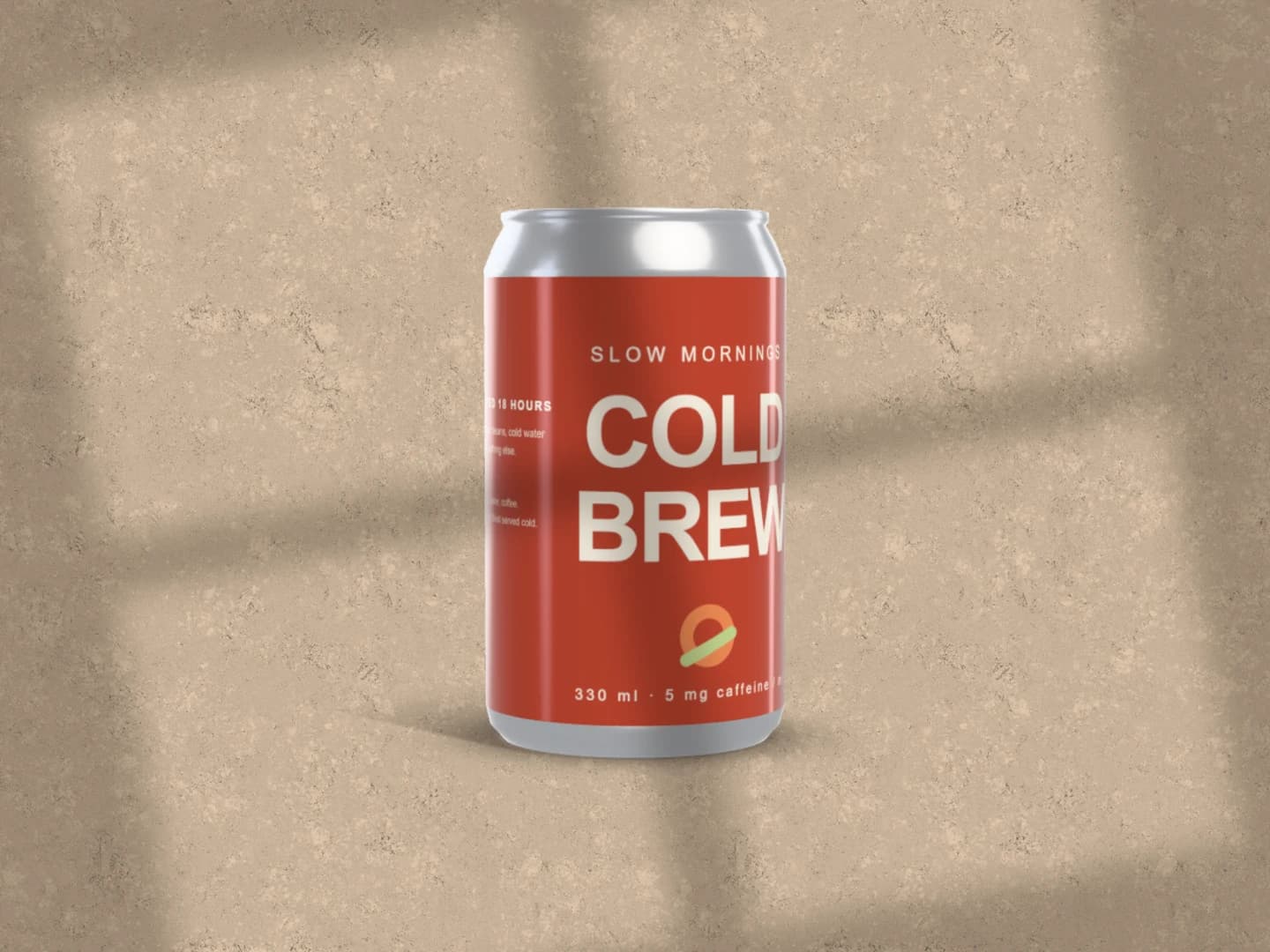
Can mockups
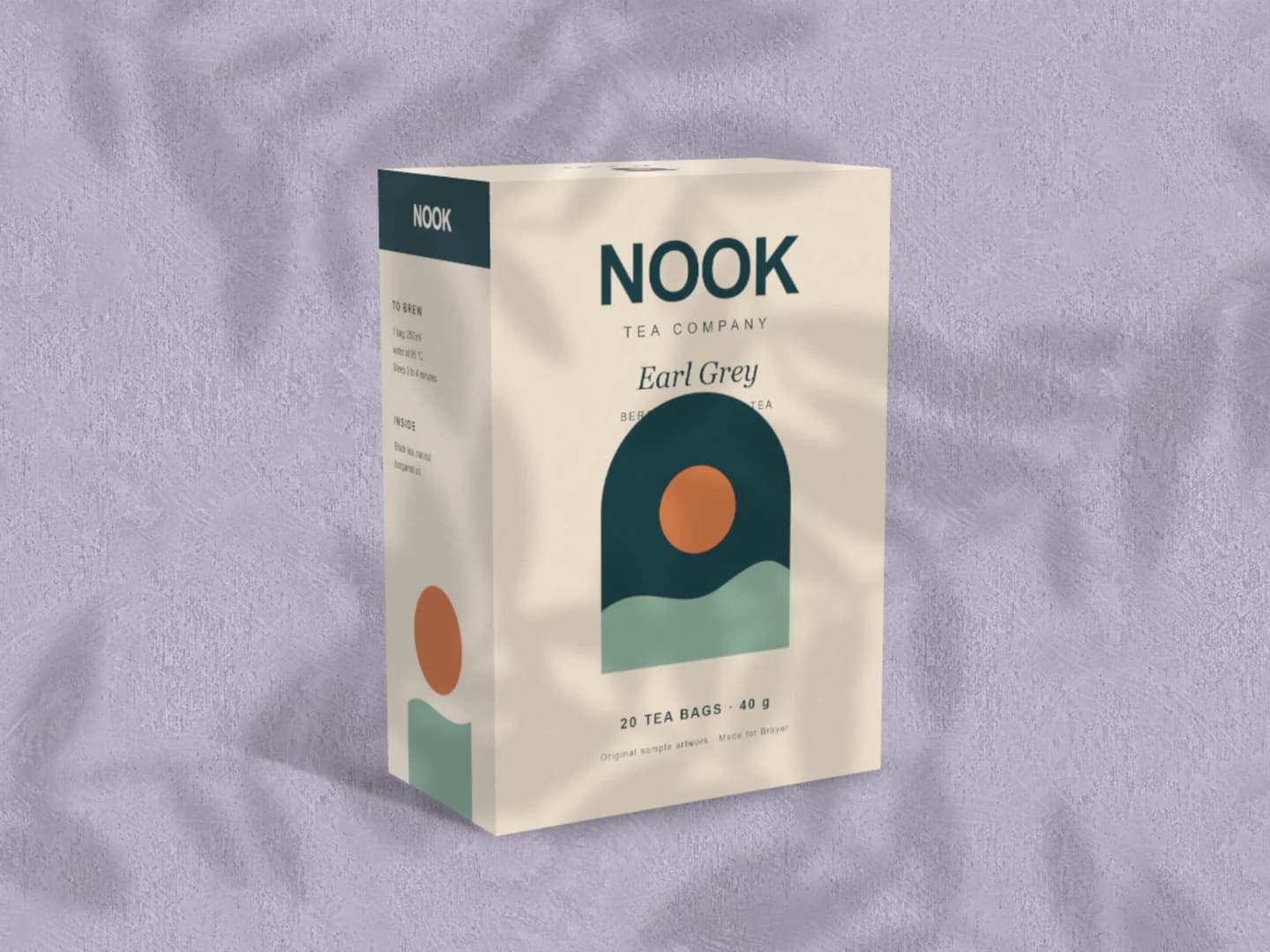
Carton mockups
Each page opens a real scene you can edit.
Every mockup generatorYour next visual starts here.
Make a stationery mockupFree to start. Your files stay local by default.