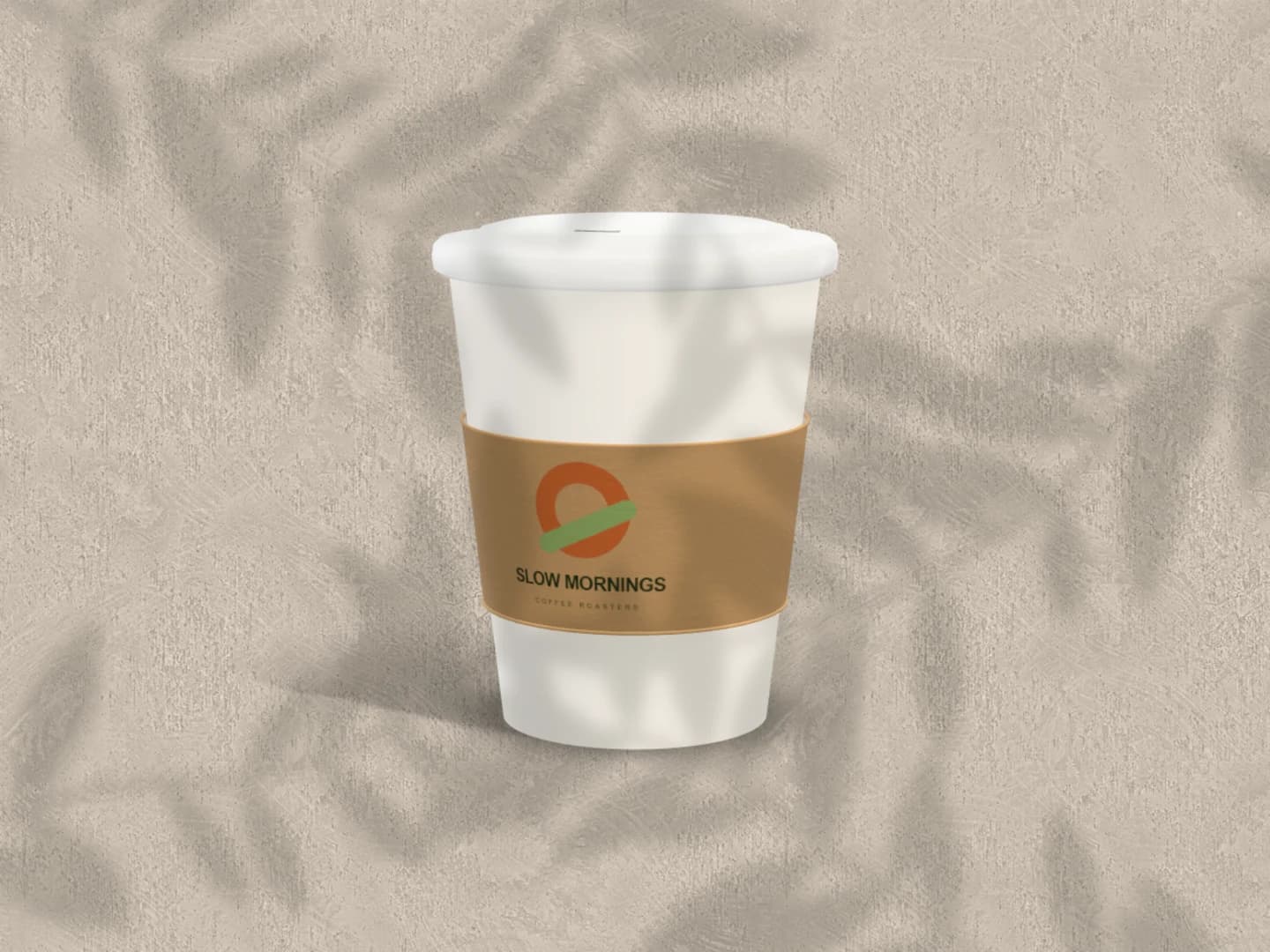
Start with the free takeaway cup
Replace the sample mark, choose colours for the cup and sleeve, and adjust the pose. This is the Café collection's free scene: PNG or JPEG up to 3,000 px, with no account or watermark.
Open the free cup sceneStart with a free 3D takeaway cup, then explore the same identity across a coffee bag and printed menu. Change the artwork, product colours and setting in your browser. The complete Café set is free to edit and needs Pro to export.
Make a free cup mockupNo sign-up. No watermark. Made for desktop browsers.
Real exports from Brayer. Each scene opens ready to edit.
Replace the sample mark, choose colours for the cup and sleeve, and adjust the pose. This is the Café collection's free scene: PNG or JPEG up to 3,000 px, with no account or watermark.
Open the free cup scene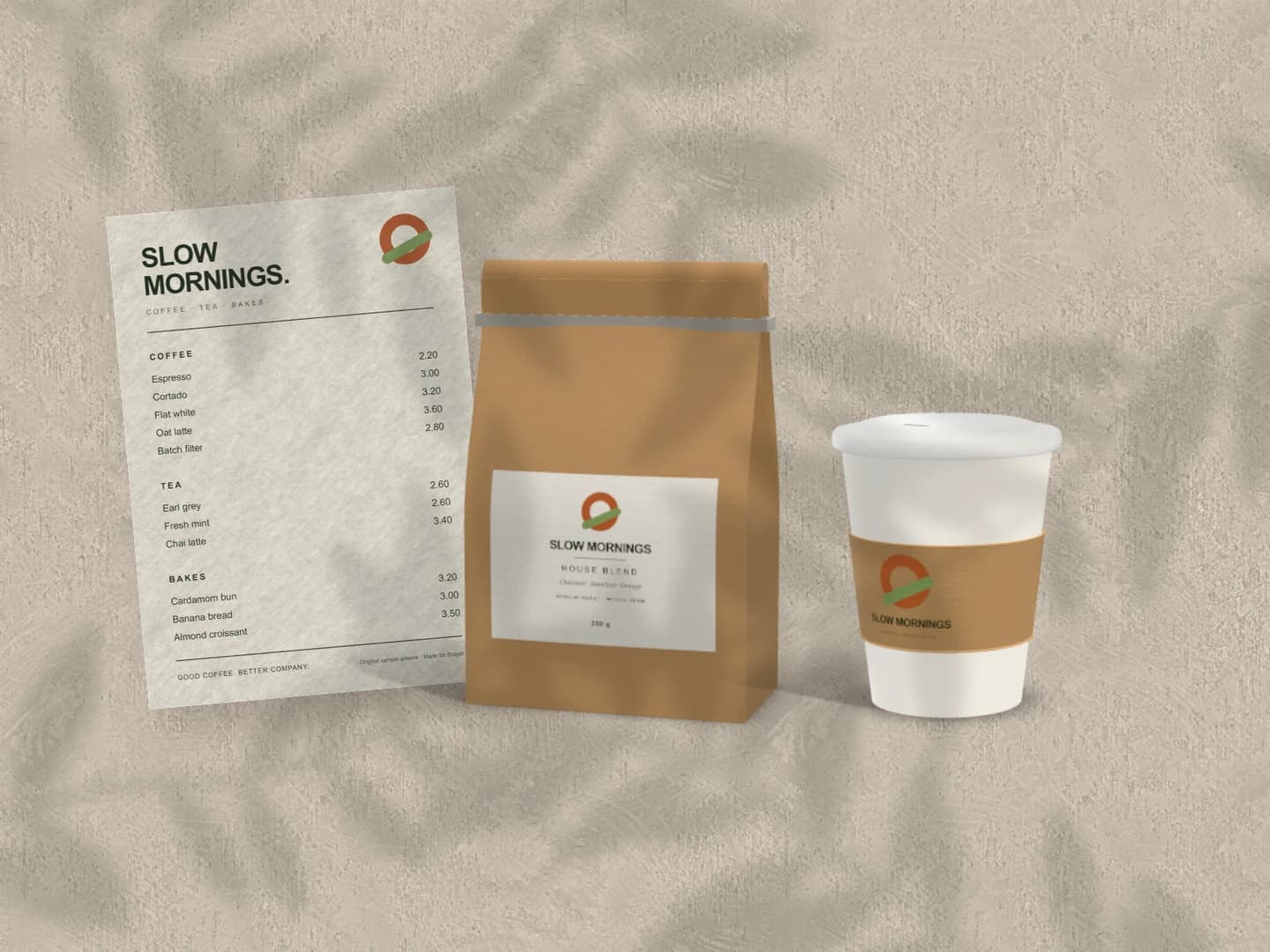
The Café set puts three touchpoints in one composition. Replace the menu, bag label and cup artwork independently, then check whether the identity feels consistent at each size.
Explore the Café setFree to open and customise. Pro required to export this scene.
Use a clear mark for the cup, a label design for the bag and a readable menu image. Select the product and its artwork surface to replace the sample. Transparent artwork lets the chosen product colour show around your design; an opaque image covers that area.
Adjust artwork placement and scale before setting the product angle. Keep the café name readable on the curved cup and the bag front. In the complete set, leave enough room around the menu to see its hierarchy instead of shrinking every item to fit.
Export the takeaway-cup scene as a free PNG or JPEG. Exporting the Café set, bag, range and other premium Café scenes requires Pro. For a matching free paper presentation, open the stationery mockup.
A close cup view helps you judge whether the mark survives the curve. A menu-and-packaging set shows whether the same type and colours hold together across service and takeaway. Keep the setting quiet while comparing designs, then add a warmer background or stronger shadow for the final presentation. The example artwork is fictional; replace it with your own before sharing the result.
Every device frame and starter scene, plus one free scene from each premium collection, custom canvas dimensions, local saving, and PNG or JPEG export up to 3,000 px on the long side, with no watermark or account. Pro adds larger exports up to 4×, WebP, transparent backgrounds, the premium collections, size batches, and optional cloud sync.
Compare Free and ProGOOD TO KNOW
The Takeaway cup scene is Free, including PNG and JPEG export up to 3,000 px without a watermark. Every Café scene can be opened and edited, but the complete set, coffee bag, cup duo and other premium scenes need Pro to export.
Yes. Each item has its own artwork. The cup and bag also have product-colour and material controls; the menu is an editable print surface. Start with the Café set to arrange all three together.
It is a rendered 3D presentation model. Its folds are fixed, and it does not reproduce every real bag construction or paper finish. It is useful for an identity presentation, not for approving packaging dimensions or manufacturing details.
Yes. Use the can mockup generator for a wrapped drinks can or the carton mockup generator for a box with separate artwork on its faces. Each collection has one free starter scene.
Starting points for product launches, portfolios and client work.
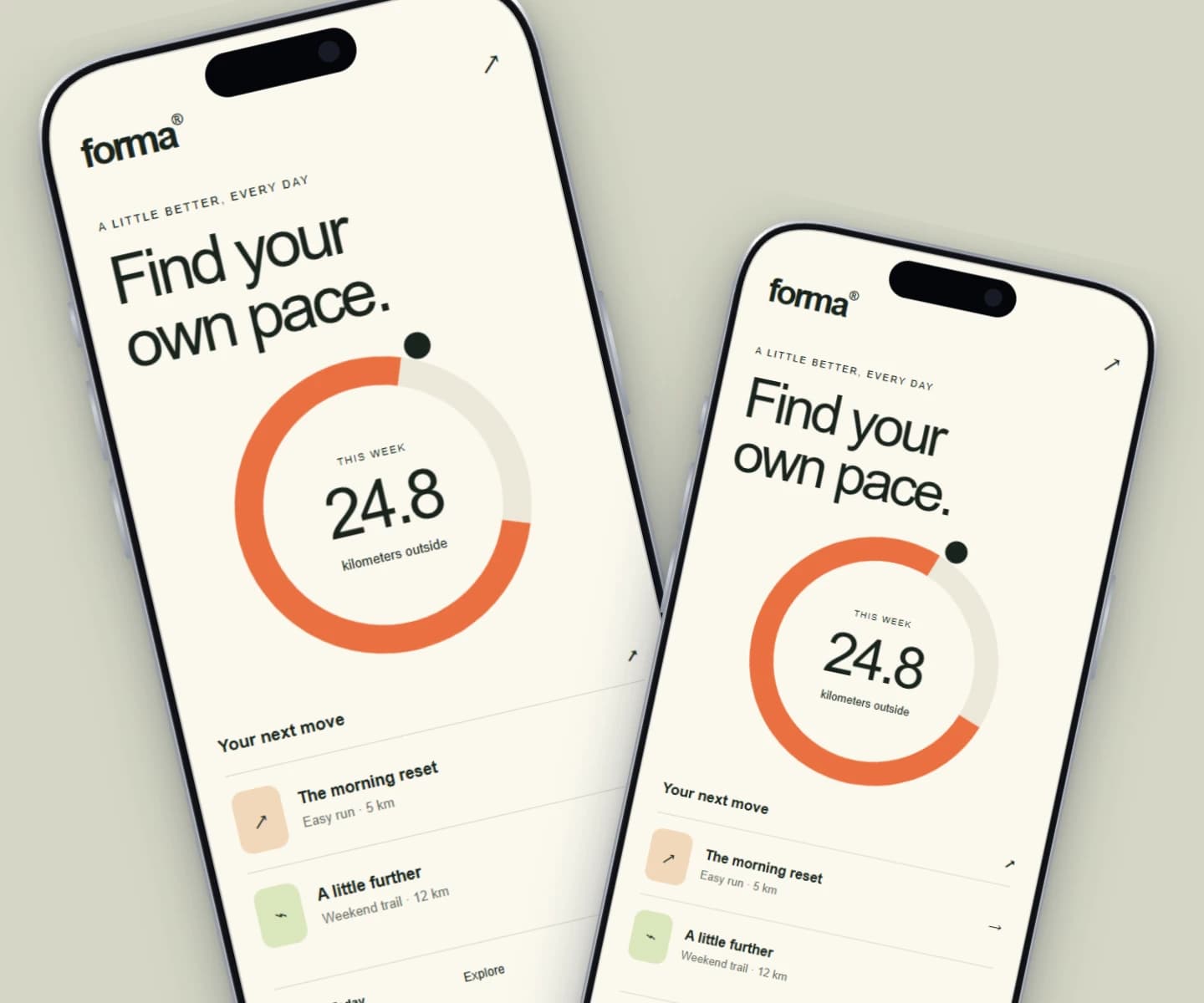
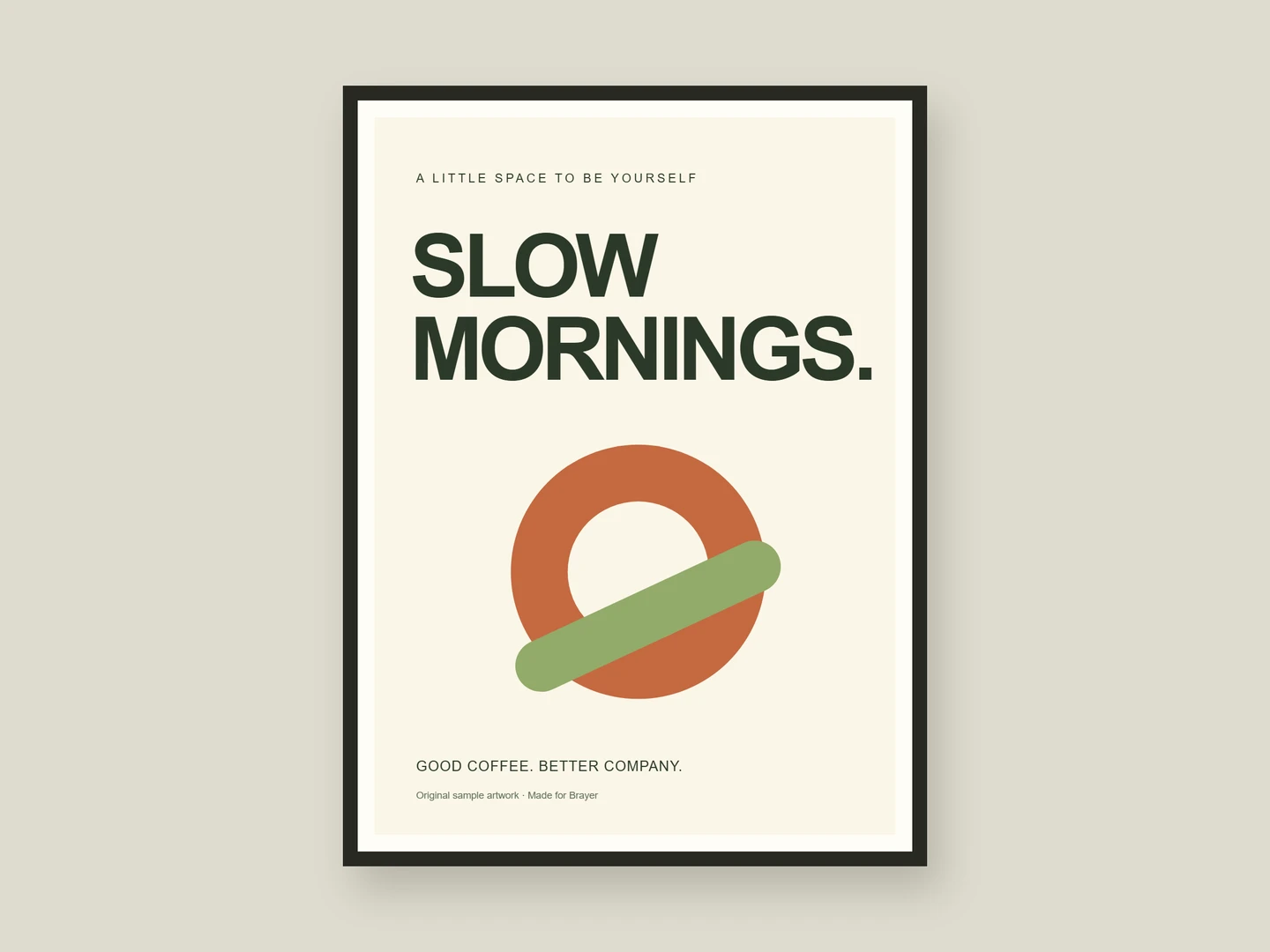
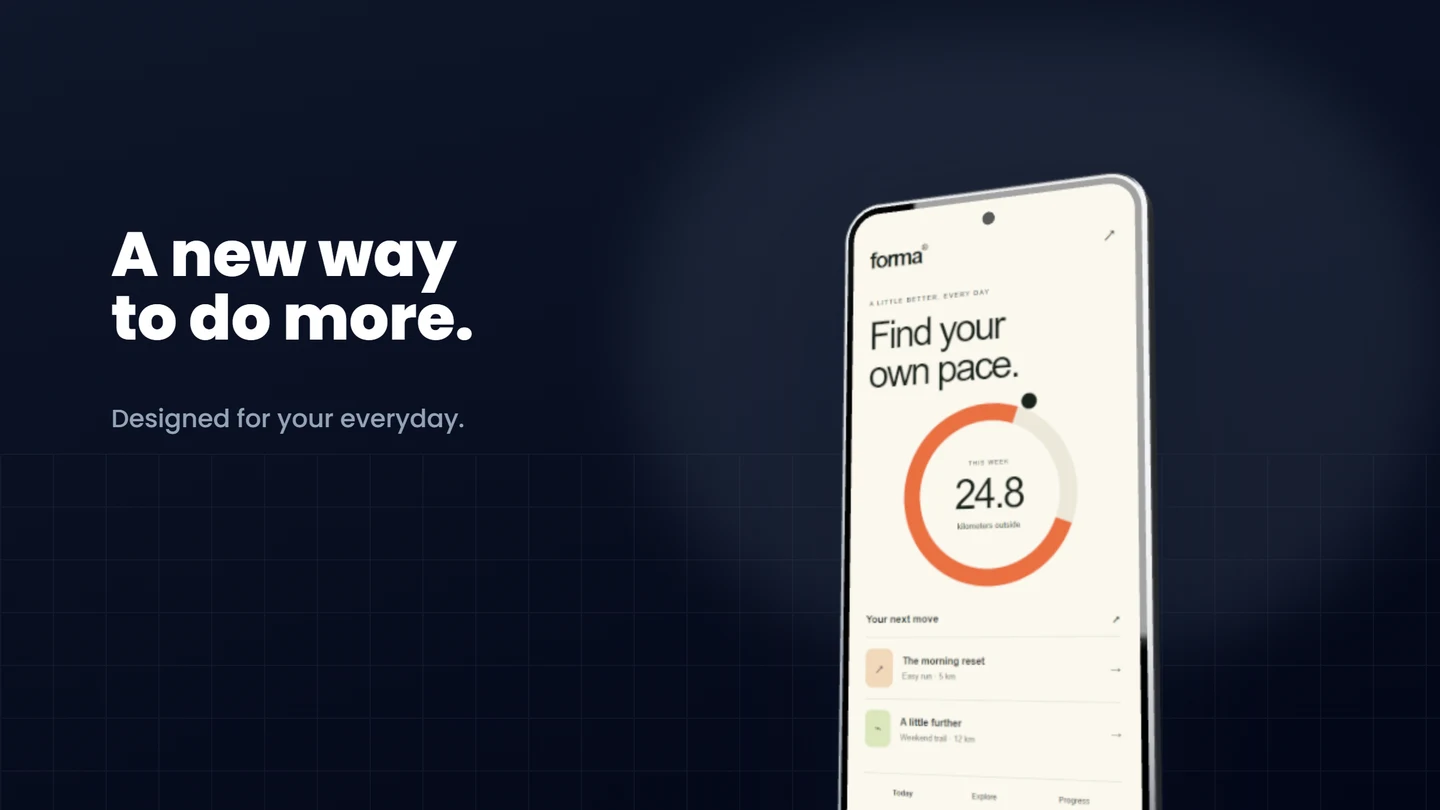
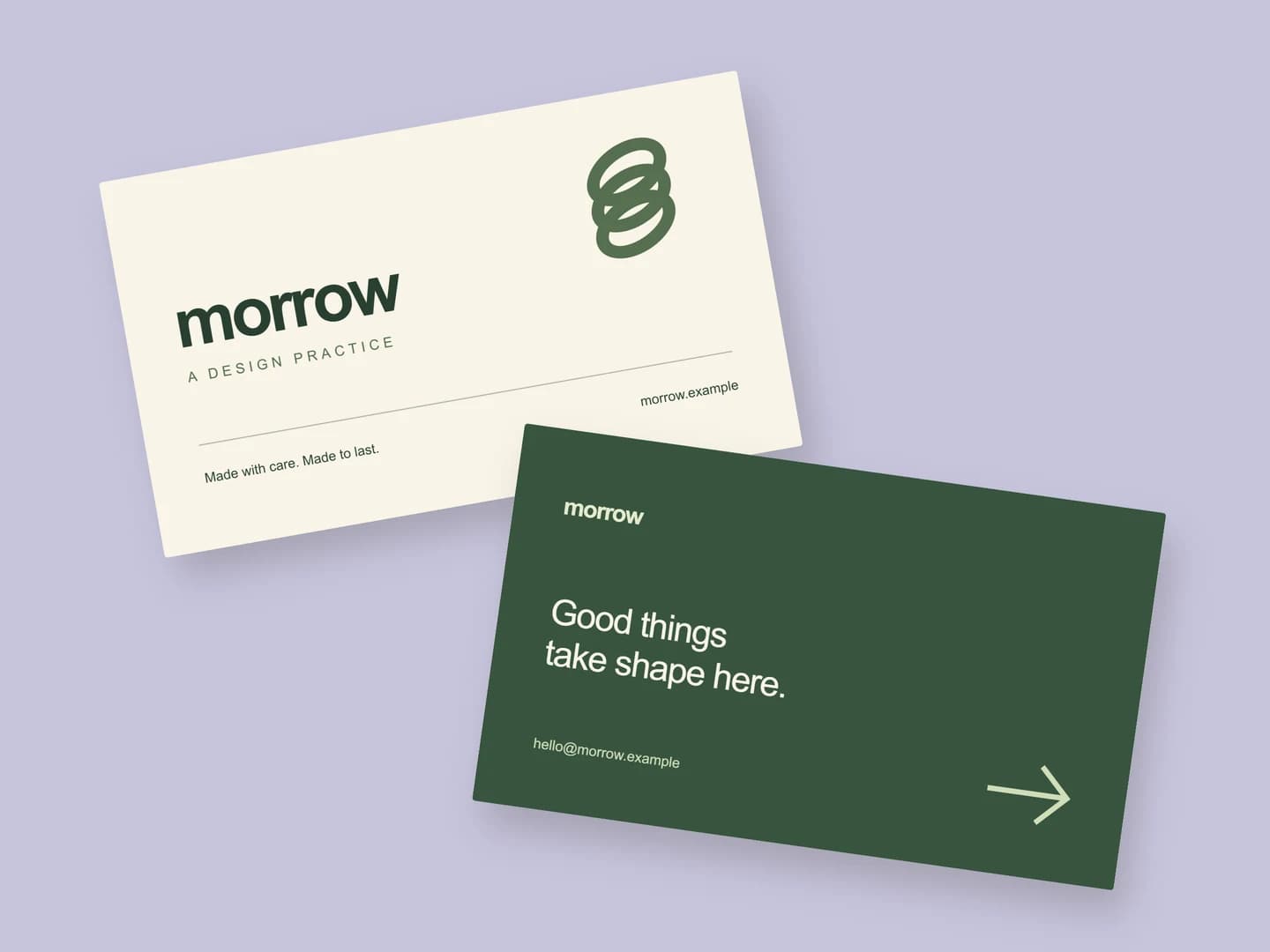
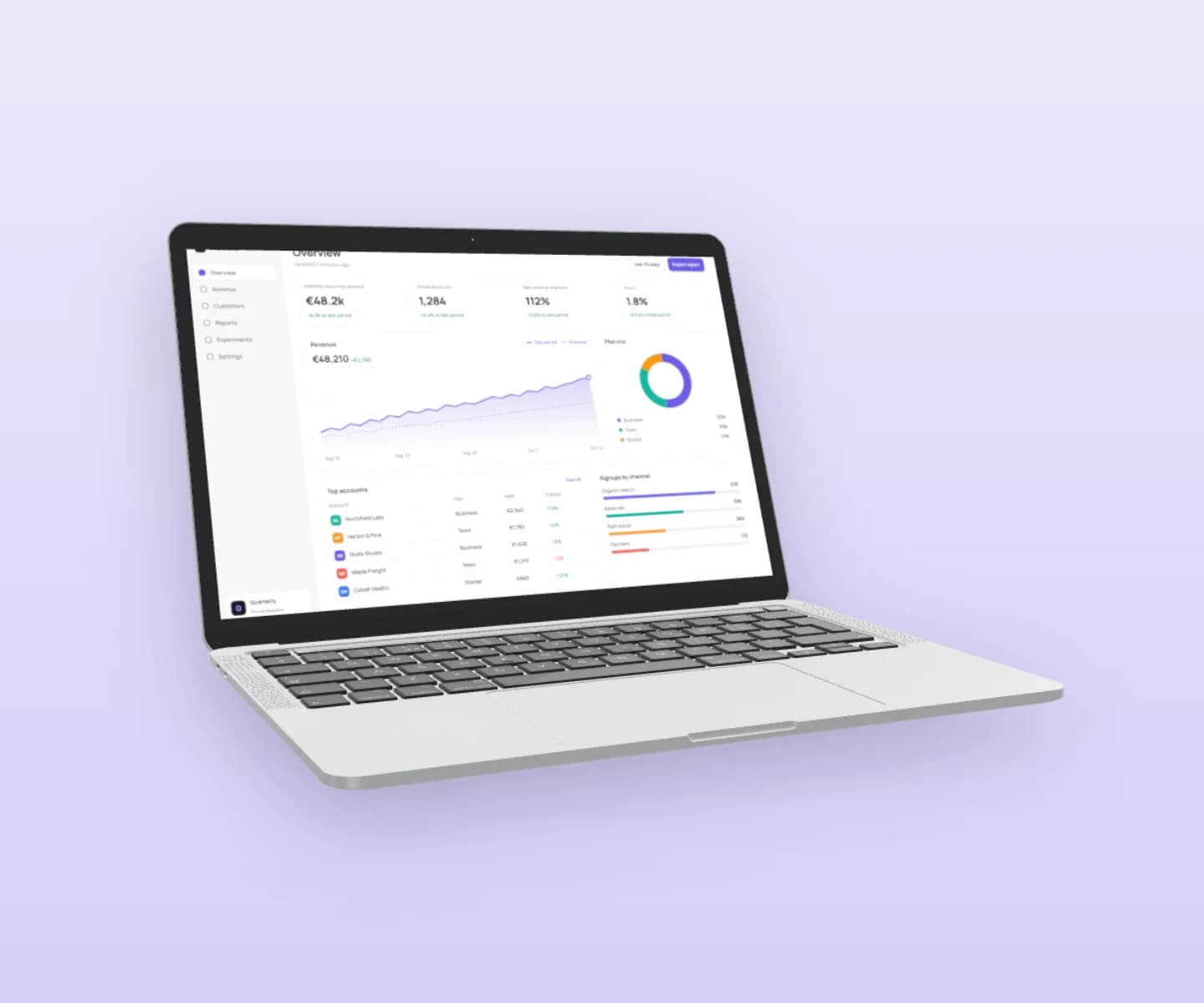
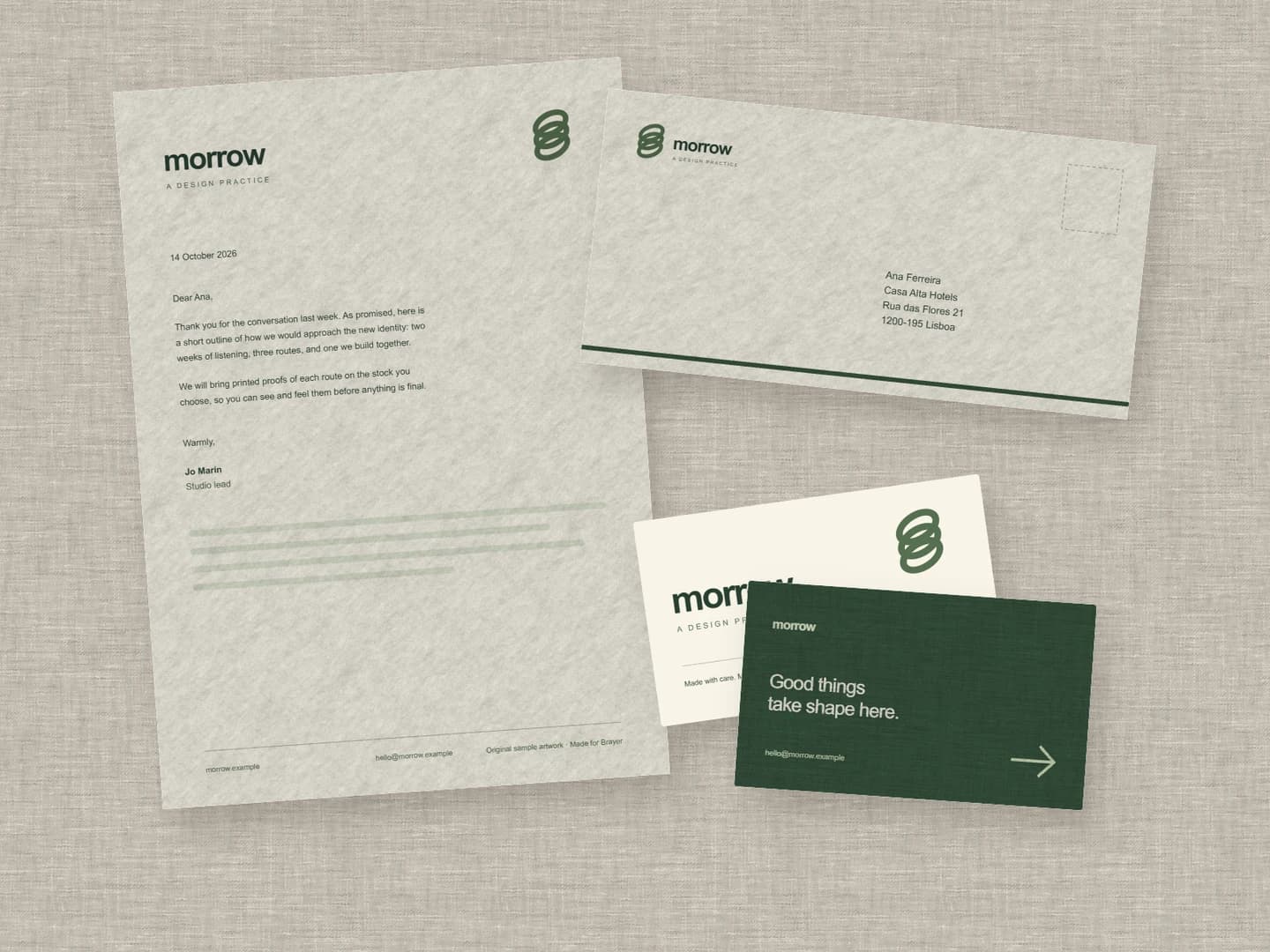
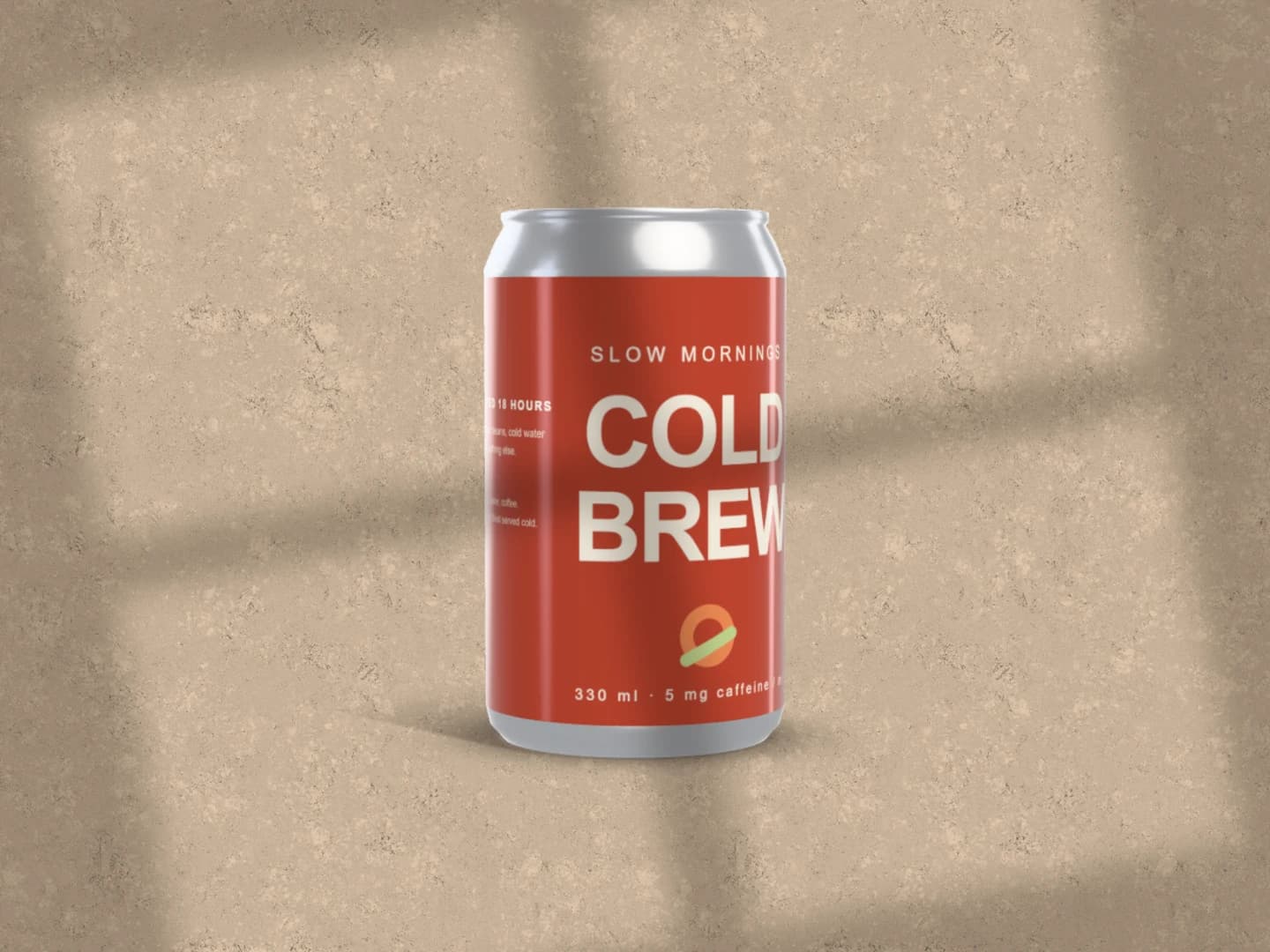
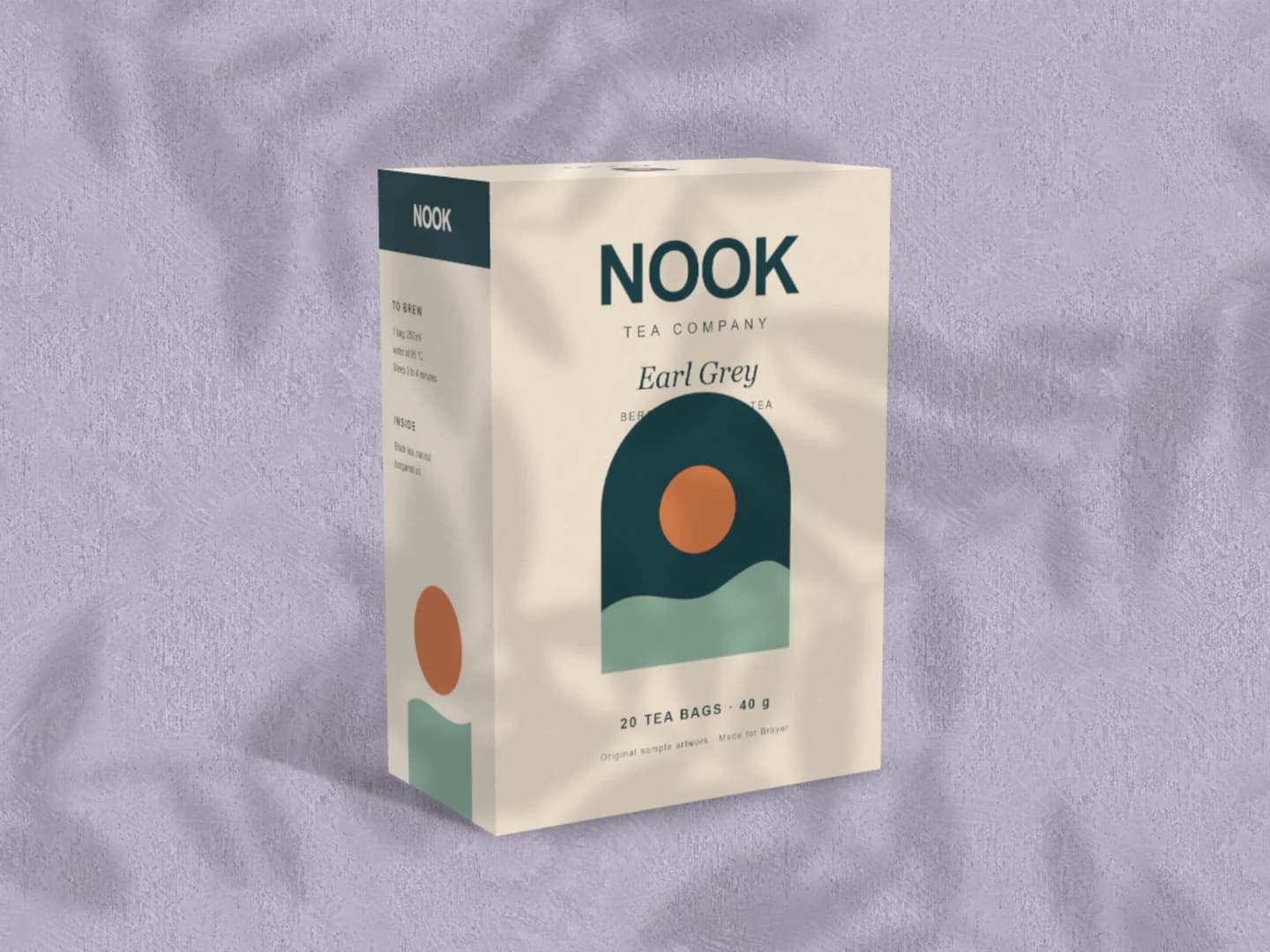
Each page opens a real scene you can edit.
Every mockup generatorFree to start. Your files stay local by default.