Free Poster Mockup Generator: Give your artwork a place to live.
Present a poster, illustration, or identity in a framed scene. Bring your artwork, adjust its crop and surroundings, and download a visual you can share with a client or add to your portfolio.
Make a poster mockupNo sign-up. No watermark. Made for desktop browsers.
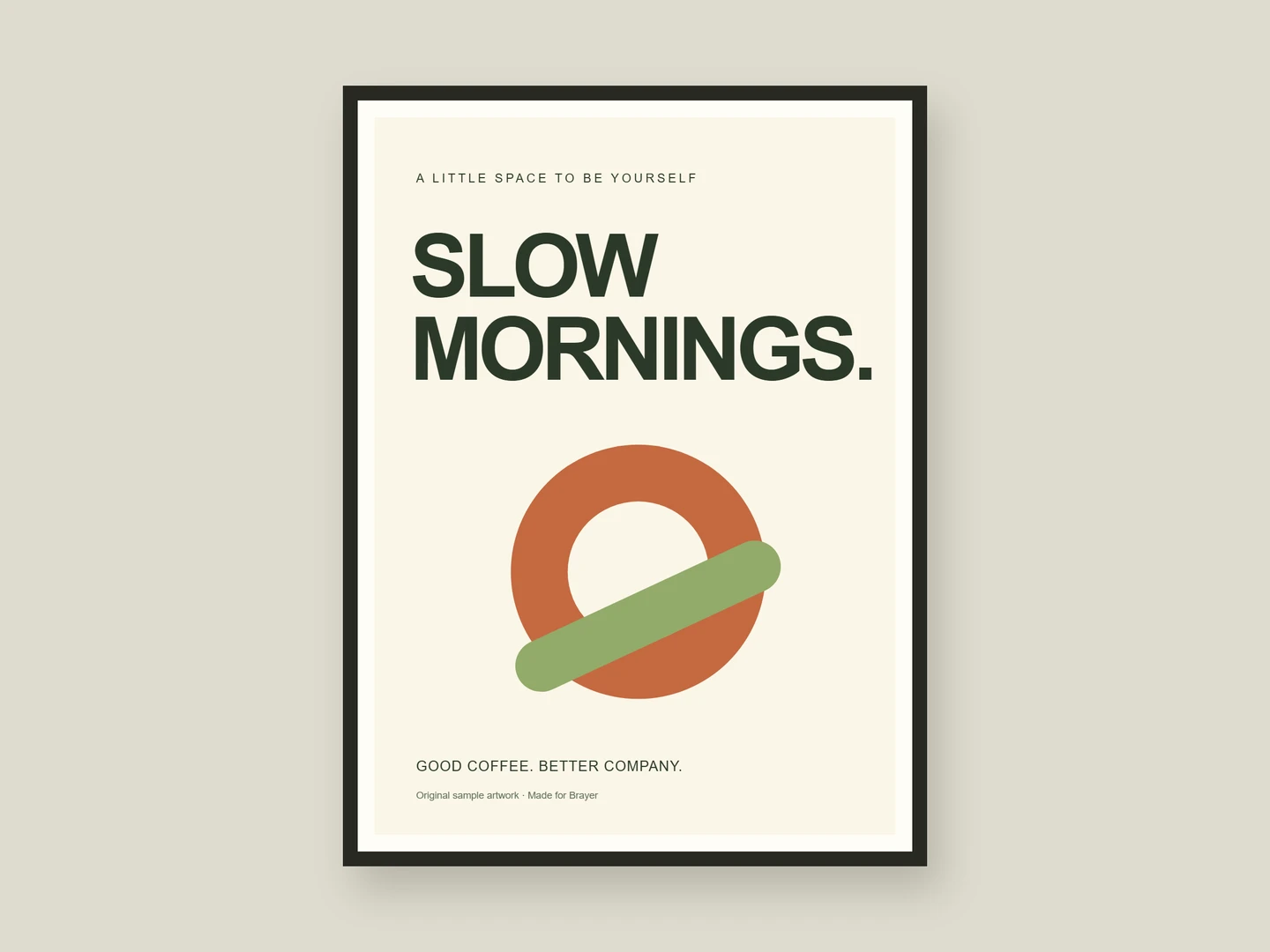
How to make poster mockups.
- 01
Bring the finished artwork
Open the framed poster scene and add your design as an image. Use a source image with enough detail for the size you plan to share. Keep an original copy of your artwork separately.
- 02
Set the presentation
Adjust the image crop, change the background, and position the poster on the canvas. Add a caption or supporting graphics in Full editor. Try the unframed poster, postcard, flyer, or business card scenes for a wider identity presentation.
- 03
Share the mockup
Export a PNG or JPEG without a watermark for a portfolio, social post, or client deck. Save the editable project file when you want to reuse the scene for a different design.
A presentation for the design you already made
Use a poster mockup to show scale, framing, and visual context around an illustration or identity. Keep the background quiet when the artwork is detailed, or use a colour from the design to connect the composition. The studio also includes flat stationery surfaces for a matching set of cards and flyers.
What is included for free?
Every device frame and starter scene, plus one free scene from each premium collection, custom canvas dimensions, local saving, and PNG or JPEG export up to 3,000 px on the long side, with no watermark or account. Pro adds larger exports up to 4×, WebP, transparent backgrounds, the premium collections, size batches, and optional cloud sync.
Compare Free and ProRead next
- Connect AI: Design with Claude or ChatGPT via MCPAdd Brayer's MCP connector to Claude, ChatGPT, Claude Code or Cursor, turn on Connect AI in the studio, and let your AI app build mockups in your open tab.
GOOD TO KNOW
Before you create.
Is this a print-ready PDF tool?
No. Brayer exports presentation images. Keep your production artwork in the format your printer requires; a framed mockup is a preview of the design, not a print production file.
Can I make clothing or packaging mockups?
Packaging, yes: 3D products put your artwork on a takeaway cup, a coffee bag, a drinks can or a carton, and the print collection covers posters, business cards, postcards, flyers, menus, letterheads and envelopes. Clothing mockups are not included.
Will my artwork be uploaded?
Editing and exporting happen in your browser. Your images stay local by default. Pro cloud sync only uploads designs when you explicitly enable it, and Connect AI, when you turn it on, passes previews to the AI app you connected.
Find your next mockup.
Starting points for product launches, portfolios and client work.
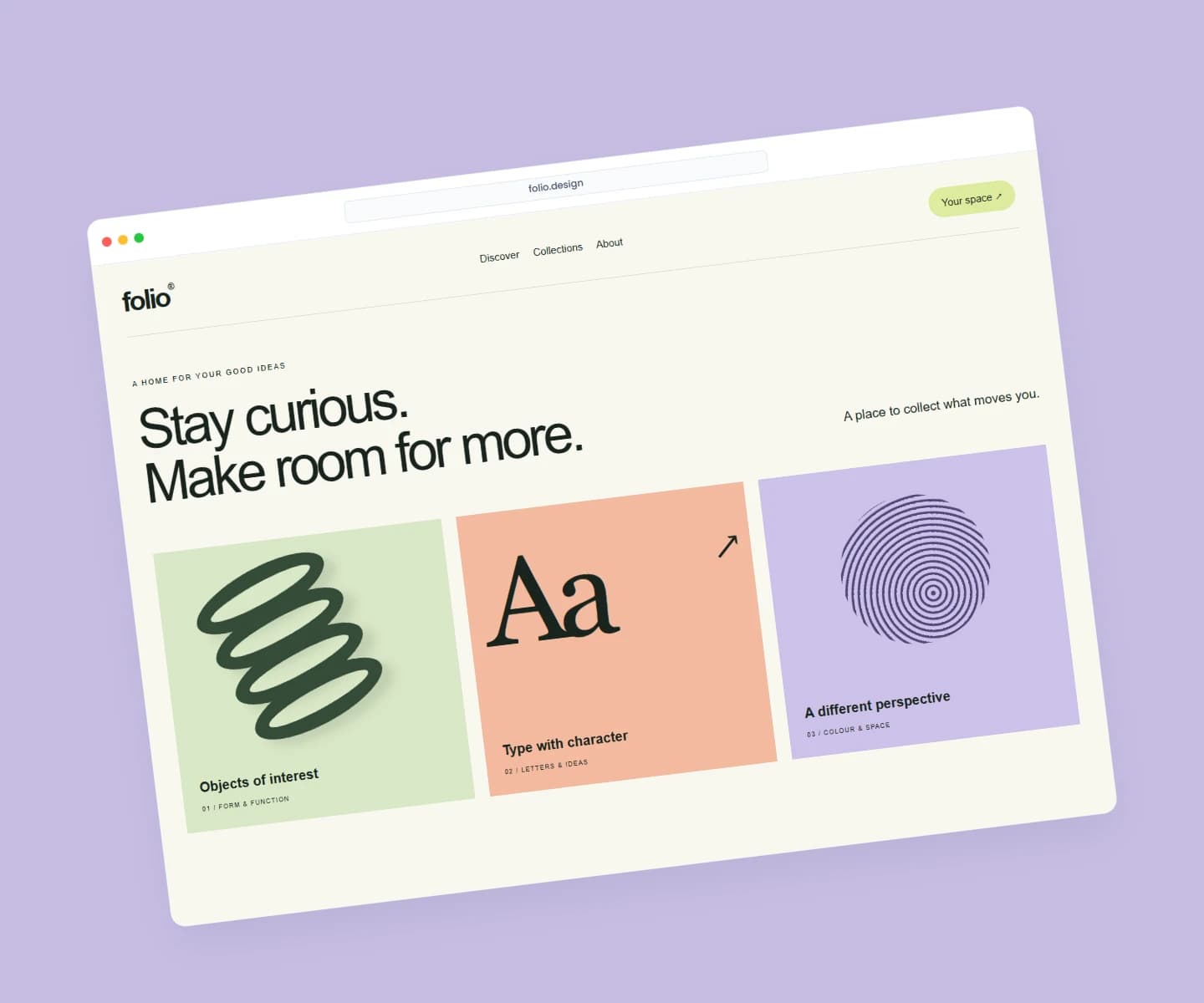
Website mockups
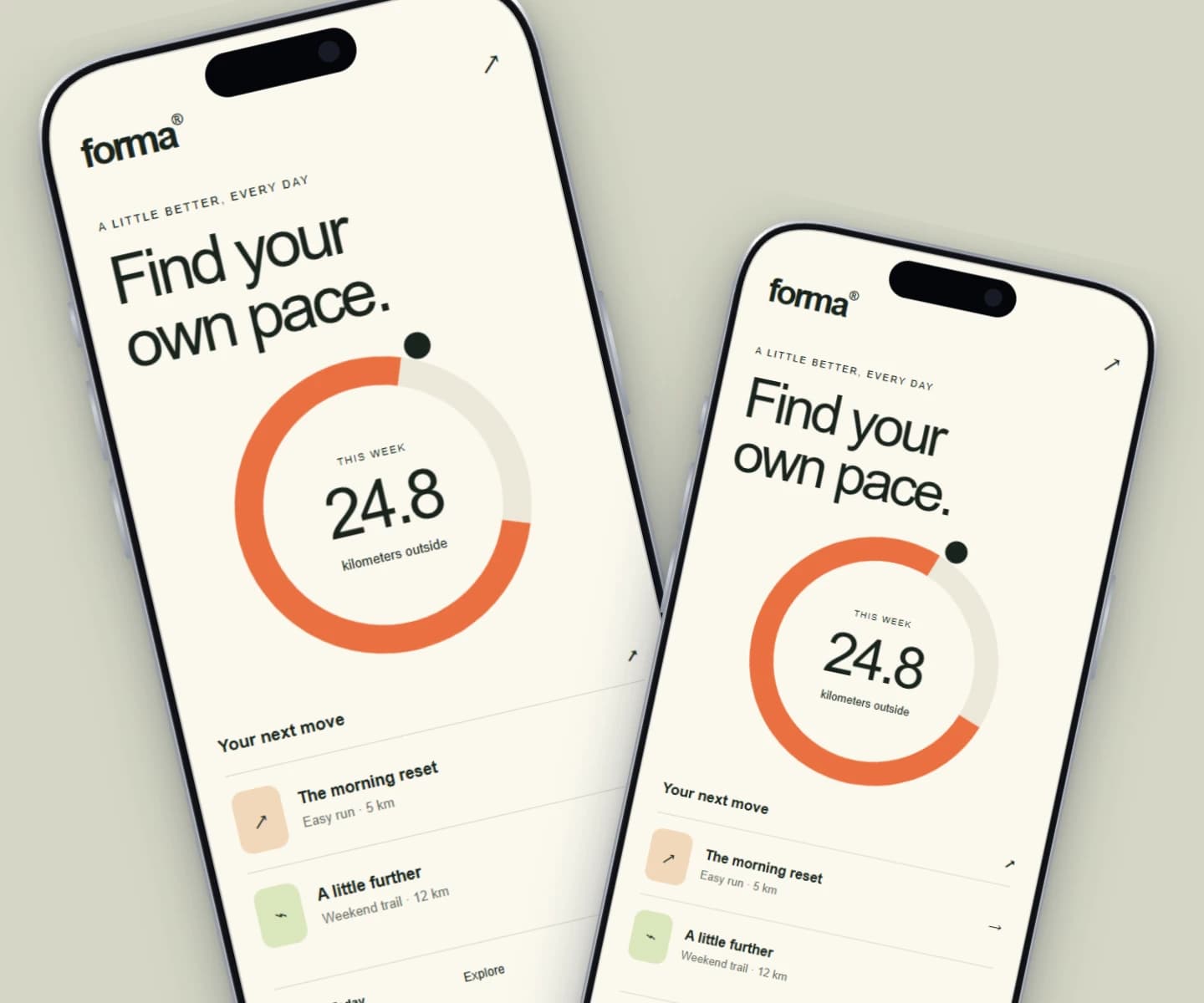
iPhone mockups
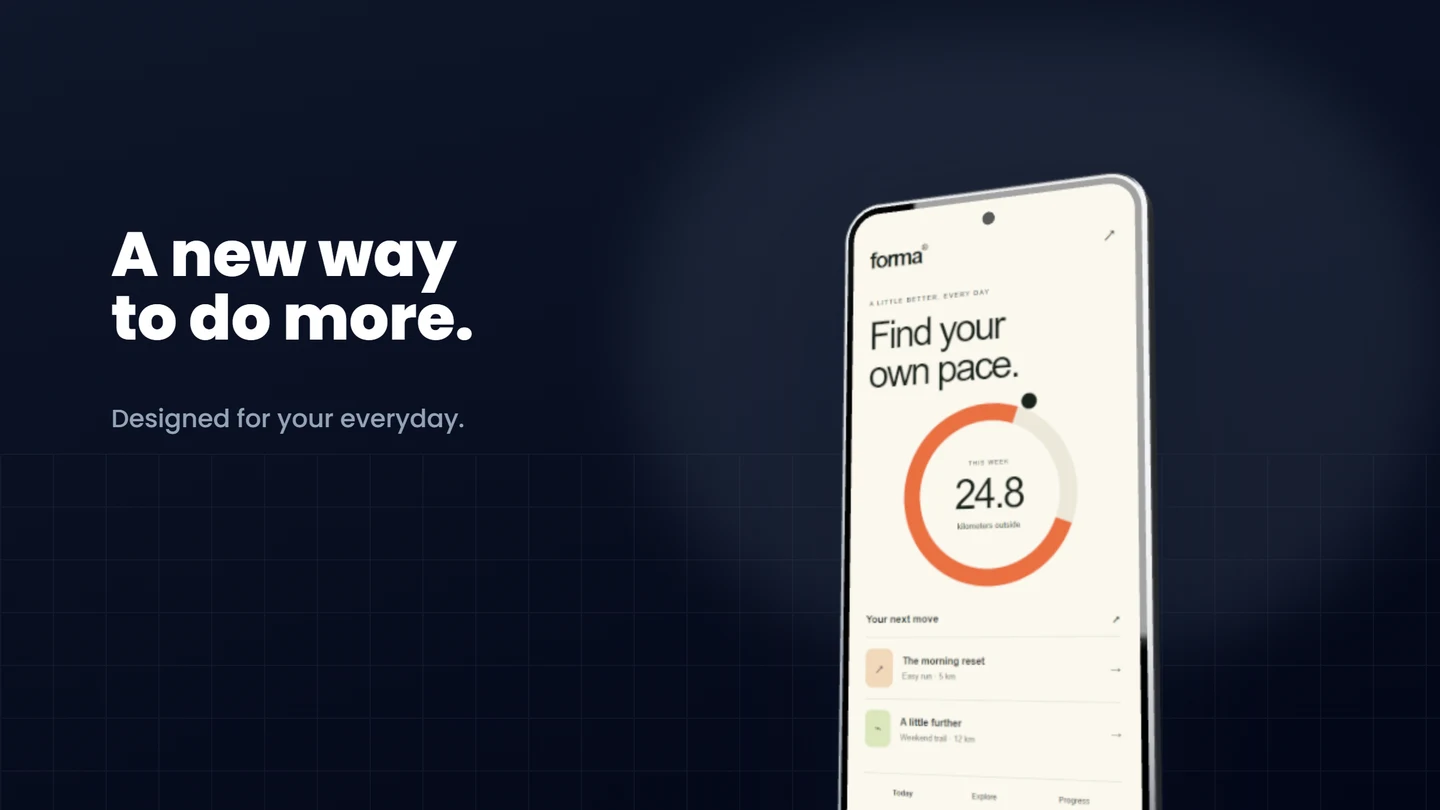
Android mockups
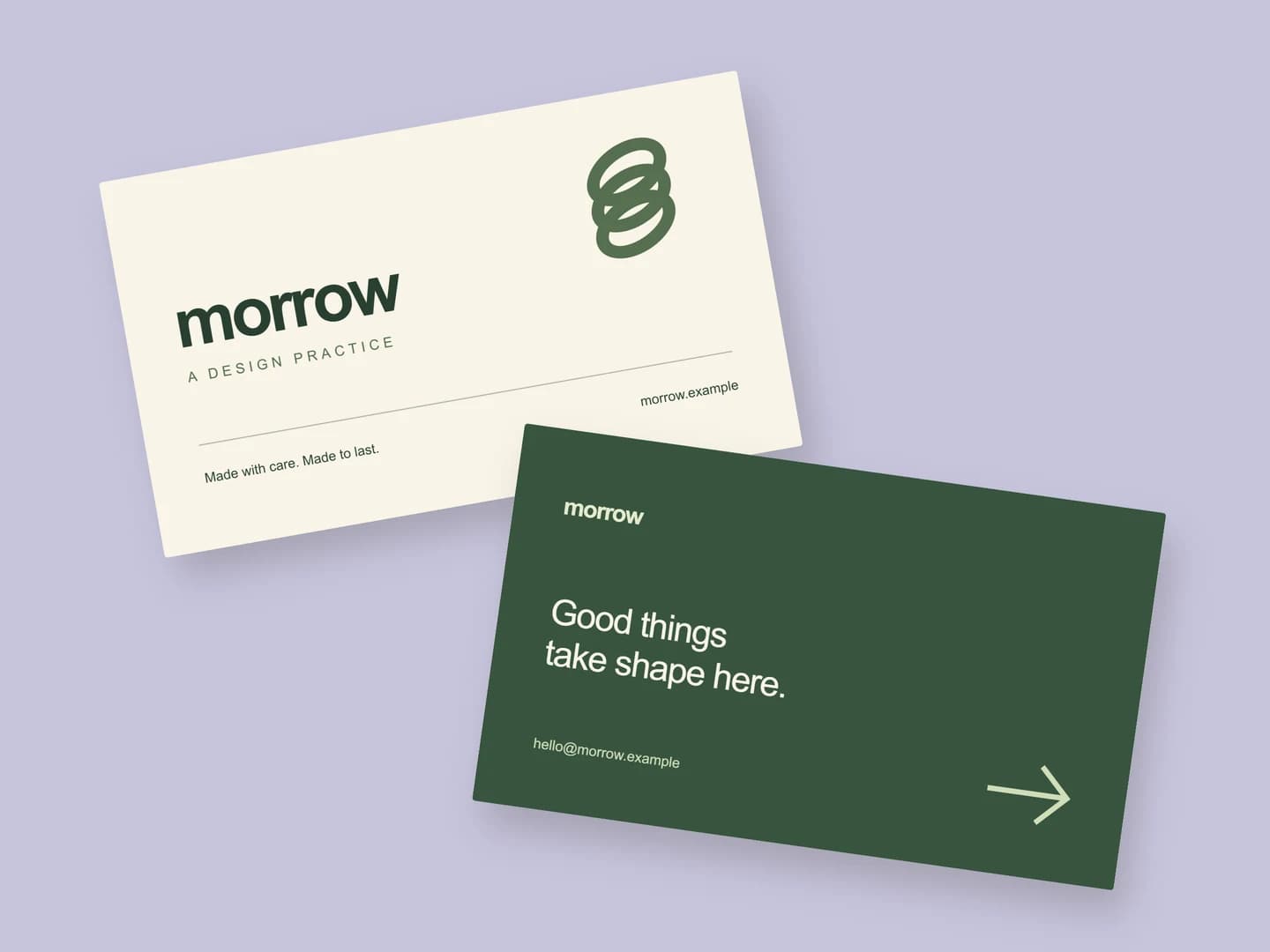
Business card mockups
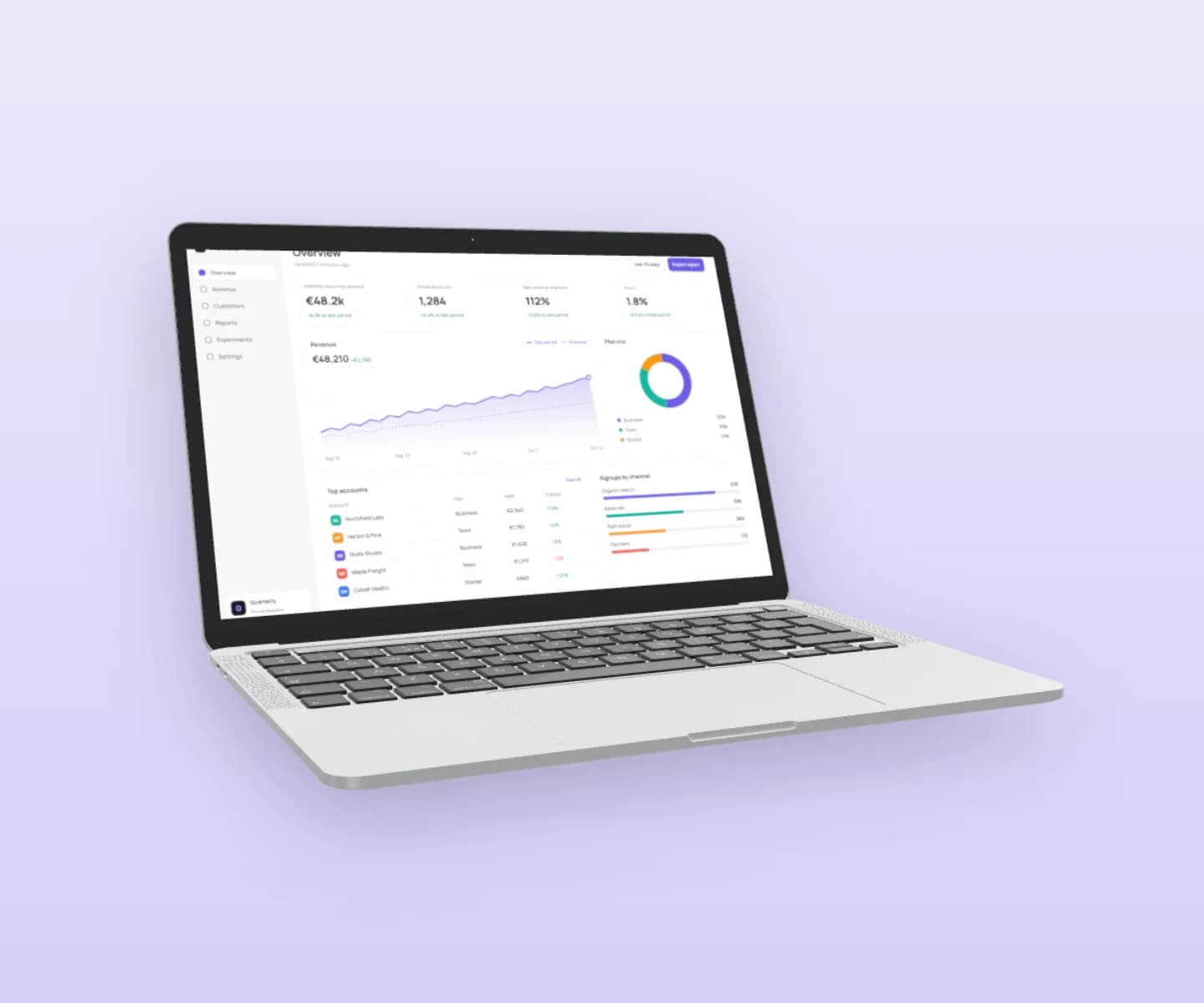
MacBook mockups
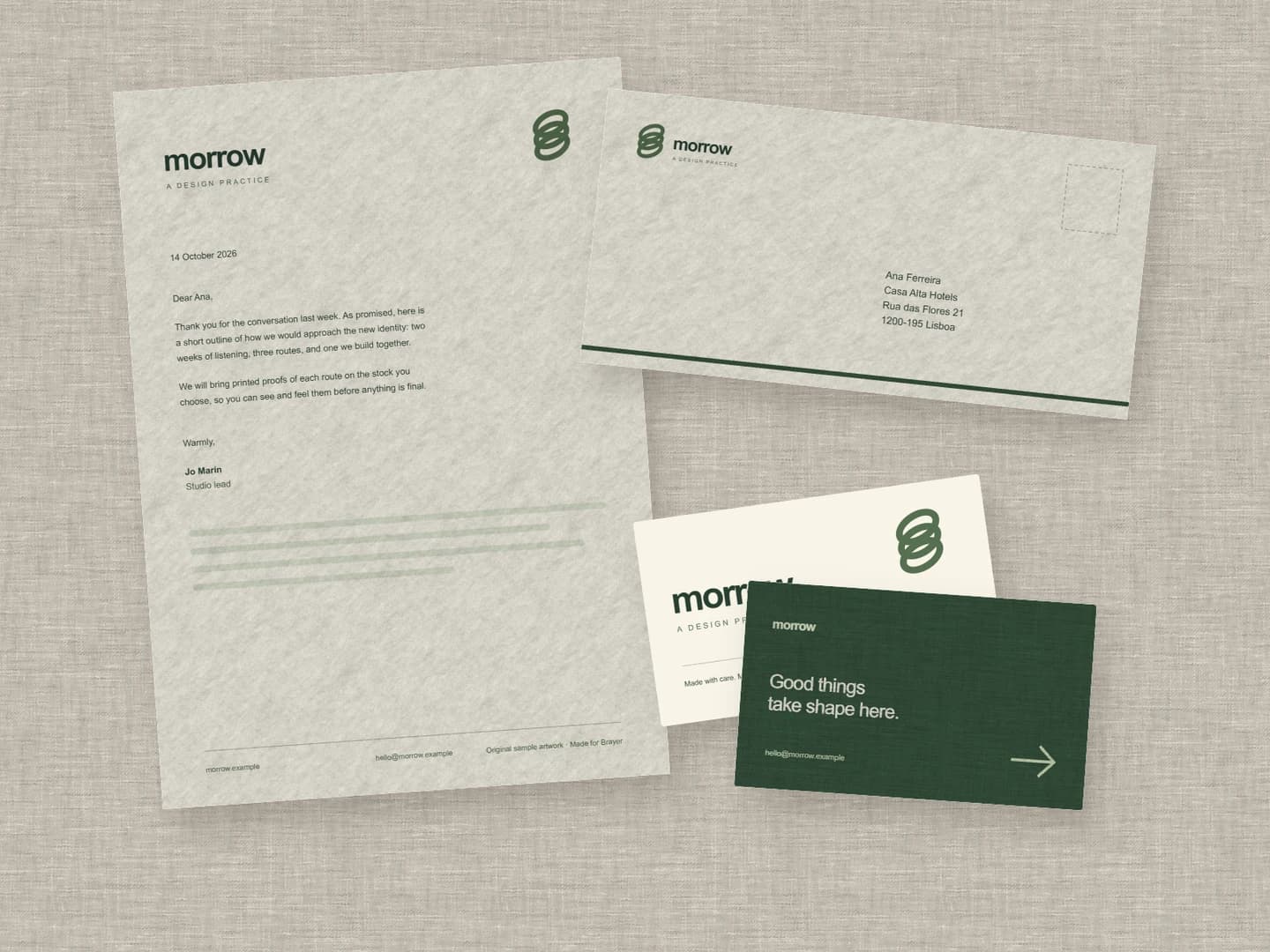
Stationery mockups
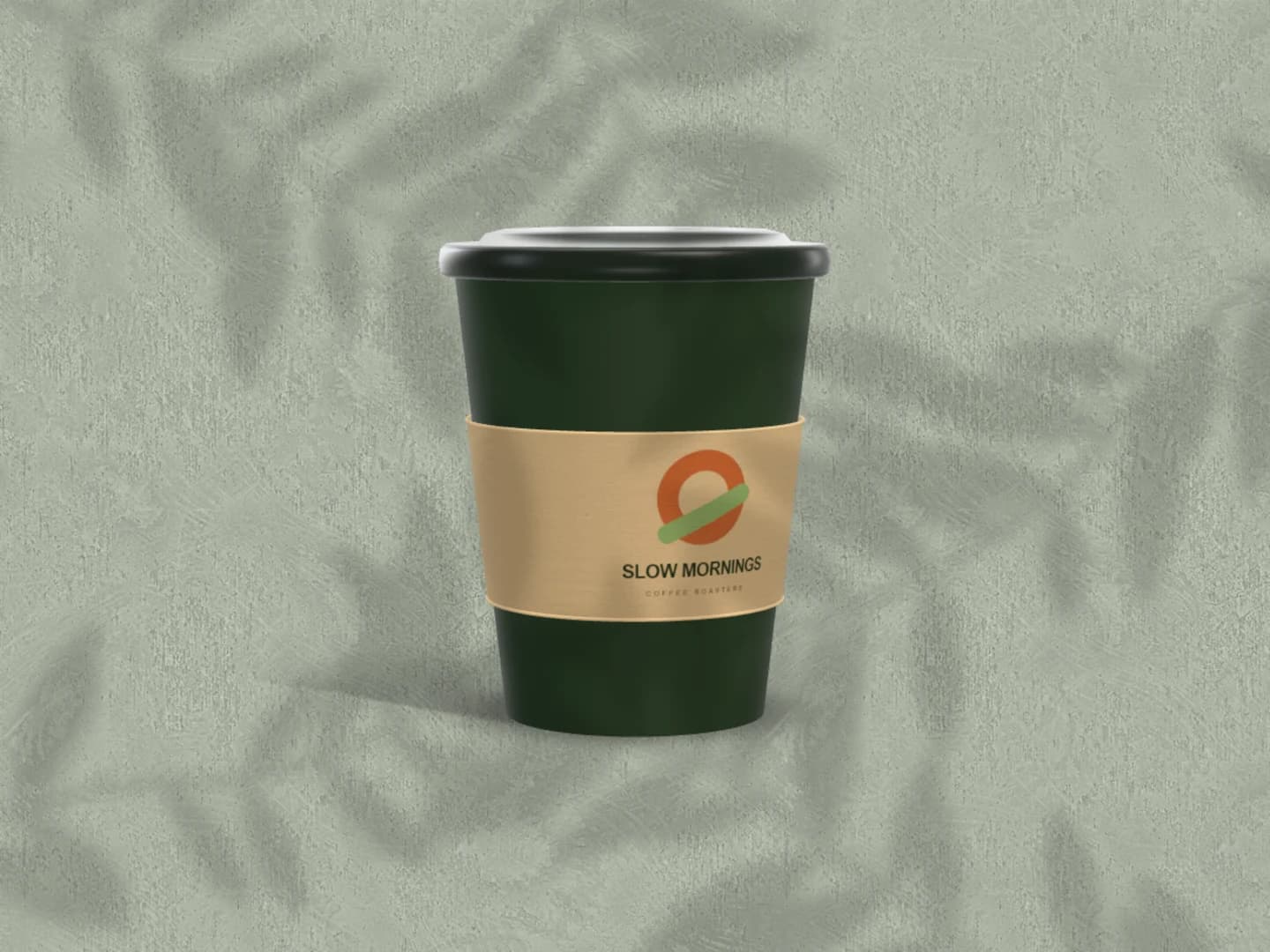
Café branding mockups
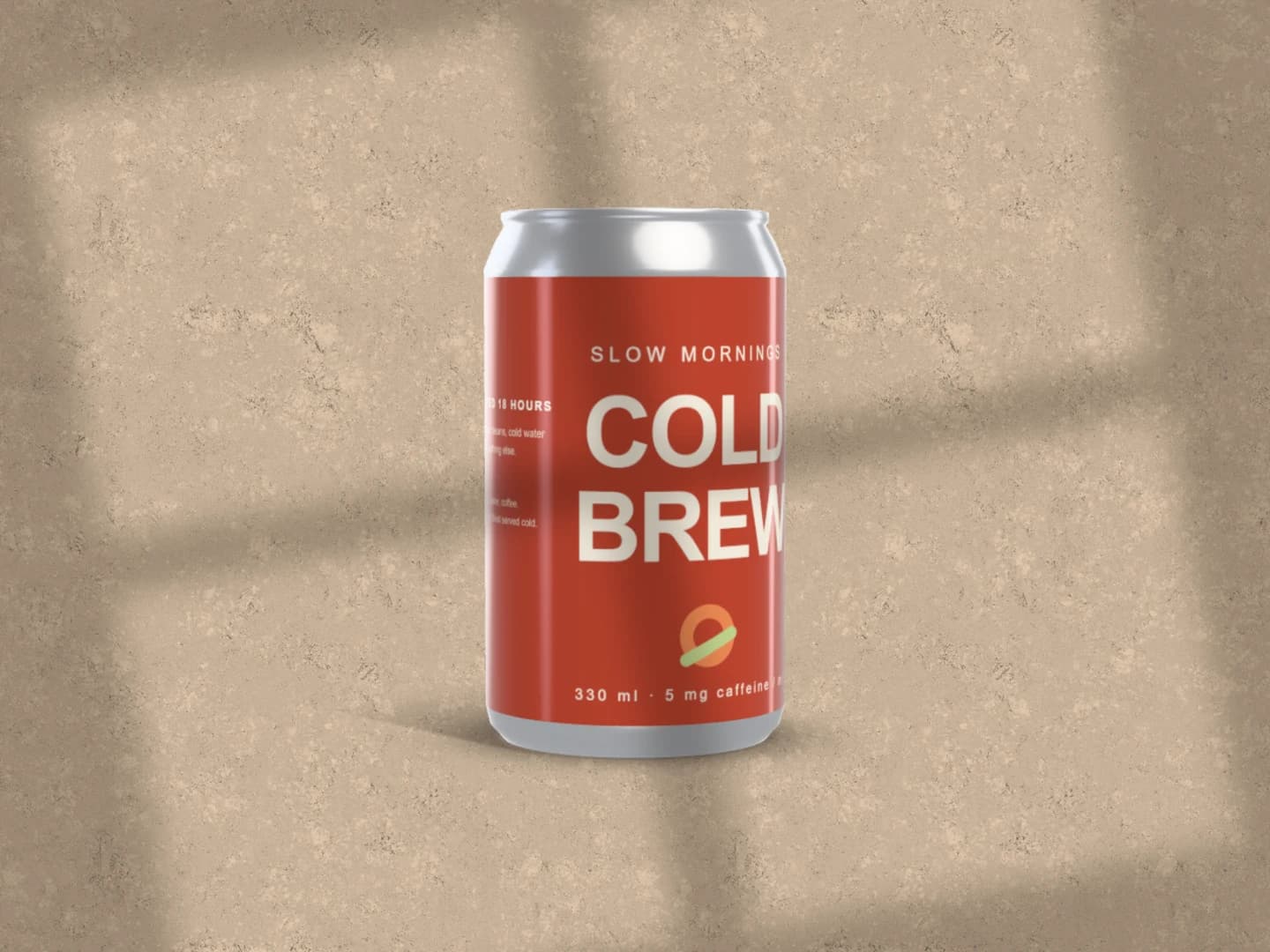
Can mockups
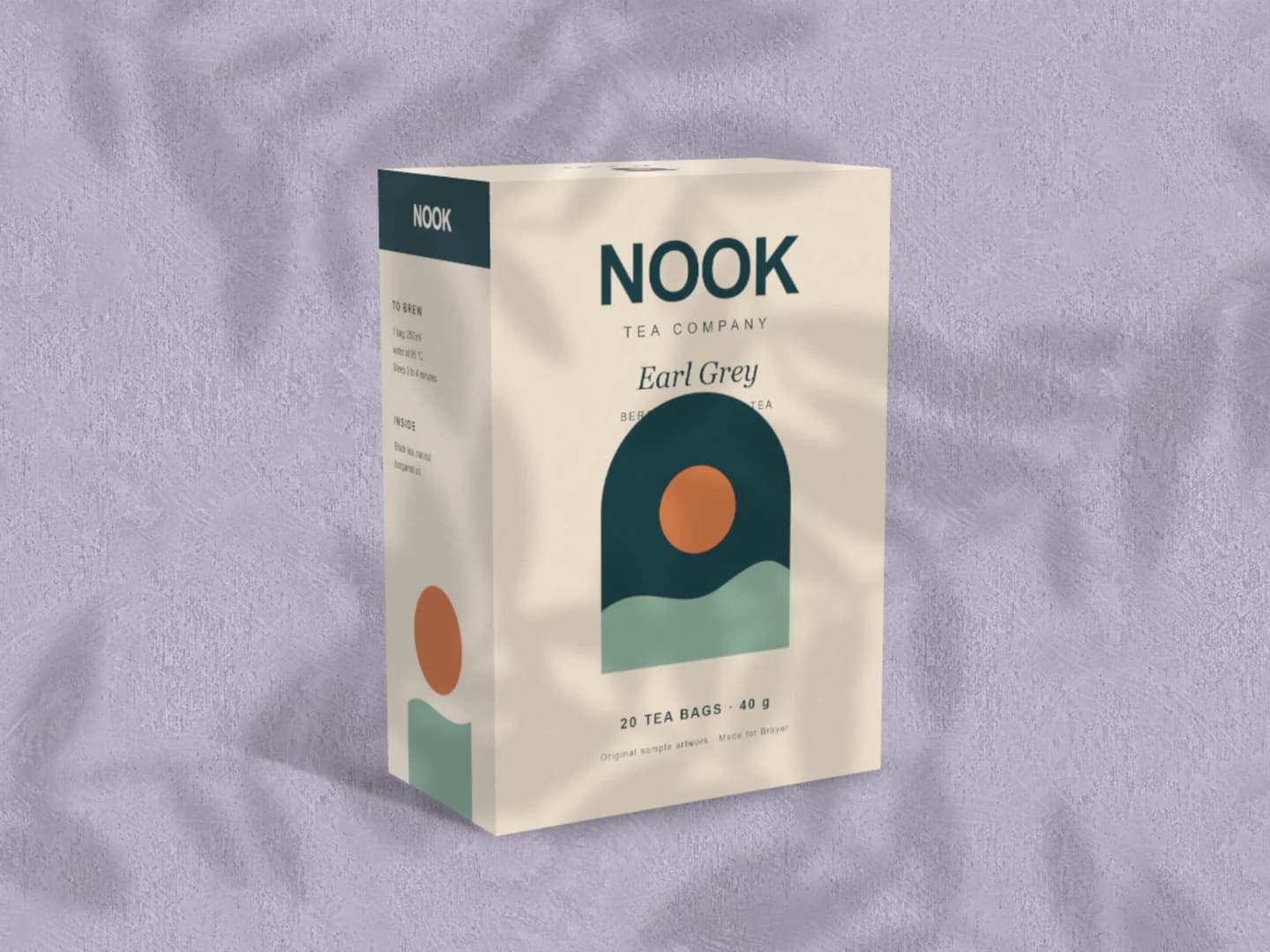
Carton mockups
Each page opens a real scene you can edit.
Every mockup generatorYour next visual starts here.
Make a poster mockupFree to start. Your files stay local by default.