CHOOSING YOUR TOOLS
Brayer or Shots for your next launch graphic?
Start with the output you need. Brayer combines editable compositions, reusable local projects and short keyframed videos. Shots combines screenshot mockups with video and animation tools. Compare the export limits and editing controls your launch needs.
By Álex Coca · Published · Updated
Try the same source image
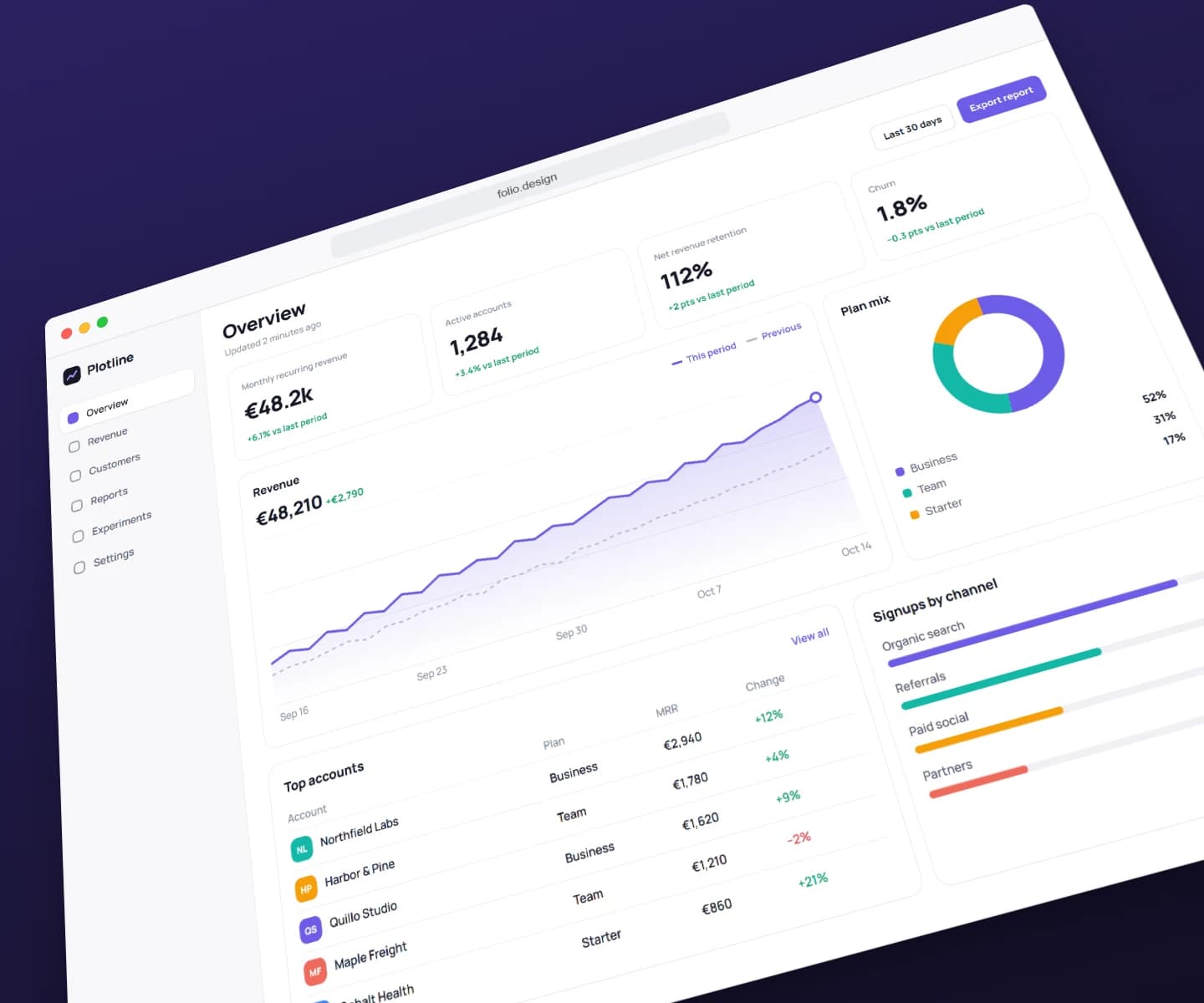
Our example uses the fictional Folio website: a wide screenshot with a strong headline and three content cards. In Brayer, open the website mockup scene, replace the artwork, adjust the visible browser address and background, then export one PNG. The composition stays editable for the next release.
For a fair comparison, bring the same source image into Shots, choose a browser or screenshot frame, and aim for the same final canvas dimensions. Compare legibility, crop control and the effort needed for your second version. The example pictured here was exported from Brayer; it is not a Shots output or a speed benchmark.
Choose according to the deliverable
Brayer offers product turns, composition pushes, text entrances and screen scrolls with editable keyframes. Pro exports opaque MP4 or WebM up to 1080p for 1 to 30 seconds at 24 or 30 fps, with no audio, and App Store app previews at Apple's exact sizes. Shots documents video zooms and animation presets too; compare a real export rather than assuming the tools have identical scope.
Brayer is a useful fit when you want to combine screenshots, editable text, shapes, several pages and flat stationery in one project. The studio itself needs no account: local saving and portable backups are included in Free. An account is needed for Pro, optional sync and Connect AI, which takes a free one.
Workflow comparison, checked 15 October 2026. Competitor features and prices can change; check the linked official product page.
| Your task | Brayer | Shots |
|---|---|---|
| A still website mockup | Browser frames and editable compositions | Screenshot mockups and layout presets |
| Animated launch content | Editable presets and keyframes; Pro MP4/WebM up to 1080p, 1–30 seconds, 24 or 30 fps, and App Store app previews | Video, zoom effects and animation presets |
| Repeat a launch layout | Local projects, saved scenes and Pro batches | Templates and layout presets |
| Plan choice | Free stills up to 3,000 px on the long side, no watermark or account; Pro €9/month, €79/year or a €12 30-day pass | Free tools; Plus €8/month or €79/year and Pro €12/month or €99/year in its euro pricing |
| AI agents | Connect AI: Claude, ChatGPT and other MCP apps edit your open studio tab (free beta, free account) | None listed on shots.so |
Check what your recurring work needs
Brayer Free includes all current frames, individual PNG/JPEG exports at exact sizes up to 3,000 px on the long side, one saved brand kit and three reusable scenes. Pro (€9/month, €79/year, or €12 for a 30-day pass that doesn't renew) adds exports over 3,000 px and at 3× or 4×, transparent/WebP exports, multi-page ZIPs, image batches, size packs, exports from the premium collections, more saved libraries and optional 1 GB cloud sync.
Shots' editor lists 6K images, 2K video at 60 fps and transparent video among its Pro features. This comparison is written by Brayer and uses our own editor plus the linked public Shots product information. It does not claim a full test of Shots' paid features. Check the live local-price panel and try your actual export requirements before choosing a subscription.
Check the source requirements
Product features and submission requirements can change. These official pages support the comparison or specifications above.
Keep building your launch set
- Animate Mockups with Presets and Keyframes
- How to Make App Store Screenshots
- App Store Screenshot Sizes & Checker (2026)
- Localize App Store Screenshots in Brayer
- Google Play Screenshots and Feature Graphic Guide
- Connect AI: Design with Claude or ChatGPT via MCP
- Brayer vs Rotato: Mockups and Motion Compared
Website mockups · iPhone mockups
Try the example