Free Website Mockup Generator: Give your website a launch-ready mockup.
Show the product you built, with enough context to make it click. Put a screenshot inside a browser frame, choose a background, and create a visual for your landing page, changelog, or next launch.
Make a website mockupNo sign-up. No watermark. Made for desktop browsers.
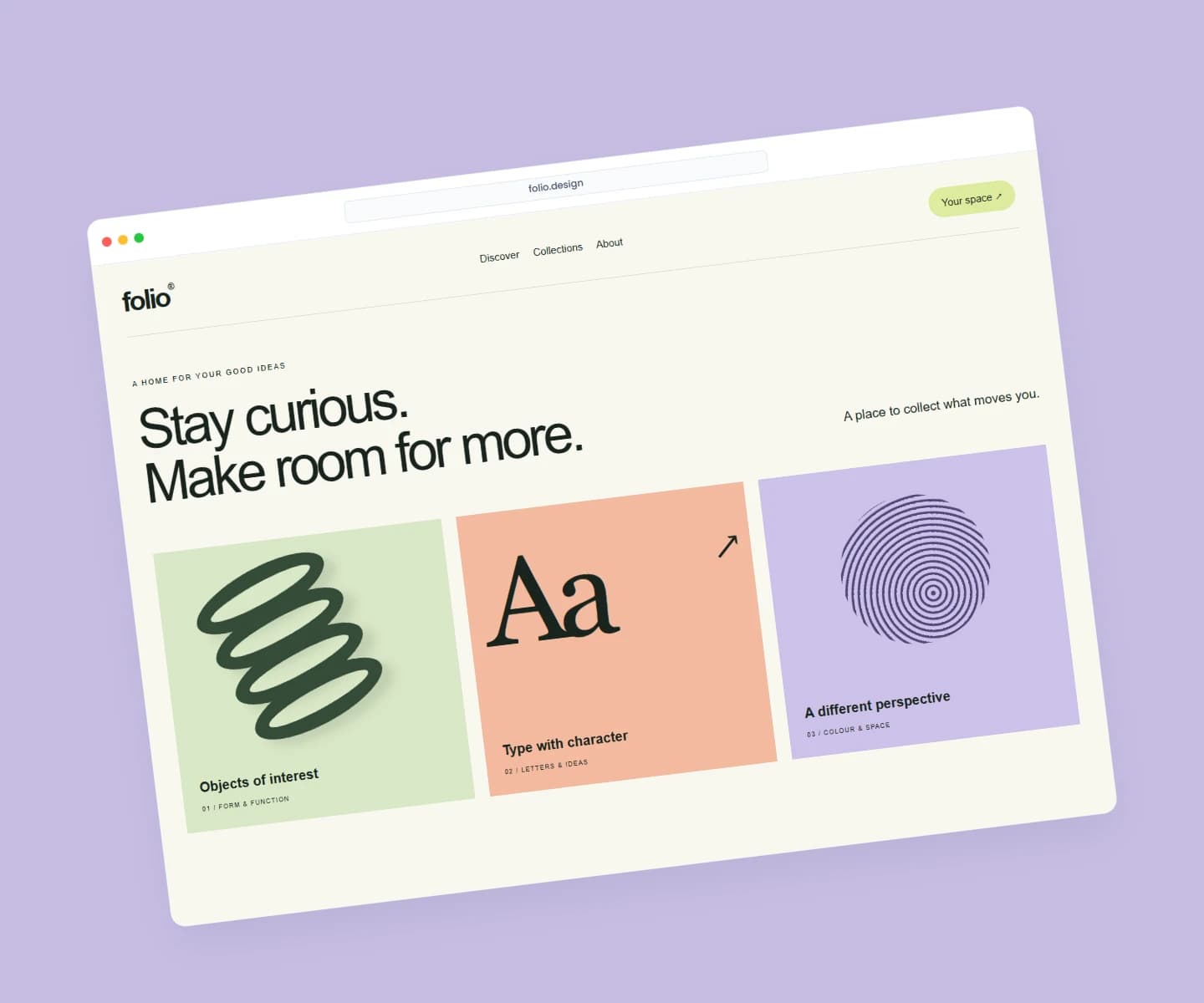
How to make website mockups.
- 01
Capture the part that matters
Take a screenshot of your website or app. For a feature announcement, choose the screen that shows the feature clearly. Add the image from your computer or paste it into Brayer; entering a URL does not capture the website.
- 02
Frame your product
Open the browser scene and replace the sample image. Adjust the screenshot crop, frame size, background, and visible browser address. Add a headline or arrange a second screen in Full editor if your story needs it.
- 03
Export for the next destination
Set your canvas dimensions and download a PNG or JPEG without a watermark, free up to 3,000 px on the long side. Keep a local project copy so the next release can reuse the same layout with an updated screenshot.
Built for the work between releases
A browser mockup helps a small interface detail read as a real product. Use a tight crop for a changelog, a wider composition for a homepage hero, or several screens for a portfolio case study. Text, shapes, and screenshots remain editable, so you can keep your visual style consistent as the product changes.
What is included for free?
Every device frame and starter scene, plus one free scene from each premium collection, custom canvas dimensions, local saving, and PNG or JPEG export up to 3,000 px on the long side, with no watermark or account. Pro adds larger exports up to 4×, WebP, transparent backgrounds, the premium collections, size batches, and optional cloud sync.
Compare Free and ProRead next
- Brayer vs Shots: Choosing a Mockup ToolCompare Brayer and Shots for screenshot mockups, launch graphics and animated content: a practical example, workflow differences and clear plan limits.
- Connect AI: Design with Claude or ChatGPT via MCPAdd Brayer's MCP connector to Claude, ChatGPT, Claude Code or Cursor, turn on Connect AI in the studio, and let your AI app build mockups in your open tab.
GOOD TO KNOW
Before you create.
Can Brayer capture my website from a URL?
No. Bring a screenshot as an image or paste one from your clipboard. The address shown in a browser frame is a visual label, not a website capture service.
Can I make a 3D browser mockup?
Yes. The studio includes a 3D browser scene alongside flat browser and laptop frames. Those scenes are available on the Free plan too.
Can I use it for a client presentation?
Yes. Create a finished image for a presentation or portfolio using work you have permission to share. Layout links omit your uploaded images; send the exported image or a project file when someone needs the full design.
Find your next mockup.
Starting points for product launches, portfolios and client work.
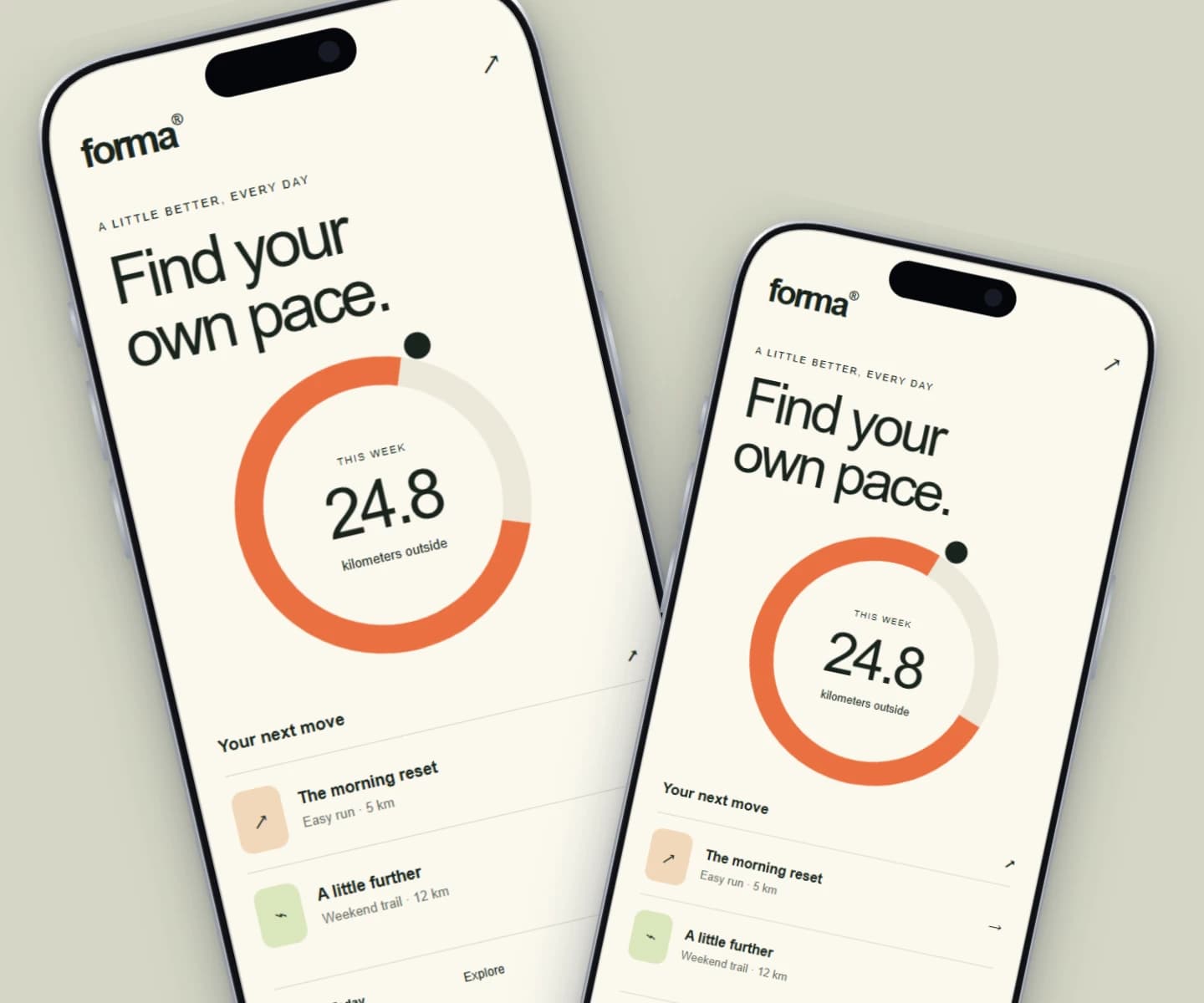
iPhone mockups
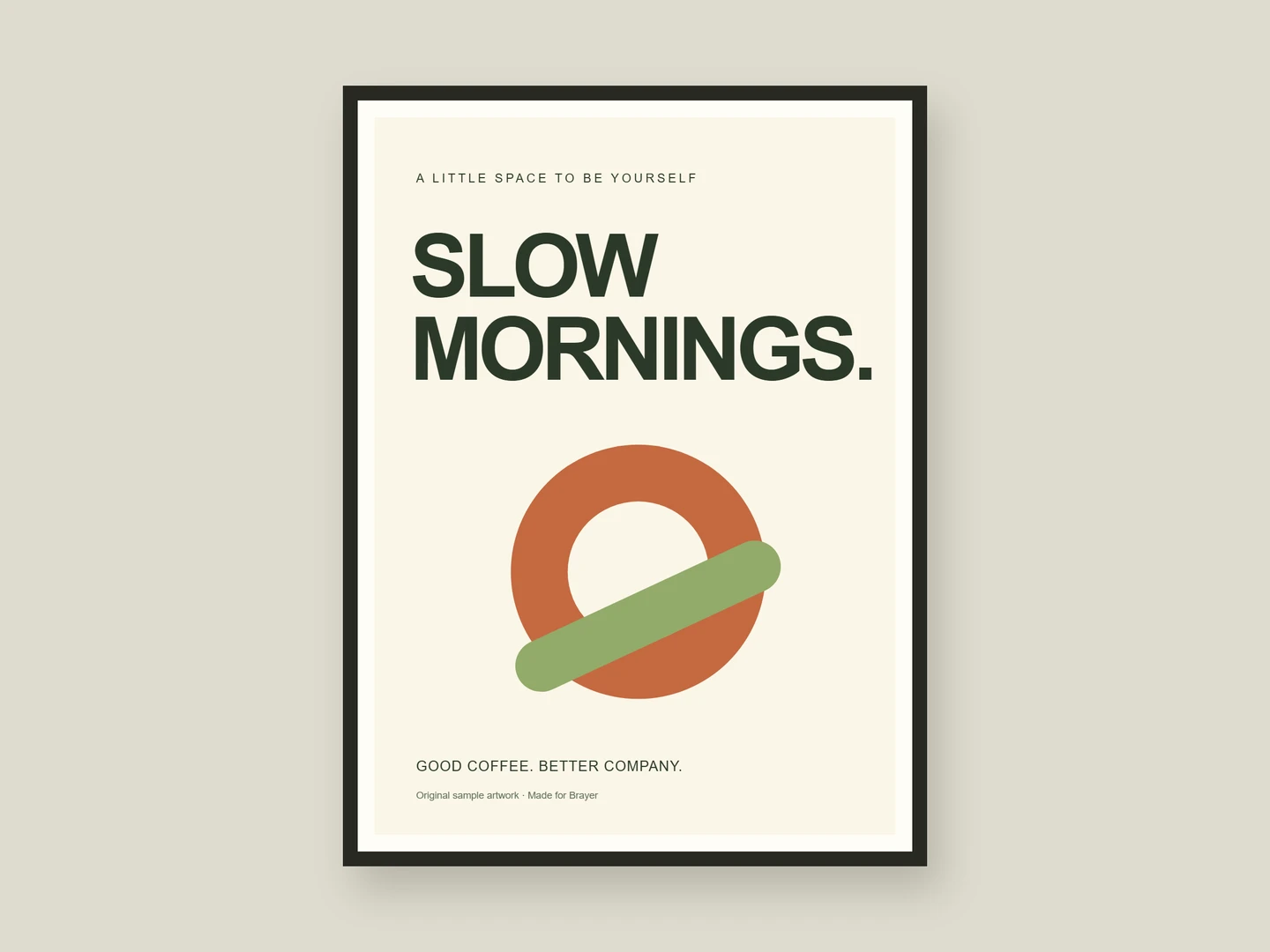
Poster mockups
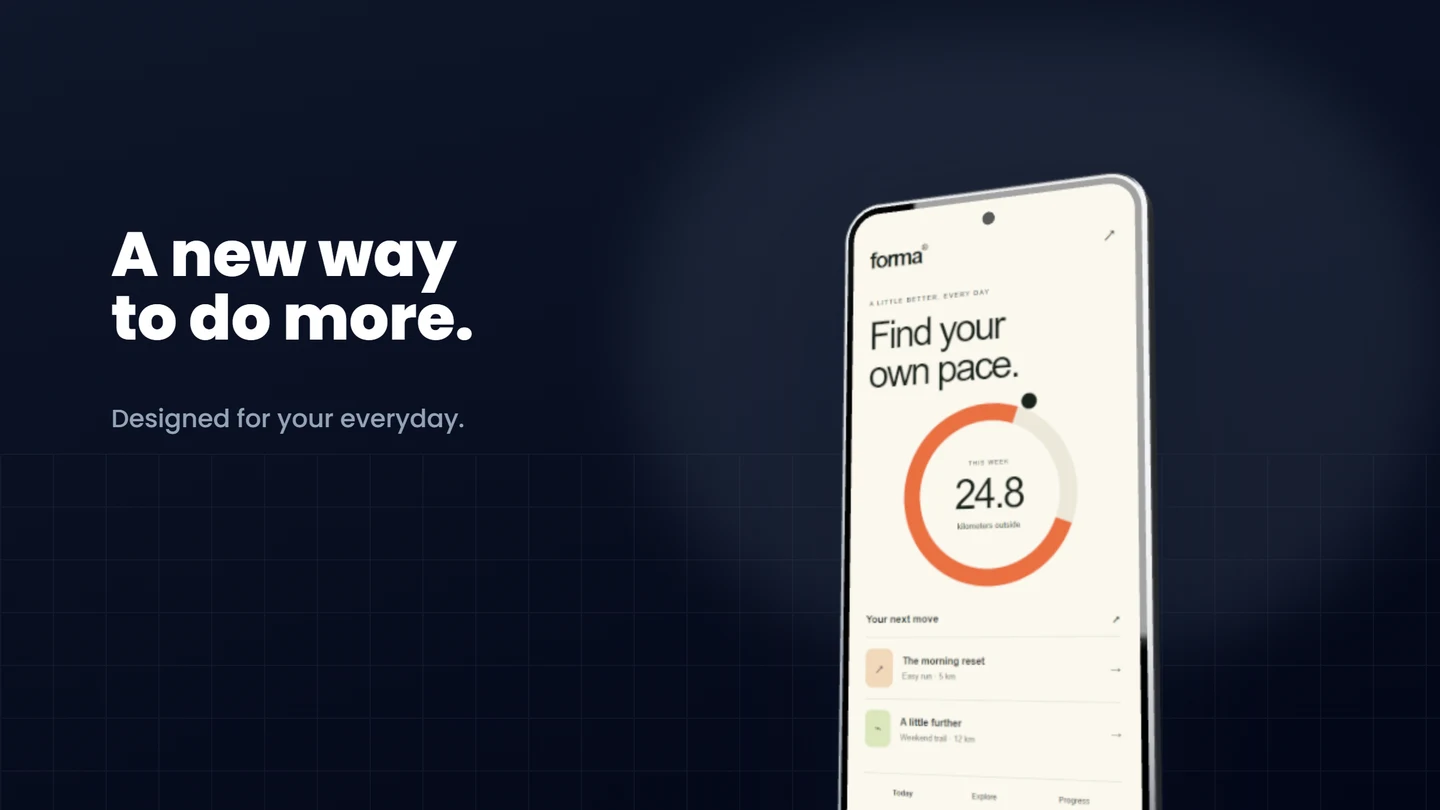
Android mockups
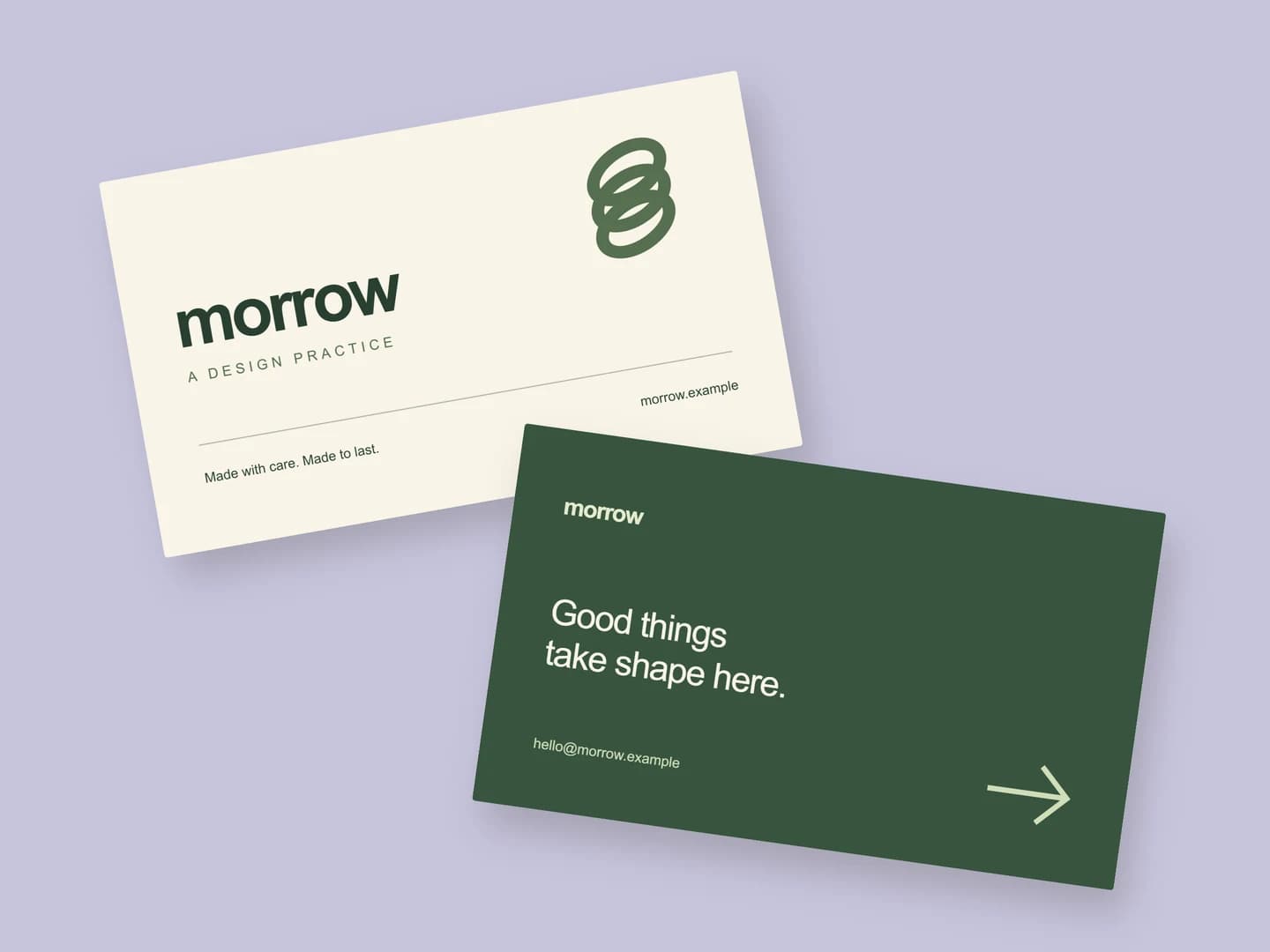
Business card mockups
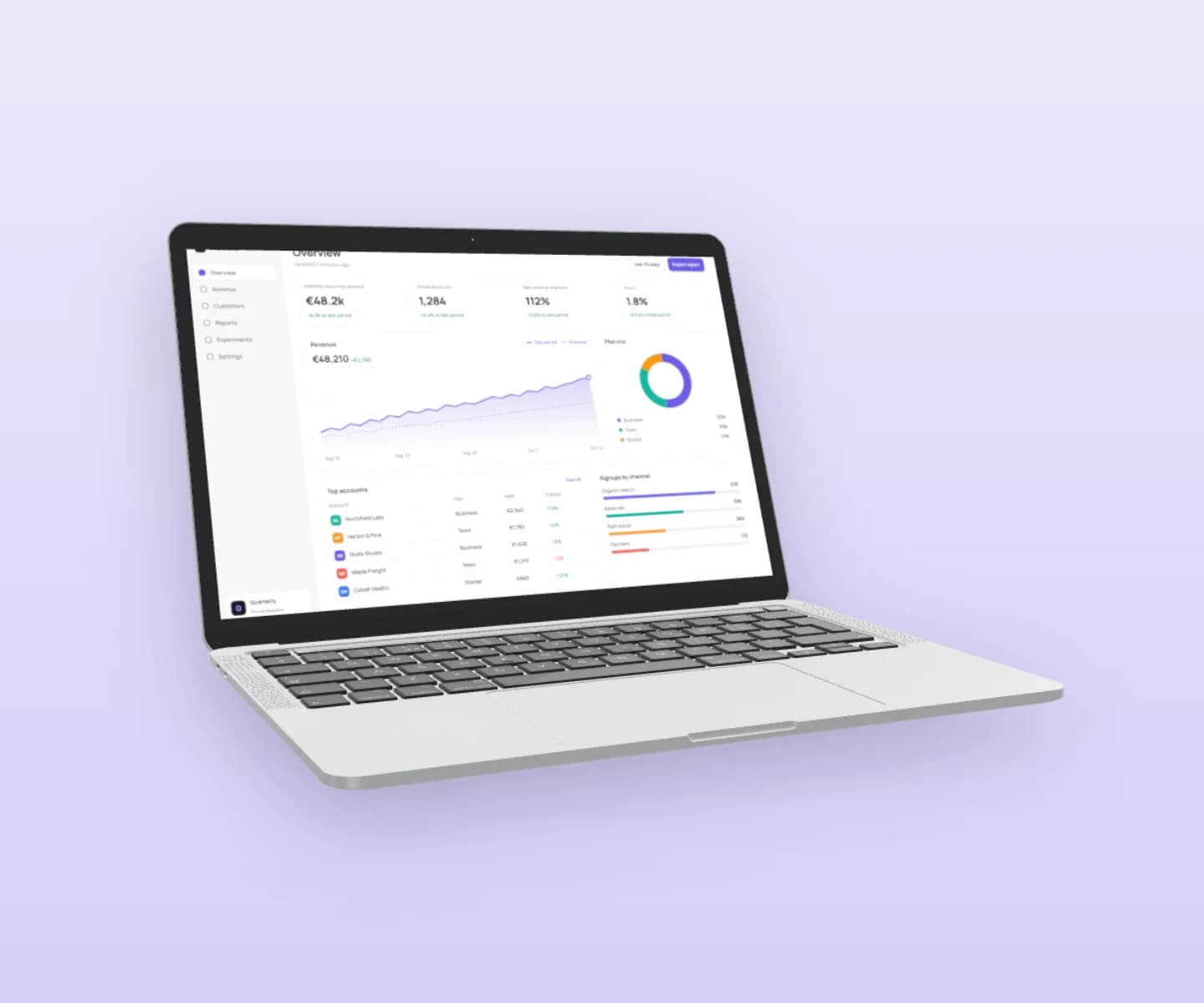
MacBook mockups
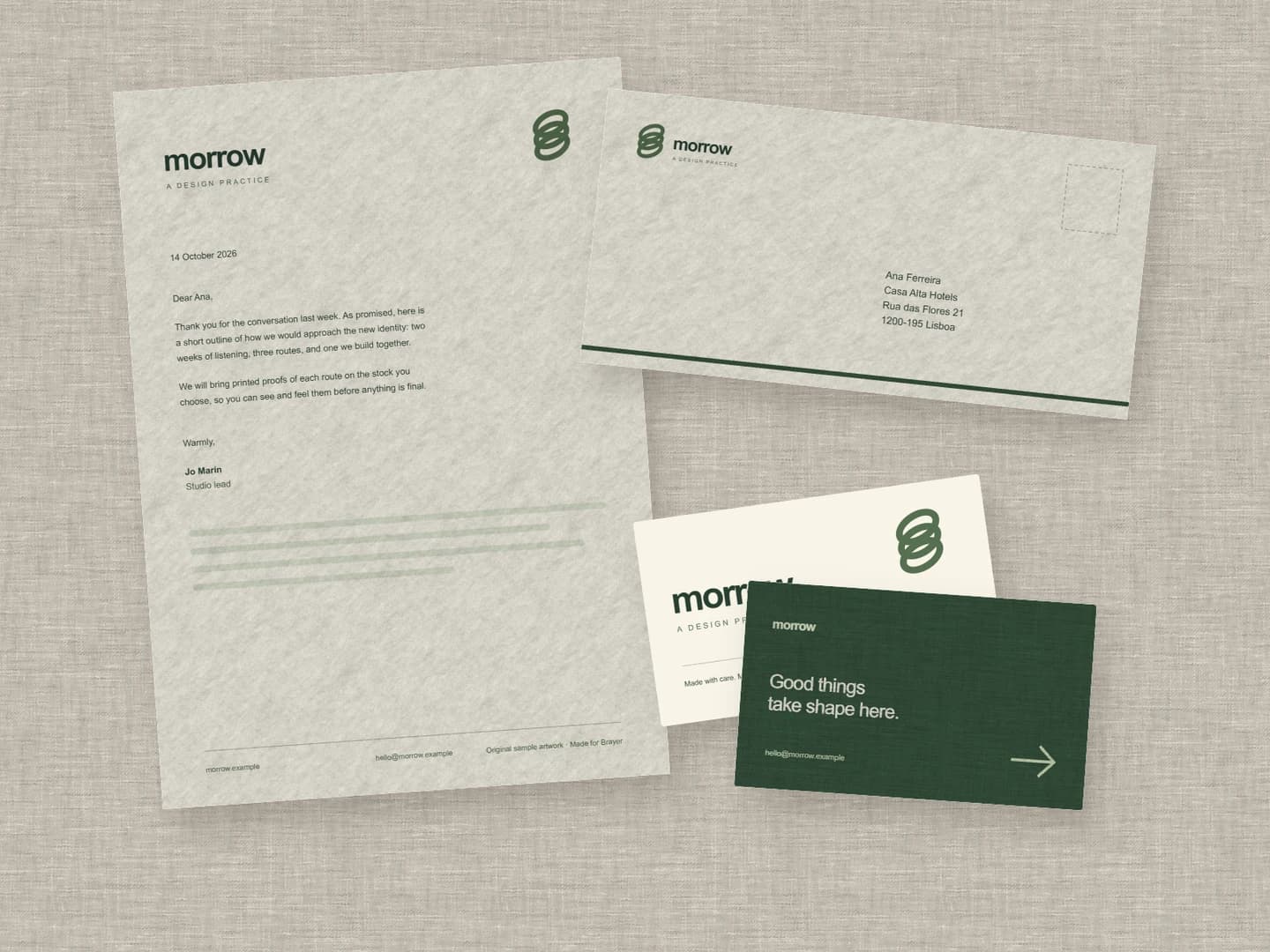
Stationery mockups
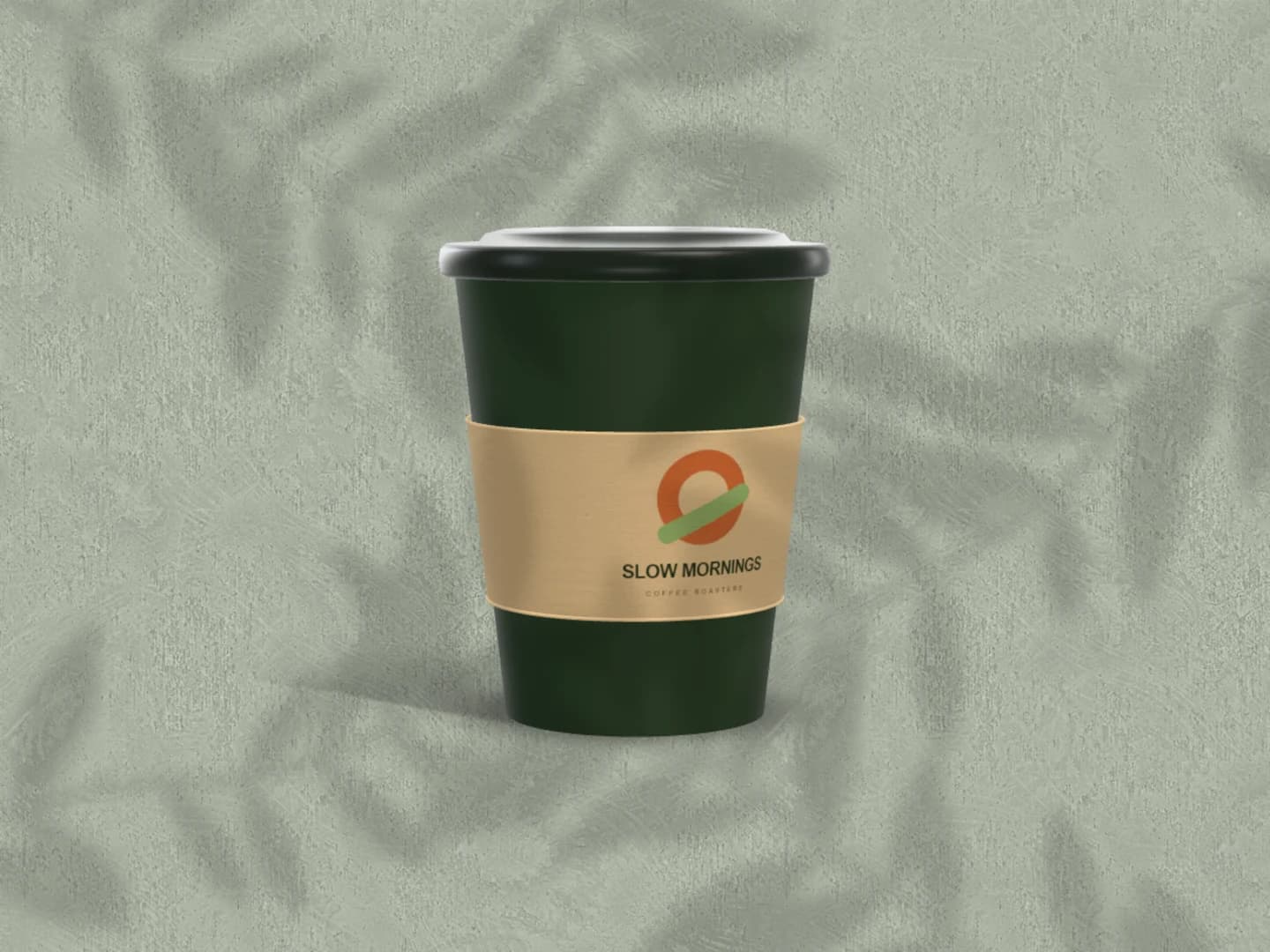
Café branding mockups
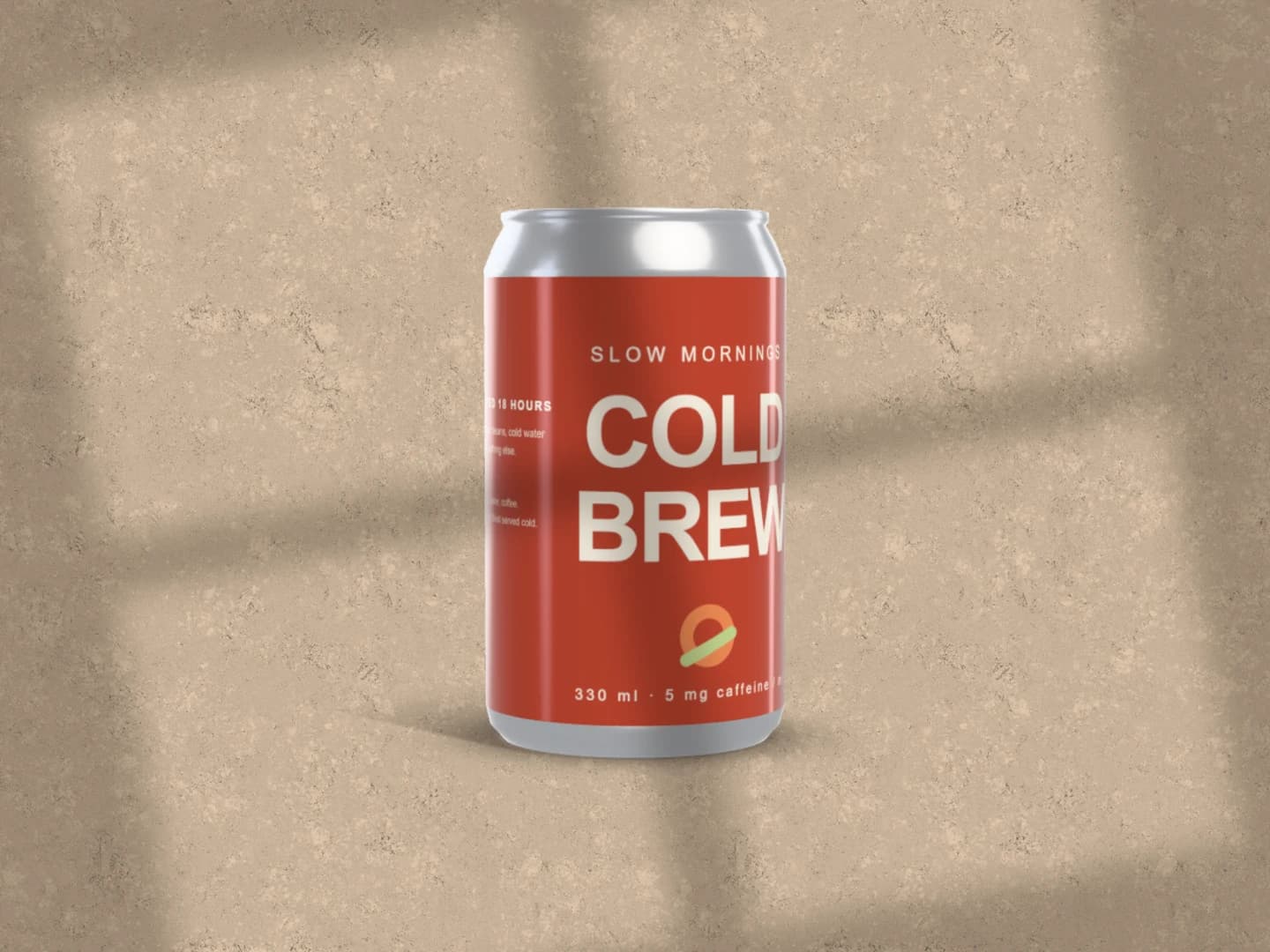
Can mockups
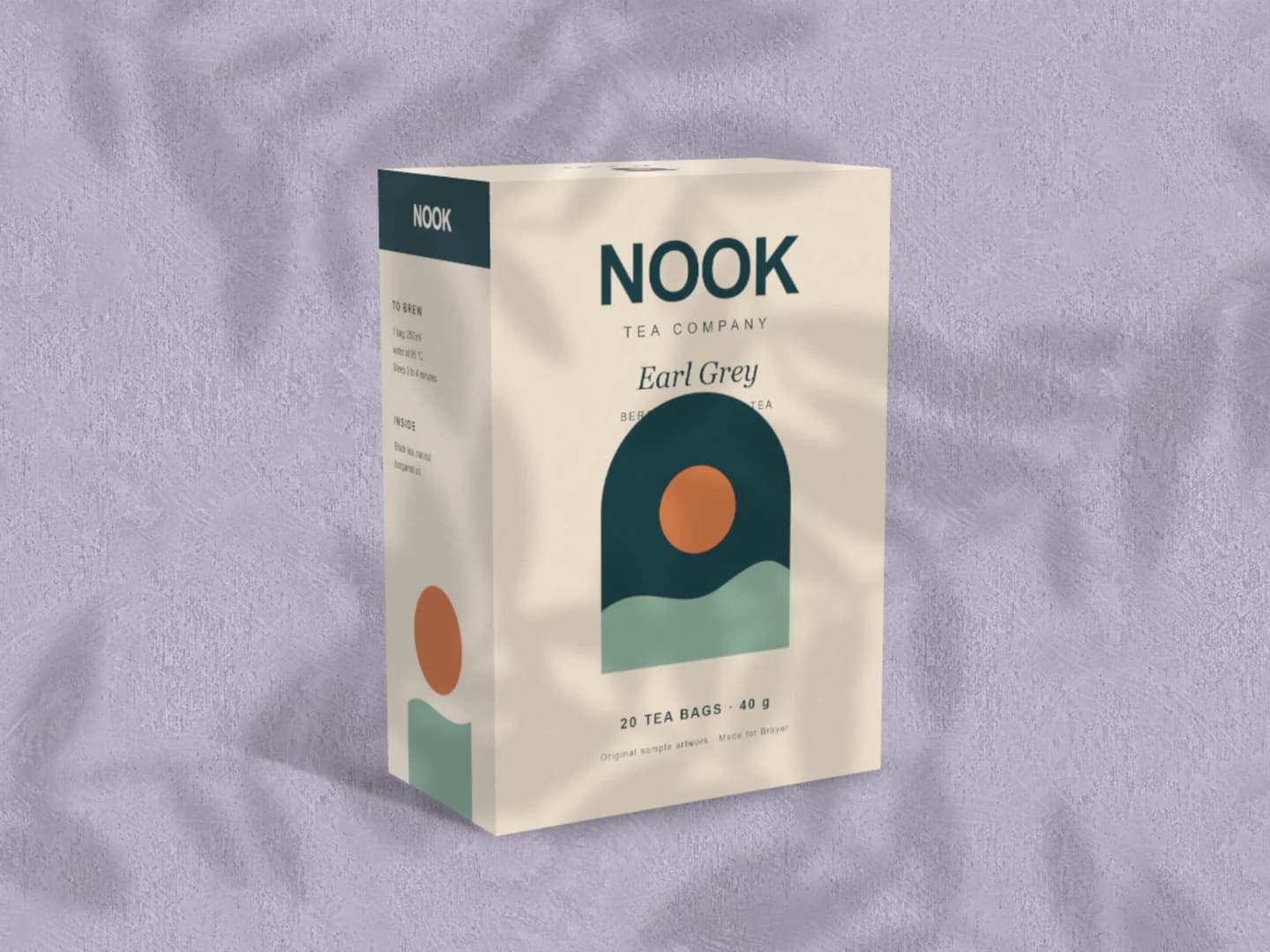
Carton mockups
Each page opens a real scene you can edit.
Every mockup generatorYour next visual starts here.
Make a website mockupFree to start. Your files stay local by default.