Free Art Print Mockup Generator: Let the print sell itself.
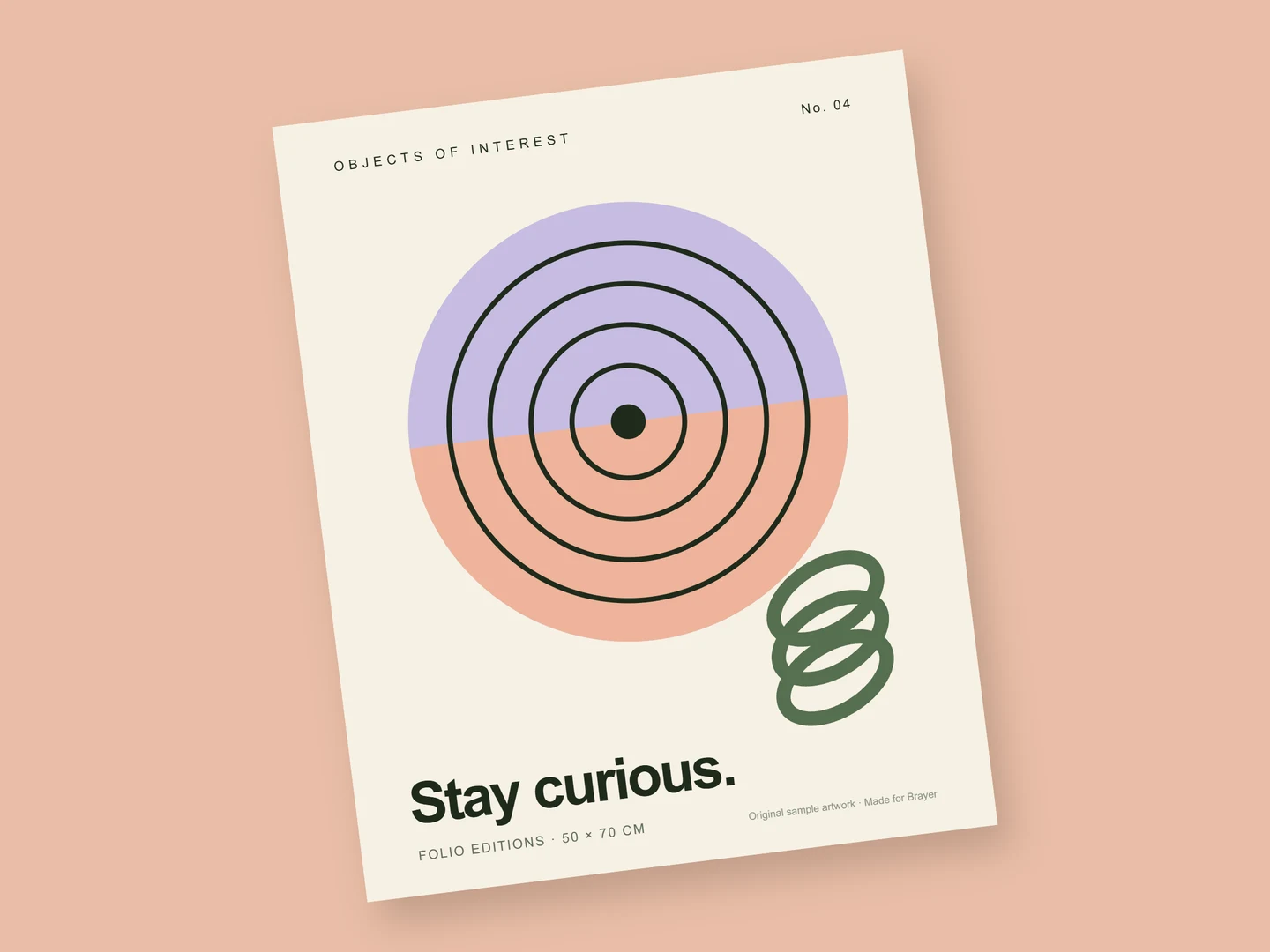
Present an illustration, a risograph or a typographic print as an object, not a flat file. The free scene sets an unframed print on a peach ground; add your artwork, choose the paper, and export an image for a shop listing, a portfolio or a launch post.
Make an art print mockupNo sign-up. No watermark. Made for desktop browsers.
How to make art print mockups.
- 01
Add the artwork
Open the art print scene, select the print and replace the sample with your image: PNG, JPEG, WebP or SVG. The surface has A-series proportions, so a 50 × 70 cm or A3 design fills it with little or no cropping; use the crop controls for anything else.
- 02
Choose paper, or a frame
Set a paper stock and finish: Uncoated or Recycled for a soft printed look, gloss for a photographic one. For a framed print, open the Gallery wall scene, which hangs a framed poster in window light, and set the frame colour, the frame width and the mat.
- 03
Export for the listing
Shops and marketplaces usually want square or 4:5 images, so set the canvas size before you export. Download a PNG or JPEG free up to 3,000 px on the long side. Make a page for each colourway or size and export them one by one, or together as a ZIP with Pro.
Scale and paper are part of the picture
A print sold online is judged by a picture of it. Leave a margin of ground around the sheet so its edges and shadow show, and keep the tilt small enough that straight lines in the artwork still read as straight. A ground colour lifted from the print ties the image together; a plaster or linen texture suggests a wall or a table. If the same artwork is also sold framed, show it both ways with the poster mockup.
What is included for free?
Every device frame and starter scene, plus one free scene from each premium collection, custom canvas dimensions, local saving, and PNG or JPEG export up to 3,000 px on the long side, with no watermark or account. Pro adds larger exports up to 4×, WebP, transparent backgrounds, the premium collections, size batches, and optional cloud sync.
Compare Free and ProRead next
- Connect AI: Design with Claude or ChatGPT via MCPAdd Brayer's MCP connector to Claude, ChatGPT, Claude Code or Cursor, turn on Connect AI in the studio, and let your AI app build mockups in your open tab.
GOOD TO KNOW
Before you create.
Can I show the print in a frame?
Yes. The framed poster surface adds a frame with its own colour, width and mat. Start from the Gallery wall scene or the poster mockup and replace the artwork.
Can I use the mockup images to sell my prints?
Yes, when the artwork is yours to sell. Exported images can be used for commercial work, and they carry no watermark on Free or Pro. The sample artwork is a placeholder; replace it before you publish.
Does it simulate paper texture and ink?
Paper, yes: six stocks in matte or gloss, and Kraft and Board print your artwork into the sheet. It does not simulate riso grain, foil or embossing, and it is a presentation, not a colour proof.
Find your next mockup.
Starting points for product launches, portfolios and client work.
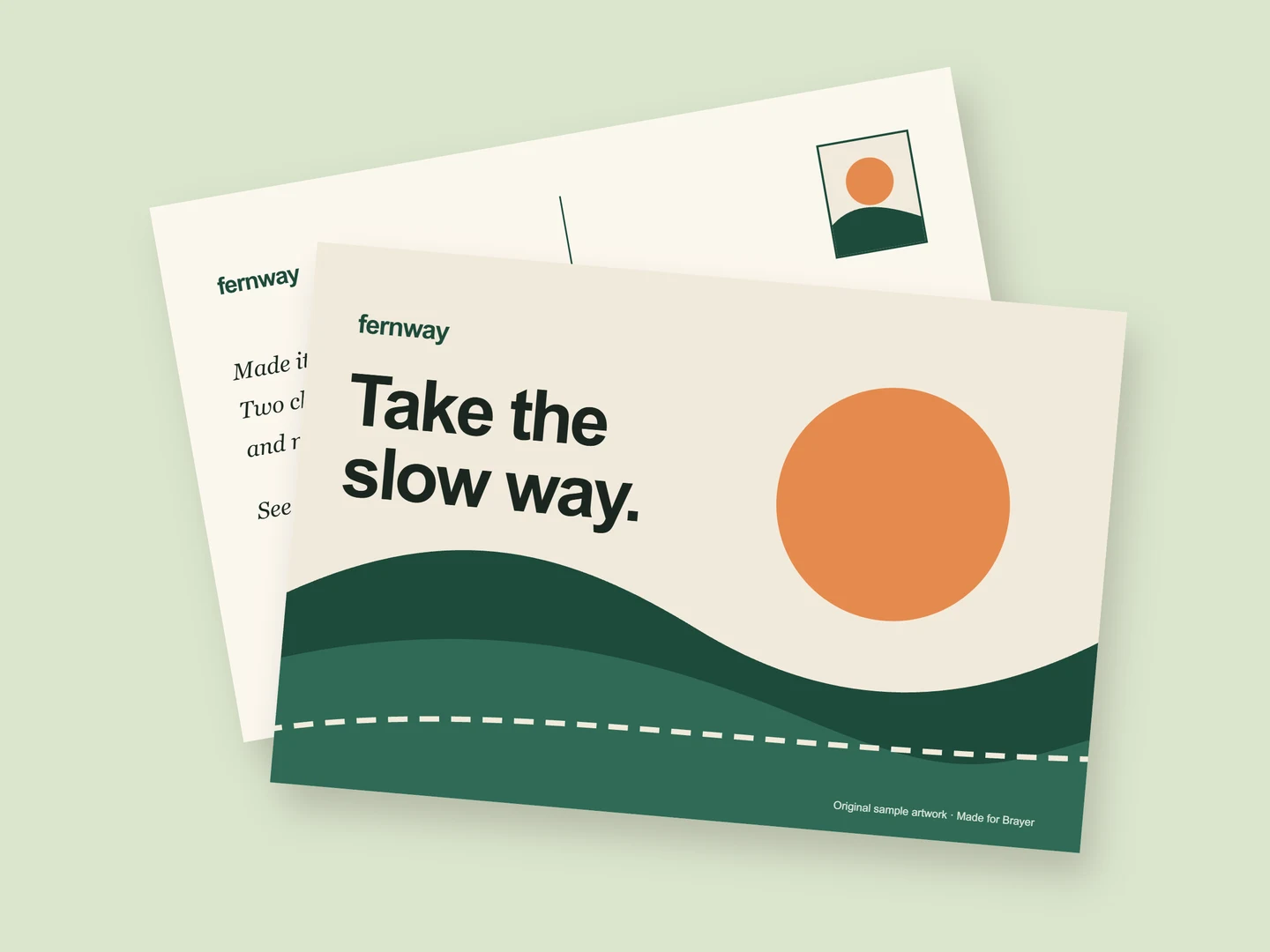
Postcard mockups
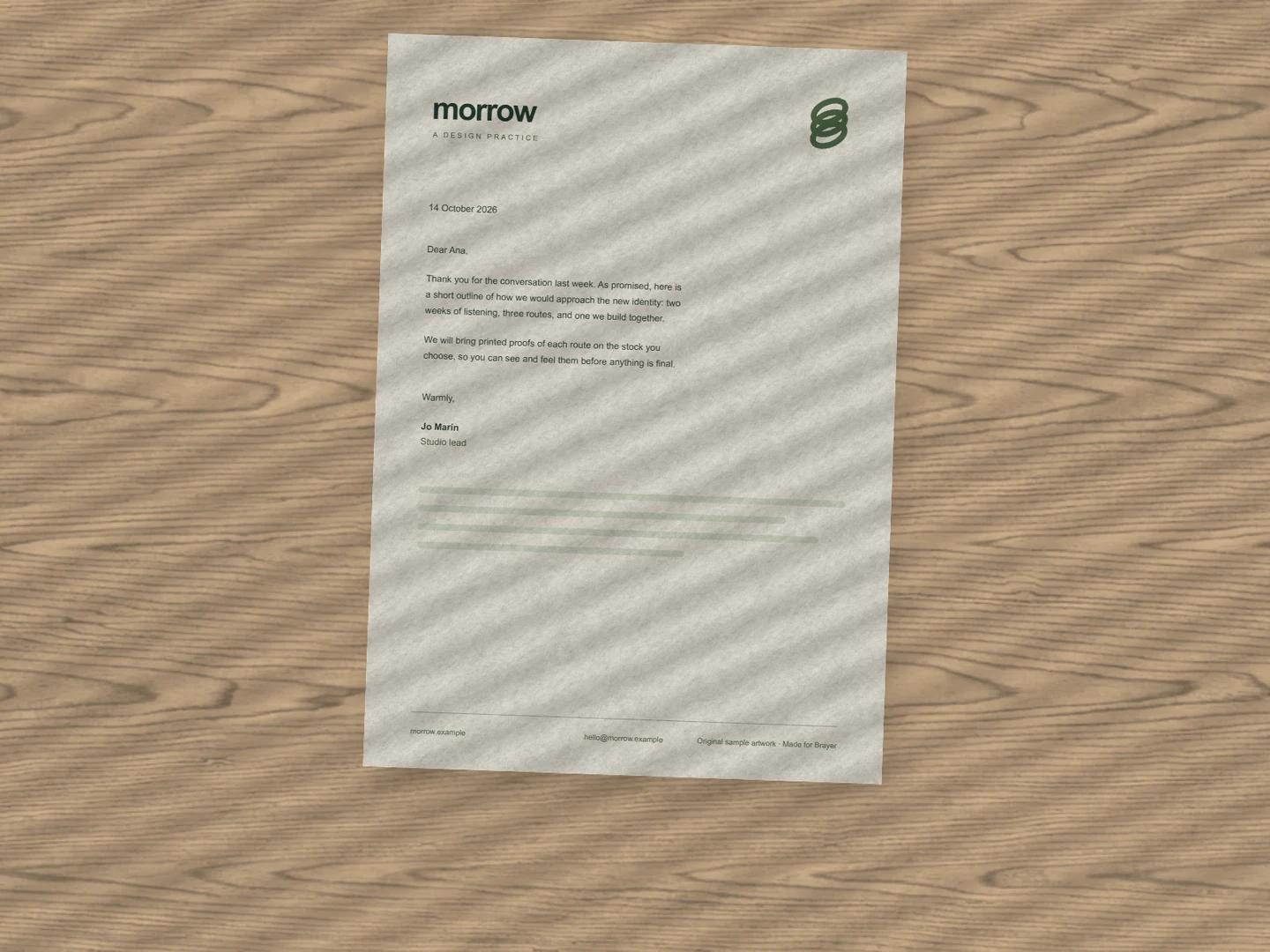
Letterhead mockups
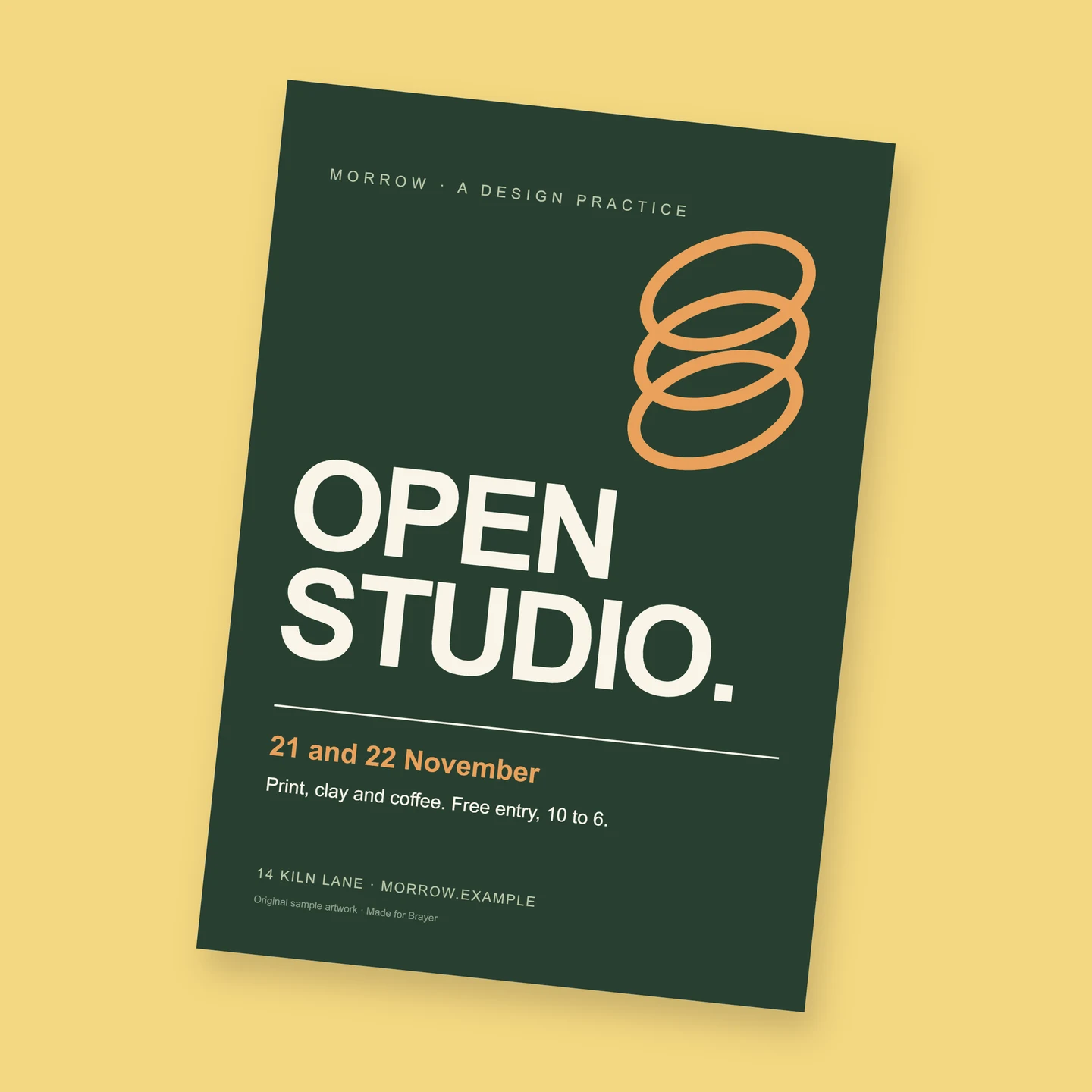
Flyer mockups
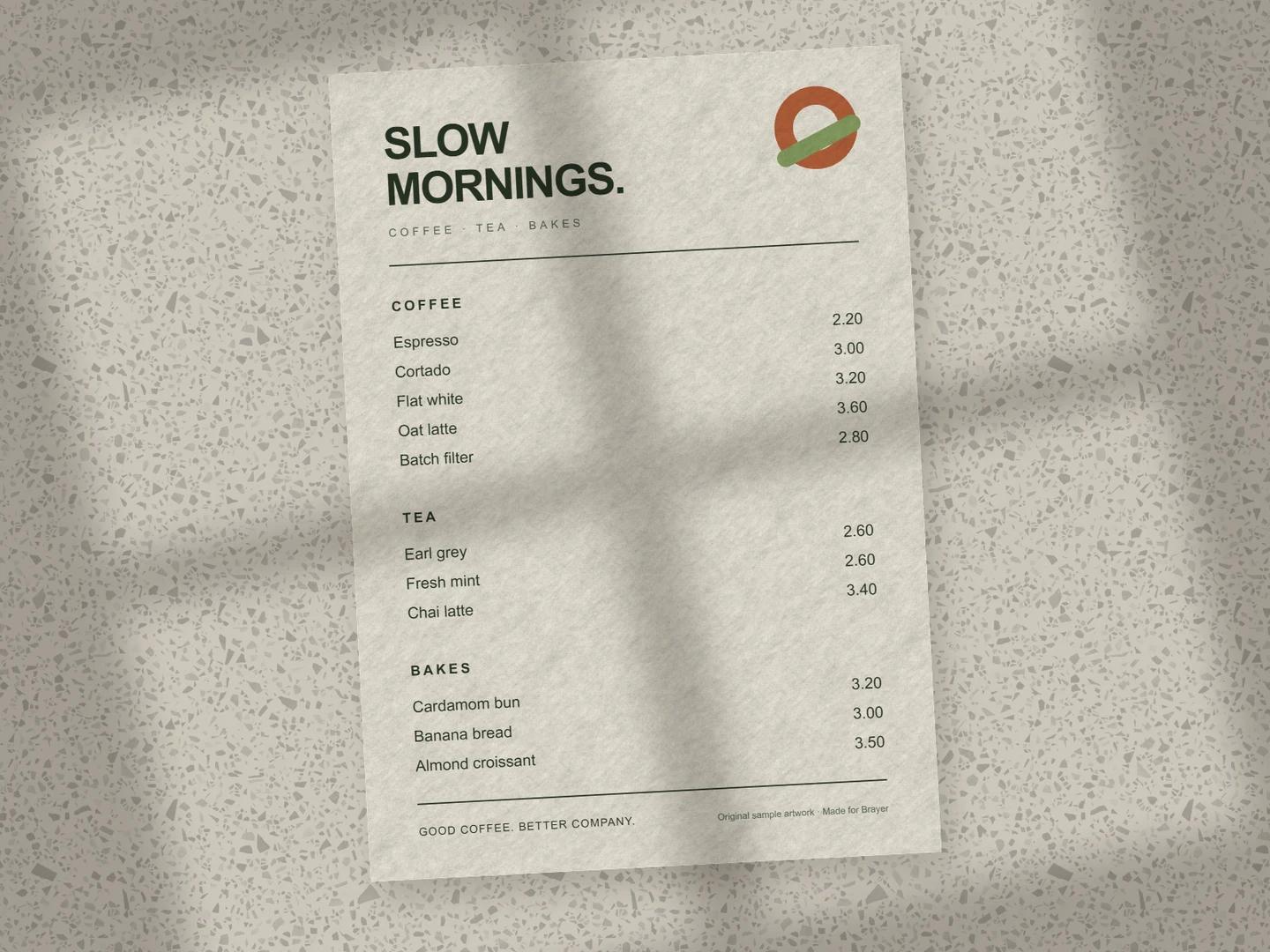
Menu mockups
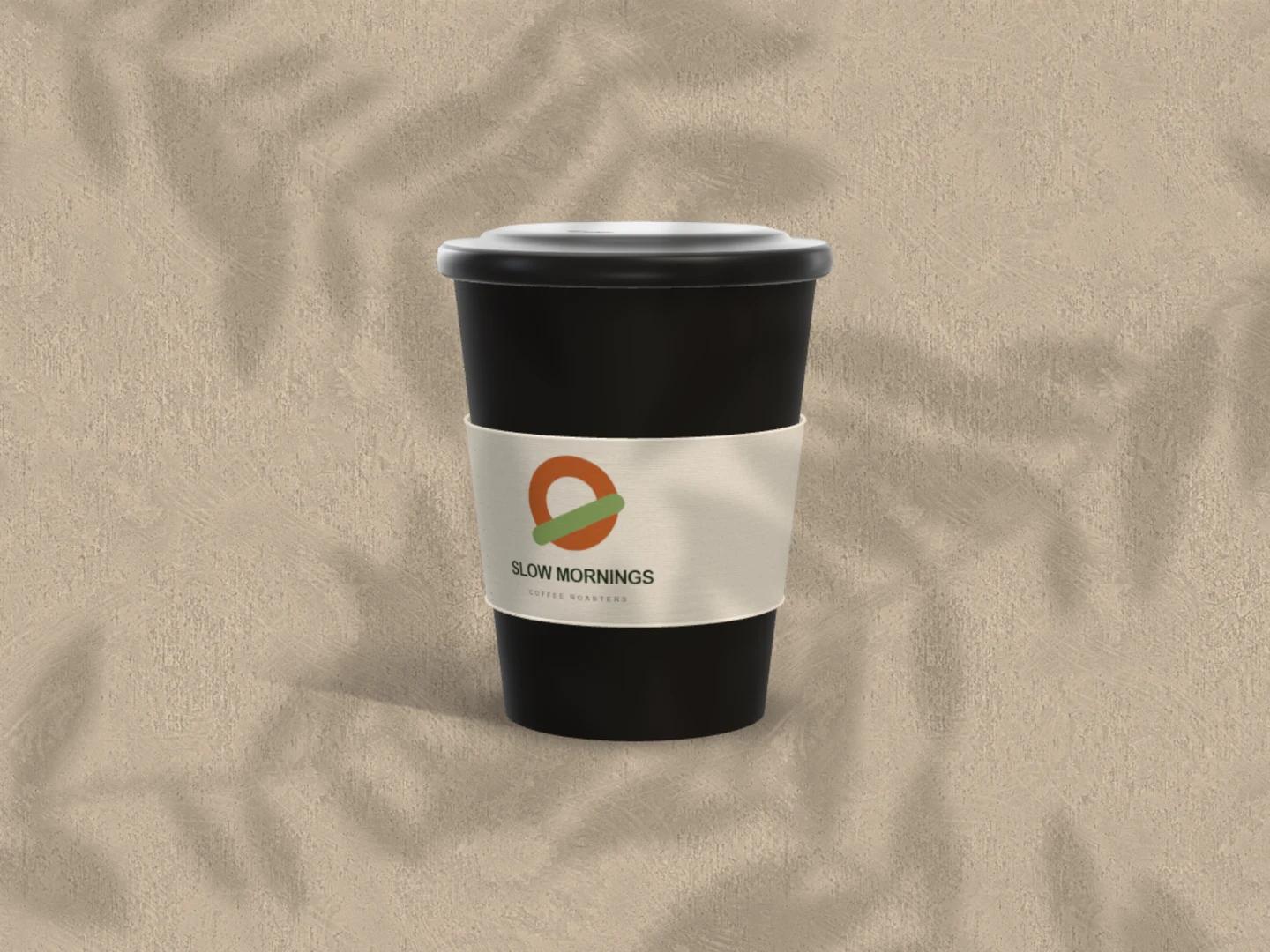
Coffee cup mockups
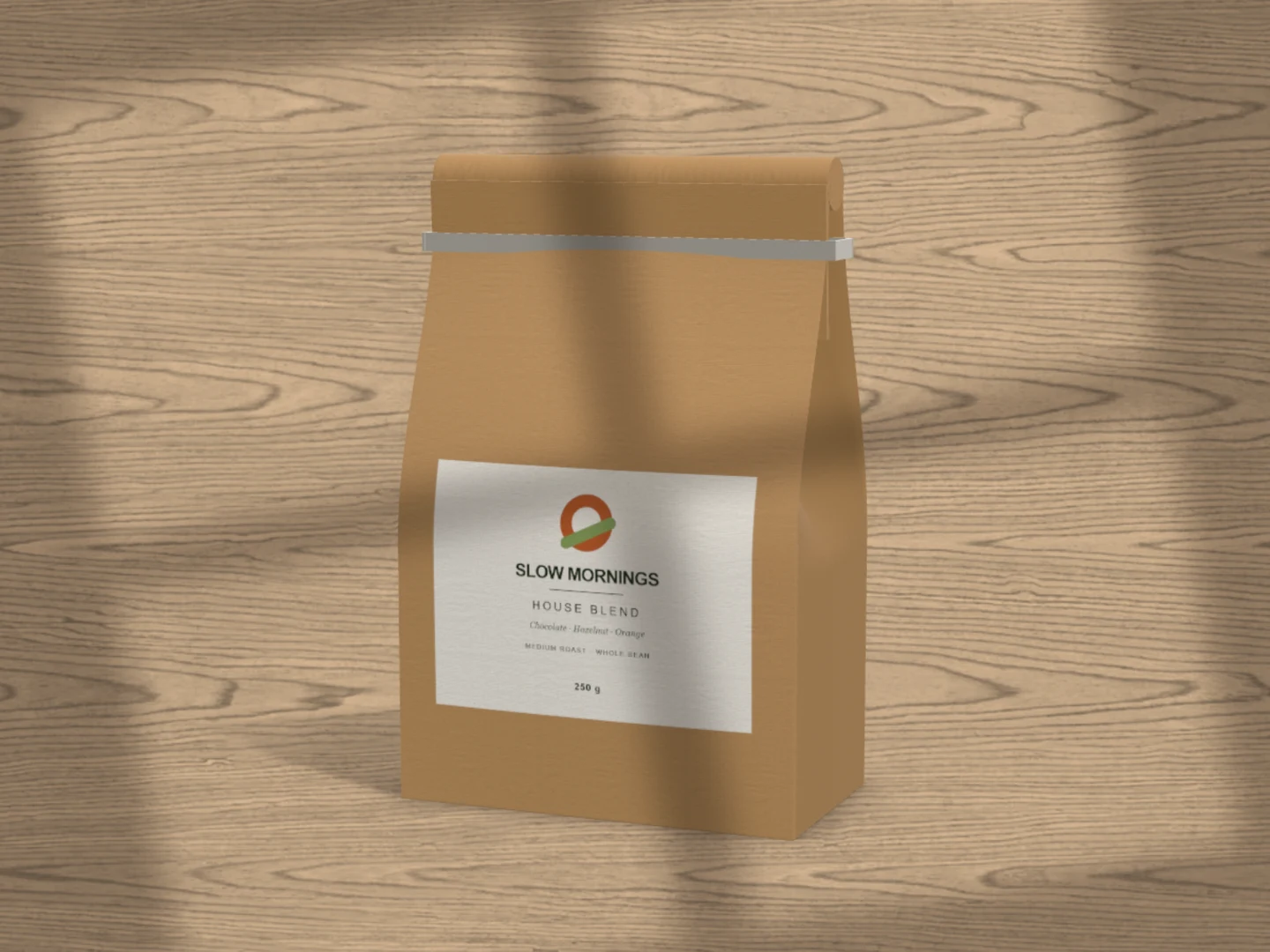
Coffee bag mockups
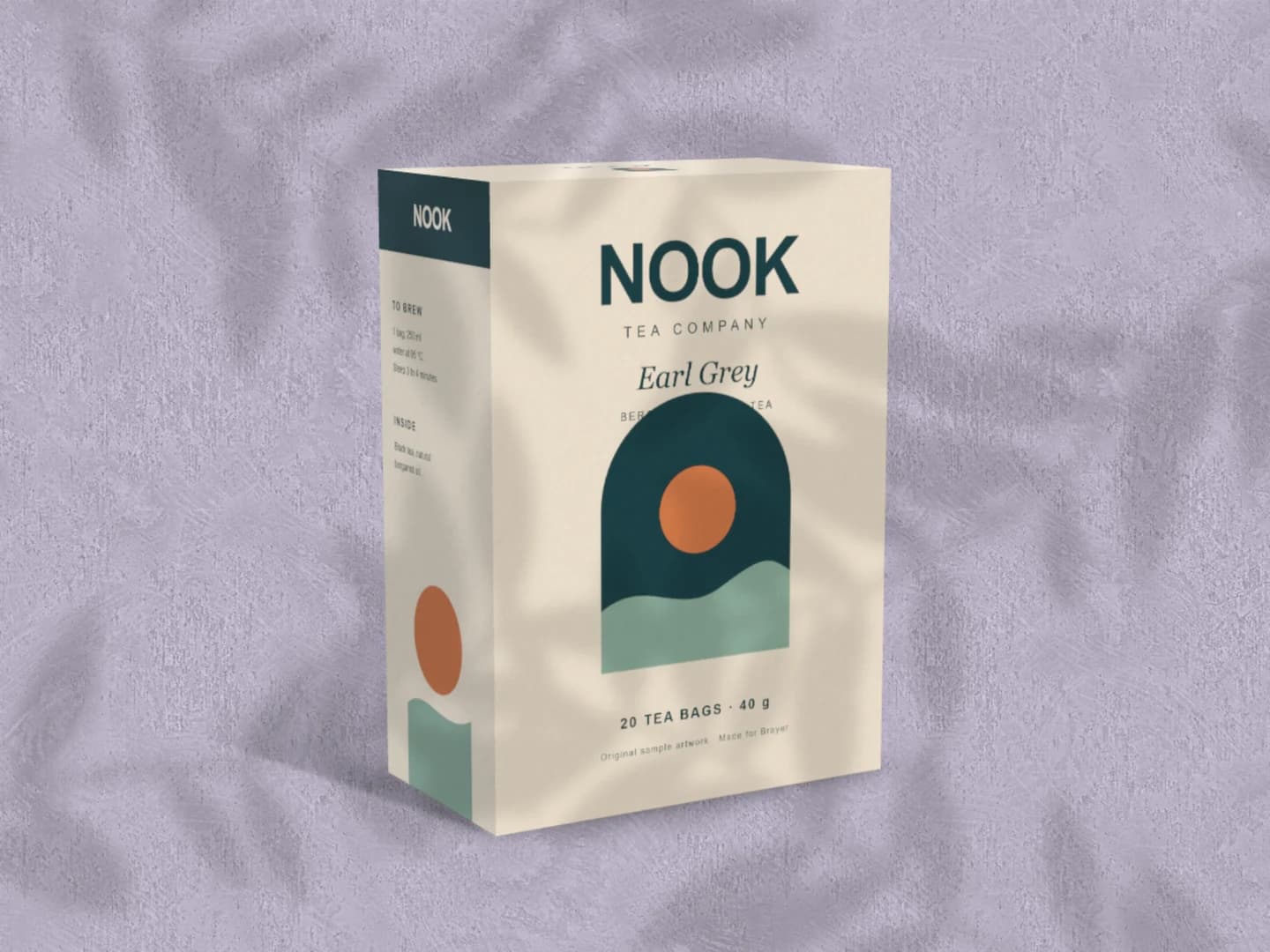
Carton mockups
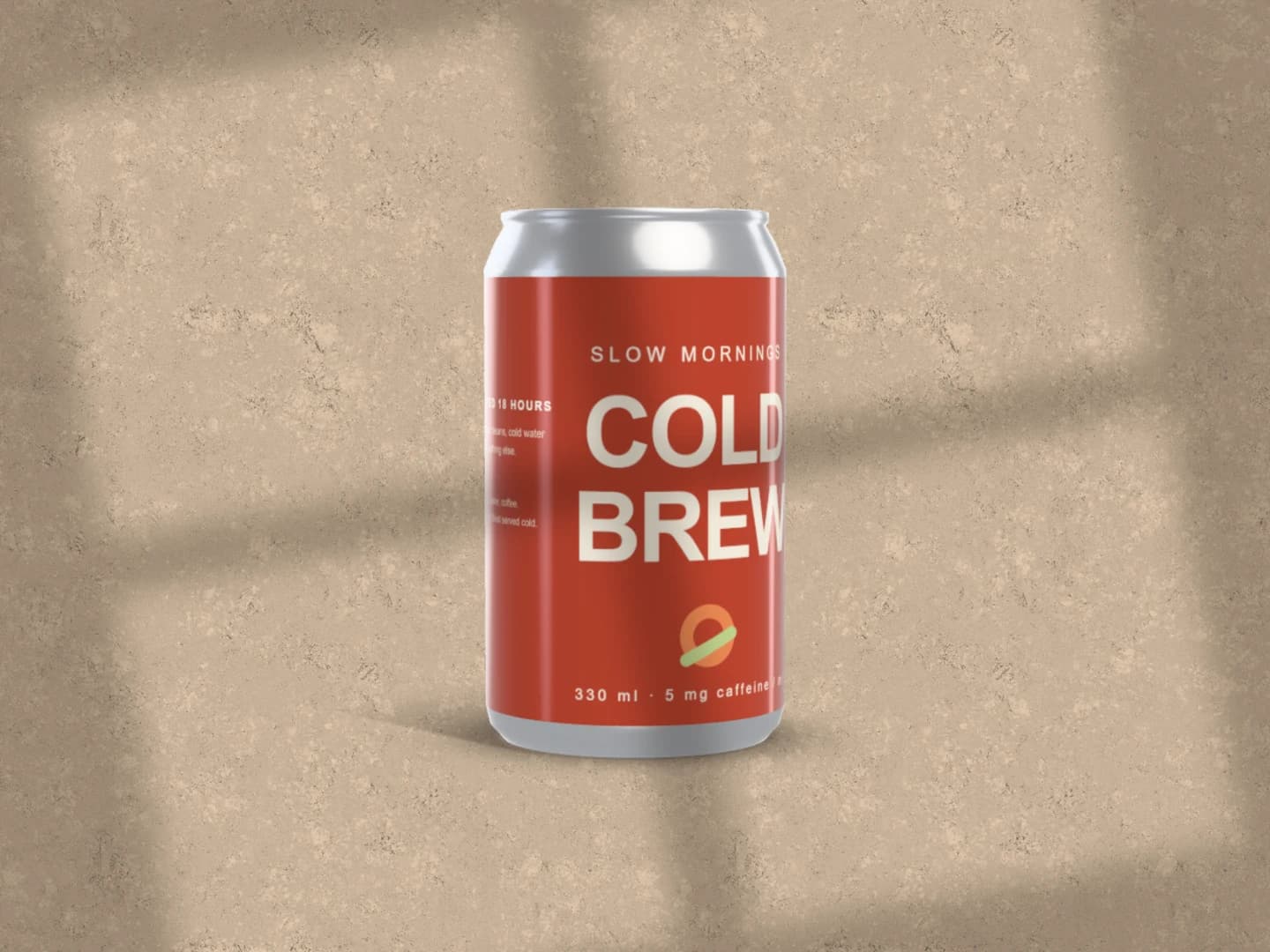
Can mockups
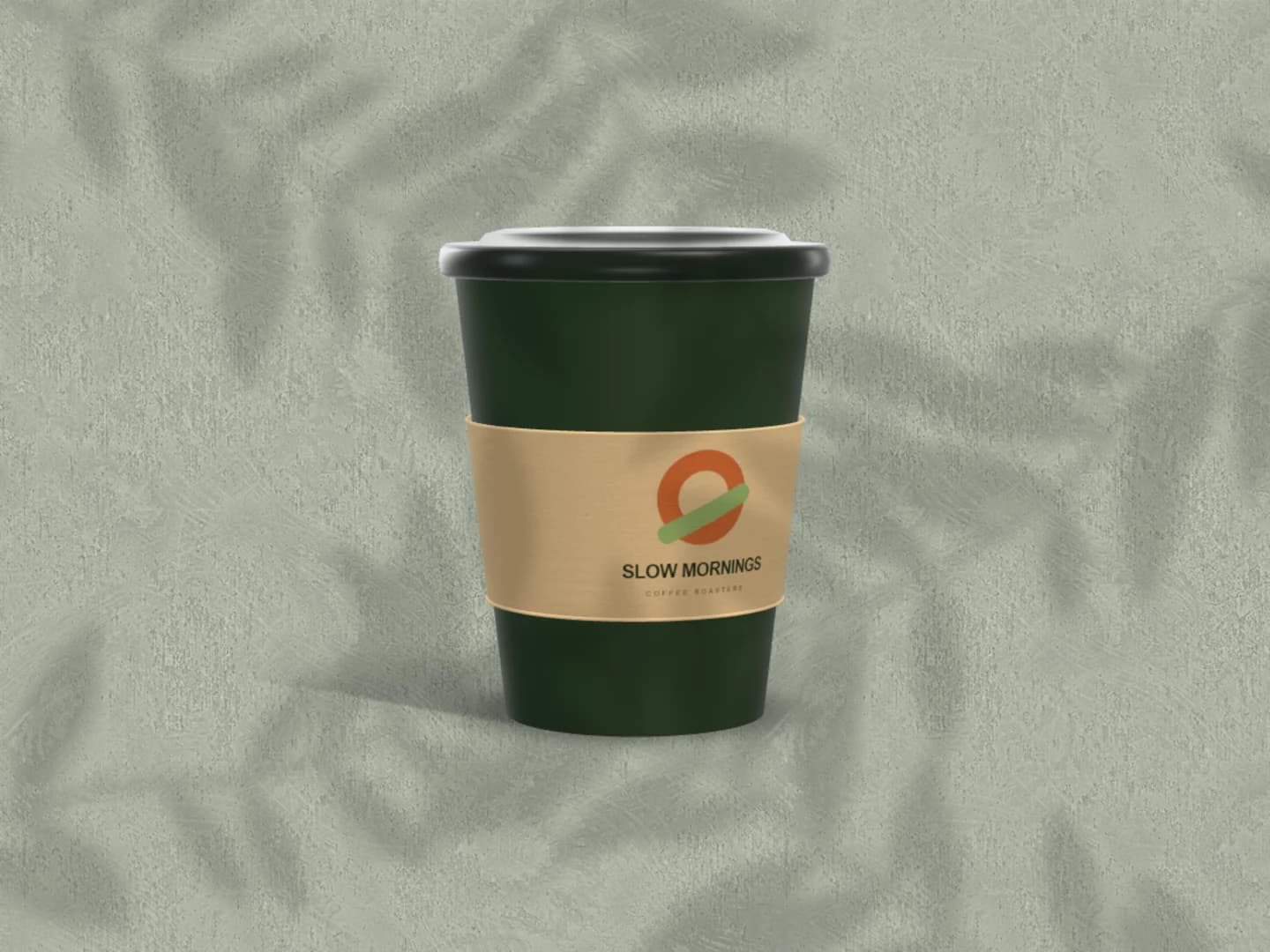
Café branding mockups
Each page opens a real scene you can edit.
All 20 mockup generatorsYour next visual starts here.
Make an art print mockupFree to start. Your files stay local by default.