Free iPad Mockup Generator: Give the tablet version its own frame.
Show a tablet layout in a 13-inch iPad Pro frame for a launch post, a case study or a product page. The free scene sets the iPad in landscape on a light ground; add your screenshot, switch to portrait if you need it, and export.
Make an iPad mockupNo sign-up. No watermark. Made for desktop browsers.
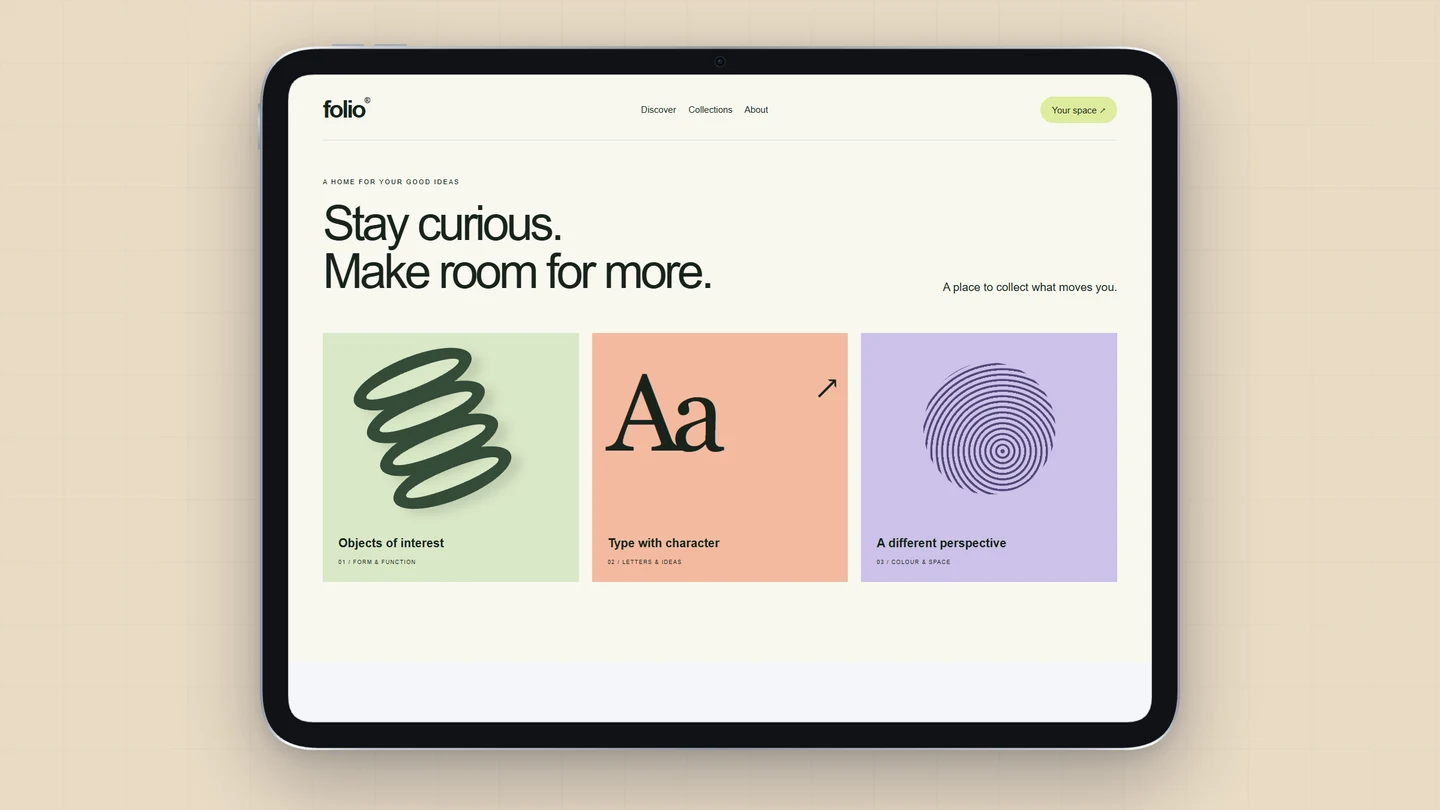
How to make iPad mockups.
- 01
Capture the tablet layout
Take the screenshot on an iPad, in a simulator or at tablet width in your browser, so the layout is the one tablet users see. Open the iPad scene and replace the sample. Brayer does not capture a site from a URL.
- 02
Set orientation and finish
Choose portrait or landscape, and Silver or Space Black for the hardware. Fill covers the screen and may crop your image; Contain shows the whole screenshot. A small tilt adds depth; keep the iPad flat when the interface needs to be read.
- 03
Export a hero or a store screenshot
Keep the wide canvas for a website or a post and download a PNG or JPEG free up to 3,000 px on the long side. For App Store Connect, set the canvas to the iPad 13″ preset, 2064 × 2752, which also exports free; the screenshot sizes guide lists every size.
A tablet screenshot is not a big phone screenshot
A tablet layout earns its frame when it shows what the extra width is for: a sidebar, a split view, a canvas. Pick that screen. Landscape suits productivity and creative apps; portrait suits reading. If the story is one product on several devices, add an iPhone or a MacBook to the same page and give each its own screenshot.
What is included for free?
Every device frame and starter scene, plus one free scene from each premium collection, custom canvas dimensions, local saving, and PNG or JPEG export up to 3,000 px on the long side, with no watermark or account. Pro adds larger exports up to 4×, WebP, transparent backgrounds, the premium collections, size batches, and optional cloud sync.
Compare Free and ProRead next
- App Store Screenshot Sizes & Checker (2026)App Store screenshot sizes (October 2026): required iPhone set 1206 × 2622 or 1179 × 2556. Check size, format and transparency locally.
- How to Make App Store ScreenshotsPlan iPhone screenshots at 1206 × 2622 for Apple's required set, add iPad if you need it, and export readable launch images in Brayer. Sourced from Apple.
- Connect AI: Design with Claude or ChatGPT via MCPAdd Brayer's MCP connector to Claude, ChatGPT, Claude Code or Cursor, turn on Connect AI in the studio, and let your AI app build mockups in your open tab.
GOOD TO KNOW
Before you create.
Which iPad is the frame?
A 13-inch iPad Pro, in Silver or Space Black, portrait or landscape. The studio also has a generic 11-inch tablet frame in Silver, Space Gray or Black.
Can I make iPad screenshots for the App Store?
Yes. The canvas has Apple's iPad 13″ size, 2064 × 2752, and its landscape form, and both export free. Apple asks for iPad screenshots only if your app runs on iPad; check App Store Connect before you submit.
Is there a 3D iPad?
No. The iPad frame is flat and tilts from −45° to 45°. The 3D devices are the Android phone and the MacBook.
Can one screenshot fill the iPad, iPhone and Mac frames?
Each frame can follow the shared screenshot or take its own image. Give each device its own: a tablet layout squeezed into a phone is easy to spot.
Find your next mockup.
Starting points for product launches, portfolios and client work.
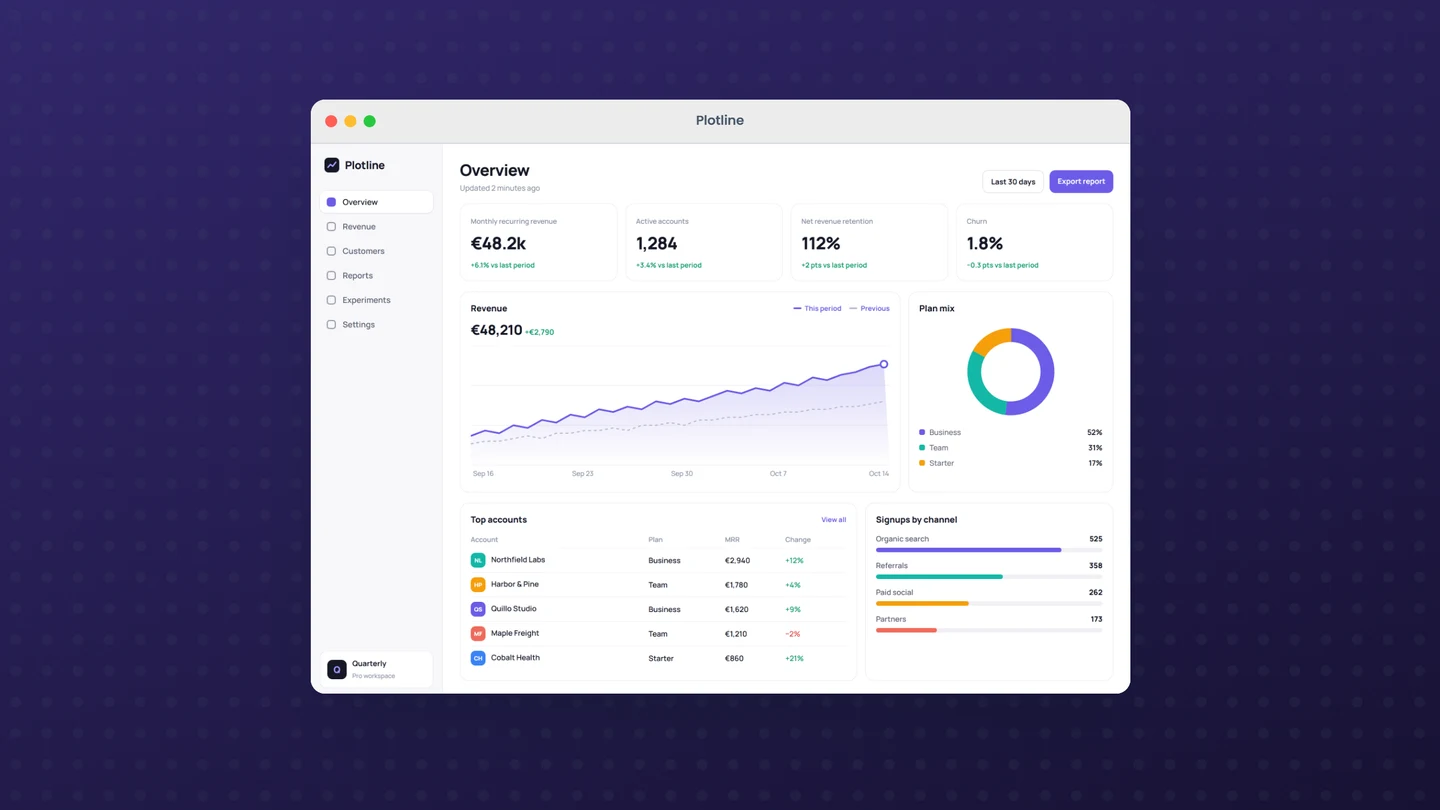
macOS window mockups
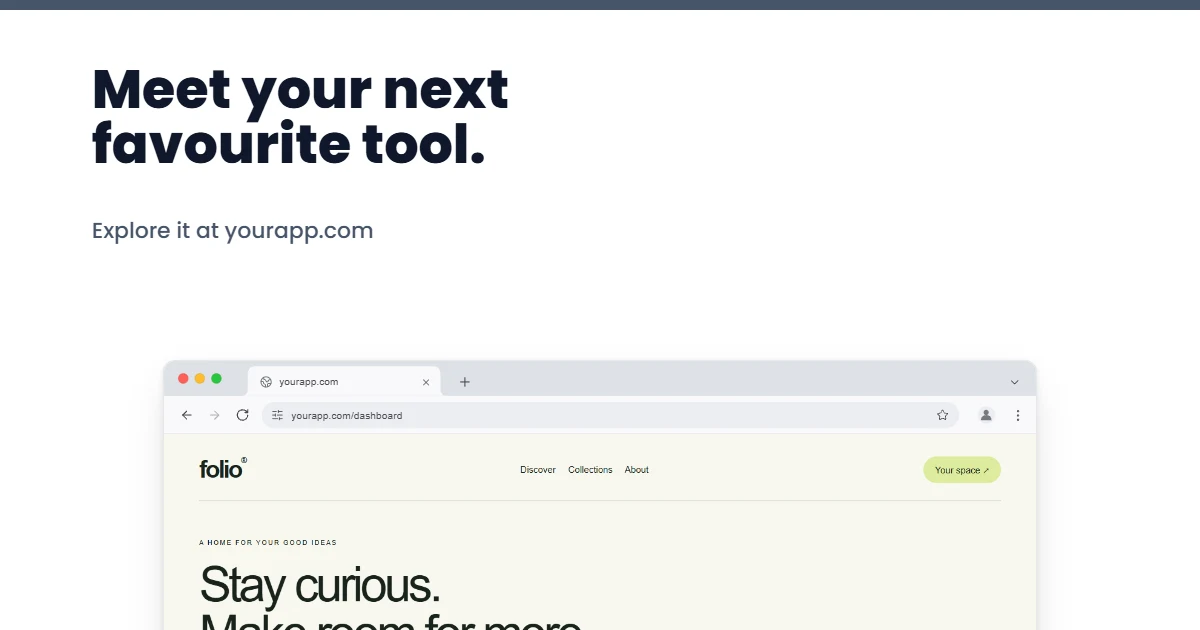
Open Graph images
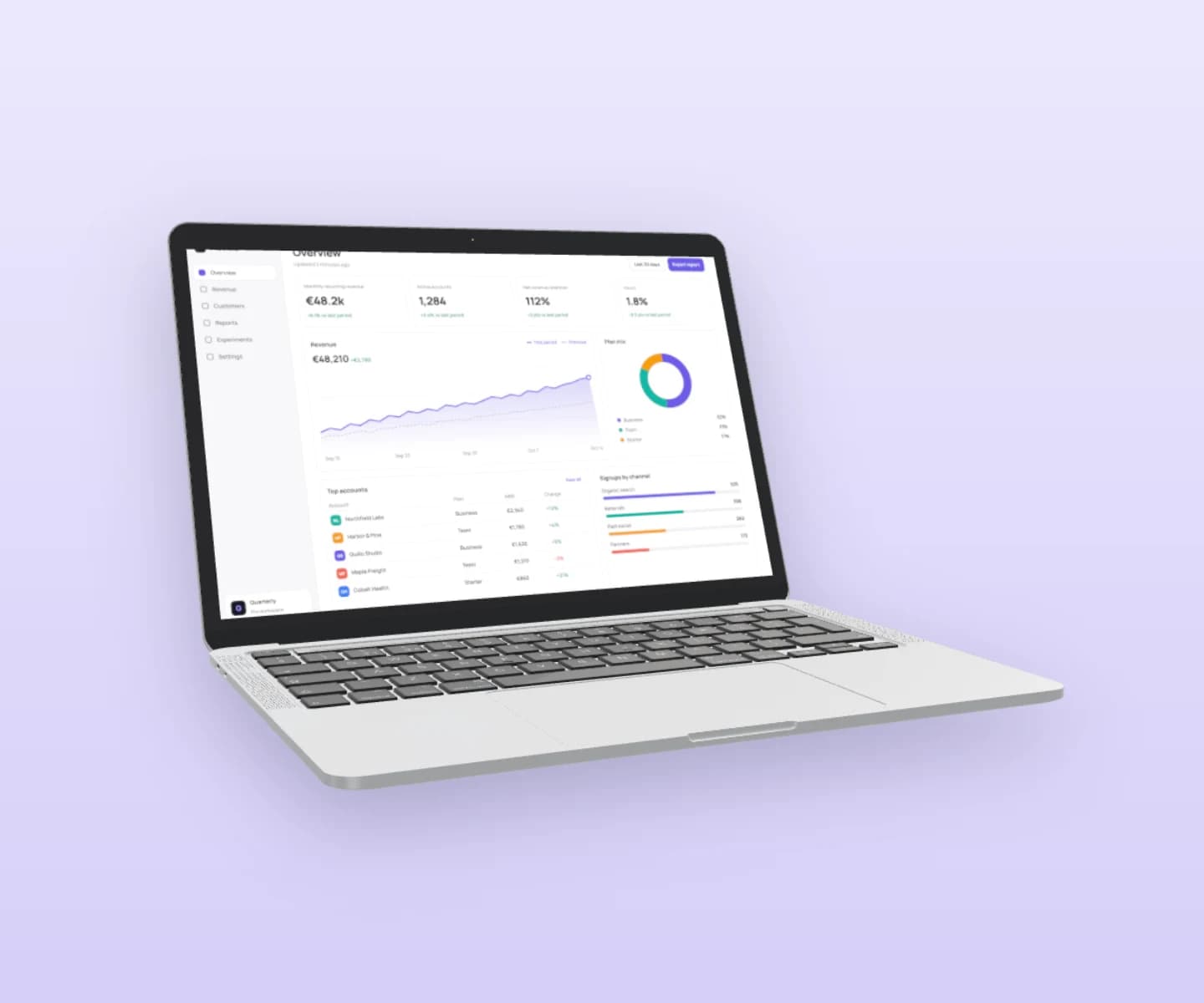
MacBook mockups
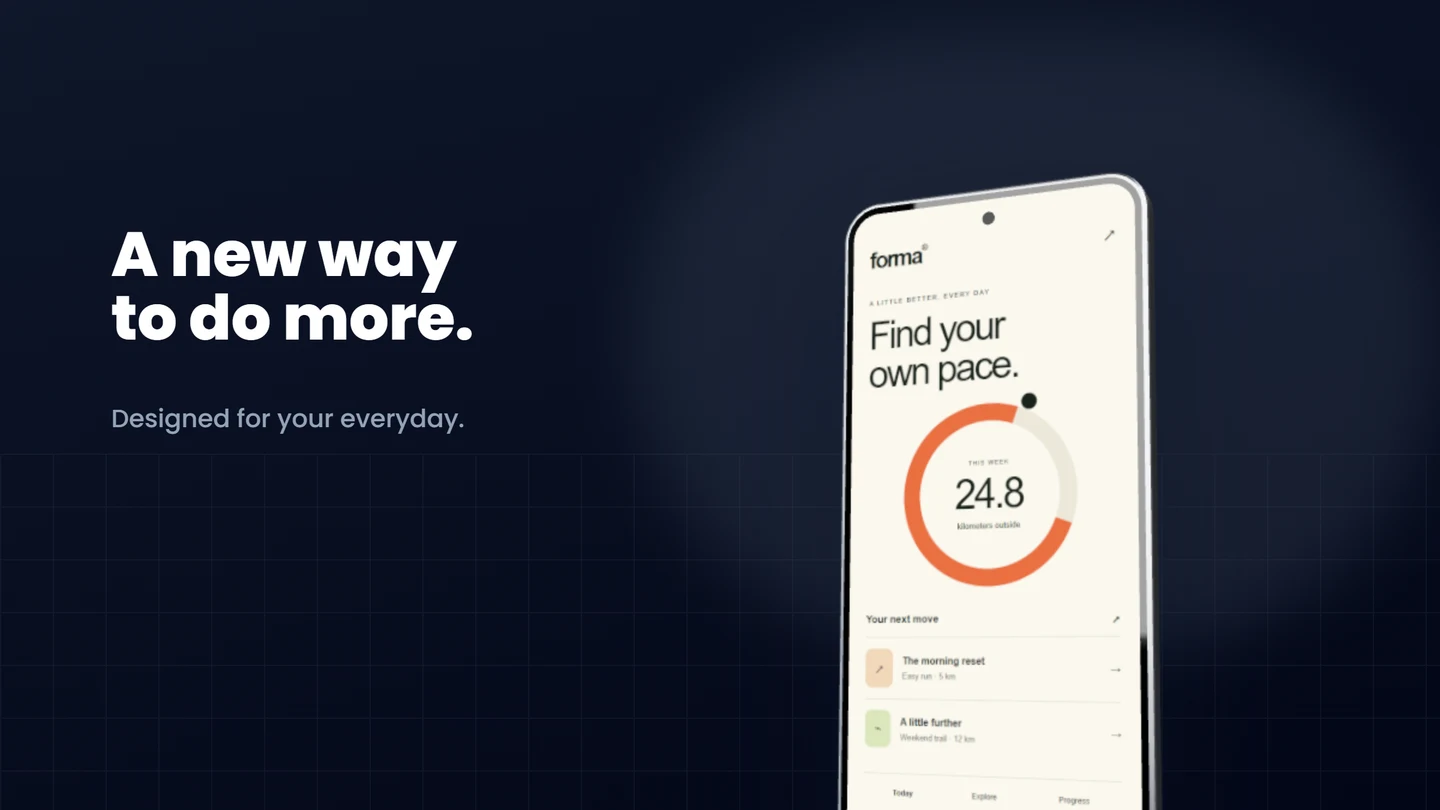
Android mockups
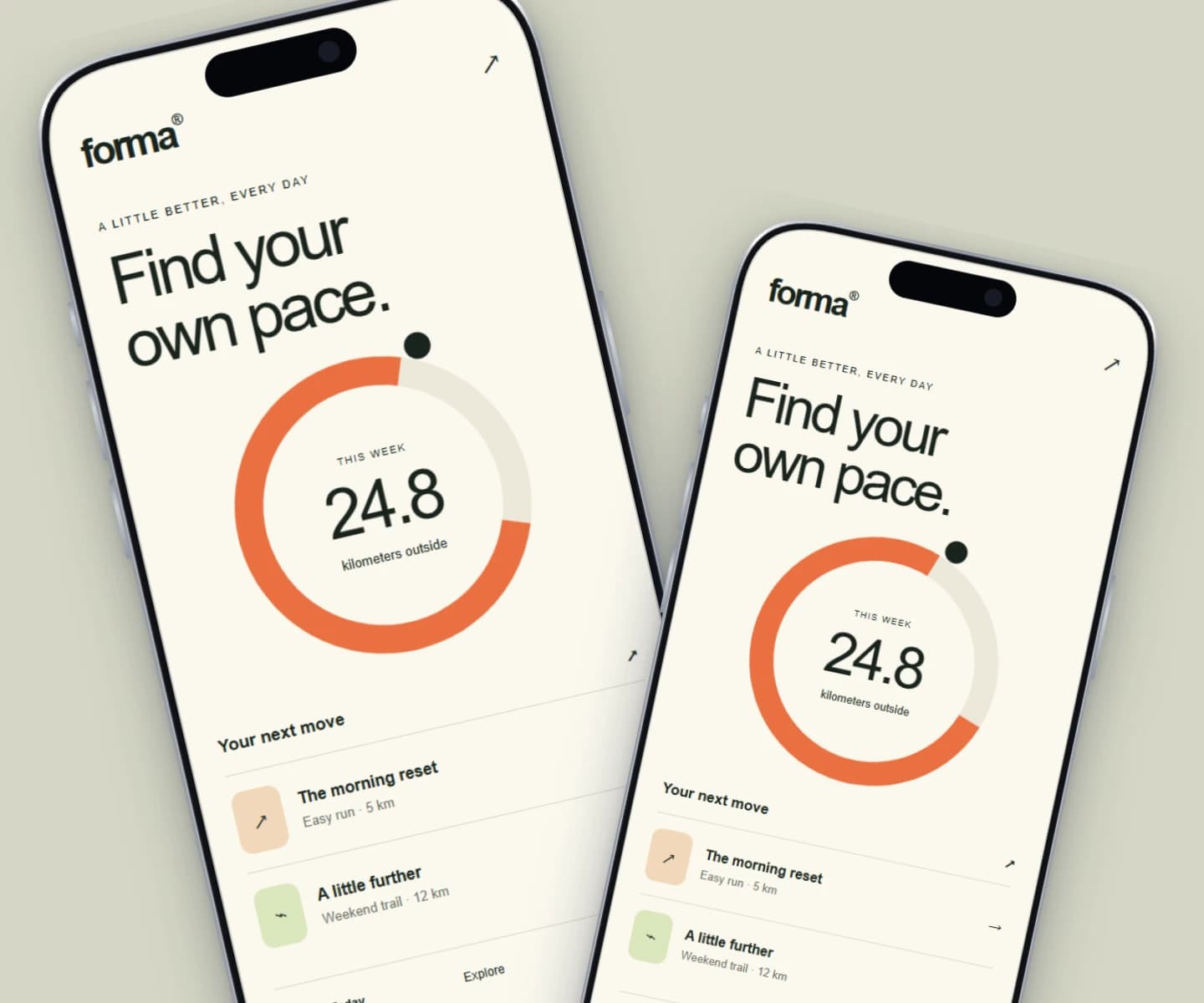
iPhone mockups
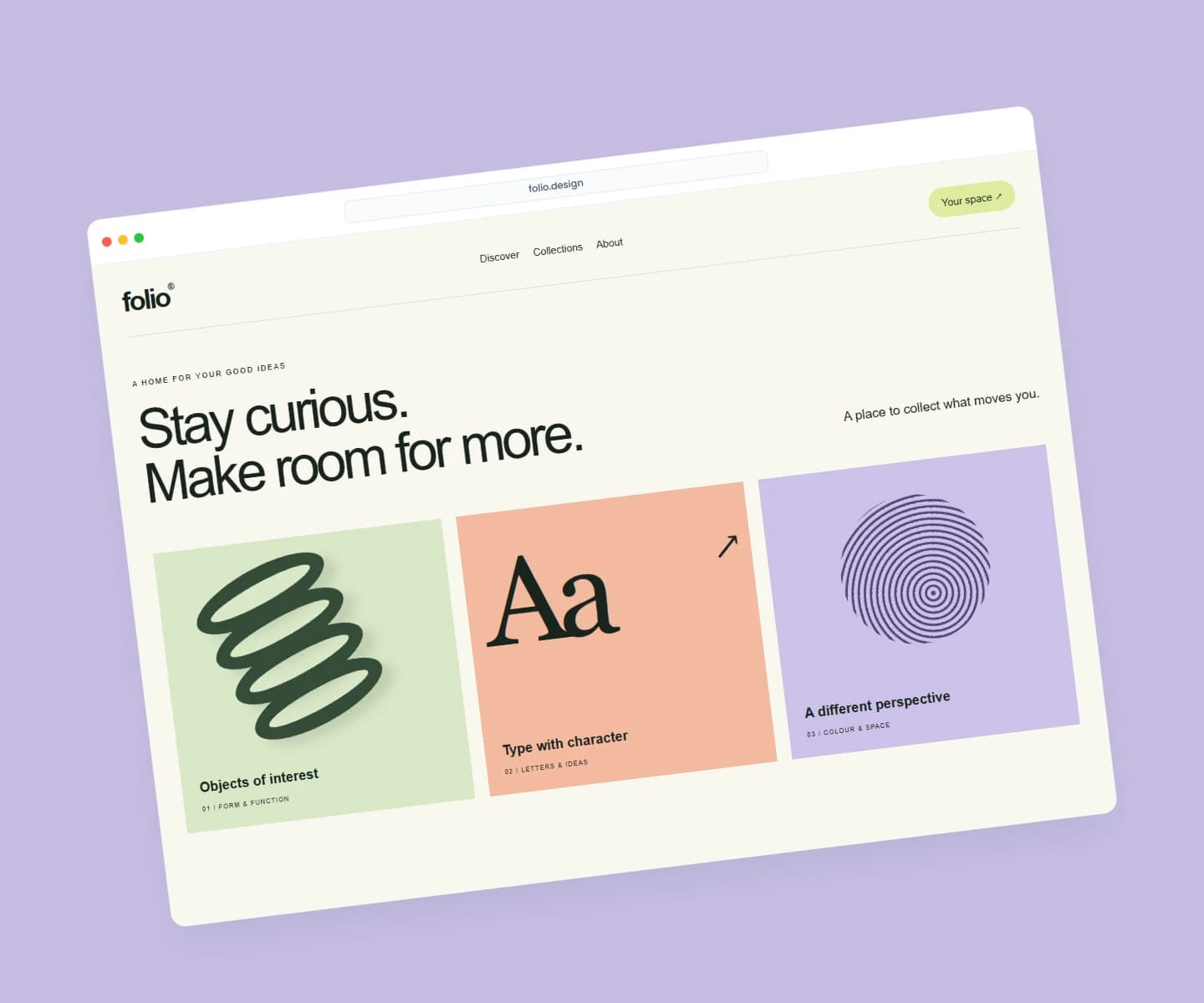
Website mockups
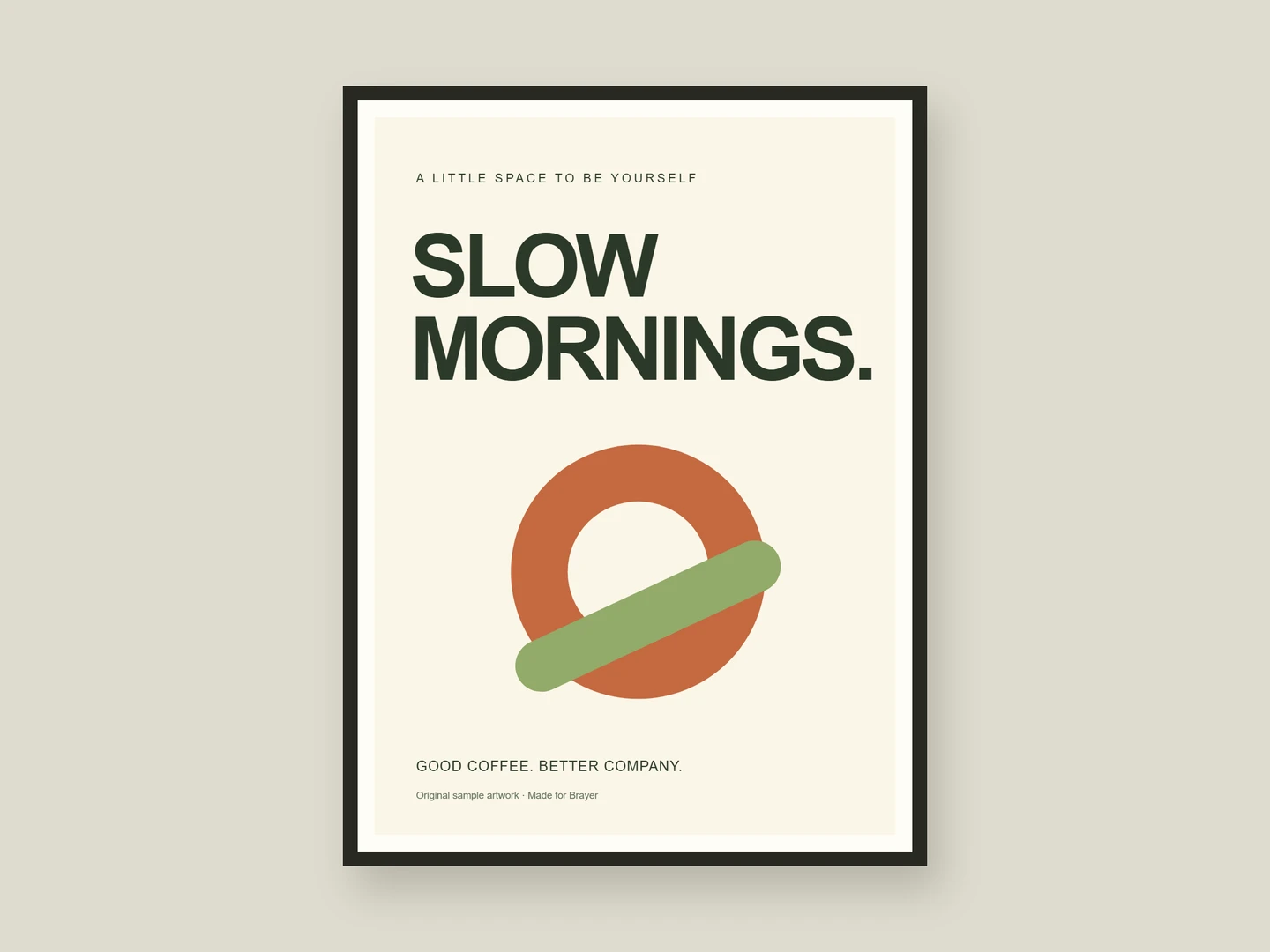
Poster mockups
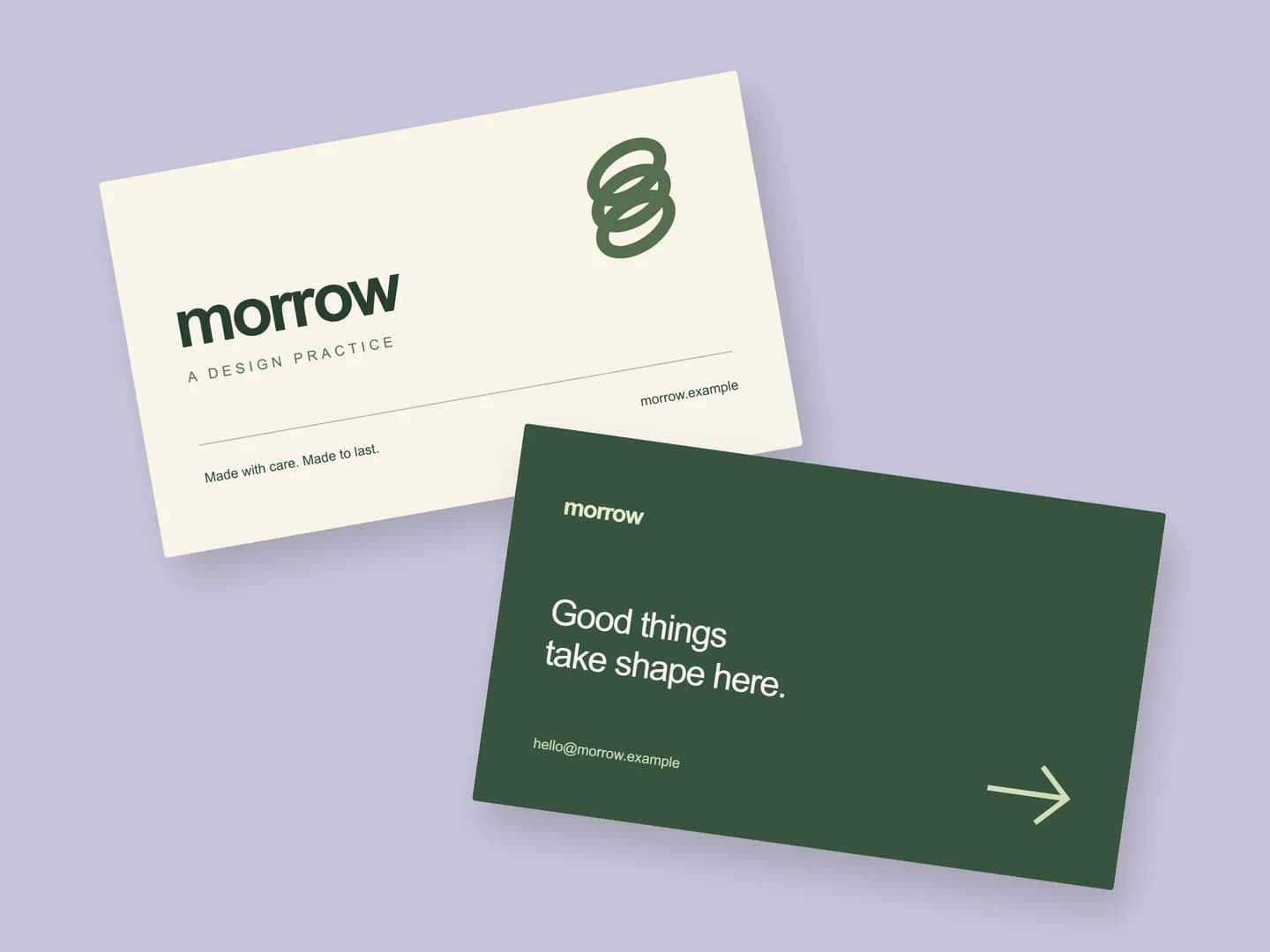
Business card mockups
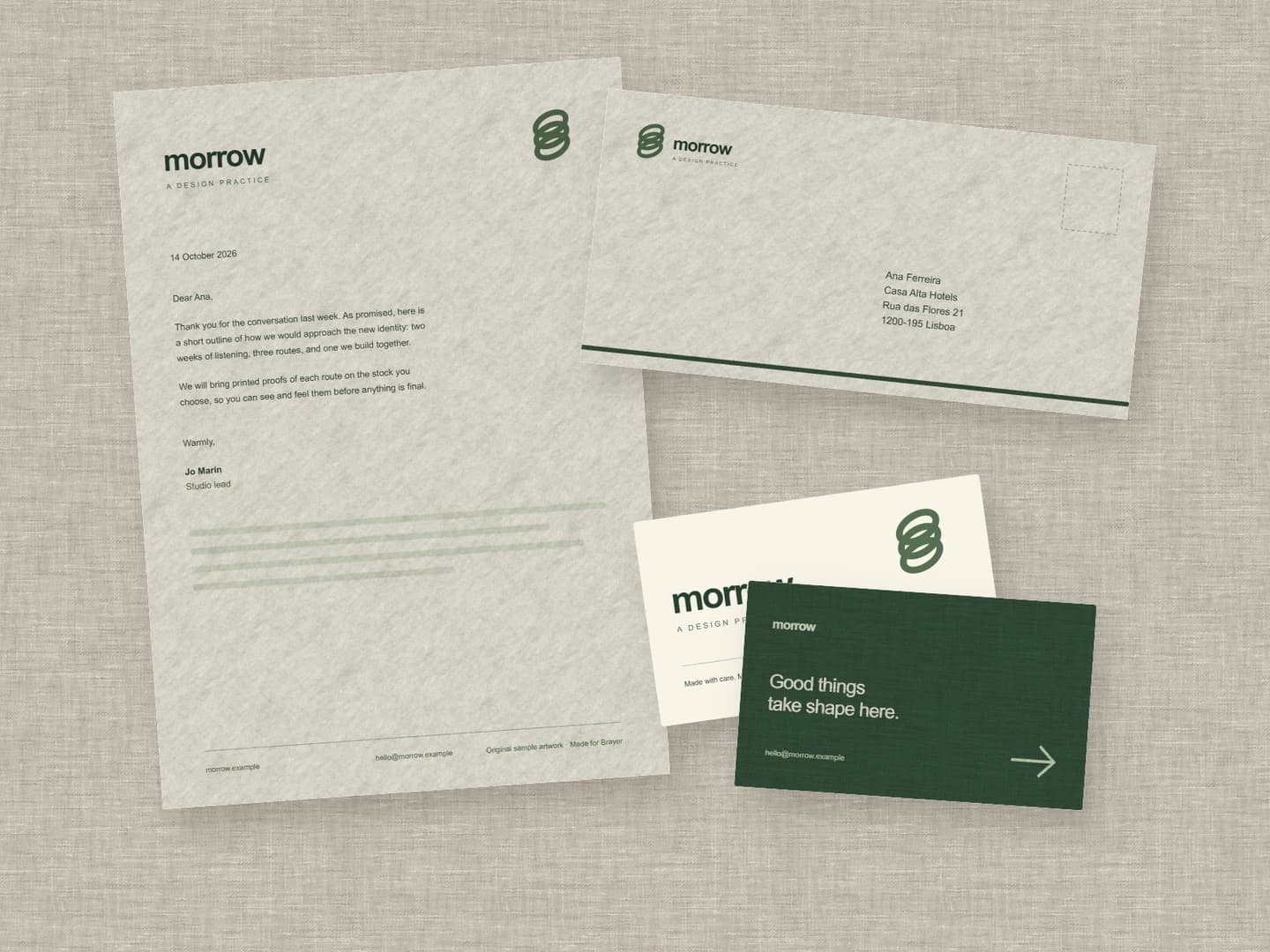
Stationery mockups
Each page opens a real scene you can edit.
All 20 mockup generatorsYour next visual starts here.
Make an iPad mockupFree to start. Your files stay local by default.