Free Menu Mockup Generator: Put the menu on the table.
Present a menu as a printed sheet in window light, the way a guest meets it. The free scene lays an A4 sample menu on terrazzo; replace it with your design to show a client the type, the prices and the paper together.
Make a menu mockupNo sign-up. No watermark. Made for desktop browsers.
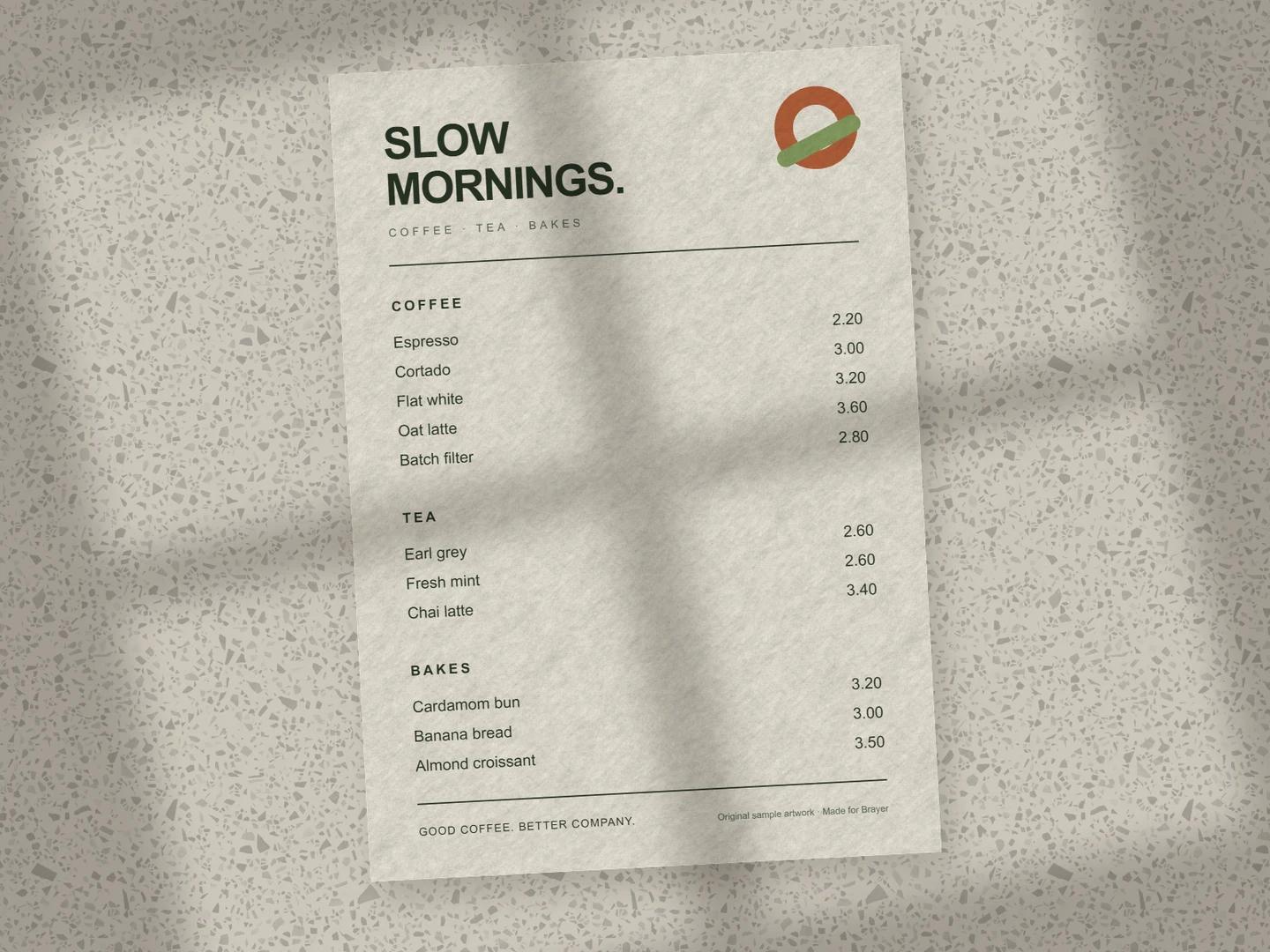
How to make menu mockups.
- 01
Bring the menu page
Export one page of the menu as a PNG, JPEG or SVG and replace the sample artwork. The surface is A4 portrait. For a menu with more than one page, duplicate the sheet and give the copy the next page.
- 02
Make it look printed
Choose a paper stock: Uncoated for an everyday menu, Linen or Recycled for texture, Kraft or Board to print the design into a brown sheet. Soften or turn the window light, and swap the terrazzo for wood, marble or linen in the page background.
- 03
Export, or set the table
Download a PNG or JPEG free up to 3,000 px on the long side. To set a takeaway cup beside the menu, open Menu flat lay from the Café collection; it is free to edit and needs Pro to export. The café branding page shows the menu with a cup and a coffee bag.
Prices have to be readable in the picture
A menu mockup fails when the client can't read it. Keep the sheet close to upright and large in the frame, and check the smallest line at the size the image will be viewed. Use the light to suggest a place, not to hide the type: lower the shadow's strength if it crosses the prices. Paper stock changes the mood more than any prop, so try the design on two before you choose.
What is included for free?
Every device frame and starter scene, plus one free scene from each premium collection, custom canvas dimensions, local saving, and PNG or JPEG export up to 3,000 px on the long side, with no watermark or account. Pro adds larger exports up to 4×, WebP, transparent backgrounds, the premium collections, size batches, and optional cloud sync.
Compare Free and ProRead next
- Connect AI: Design with Claude or ChatGPT via MCPAdd Brayer's MCP connector to Claude, ChatGPT, Claude Code or Cursor, turn on Connect AI in the studio, and let your AI app build mockups in your open tab.
GOOD TO KNOW
Before you create.
Is the menu scene free to export?
Yes. Menu on terrazzo uses only a print surface, so it exports PNG or JPEG up to 3,000 px on the long side with no account or watermark. The Café collection's scenes that add a 3D cup or bag need Pro to export.
Can I show a menu with several pages or a fold?
Several sheets, yes: duplicate the menu surface and give each copy its own page, then overlap or fan them. Brayer does not fold a sheet, so a trifold is shown as flat panels.
Can I make a menu board or a table tent?
Not as a ready-made scene. The print surfaces are flat sheets: menu, poster, flyer, postcard, business card, letterhead and envelope. A poster surface with your menu artwork works for a wall menu.
Find your next mockup.
Starting points for product launches, portfolios and client work.
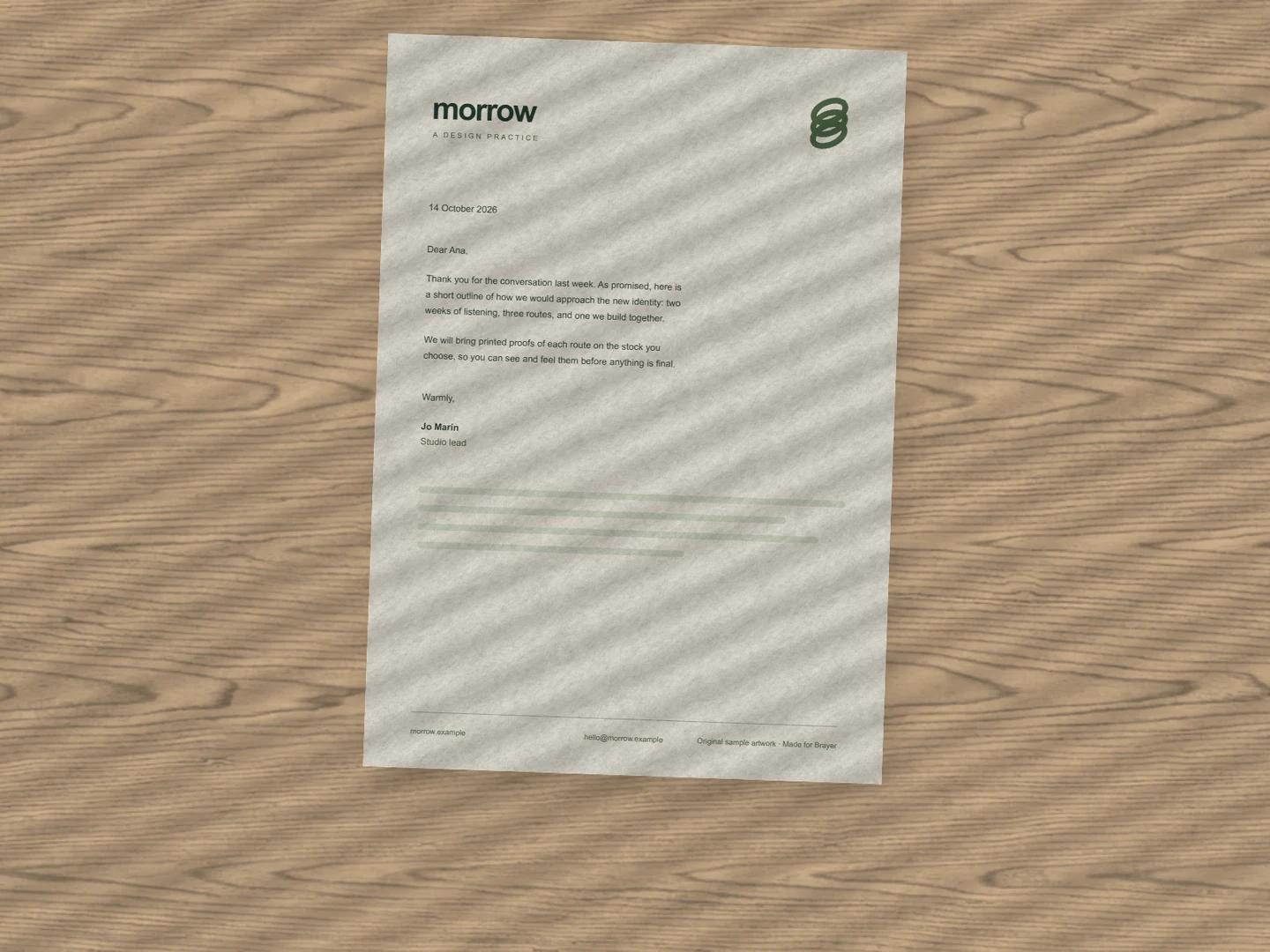
Letterhead mockups
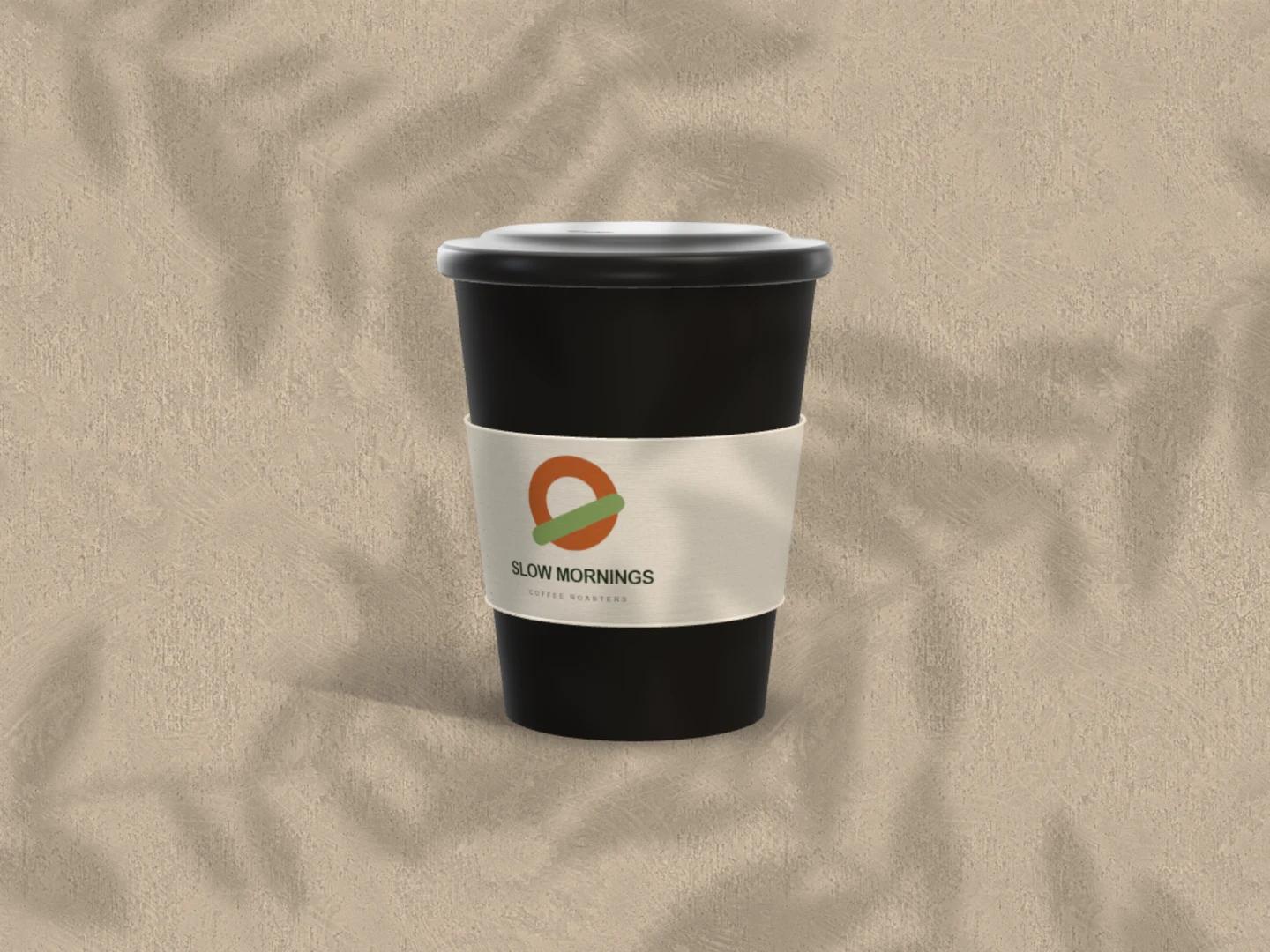
Coffee cup mockups
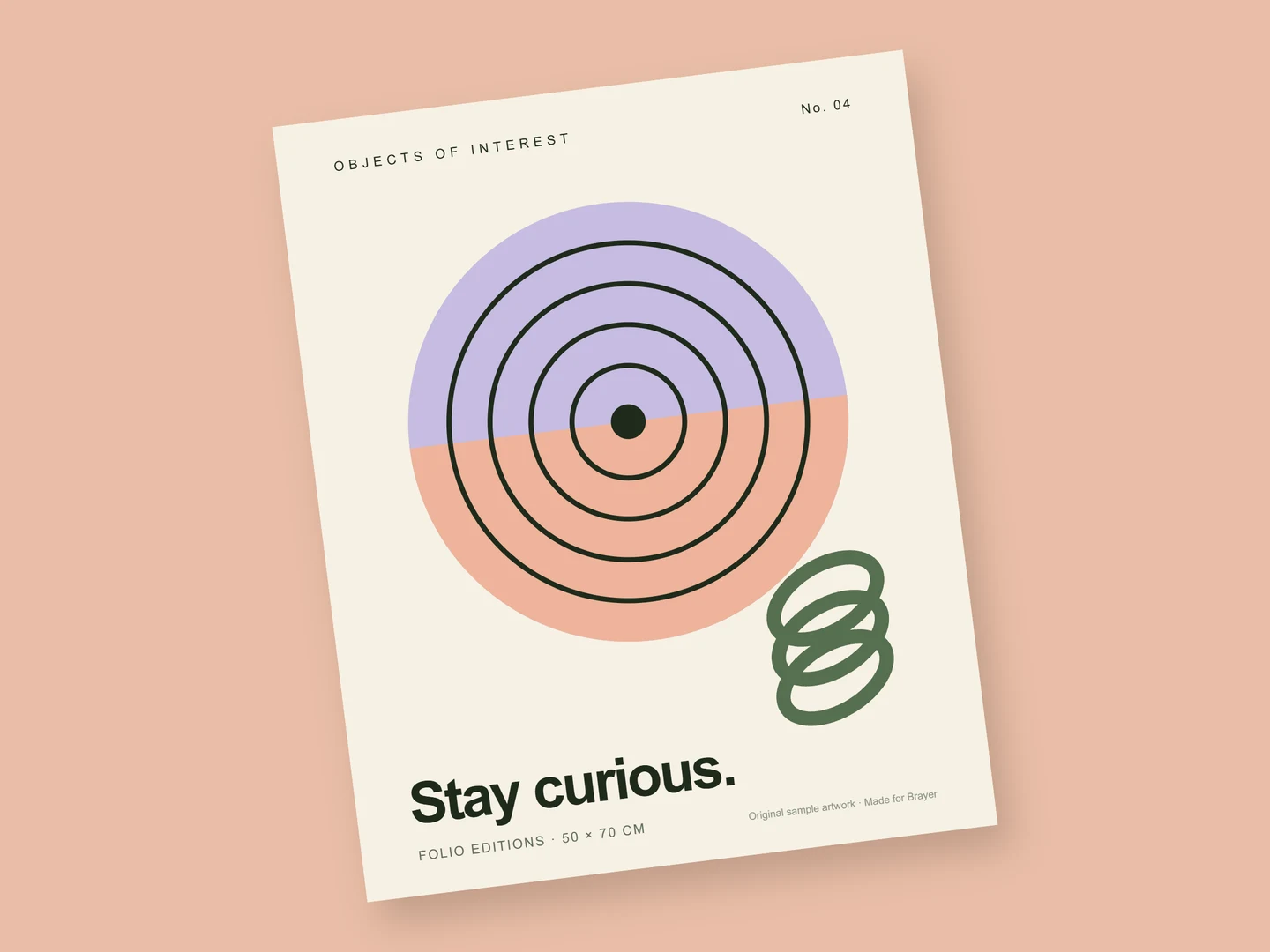
Art print mockups
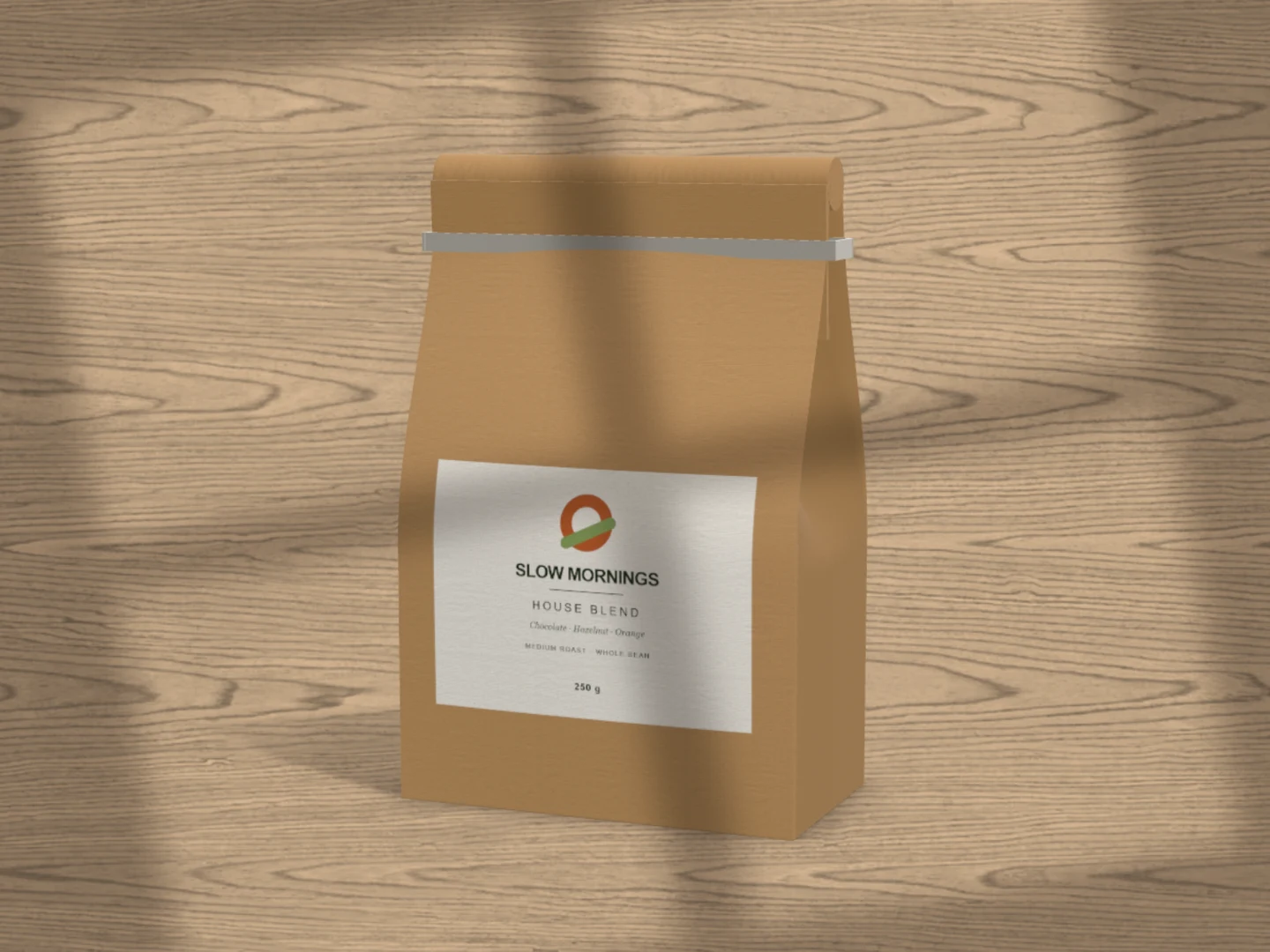
Coffee bag mockups
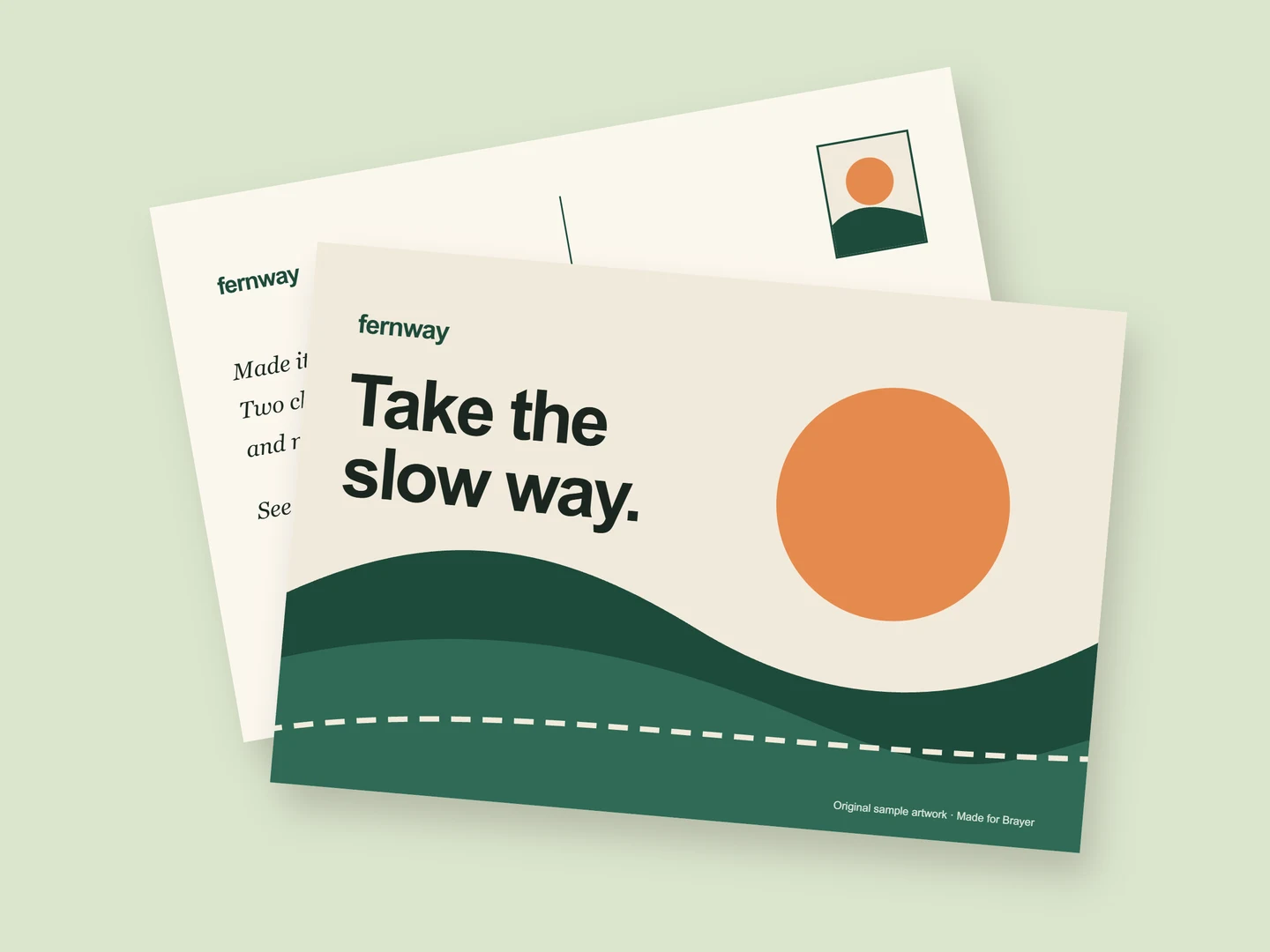
Postcard mockups
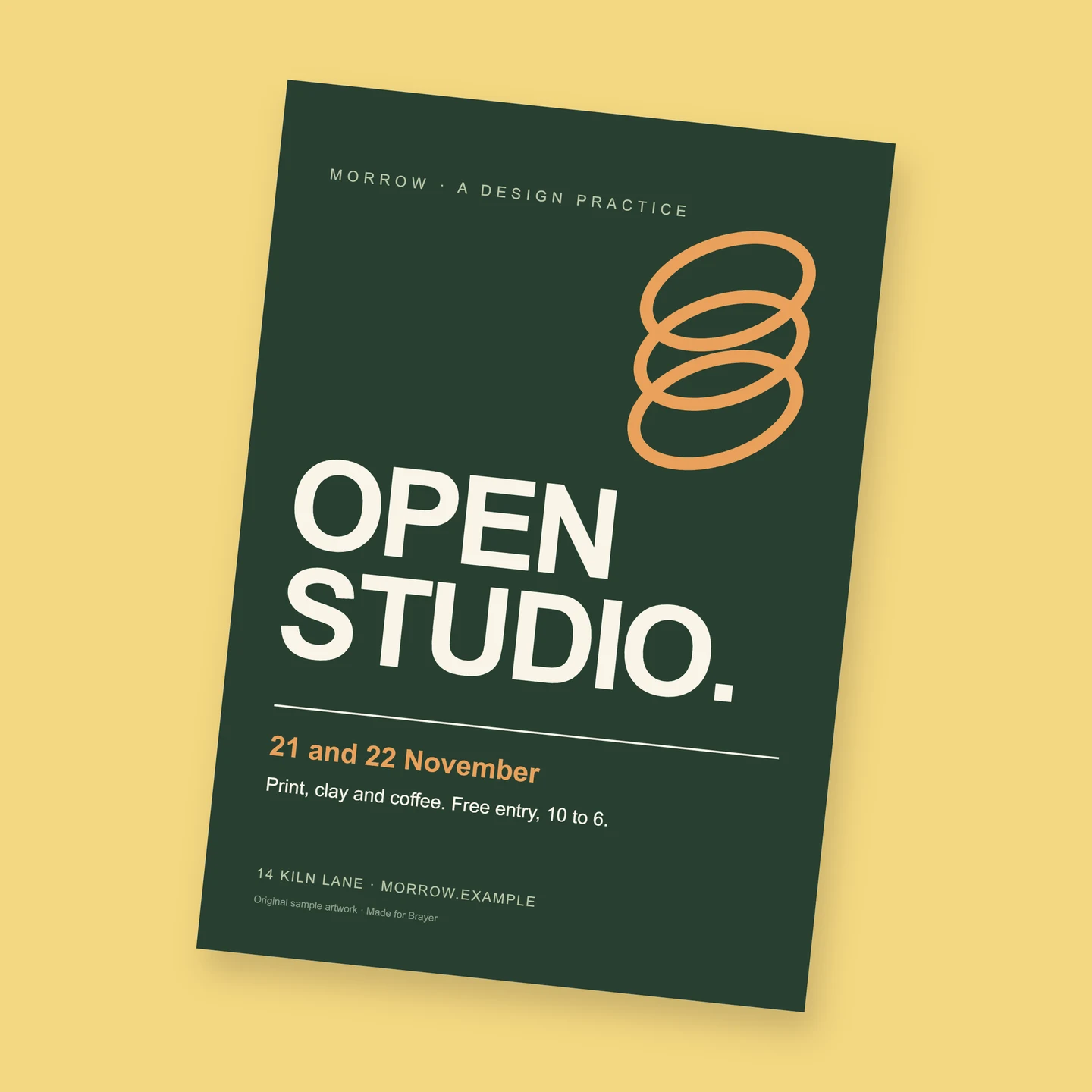
Flyer mockups
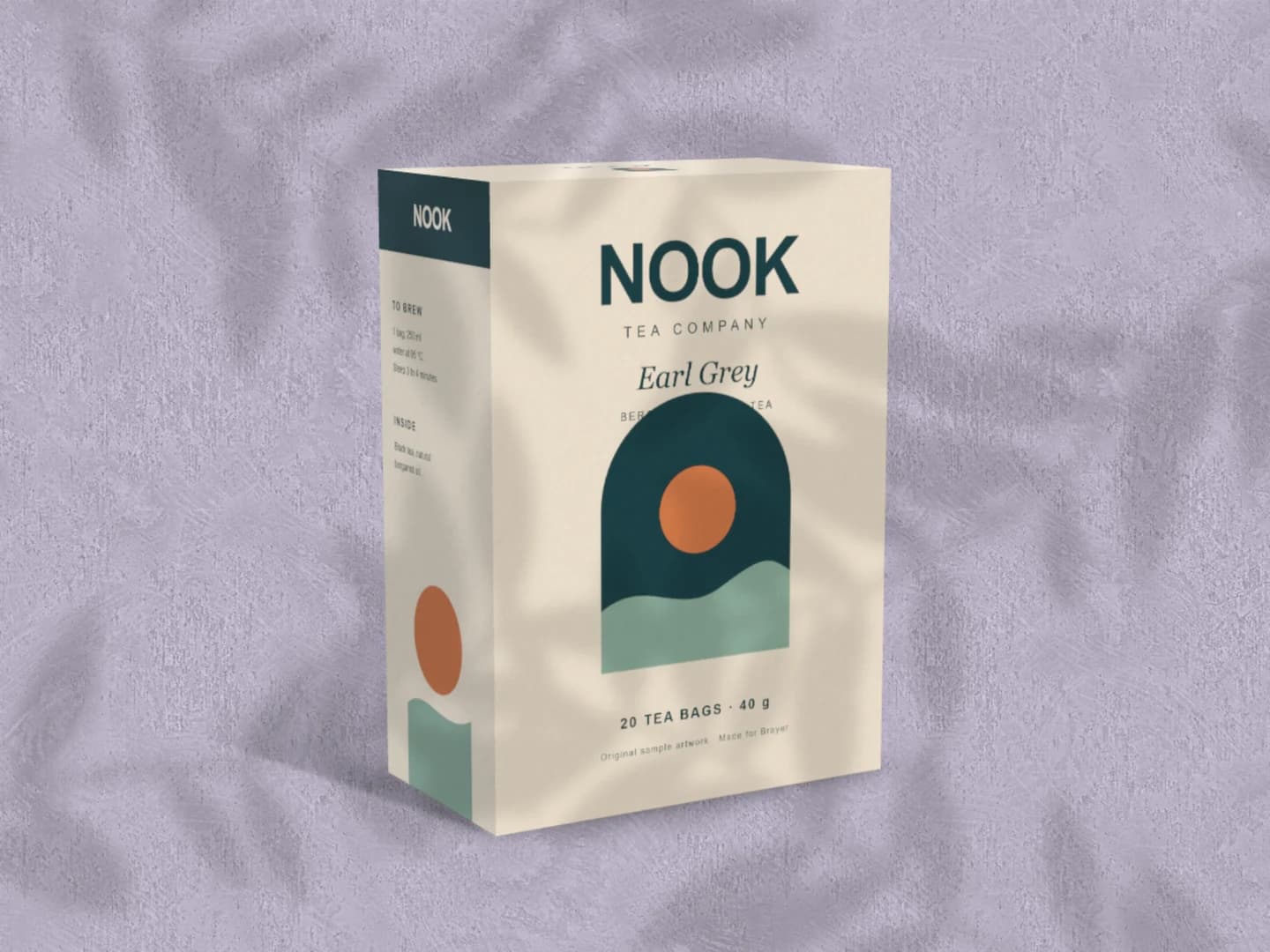
Carton mockups
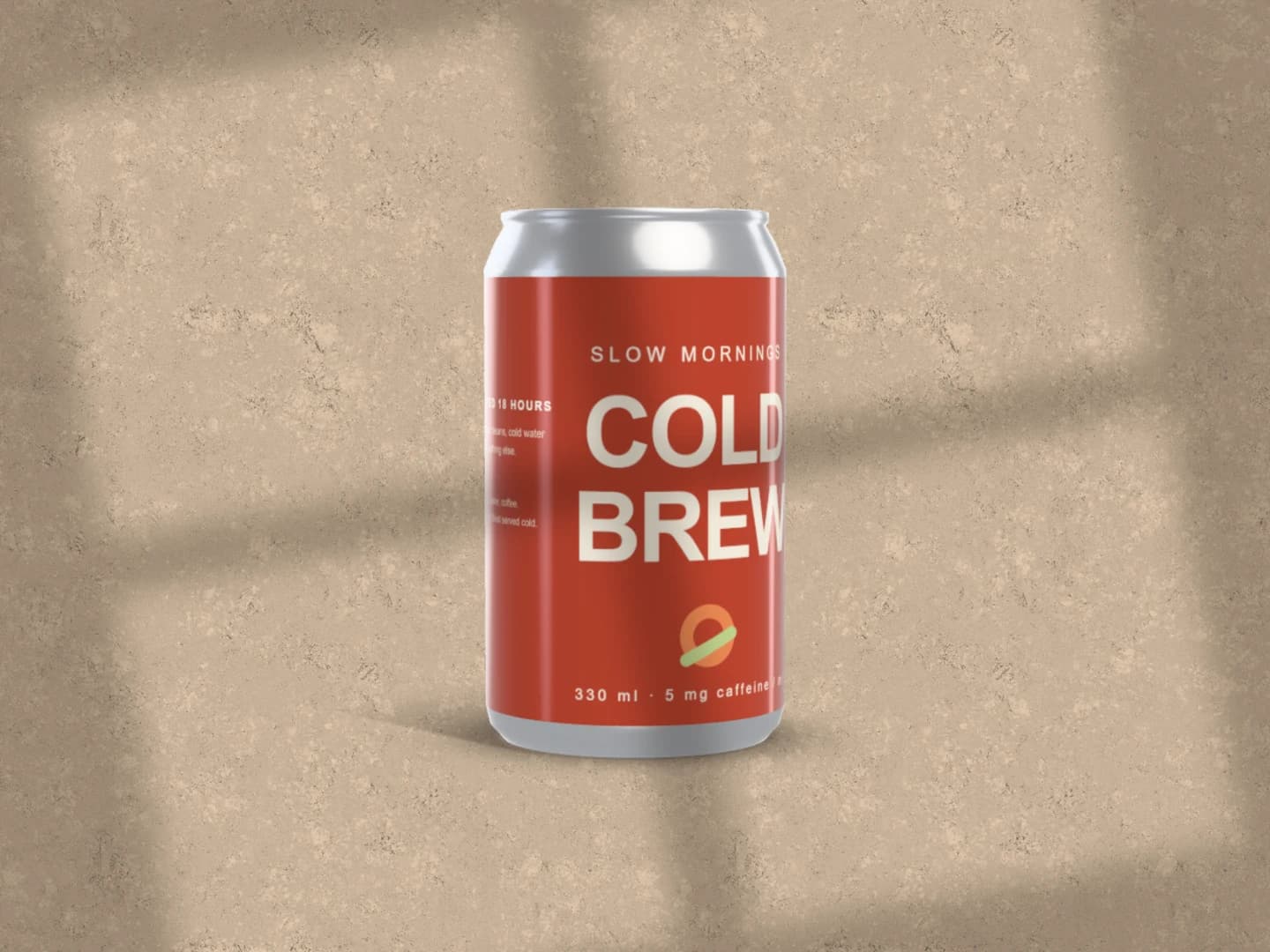
Can mockups
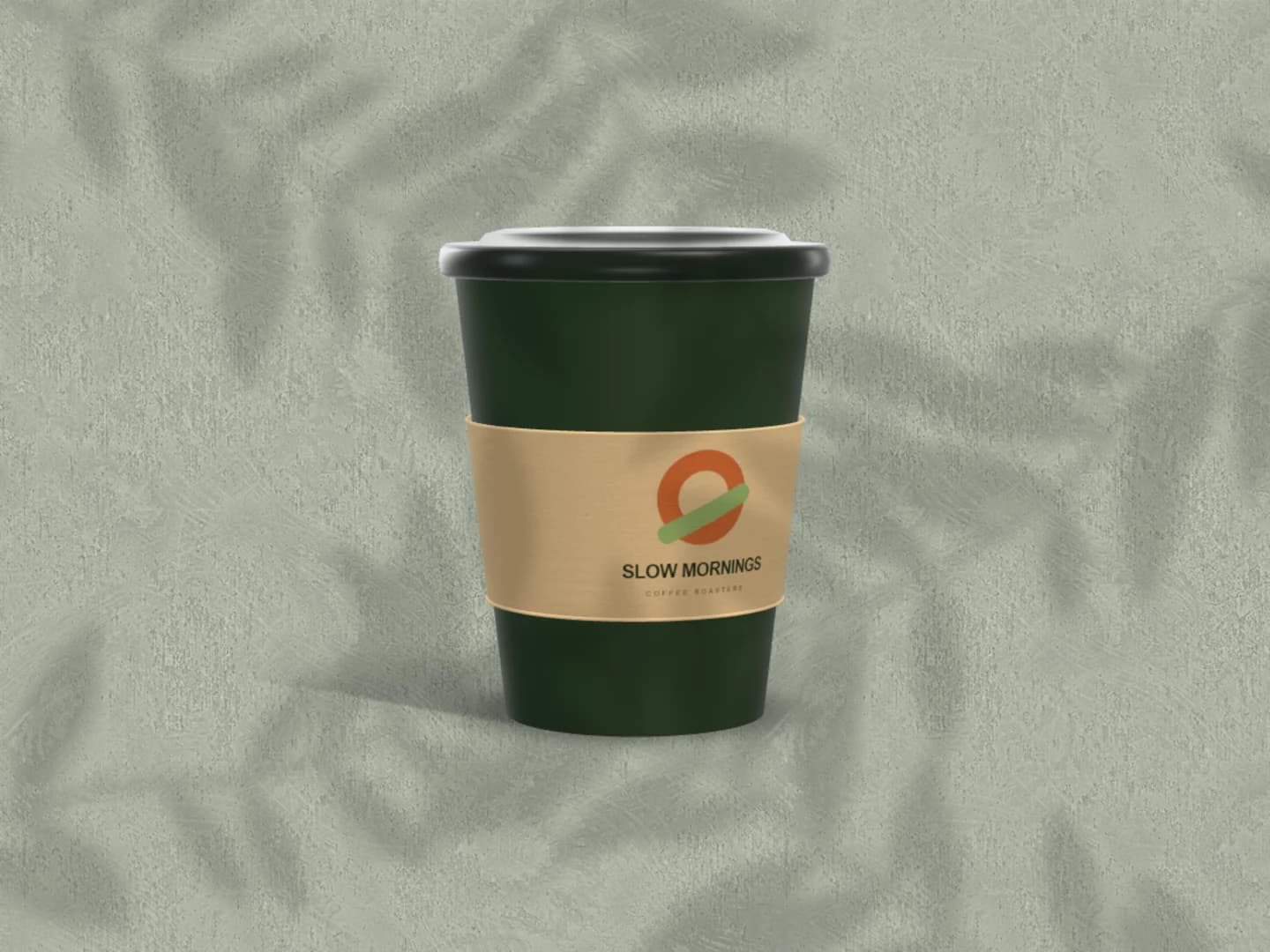
Café branding mockups
Each page opens a real scene you can edit.
All 20 mockup generatorsYour next visual starts here.
Make a menu mockupFree to start. Your files stay local by default.