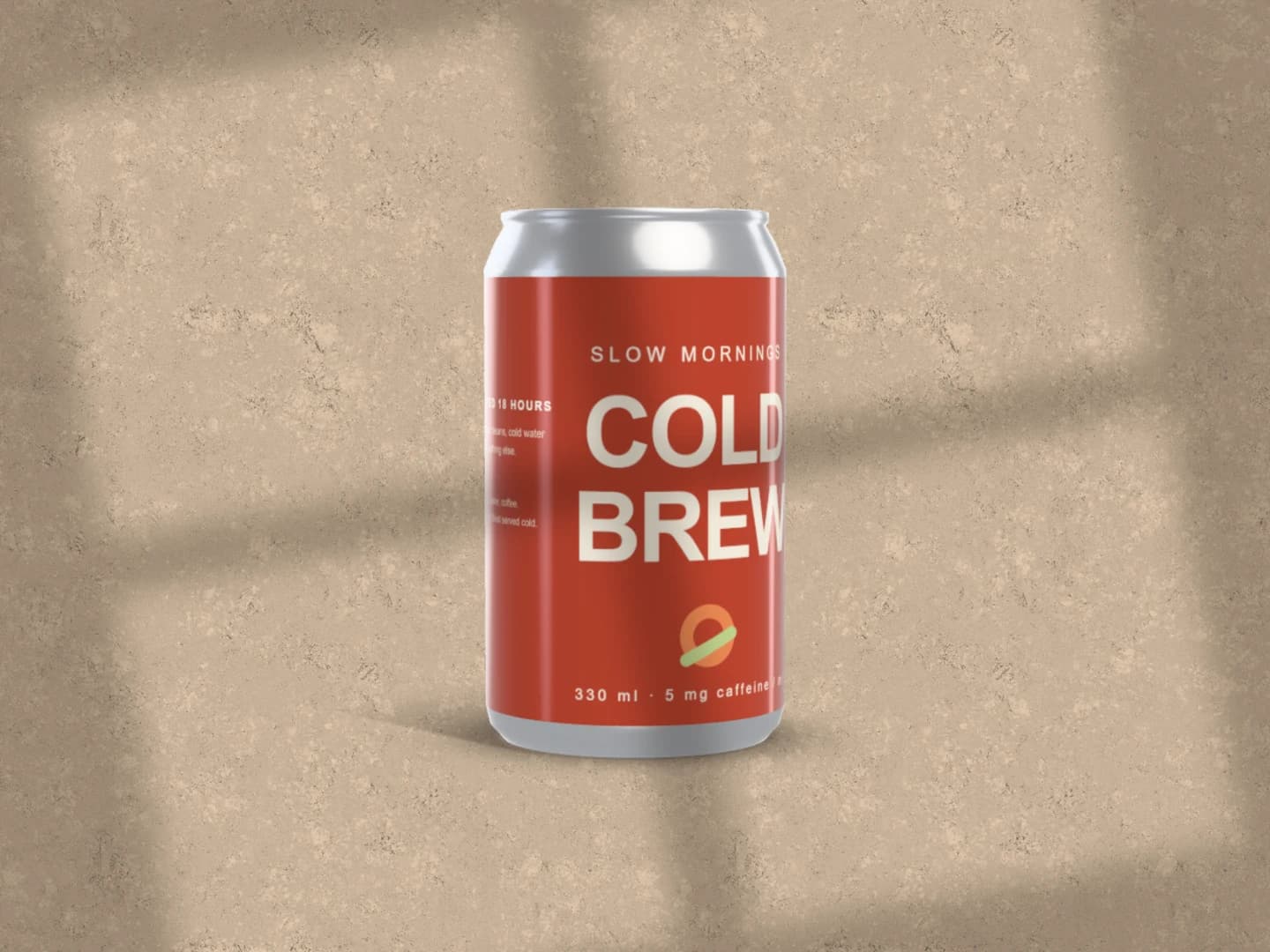
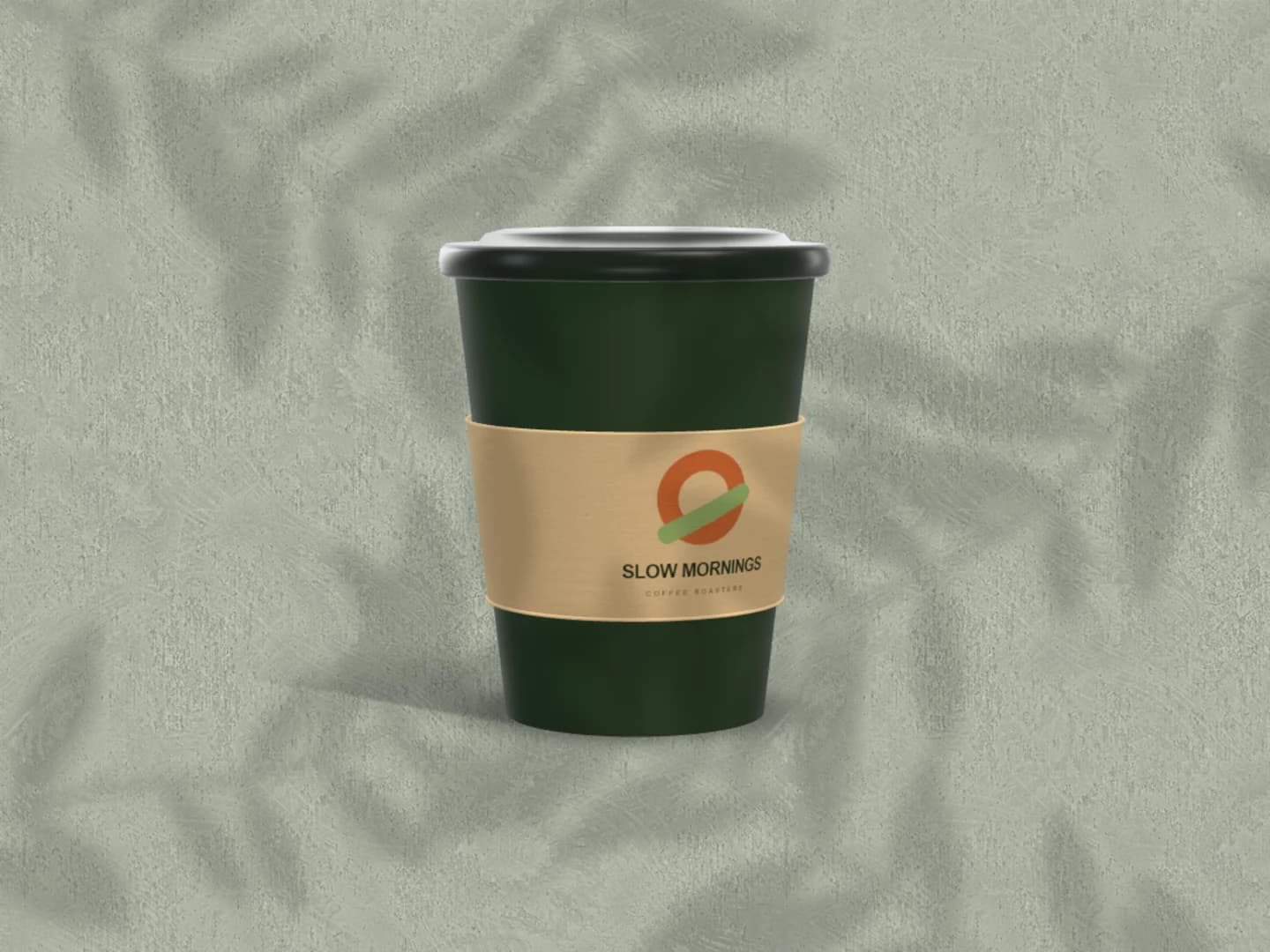
Coffee Bag Mockup Generator: Show the roast in its bag.
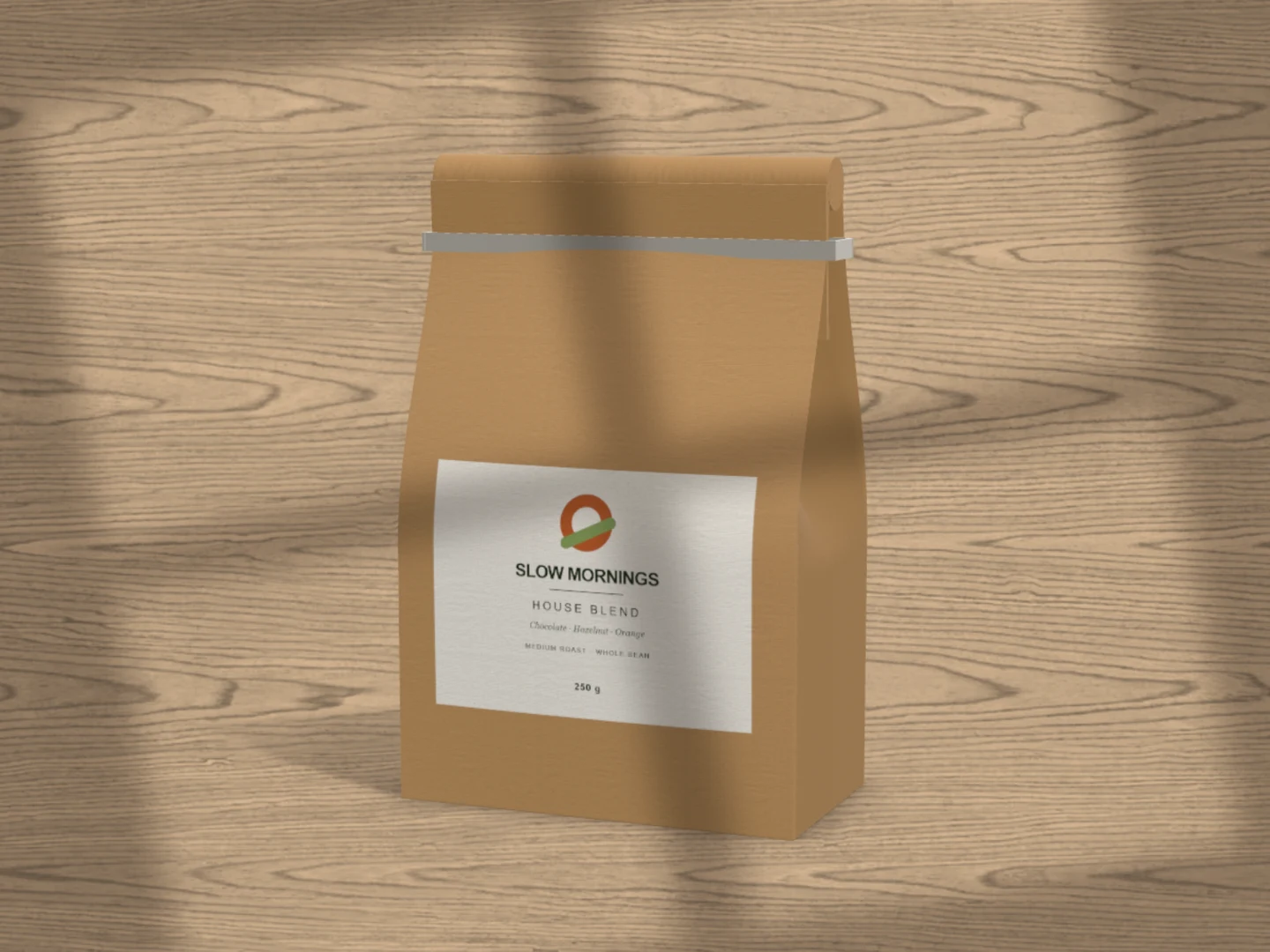
Preview a coffee label on a 3D flat-bottom bag with a tin tie. Open the scene, replace the front label, choose the bag stock and colours, and turn it in window light. The coffee bag belongs to the Café collection: free to edit, Pro to export.
Free to open and customise, no sign-up. Pro required to export this scene.
Made in Brayer. Open this scene to replace the sample artwork.
Choose your starting scene.
Real exports from Brayer. Each scene opens ready to edit.
Made in Brayer. Open the scene to replace the sample artwork.
Three bags, one label
Coffee range lines up three bags in kraft, black and white on concrete, sharing one label. Use it to choose a stock, or to see how the label holds on a light bag and a dark one.
Free to open and customise. Pro required to export this scene.
How to make coffee bag mockups.
01
Add the label
Select the bag and replace the Front artwork with your label. By default it prints as a band across the bag; set the band's height, or switch the label to a shape such as Rounded, Circle or Seal on its own paper colour. The Back surface takes a second design.
02
Choose the bag
Pick the 250 g or 1 kg size, set the bag, label and tin-tie colours, and choose the stock: kraft, coated paper or foil. Material presets and the Roughness, Coating and Grain controls tune how the surface takes the light.
03
Frame it, then export with Pro
Use a camera preset or set the tilt and turn, and adjust the window light and the cast shadow. Exporting this scene needs Pro, as a subscription or a 30-day pass. To export a Café product for free, start from the coffee cup mockup.
The label is small; the bag is the shelf presence
On a shelf, a customer sees stock, colour and one mark before reading anything. Use the mockup to settle those first: the same label on kraft and on black tells you more than another round of type changes. Keep the roast name large enough to read at the angle you choose, and check the label's edge against the bag's fold. The bag is a rendered model with fixed folds: good for presenting an identity, not for approving a supplier's dieline or a fill weight.
What is included for free?
Every device frame and starter scene, plus one free scene from each premium collection, custom canvas dimensions, local saving, and PNG or JPEG export up to 3,000 px on the long side, with no watermark or account. Pro adds larger exports up to 4×, WebP, transparent backgrounds, the premium collections, size batches, and optional cloud sync.
Connect AI: Design with Claude or ChatGPT via MCPAdd Brayer's MCP connector to Claude, ChatGPT, Claude Code or Cursor, turn on Connect AI in the studio, and let your AI app build mockups in your open tab.
GOOD TO KNOW
Before you create.
Is the coffee bag mockup free?
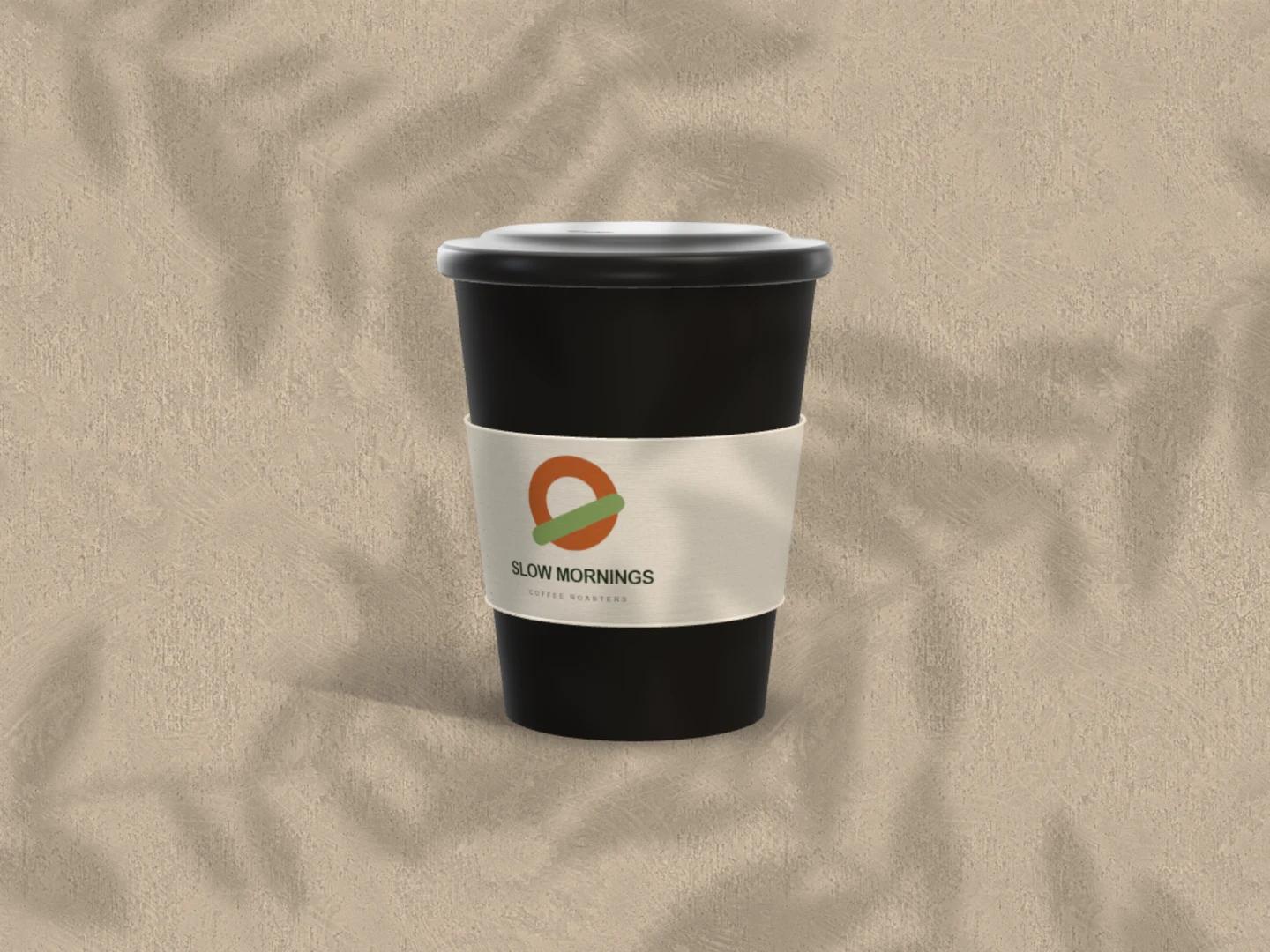
Opening and editing it is free, with no account. Exporting needs Pro, because the coffee bag is part of the Café collection. The collection's takeaway cup scene exports free.
Which bag styles are included?
One: a flat-bottom bag with side gussets and a folded top closed by a tin tie, in 250 g and 1 kg sizes. Stand-up pouches, valves and zip closures are not modelled.
Can I put different artwork on the front and the back?
Yes. Front and Back are separate surfaces, each with its own image, fit, scale and position. Turn the bag to show the side you want.
Can I export the bag on a transparent background?
Yes, with Pro: choose PNG or WebP and switch on Transparent in the export dialog. The cast shadow stays soft and transparent in the file.
Find your next mockup.
Starting points for product launches, portfolios and client work.