Free Letterhead Mockup Generator: Put the letterhead where it will be read.
Show an A4 letterhead as a sheet of paper on a desk rather than a flat artboard. The free scene lays the fictional morrow letterhead on oak under blinds; replace the artwork, choose the stock and export an image for a brand presentation.
Make a letterhead mockupNo sign-up. No watermark. Made for desktop browsers.
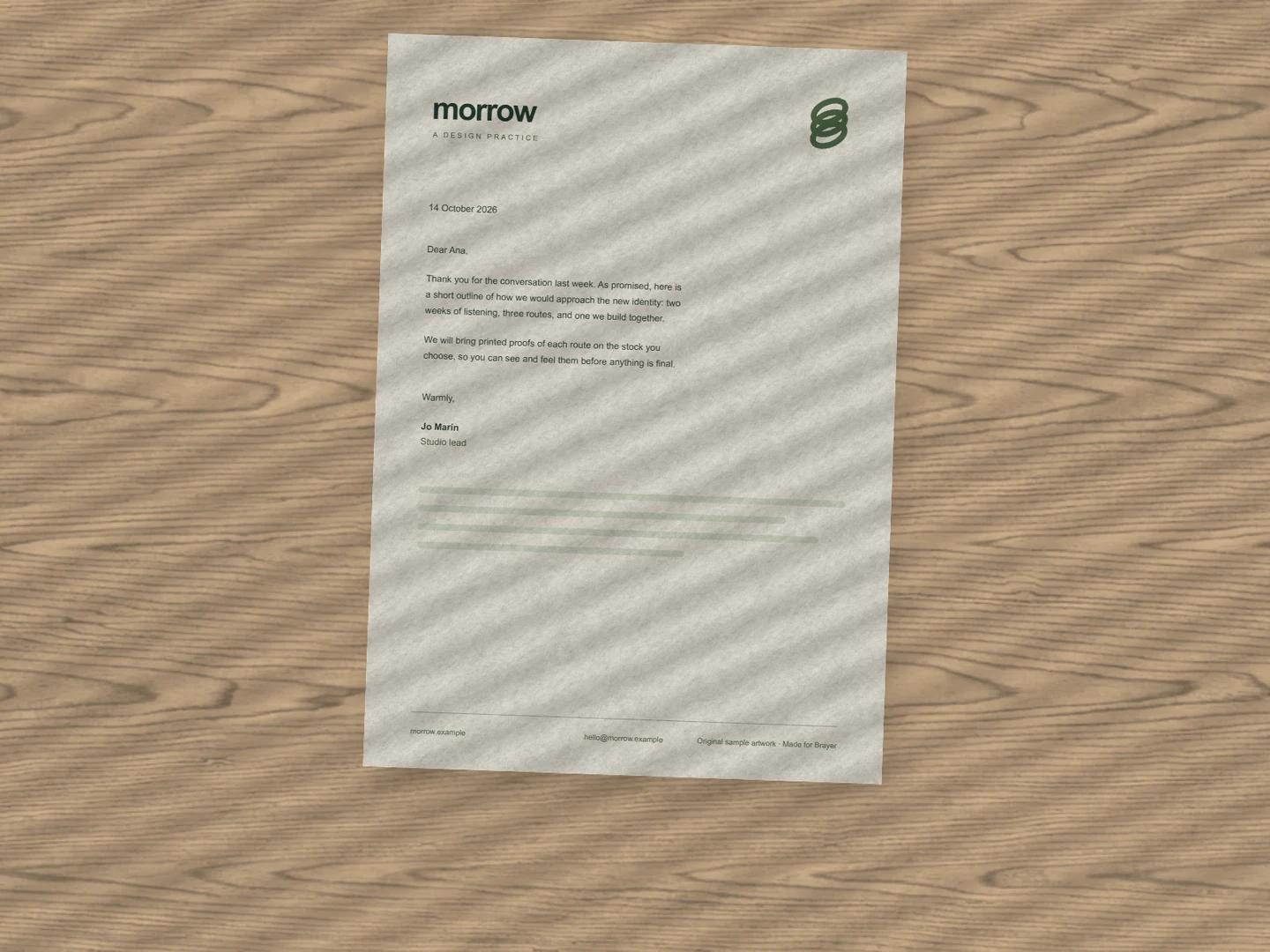
How to make letterhead mockups.
- 01
Export the page as an image
Save the letterhead from your design tool as a PNG, JPEG or SVG, with a few lines of placeholder letter so the layout reads as a page in use. Open the letterhead scene, select the sheet and replace the sample. The surface is A4 portrait.
- 02
Set the paper and the light
Choose a stock: Uncoated and Recycled suit stationery, and Linen adds a visible weave. The blinds shadow is a layer of its own: pick it in Layers to soften or turn it, or swap it for window light or leaf shadows from the Add tab. Change the wood for linen, concrete or a flat colour in the page background.
- 03
Export, then build the set
Download a PNG or JPEG free up to 3,000 px on the long side. For the envelope and cards beside it, open the stationery mockup, which arranges all three, or add an envelope surface to this page from the Add tab.
A letterhead is mostly empty paper
That is the point of it, and the mockup should show it: the mark at the top, the margins, the quiet footer. Fill the sample letter with realistic text so the client sees the page working, not only the header. Keep the sheet nearly upright, because a strong tilt makes body text hard to judge. Use the same paper stock here as on the envelope and the business cards, so the set reads as one print job.
What is included for free?
Every device frame and starter scene, plus one free scene from each premium collection, custom canvas dimensions, local saving, and PNG or JPEG export up to 3,000 px on the long side, with no watermark or account. Pro adds larger exports up to 4×, WebP, transparent backgrounds, the premium collections, size batches, and optional cloud sync.
Compare Free and ProRead next
- Connect AI: Design with Claude or ChatGPT via MCPAdd Brayer's MCP connector to Claude, ChatGPT, Claude Code or Cursor, turn on Connect AI in the studio, and let your AI app build mockups in your open tab.
GOOD TO KNOW
Before you create.
Is the letterhead A4 or US Letter?
The surface is A4 portrait (1:1.414). A US Letter design is a little wider, so it is cropped slightly at the sides to fill the sheet. To show it whole, resize the surface in Full editor to your page's proportions.
Can I add the envelope and business cards?
Yes. The stationery scene already arranges a letterhead, a DL envelope and two cards. Or add print surfaces to this scene from the Add tab; each takes its own artwork and paper.
Can I export an editable letterhead template?
No. Brayer exports images of your design for presentations and portfolios. Keep the working letterhead in your design or word-processing tool.
Find your next mockup.
Starting points for product launches, portfolios and client work.
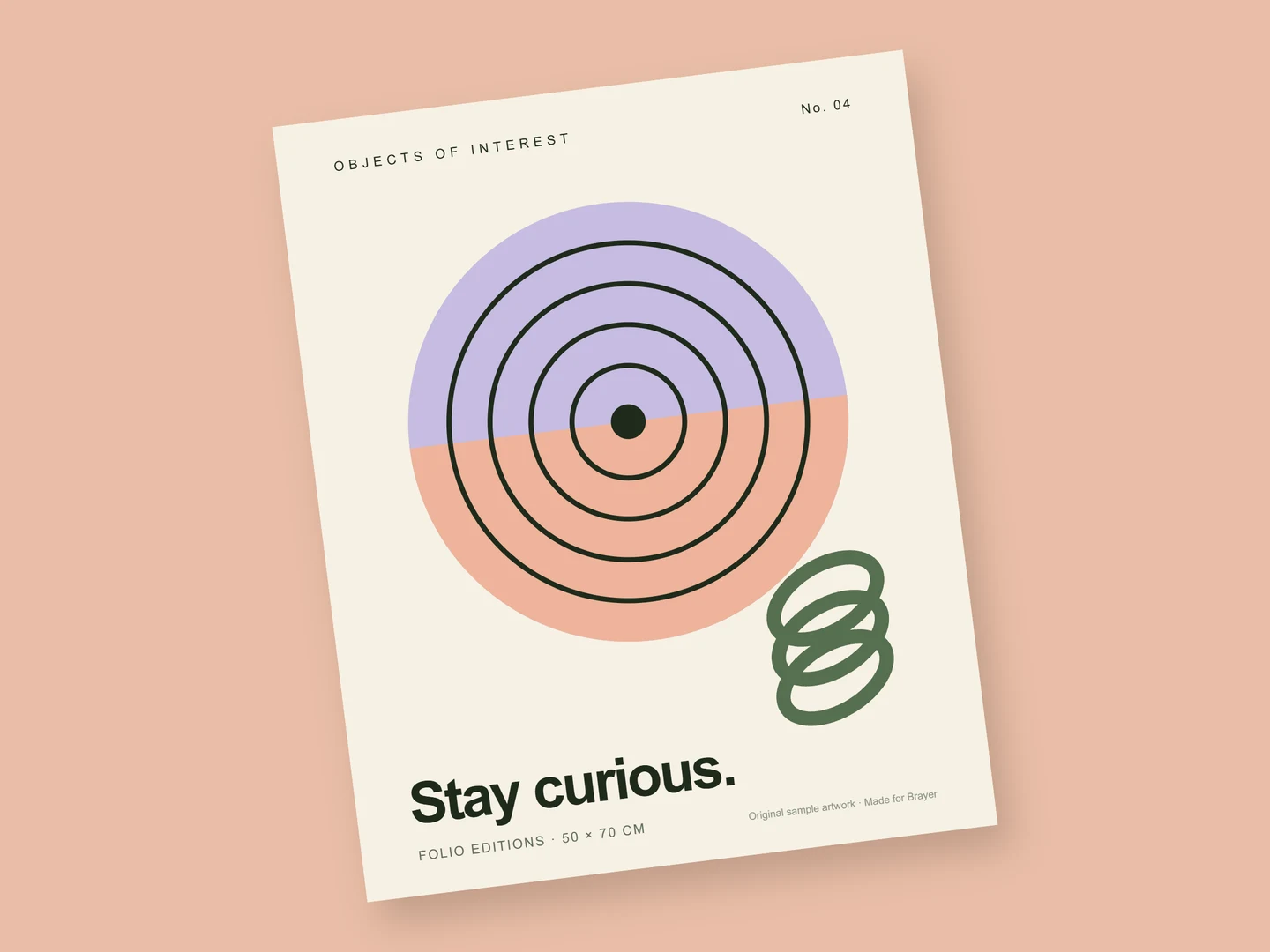
Art print mockups
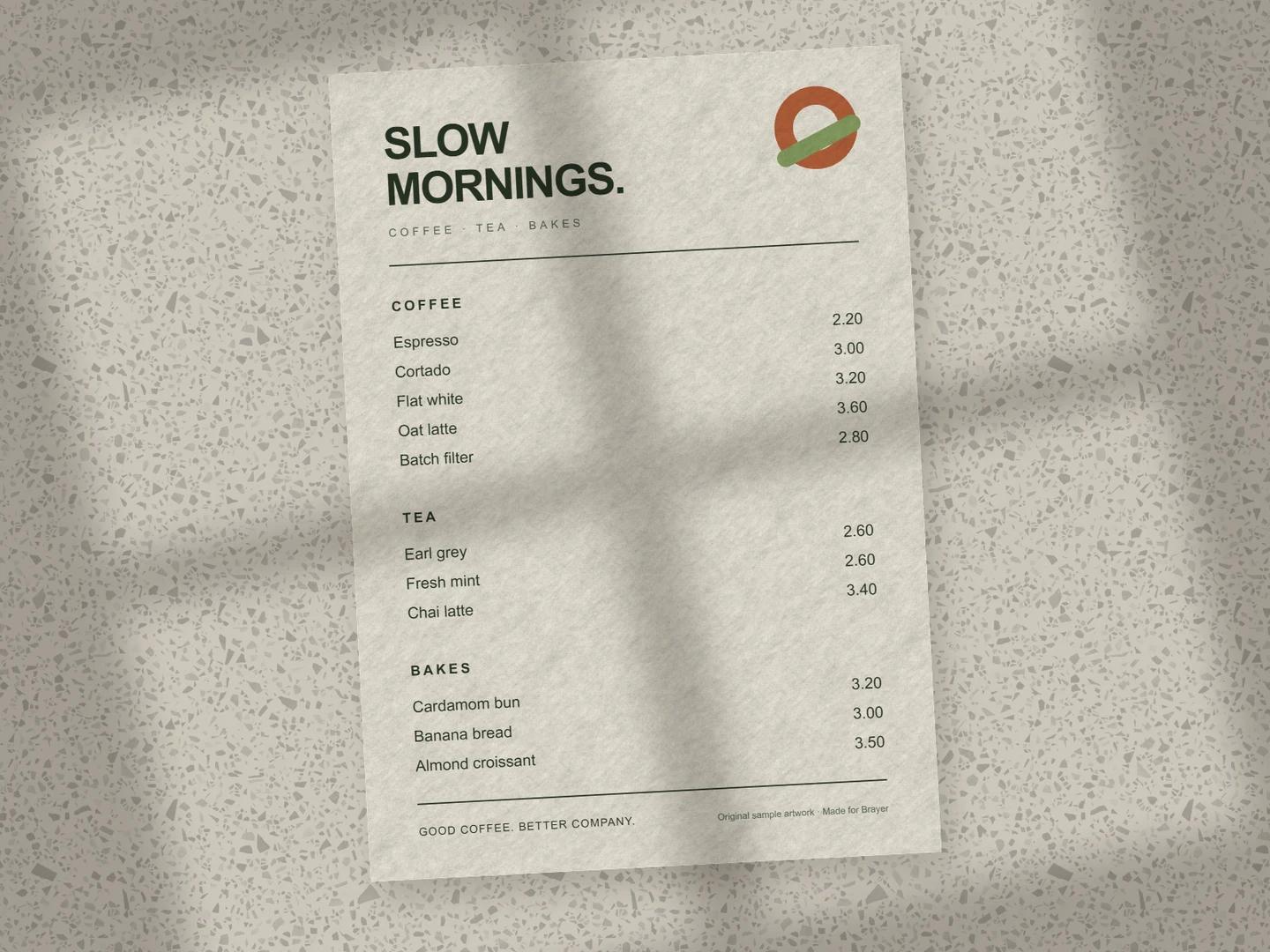
Menu mockups
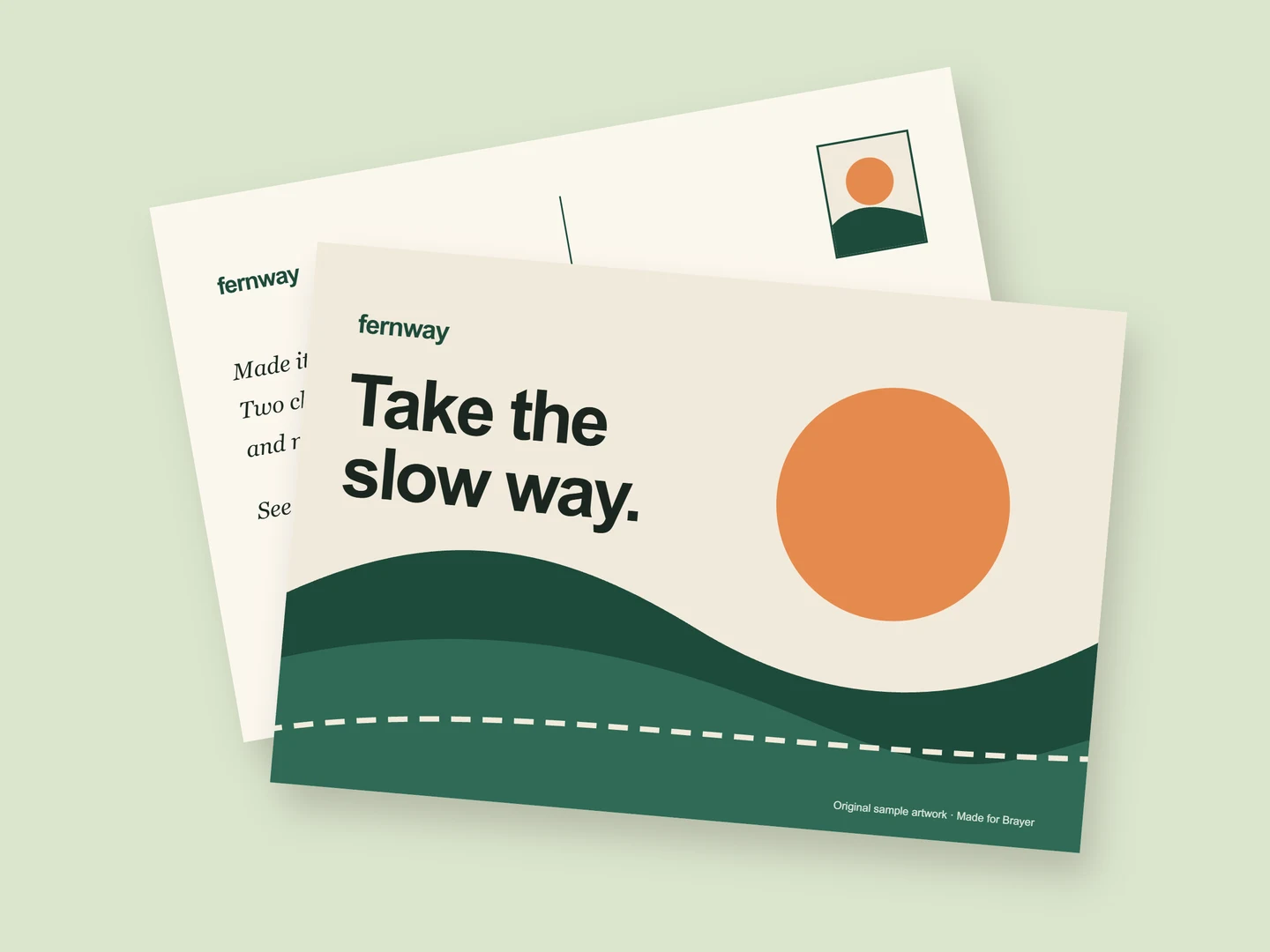
Postcard mockups
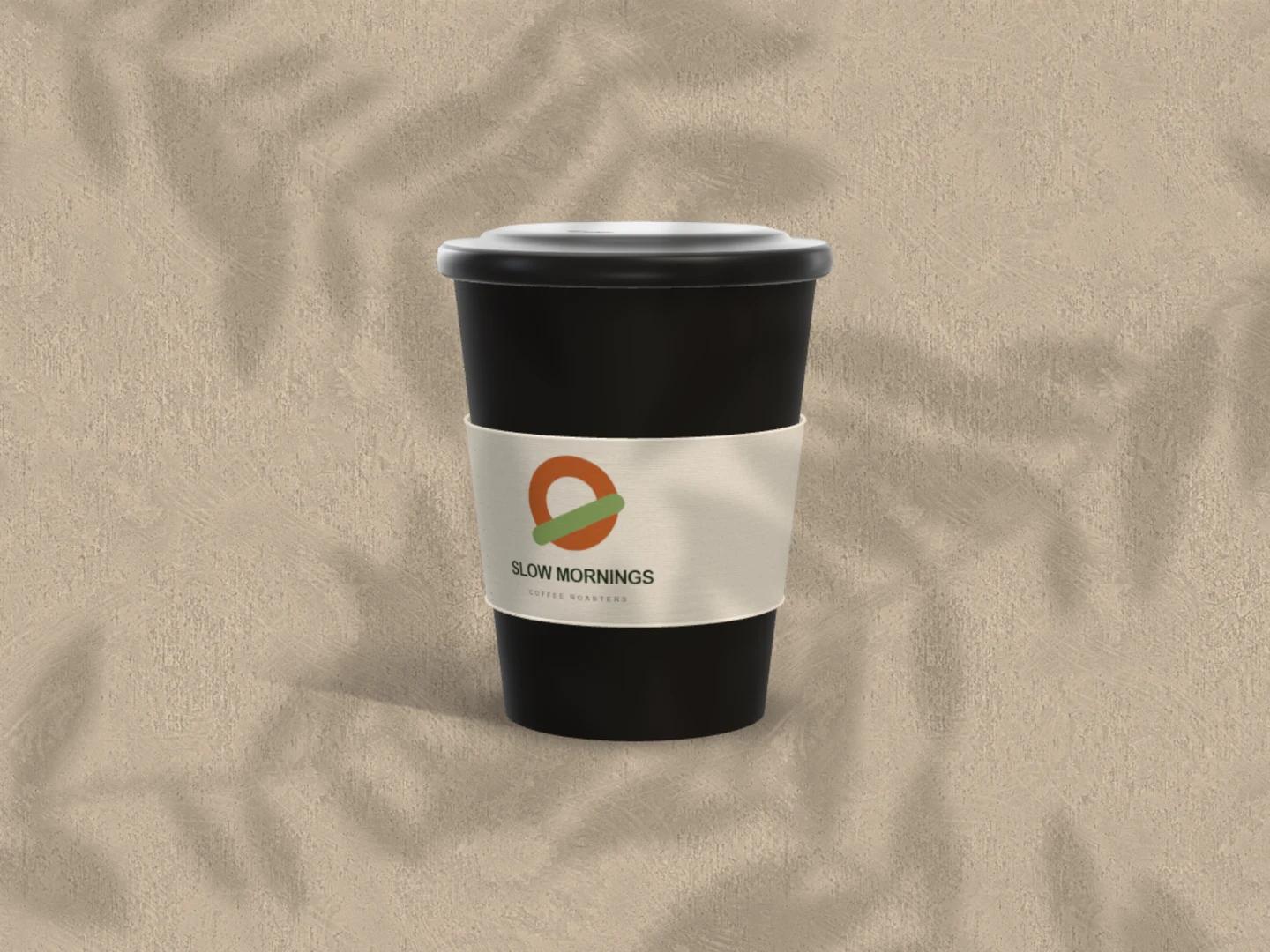
Coffee cup mockups
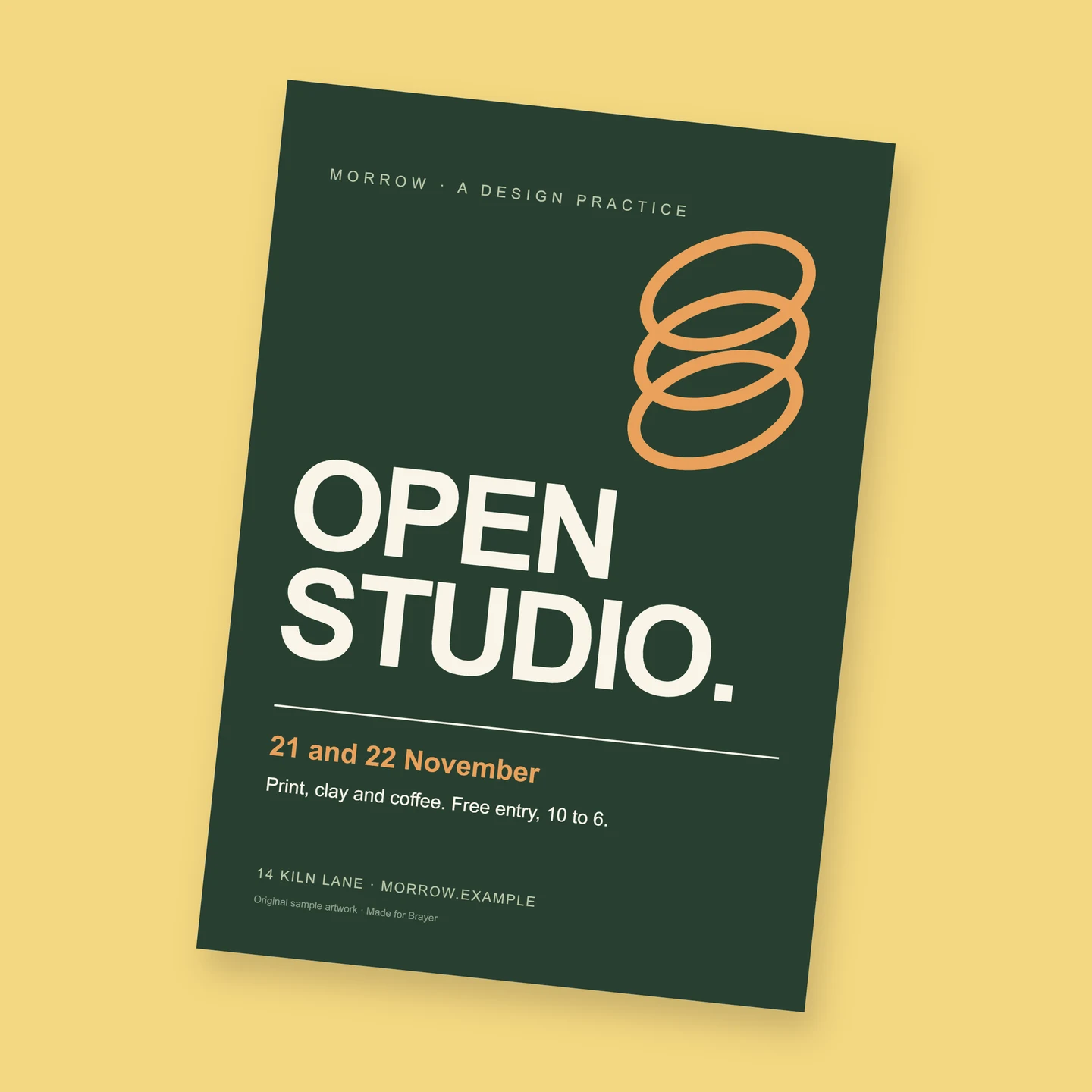
Flyer mockups
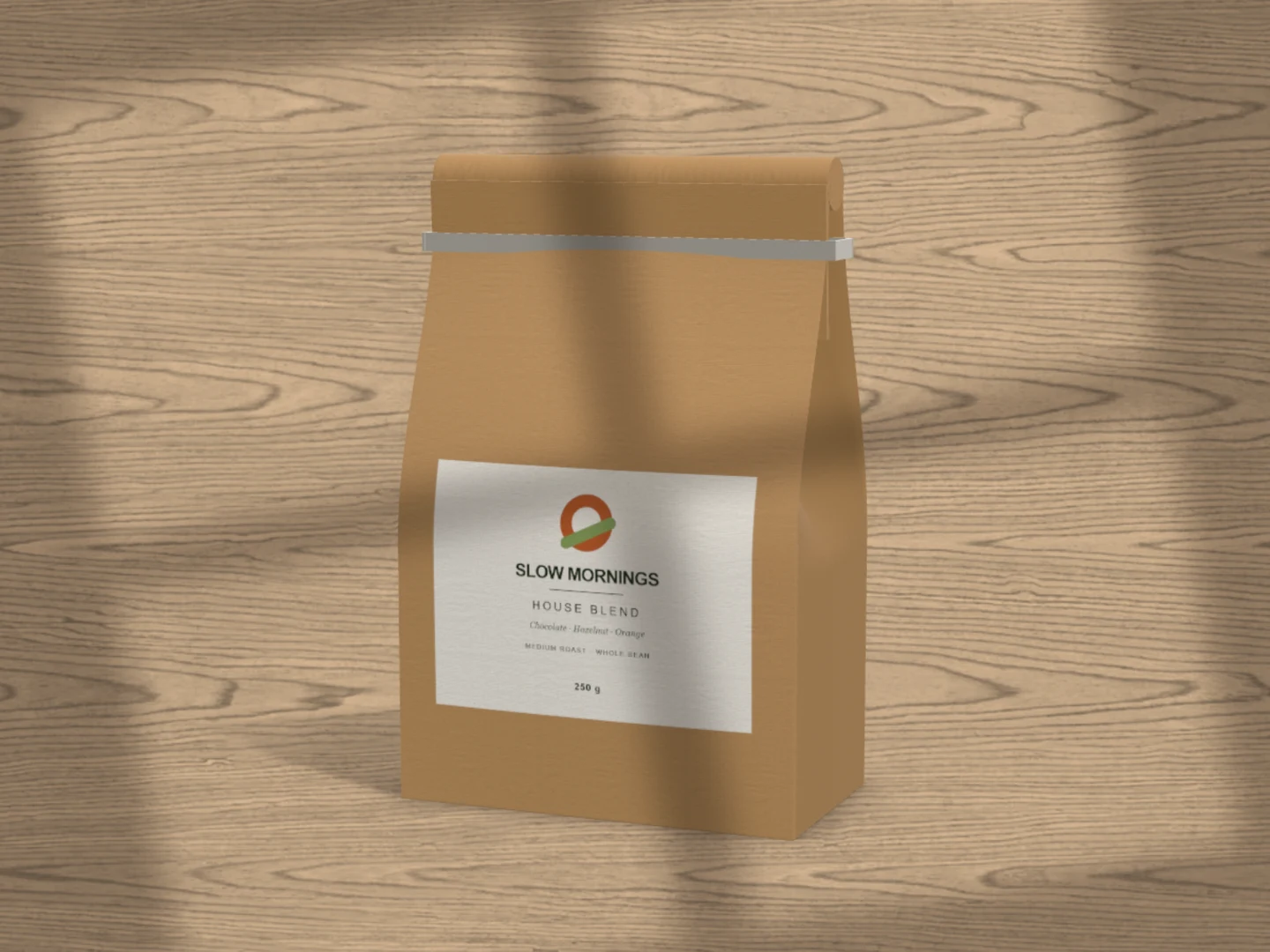
Coffee bag mockups
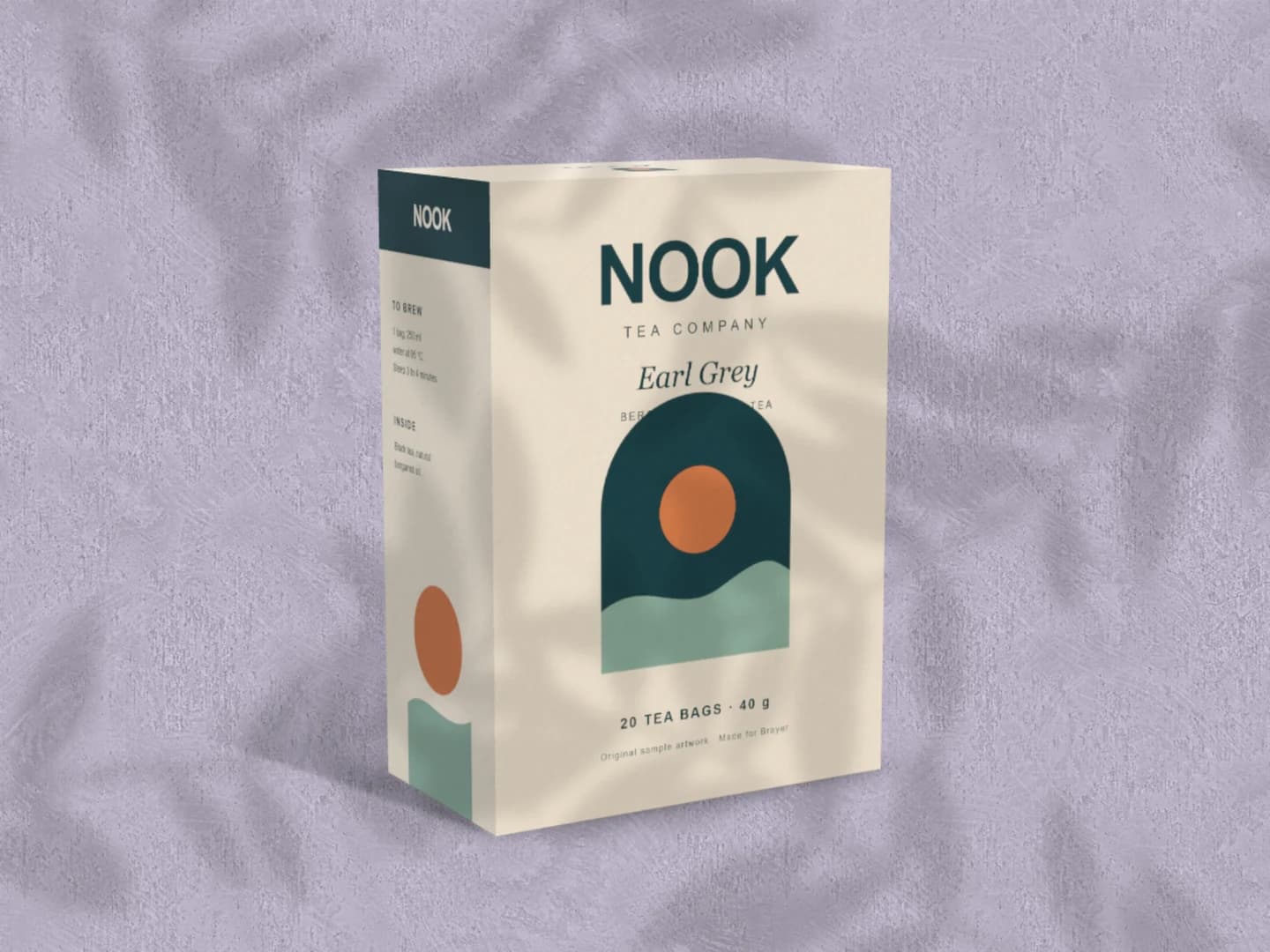
Carton mockups
Can mockups
Café branding mockups
Each page opens a real scene you can edit.
All 20 mockup generatorsYour next visual starts here.
Make a letterhead mockupFree to start. Your files stay local by default.