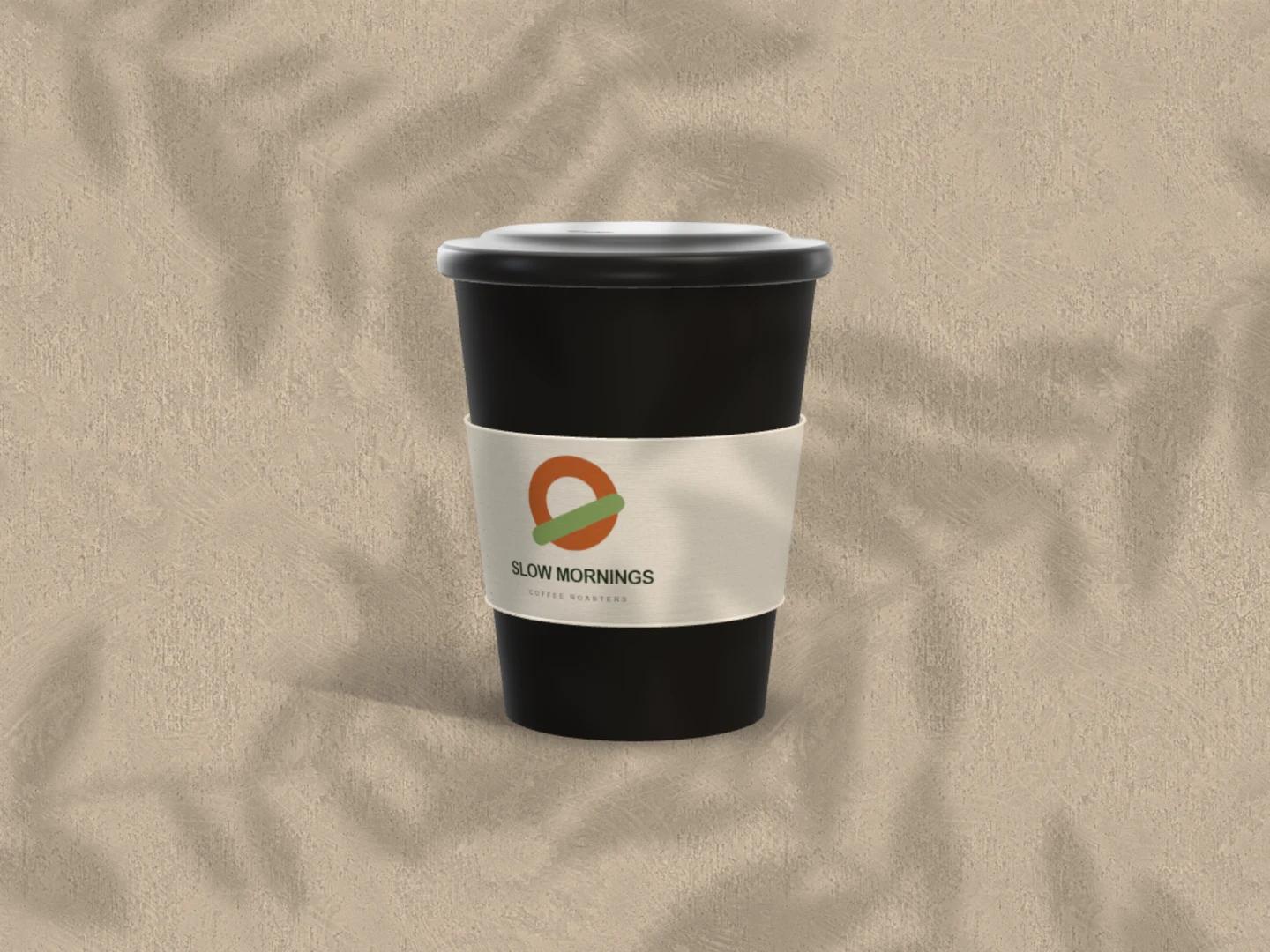
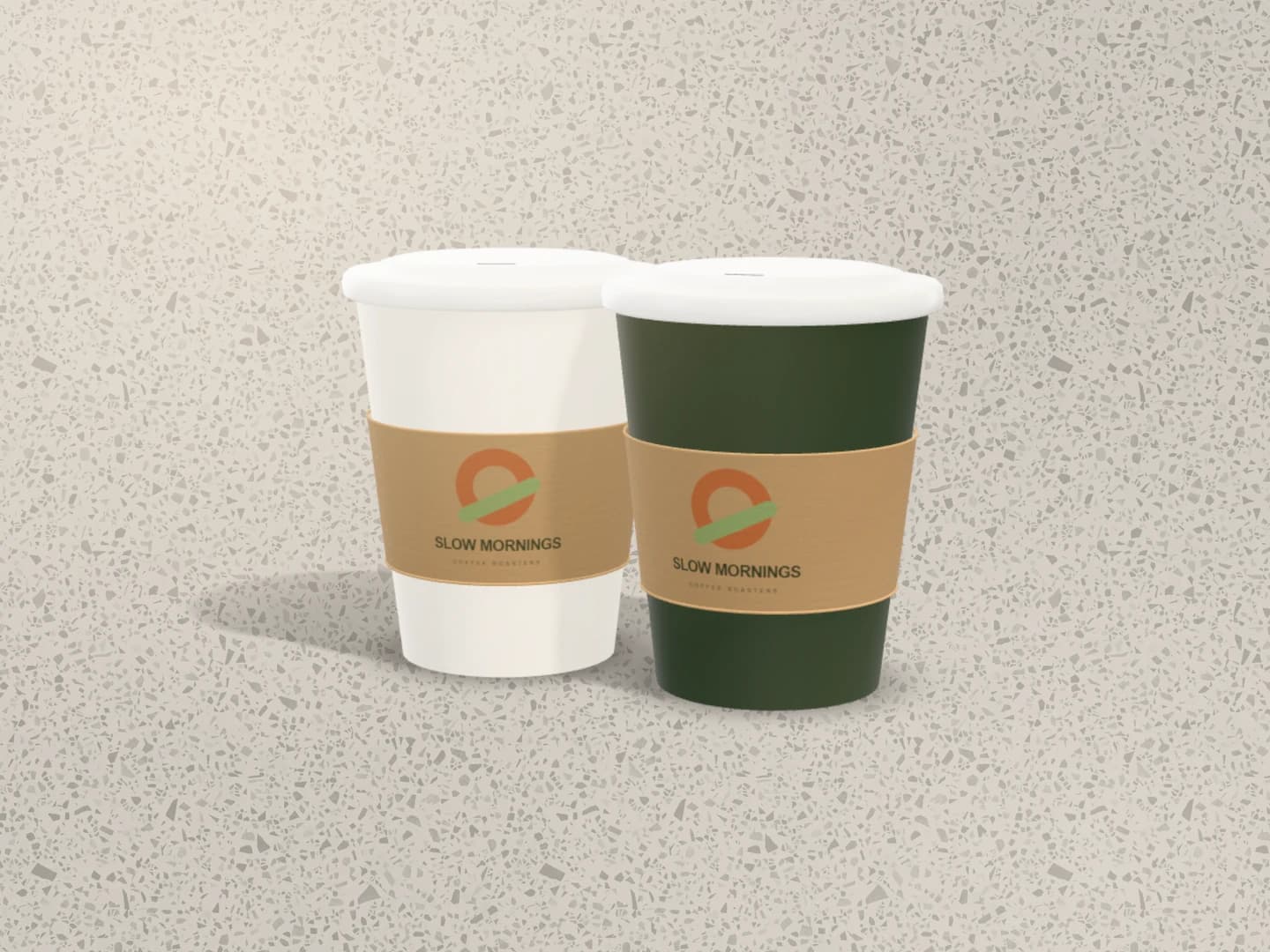
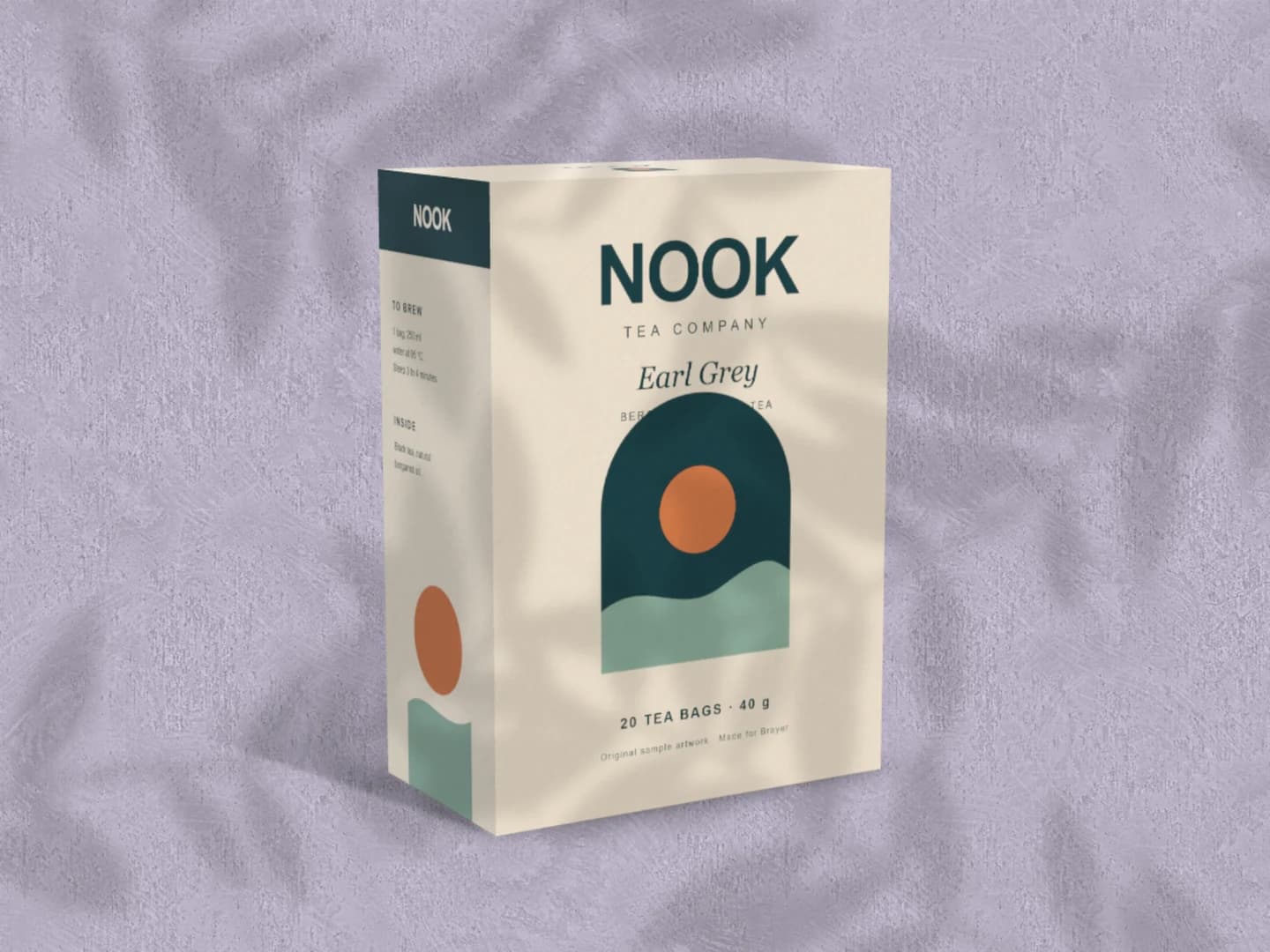
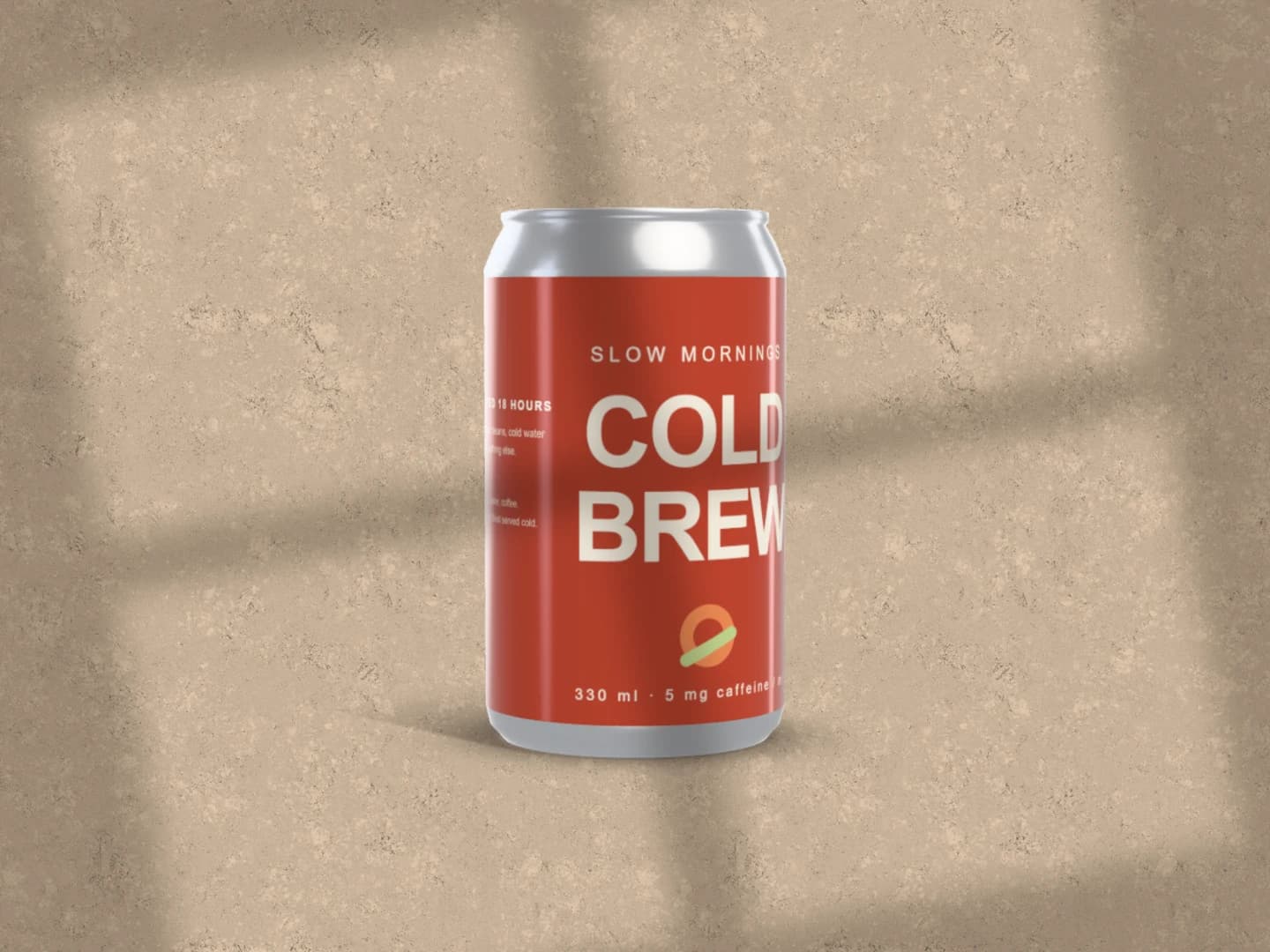
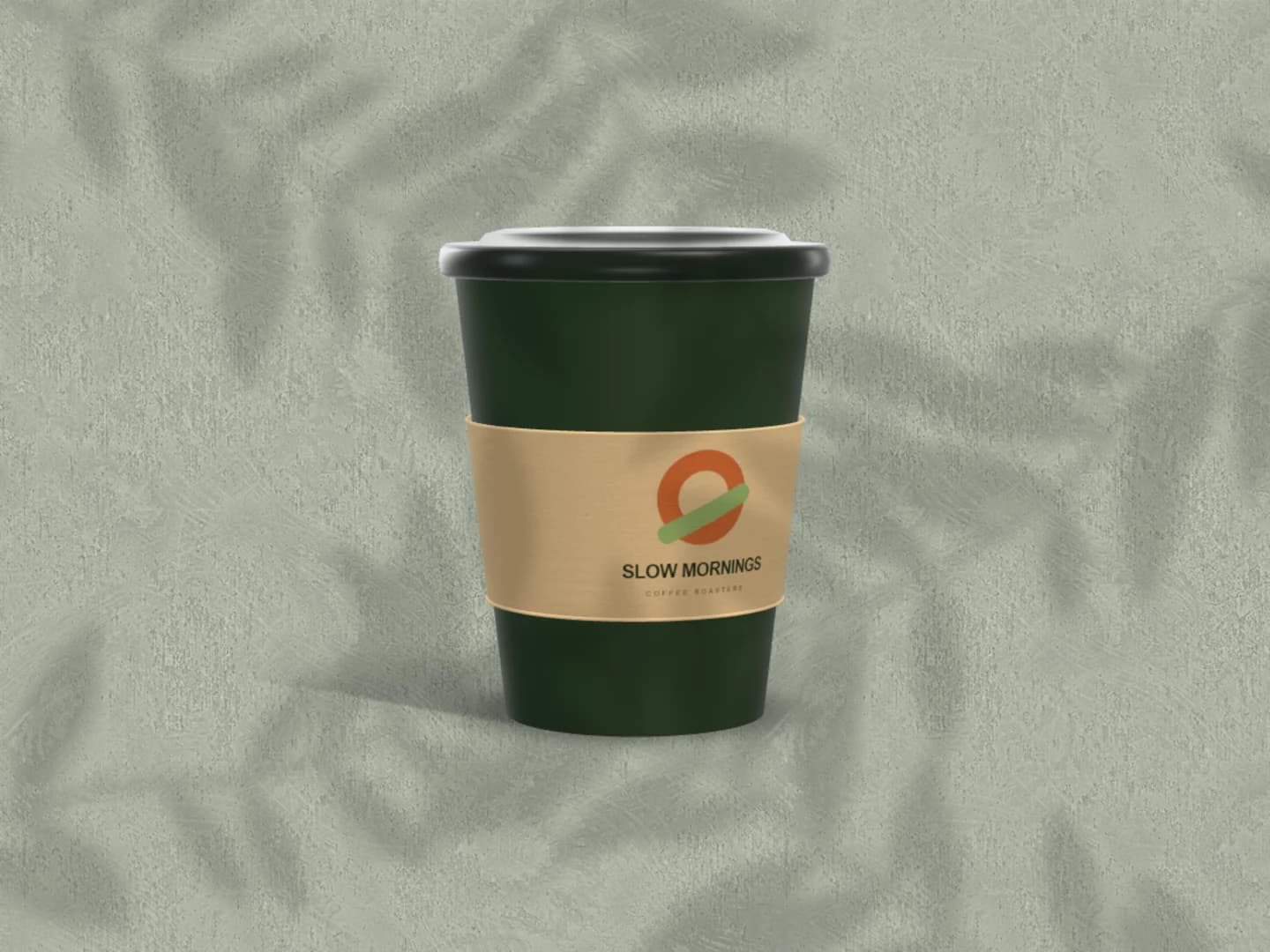
Free Coffee Cup Mockup Generator: See your mark on the cup before it's printed.
Preview a logo or a pattern on a 3D takeaway cup with a sleeve. The free scene gives you one cup under leaf shadows; replace the sample mark, choose the cup, lid and sleeve colours, and turn it to the angle that shows the brand best.
Free to open and customise. Pro required to export this scene.
Made in Brayer. Open the scene to replace the sample artwork.
A story for the opening
Café story is a 1080 × 1920 layout with a headline above a large cup, sized for an opening announcement or a seasonal drink. Change the text, the cup colours and the ground.
Free to open and customise. Pro required to export this scene.
How to make coffee cup mockups.
01
Add your mark to the sleeve
Select the cup and replace the Sleeve artwork with your logo; a transparent PNG or an SVG lets the sleeve colour show around it. To print on the cup itself, pick the Cup print surface, or set the sleeve height to 0 for a cup with no sleeve.
02
Set colours, size and finish
Choose colours for the cup, the lid and the sleeve, pick the 12 oz or 8 oz size, and set the finish to matte, satin or gloss. Front places the mark on the face of the cup and Full wrap runs a pattern around it; Scale and the position sliders size and place it.
03
Turn it and export
Pick a camera preset (Front, Angled, Overhead or Low hero) or set the tilt and turn yourself, then adjust the light and the cast shadow. Download a PNG or JPEG free up to 3,000 px on the long side. A transparent background, for placing the cup on your own layout, needs Pro.
A curve changes a logo
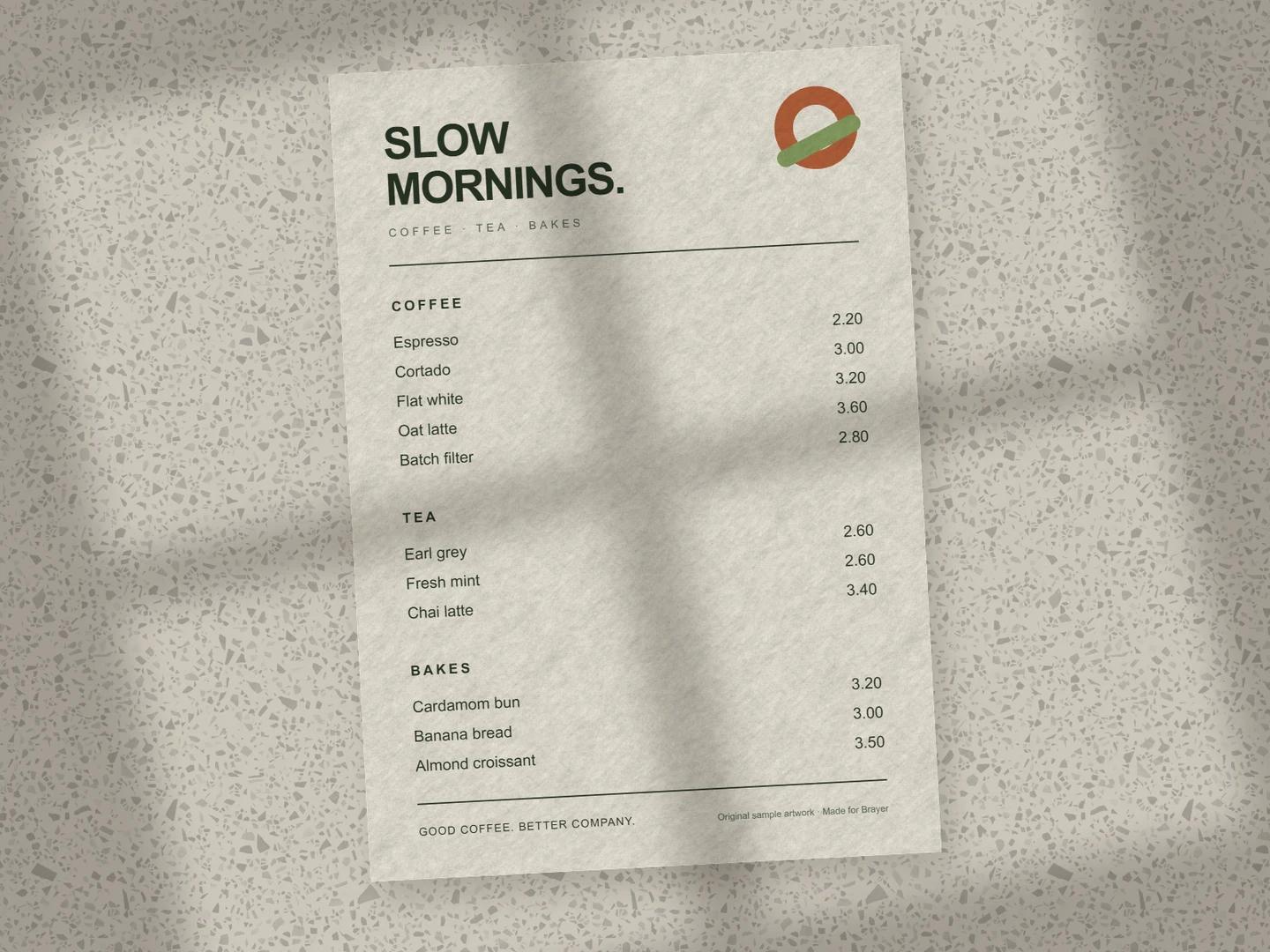
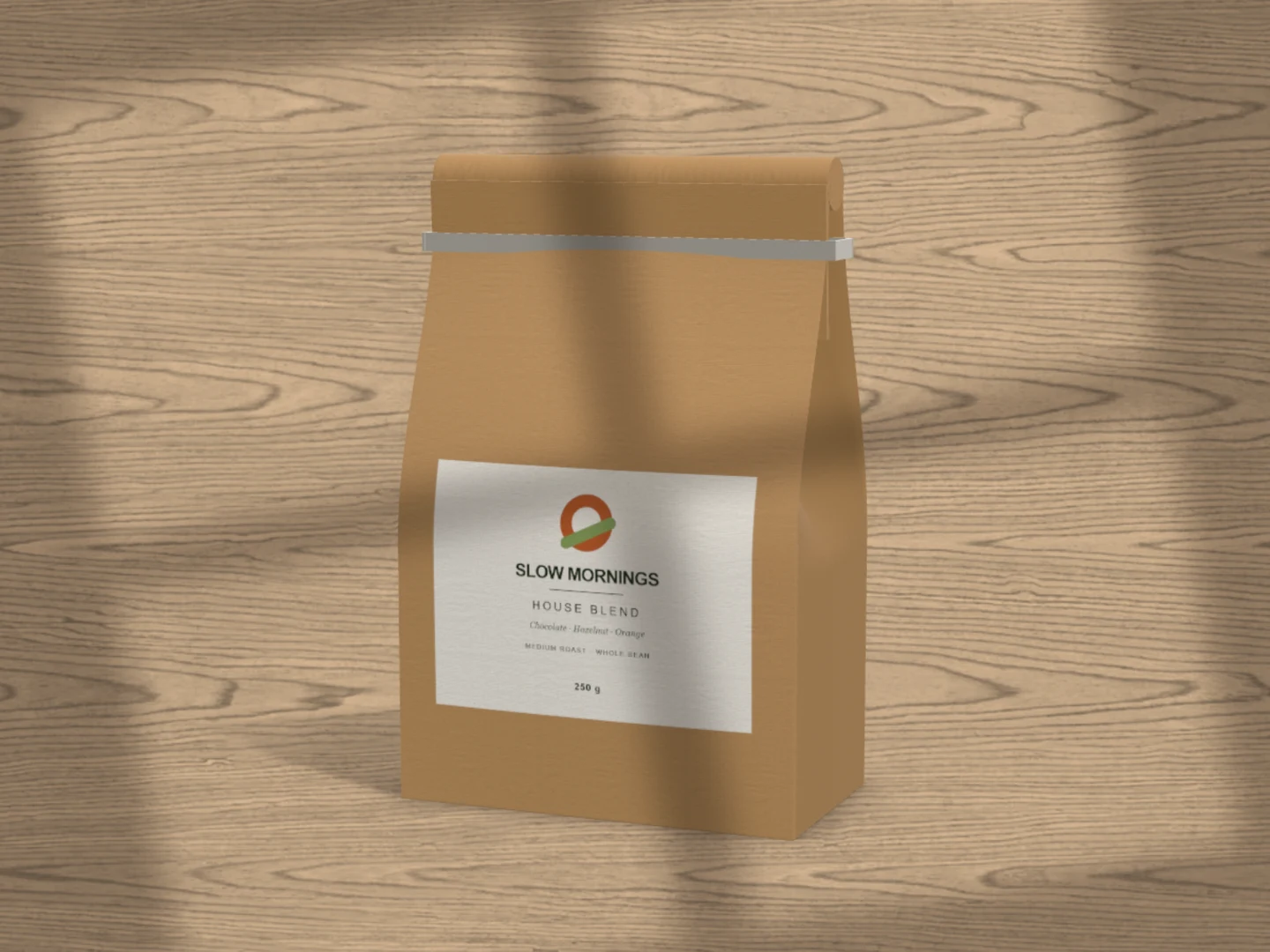
A wide wordmark that works on a sign can wrap out of sight on a cup. Turn the cup a little each way and check what a customer holding it would see, which is usually the middle third of the sleeve. A compact mark, or a pattern set to Full wrap, survives the curve better than a long line of type. The cup is a rendered 3D model with fixed proportions: useful for presenting a brand, not for checking a supplier's print template. For the cup beside a bag and a menu, see café branding.
What is included for free?
Every device frame and starter scene, plus one free scene from each premium collection, custom canvas dimensions, local saving, and PNG or JPEG export up to 3,000 px on the long side, with no watermark or account. Pro adds larger exports up to 4×, WebP, transparent backgrounds, the premium collections, size batches, and optional cloud sync.
Connect AI: Design with Claude or ChatGPT via MCPAdd Brayer's MCP connector to Claude, ChatGPT, Claude Code or Cursor, turn on Connect AI in the studio, and let your AI app build mockups in your open tab.
GOOD TO KNOW
Before you create.
Is the coffee cup mockup free?
Yes. Takeaway cup is the Café collection's free scene: edit everything and export PNG or JPEG up to 3,000 px on the long side with no account or watermark. Cup duo, Café story and the other Café scenes are free to edit and need Pro to export.
Can I change the cup size or remove the sleeve?
Yes. The cup comes in 12 oz and 8 oz, and the sleeve height runs from 0 to 80 percent; at 0 the sleeve is gone and your artwork prints on the cup. The cup, lid and sleeve each take their own colour.
Can I make an iced coffee cup or a mug?
Not yet. The cup is an opaque paper takeaway cup with a lid. Clear cups, mugs and glassware are not included, and there is no liquid simulation.
Can I show several cups together?
Yes. A product can be shown as a pair or a trio, with a colourway for each extra cup; the Grouped camera preset sets up a trio. The ready-made Cup duo scene needs Pro to export.
Find your next mockup.
Starting points for product launches, portfolios and client work.