Frames, products and print
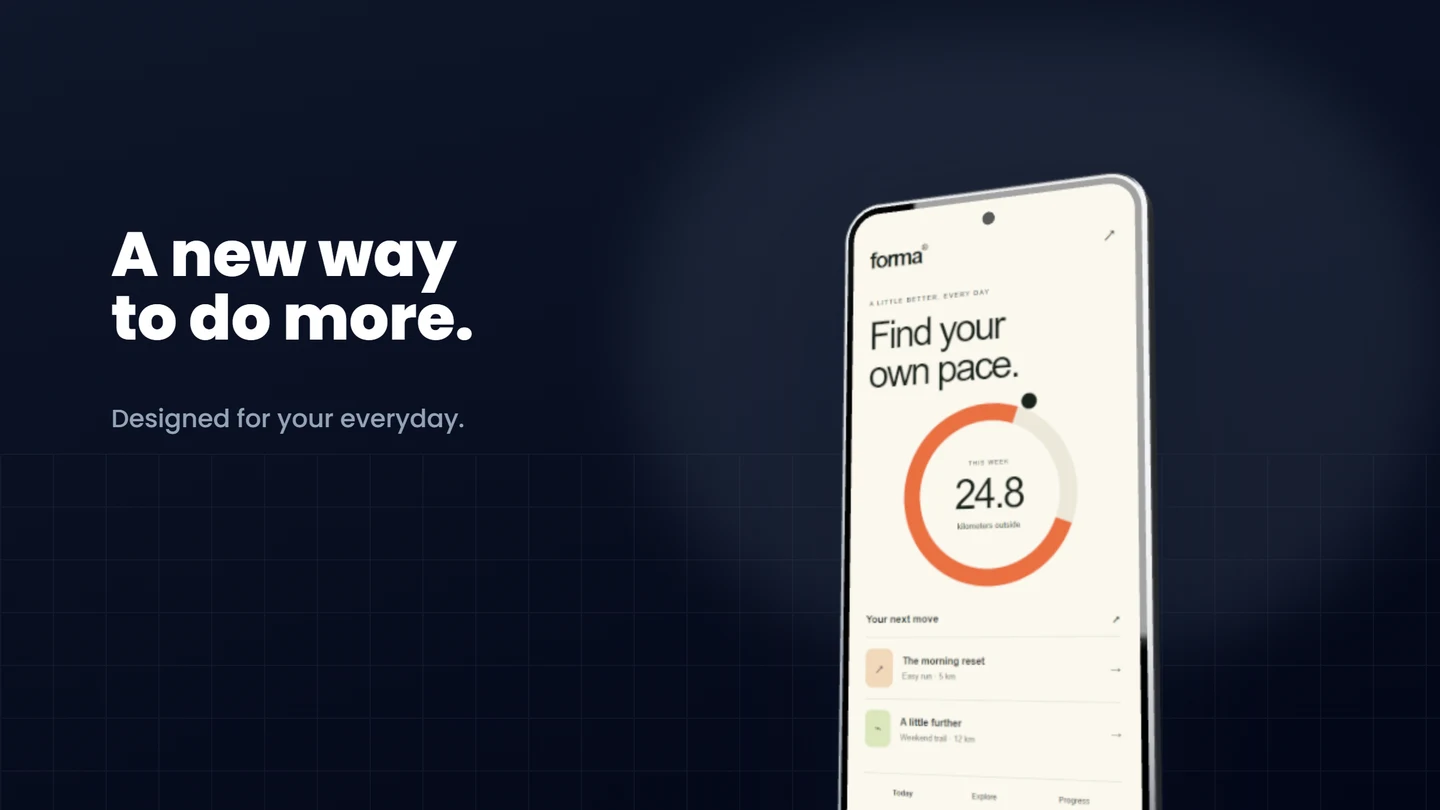
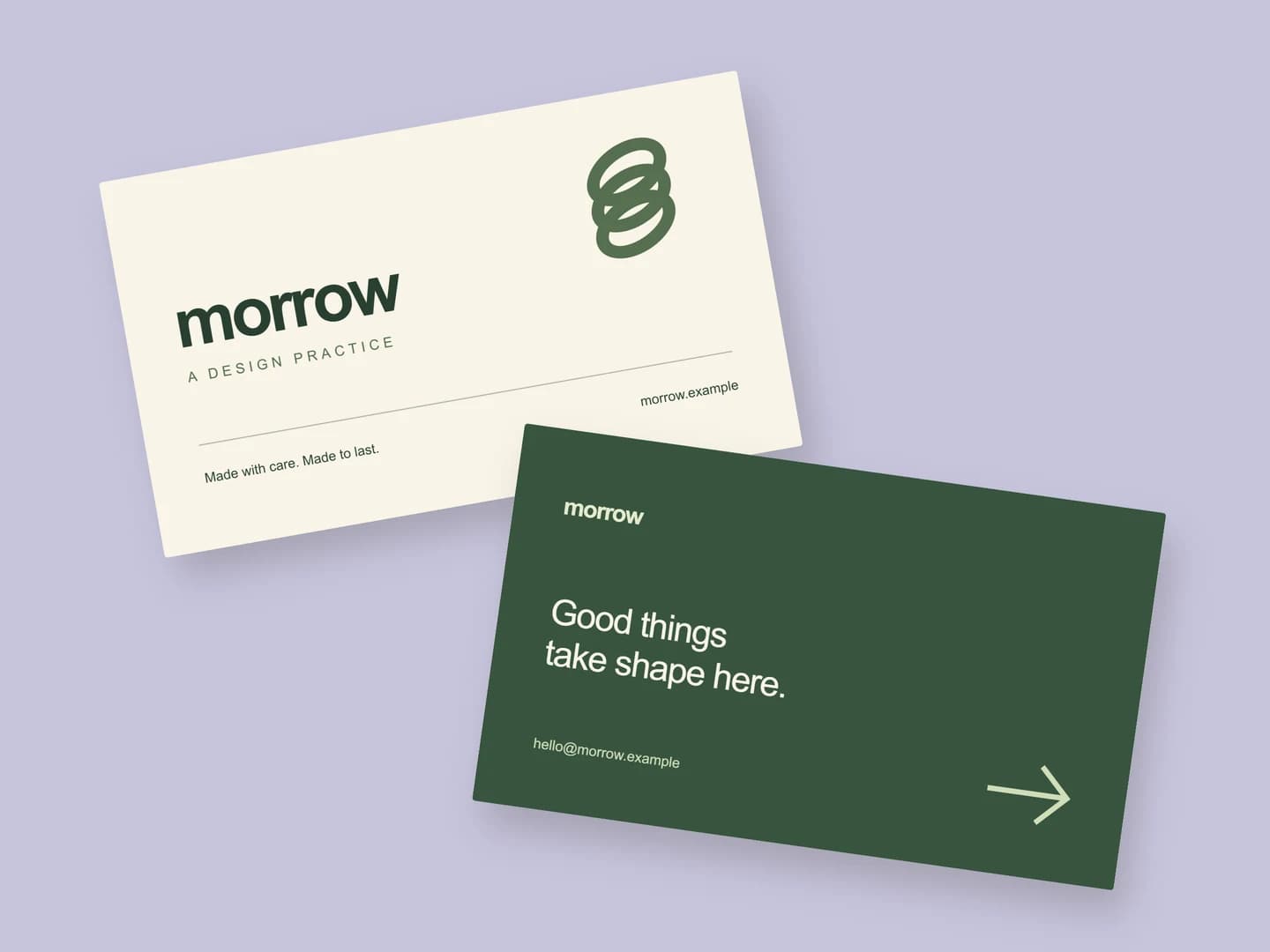
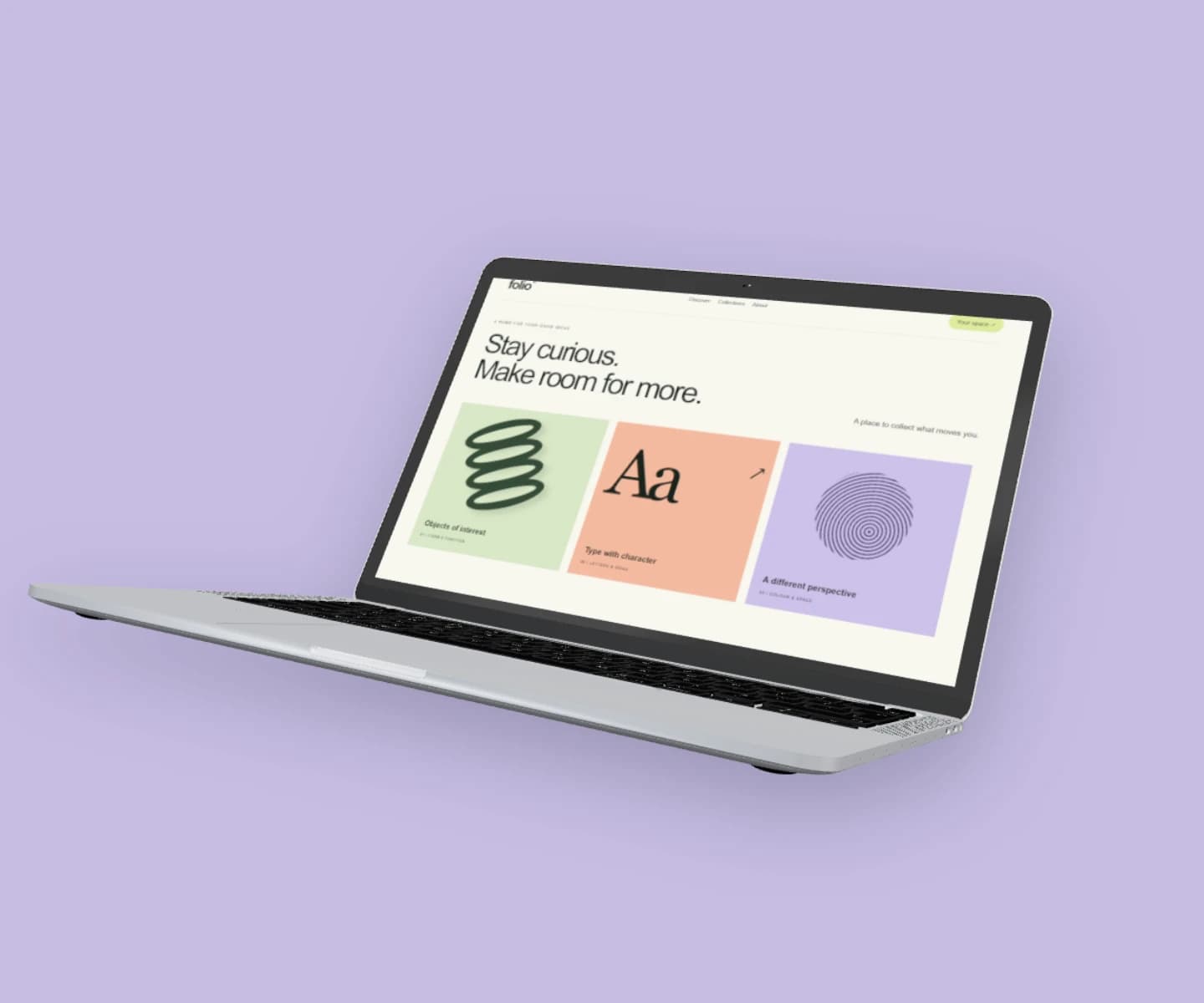
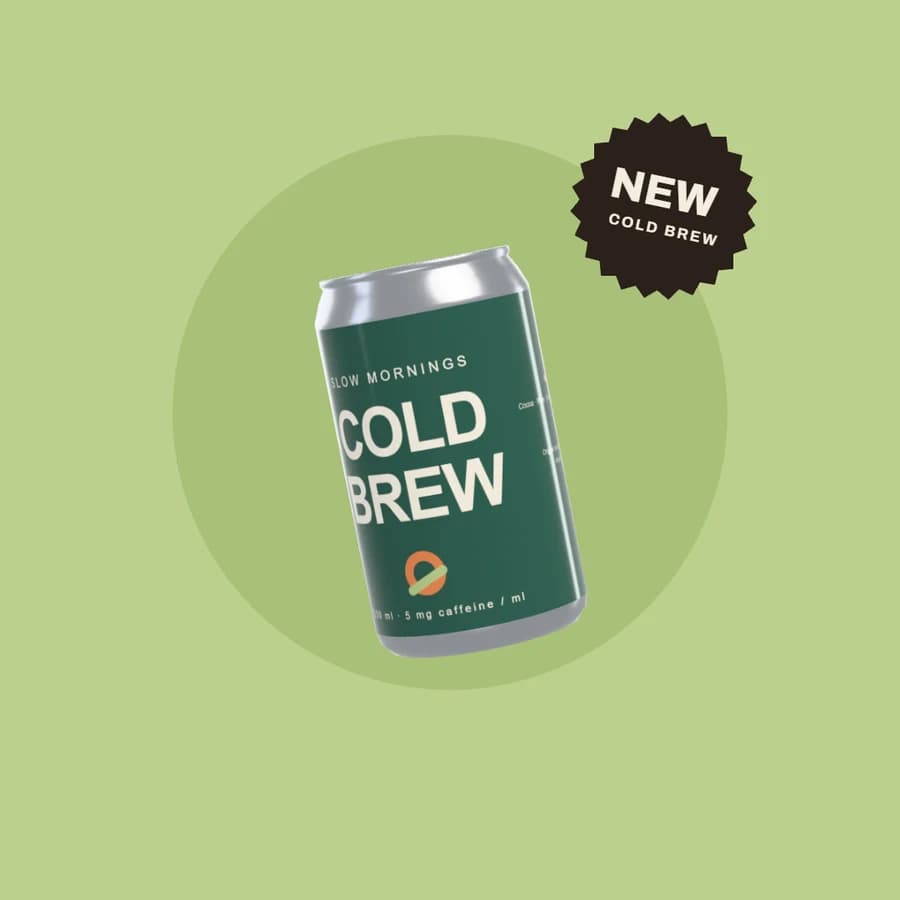
Browser, phone, tablet and laptop frames, 3D cups, bags, cans and cartons in materials from ceramic to foil, and posters, cards and menus.
Put your app, website or artwork on a device, a poster, a cup or a can, in your browser. Pick a scene, drop in your design, download.
No sign-up No watermark Made for your desktop browser
One screenshot went in; the frame, the angle and the background came from the scene.
Use this scene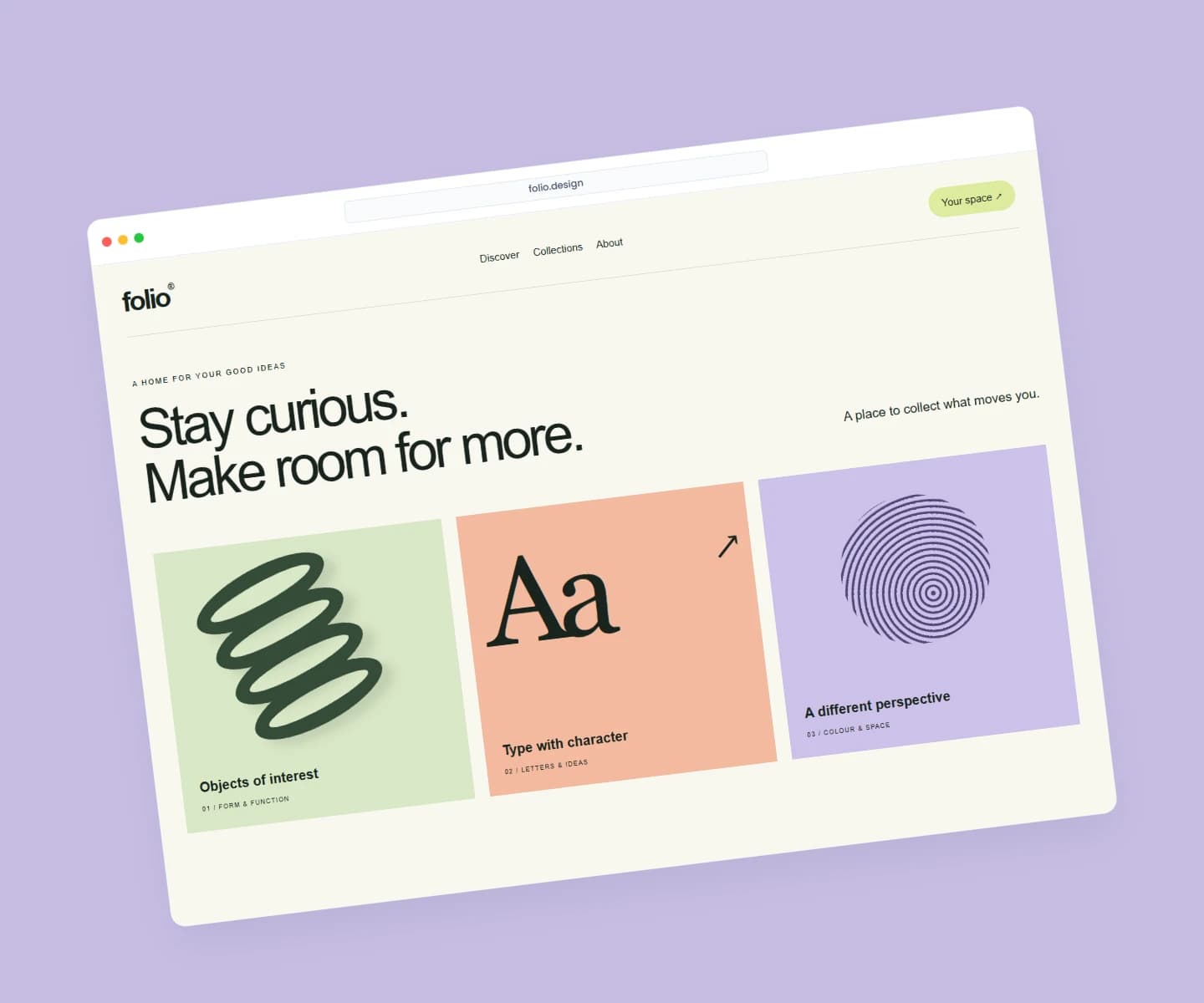 Mockup
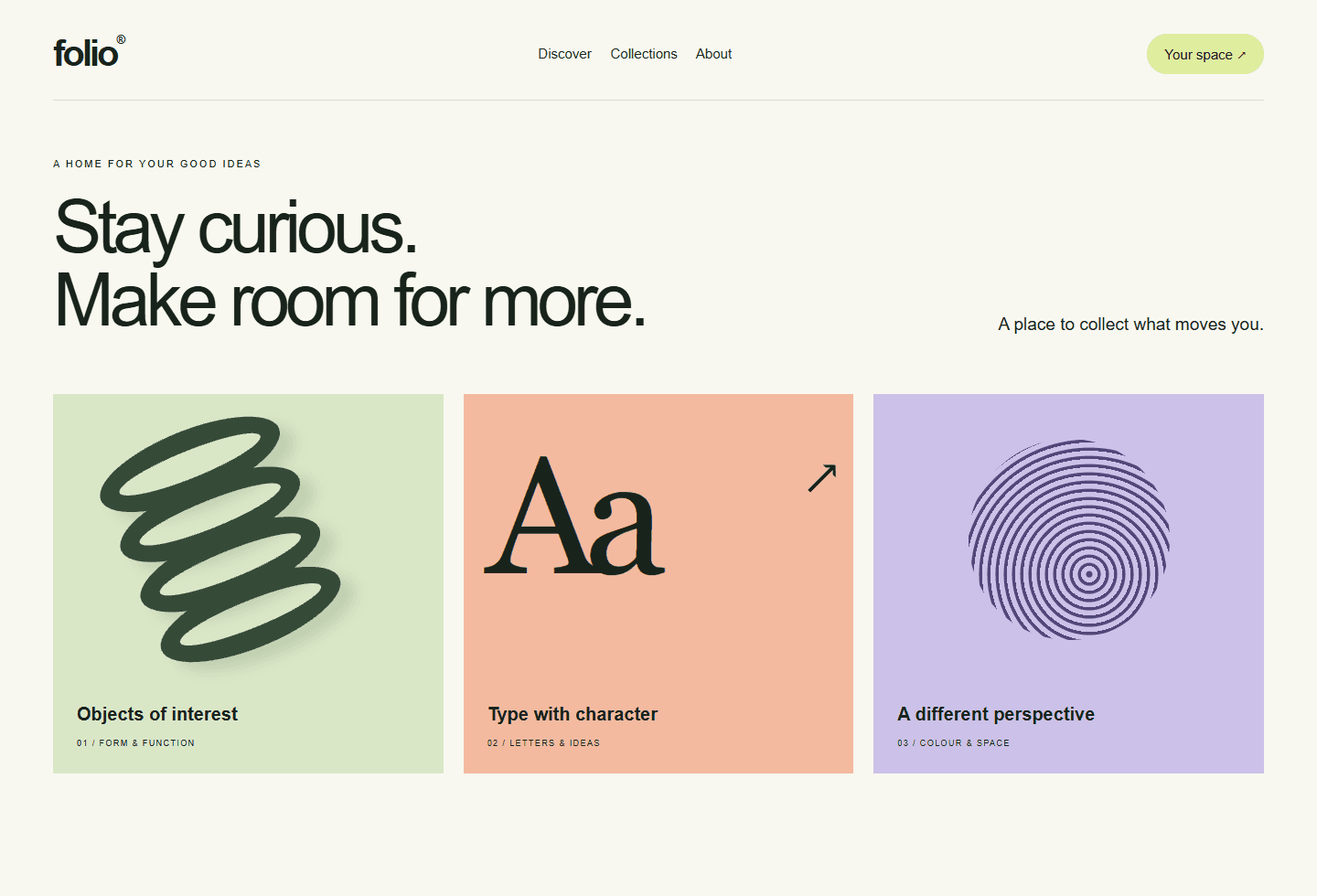 Screenshot
A new app, a fresh identity, your next launch. Every example here is an editable scene.
Showing 15 examples
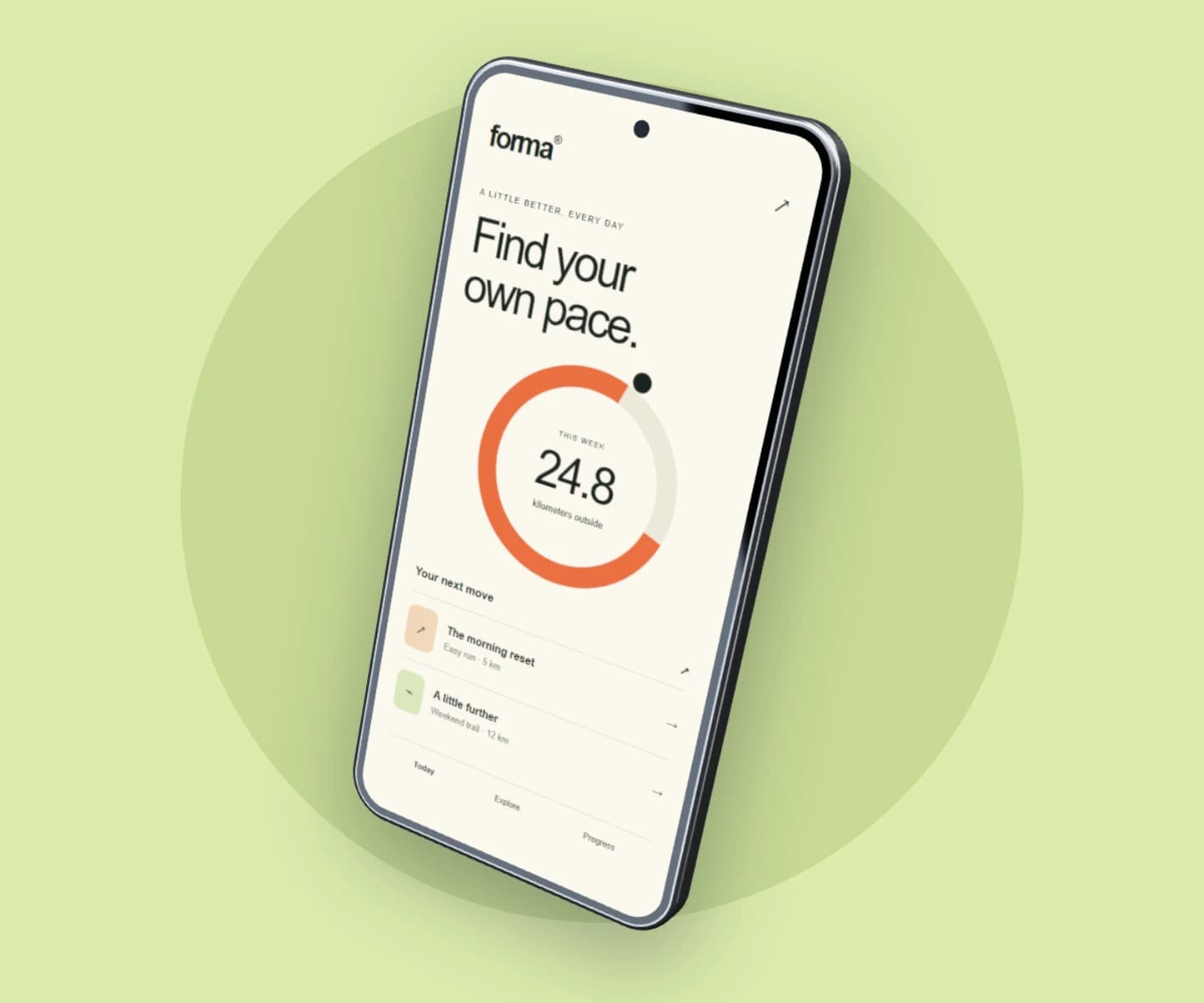
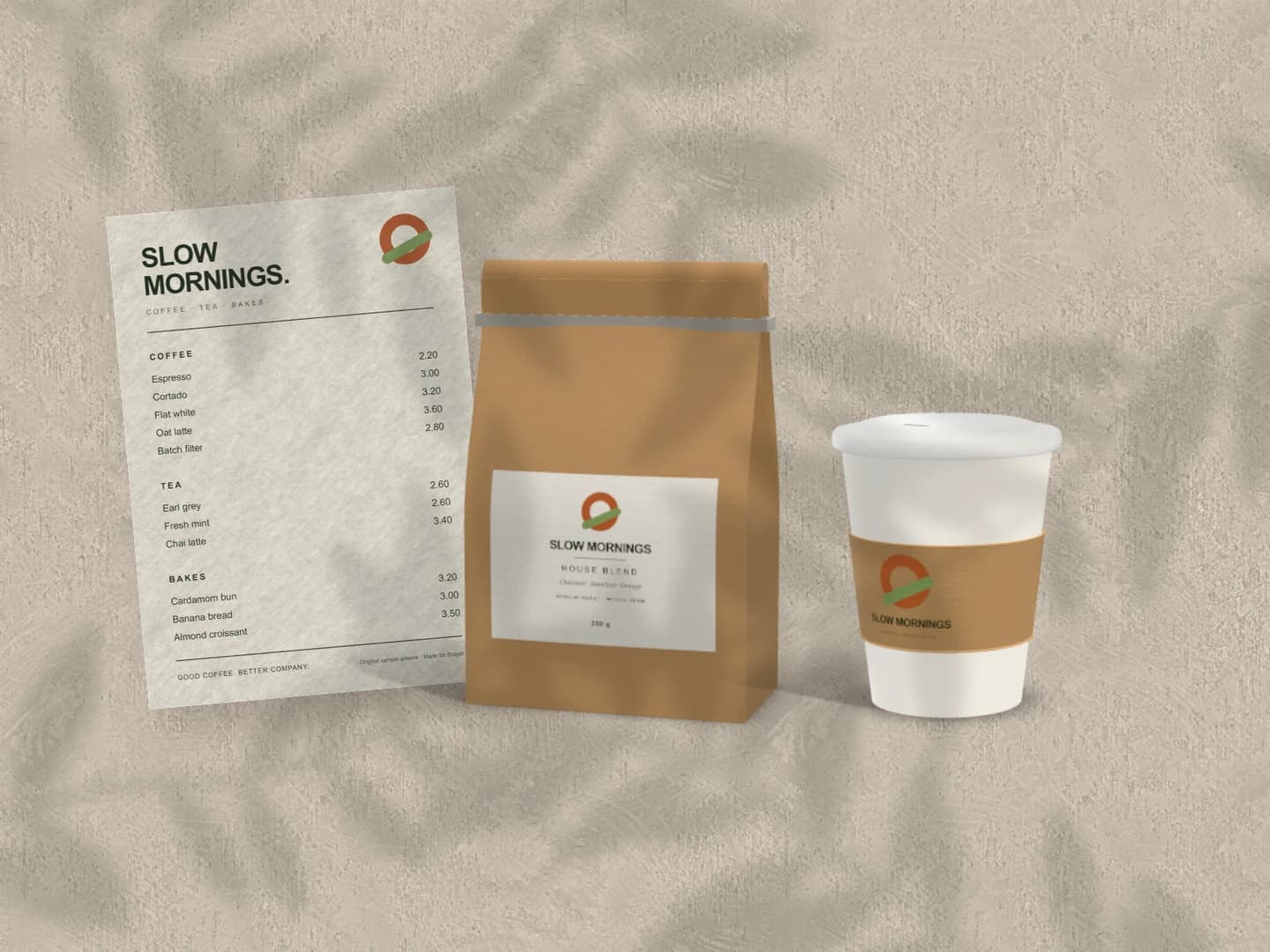
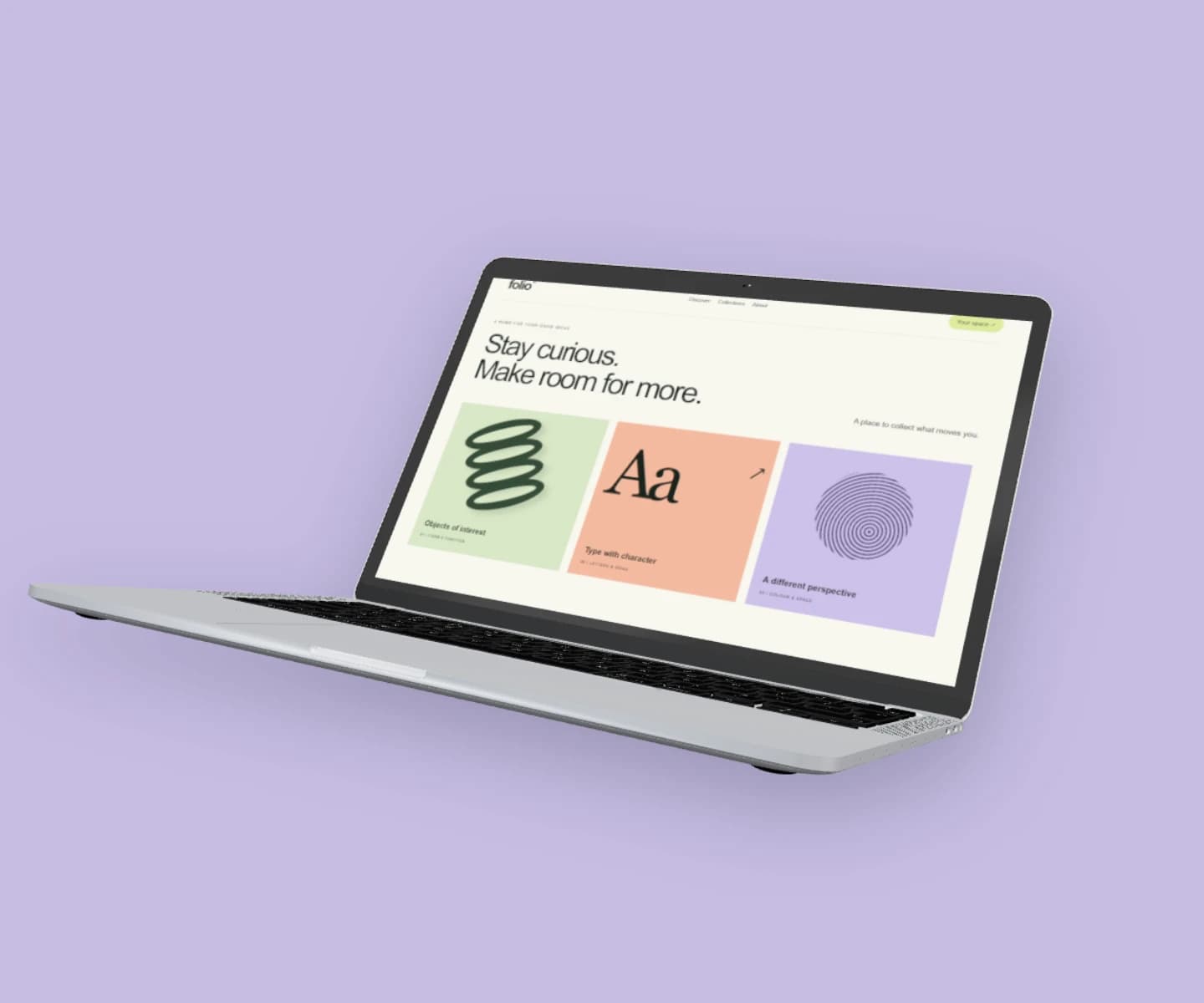
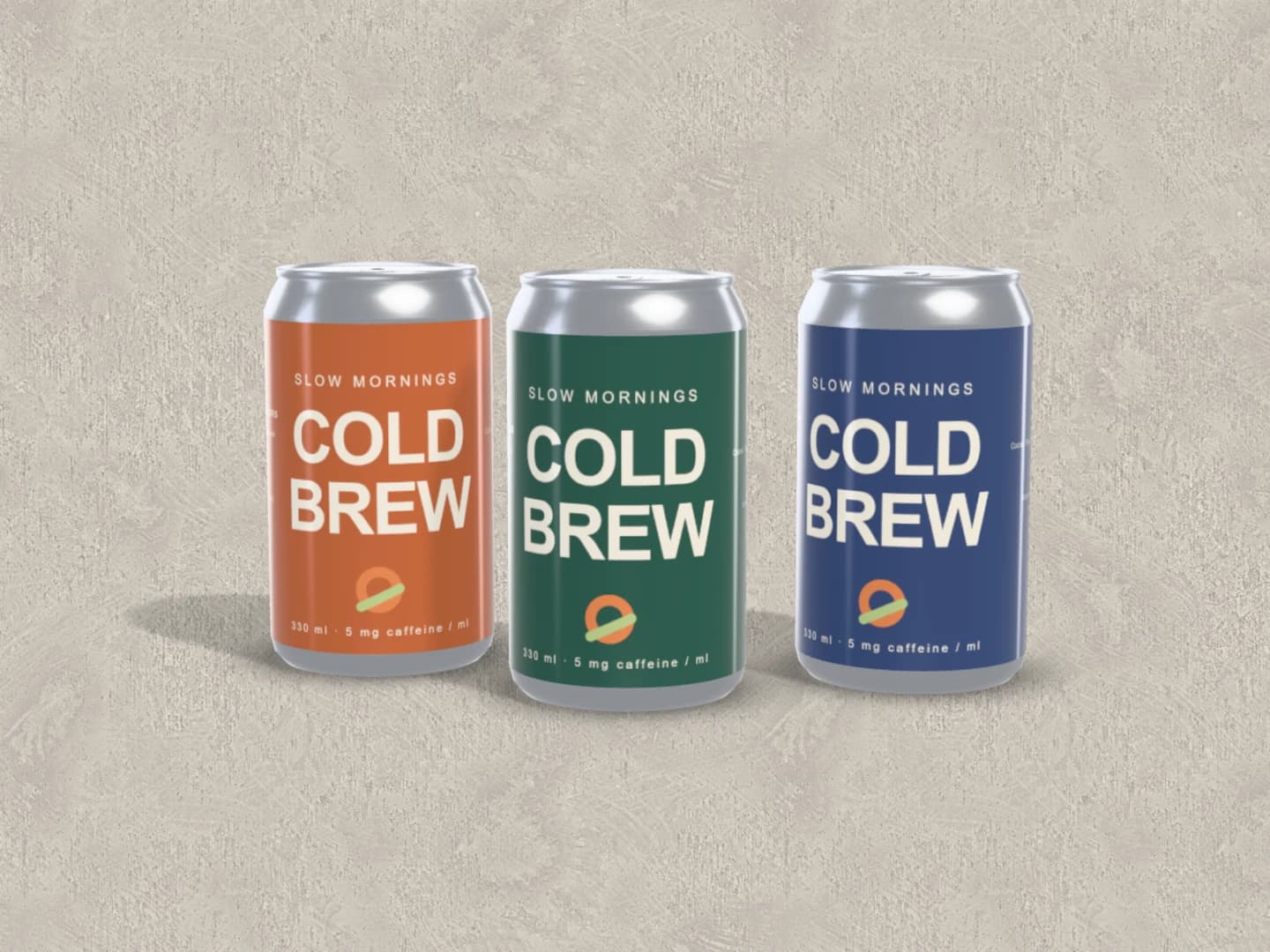
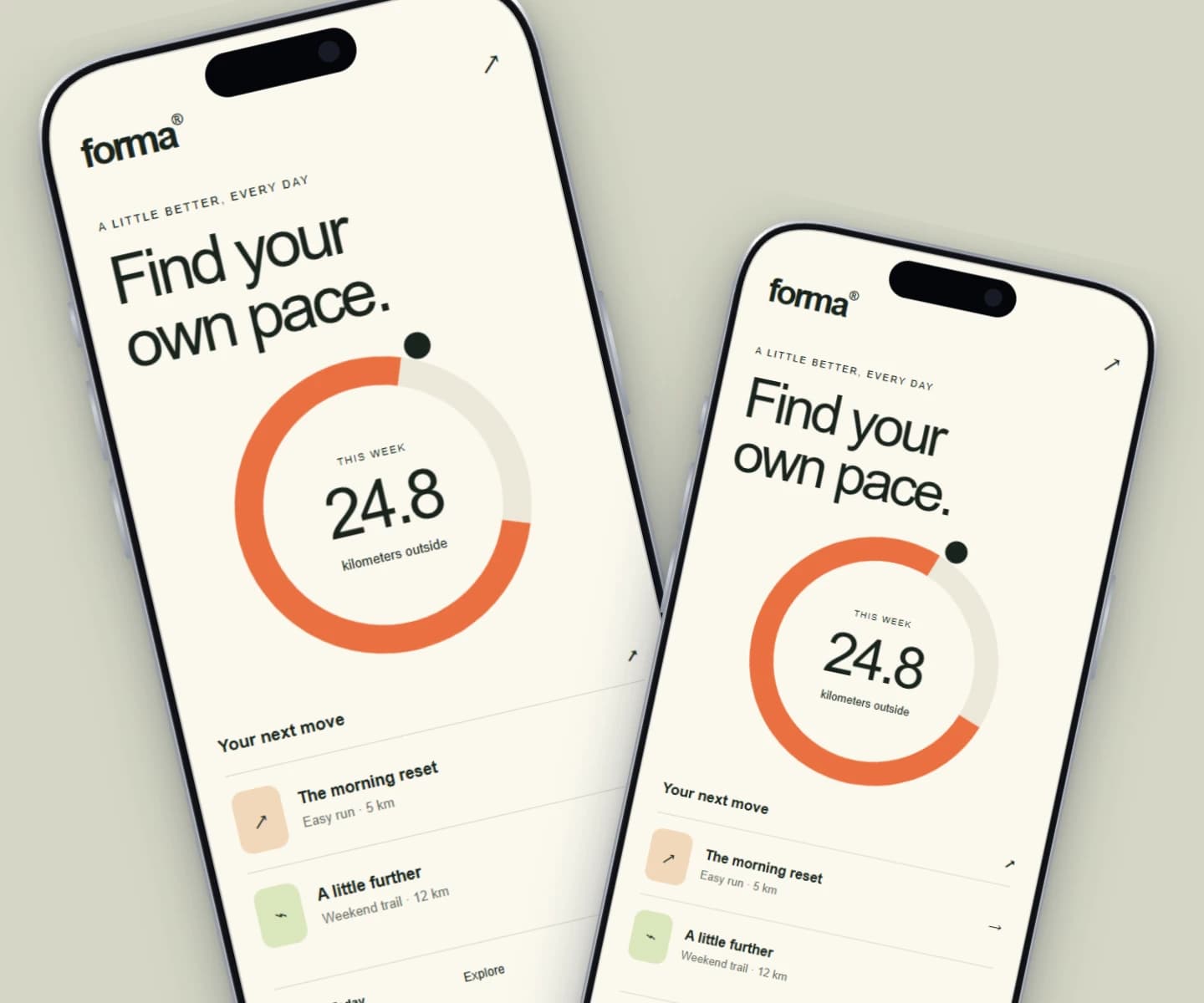
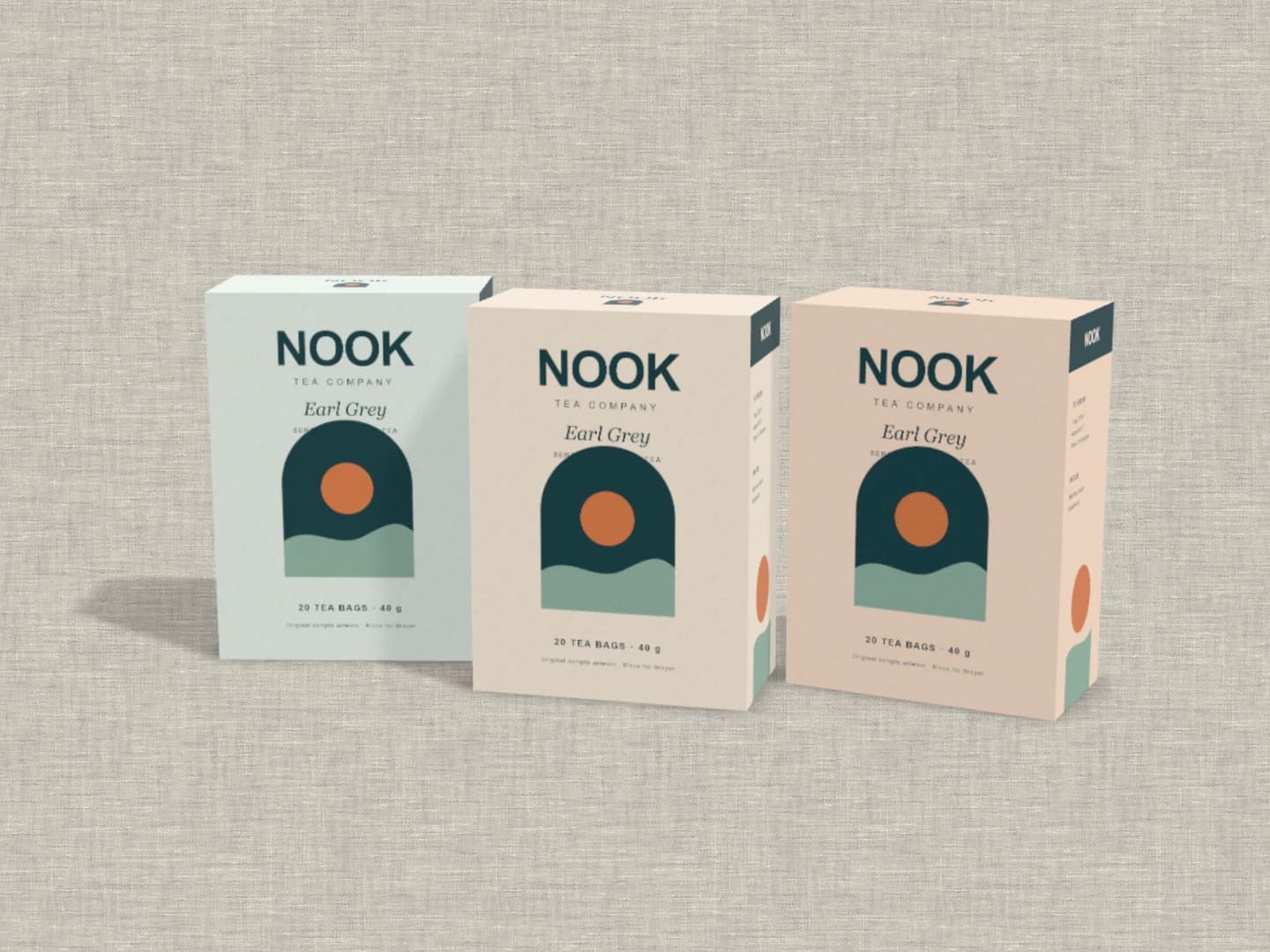
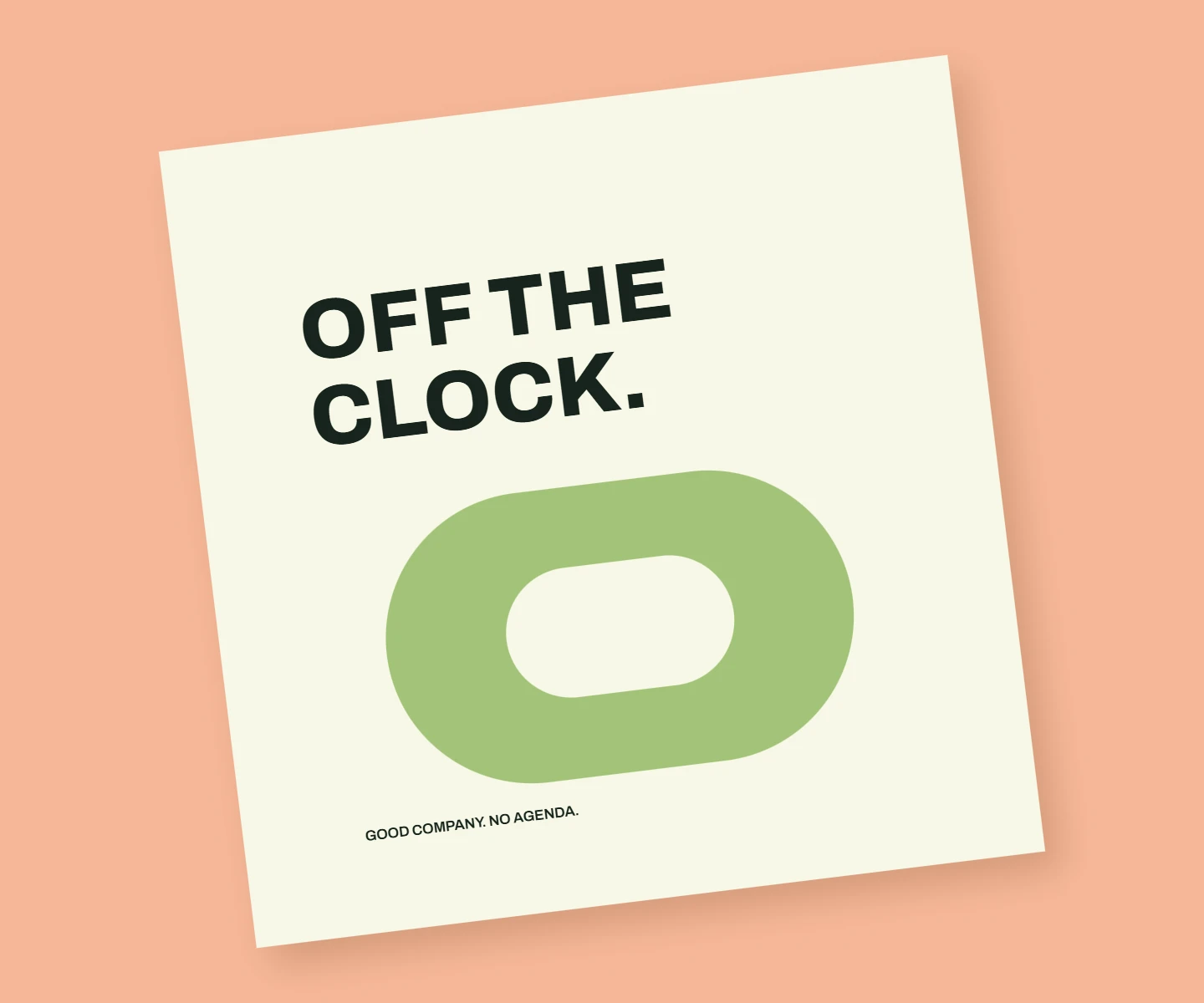
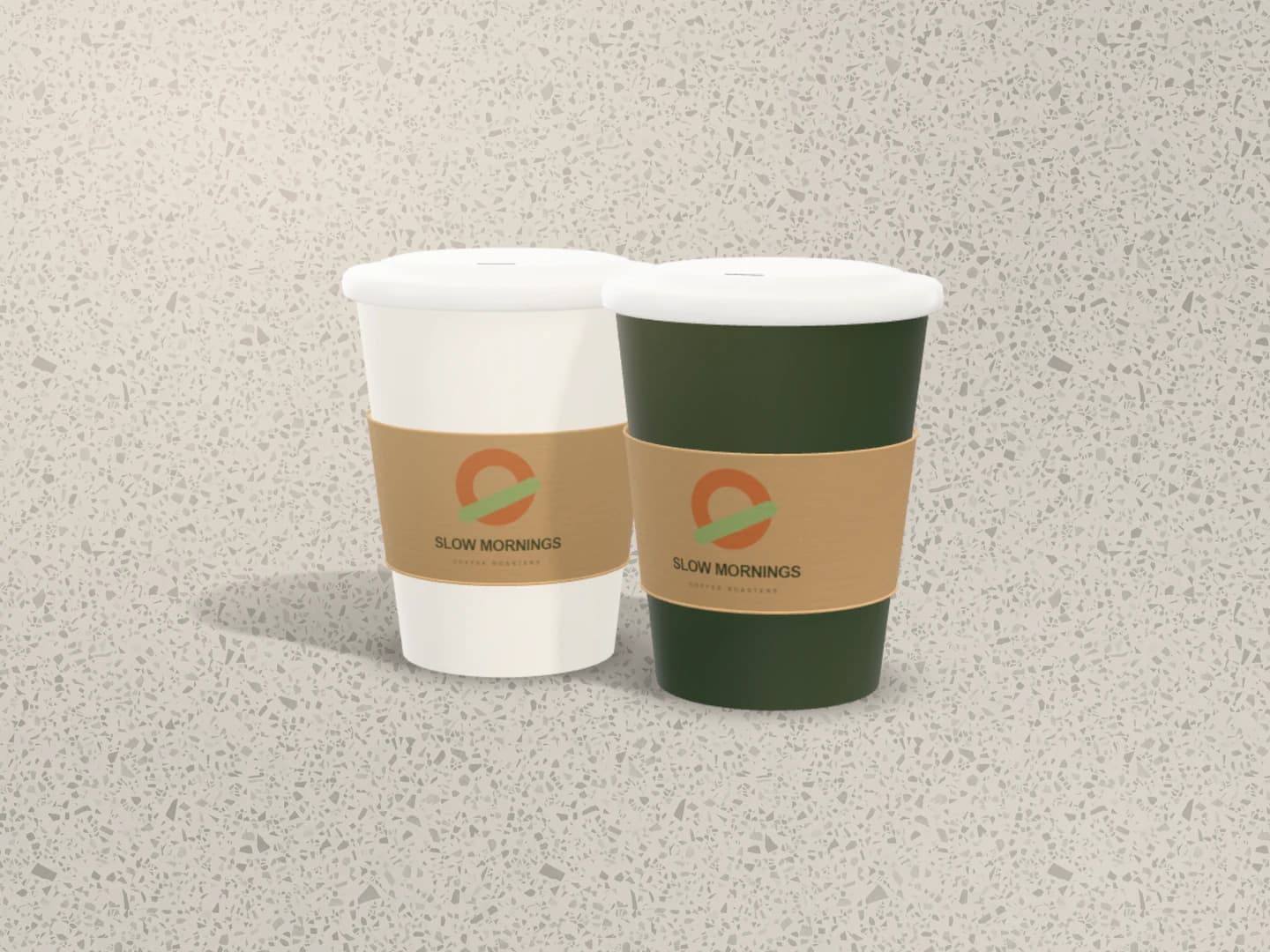
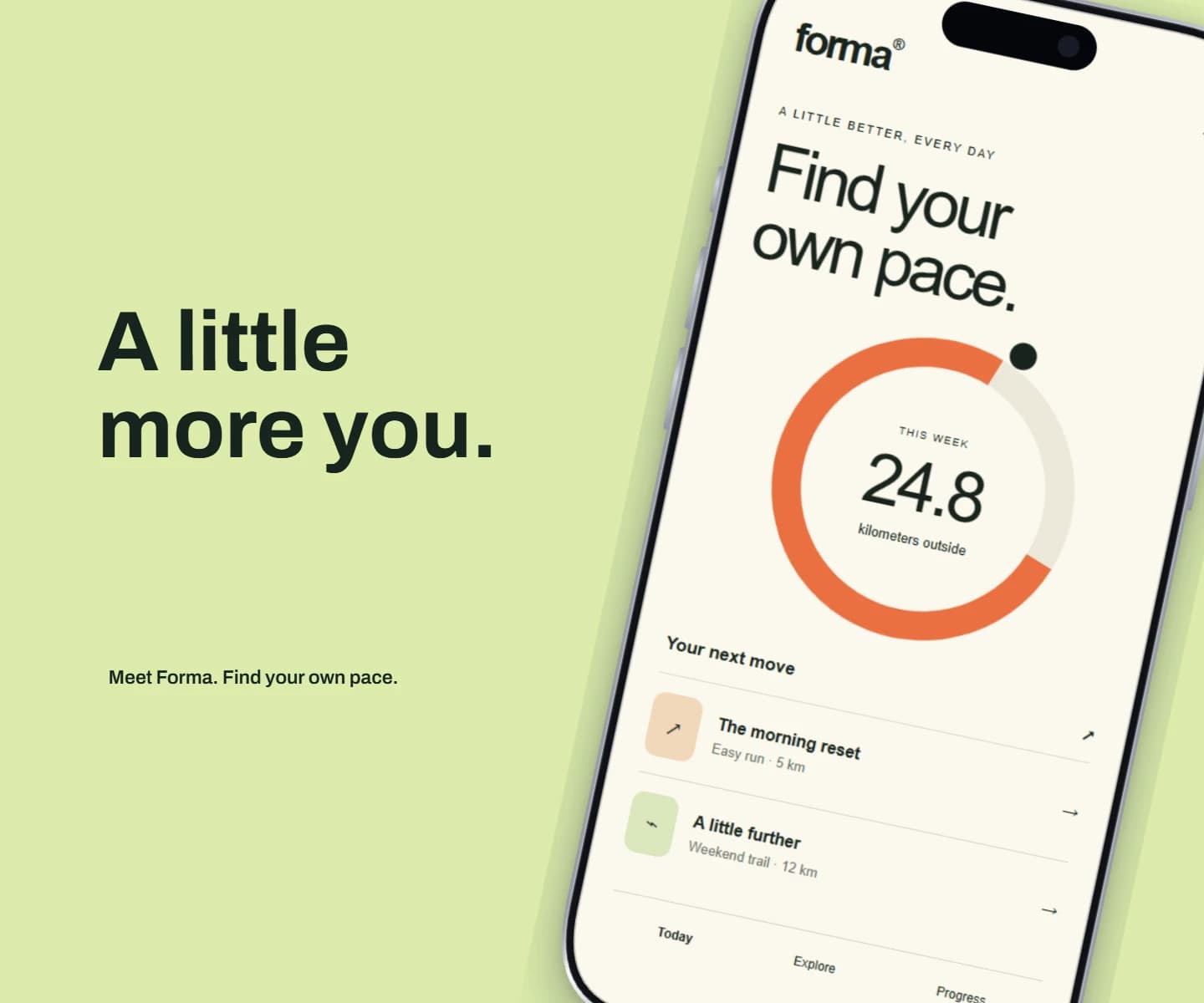
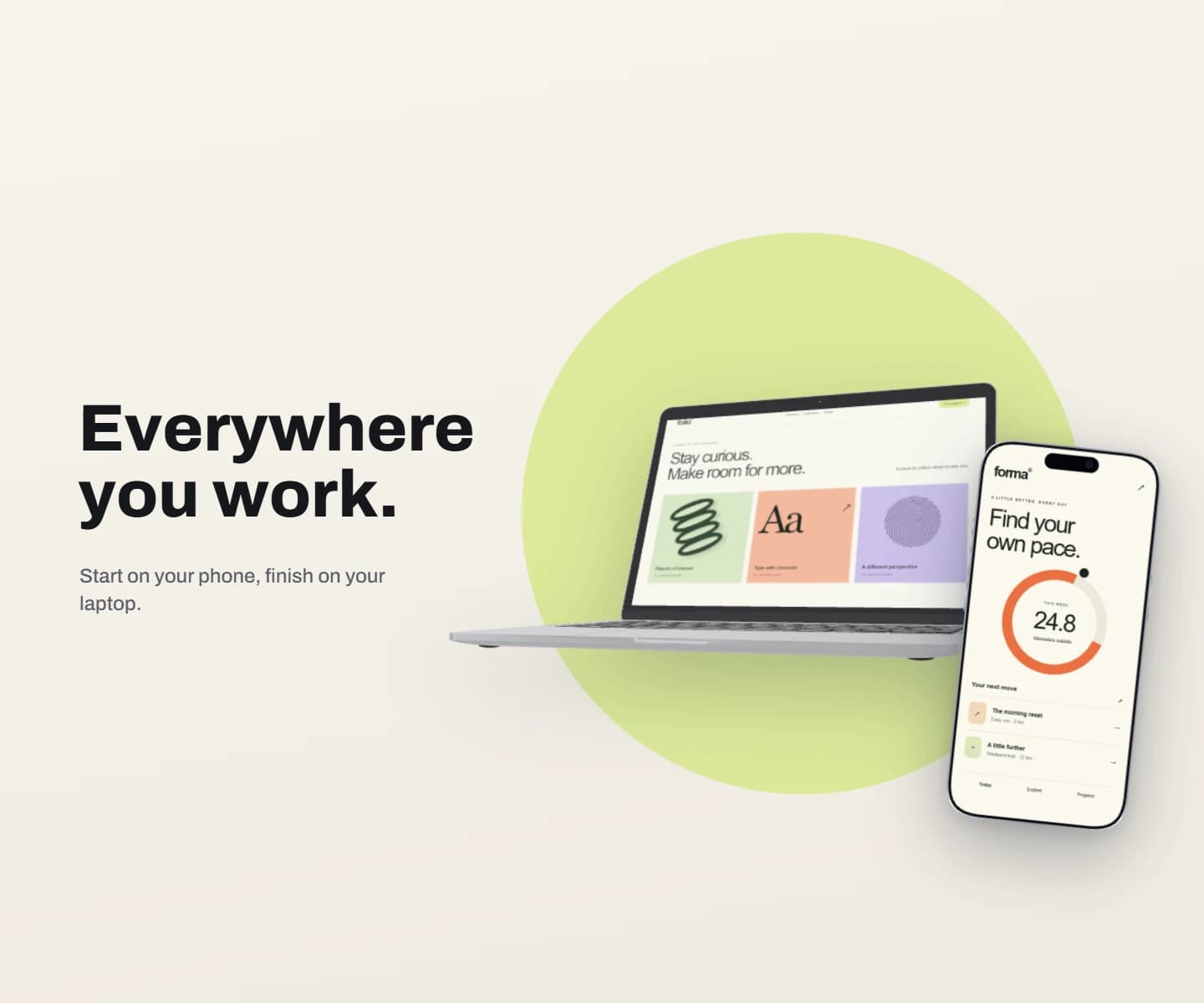
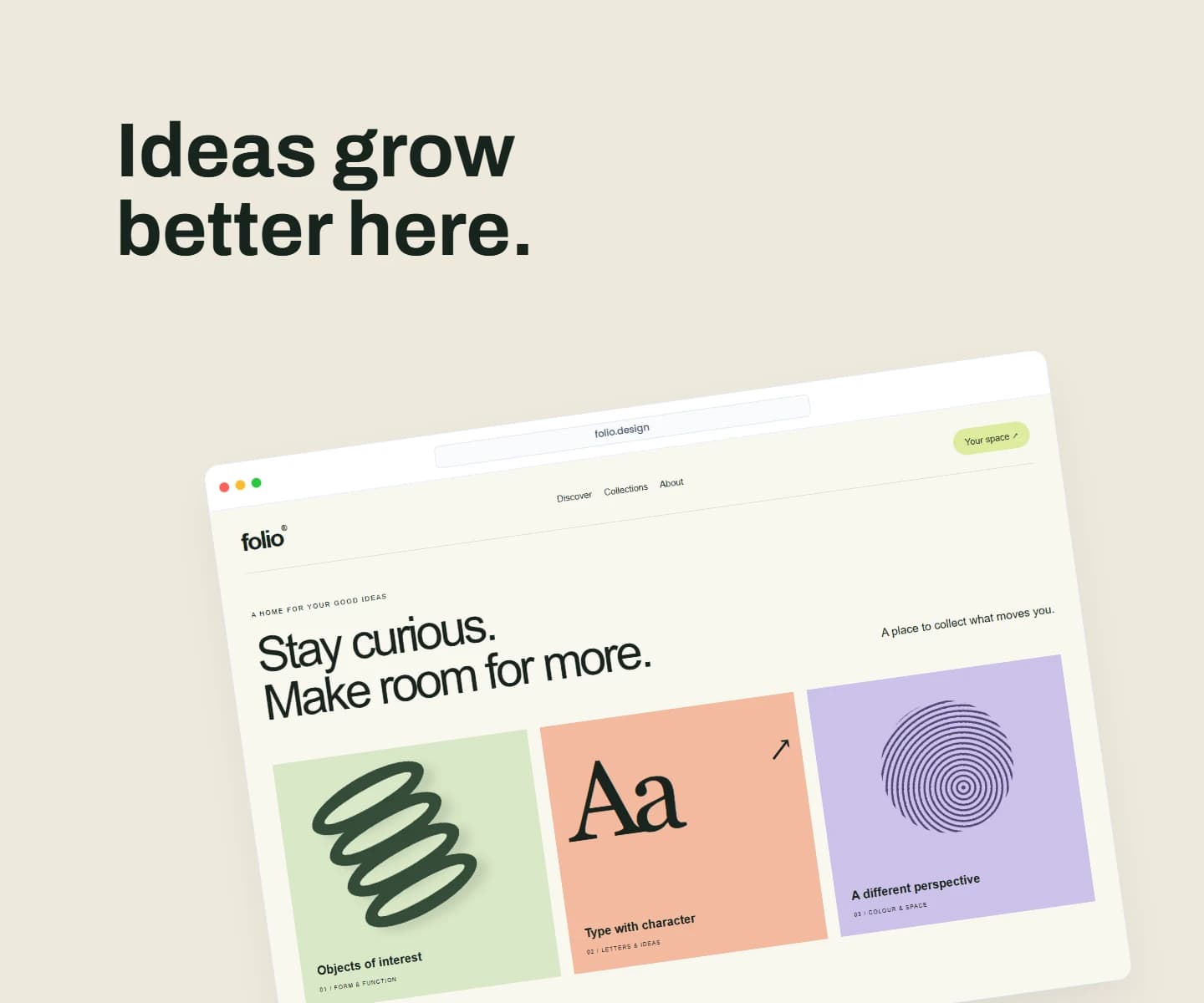
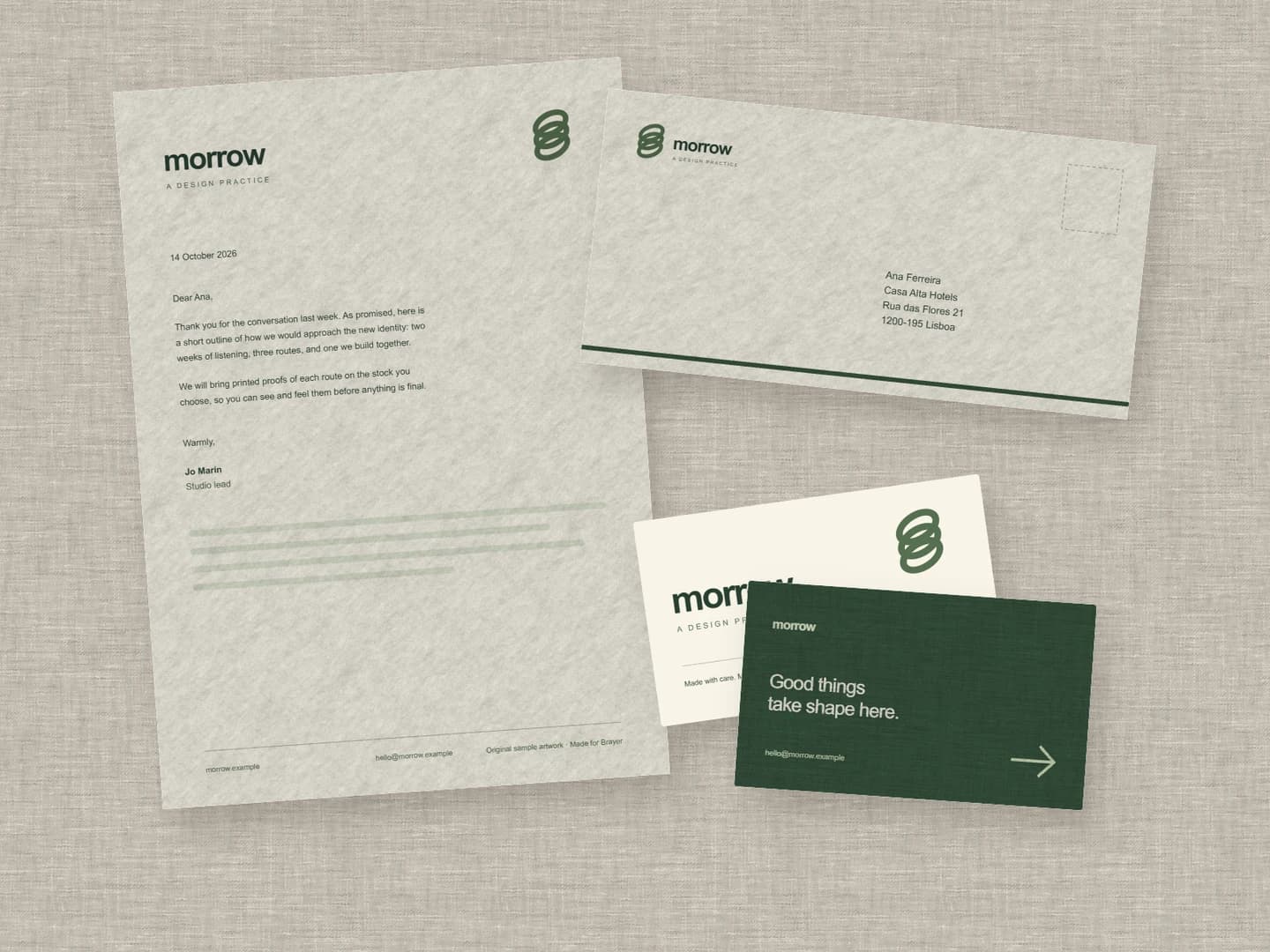
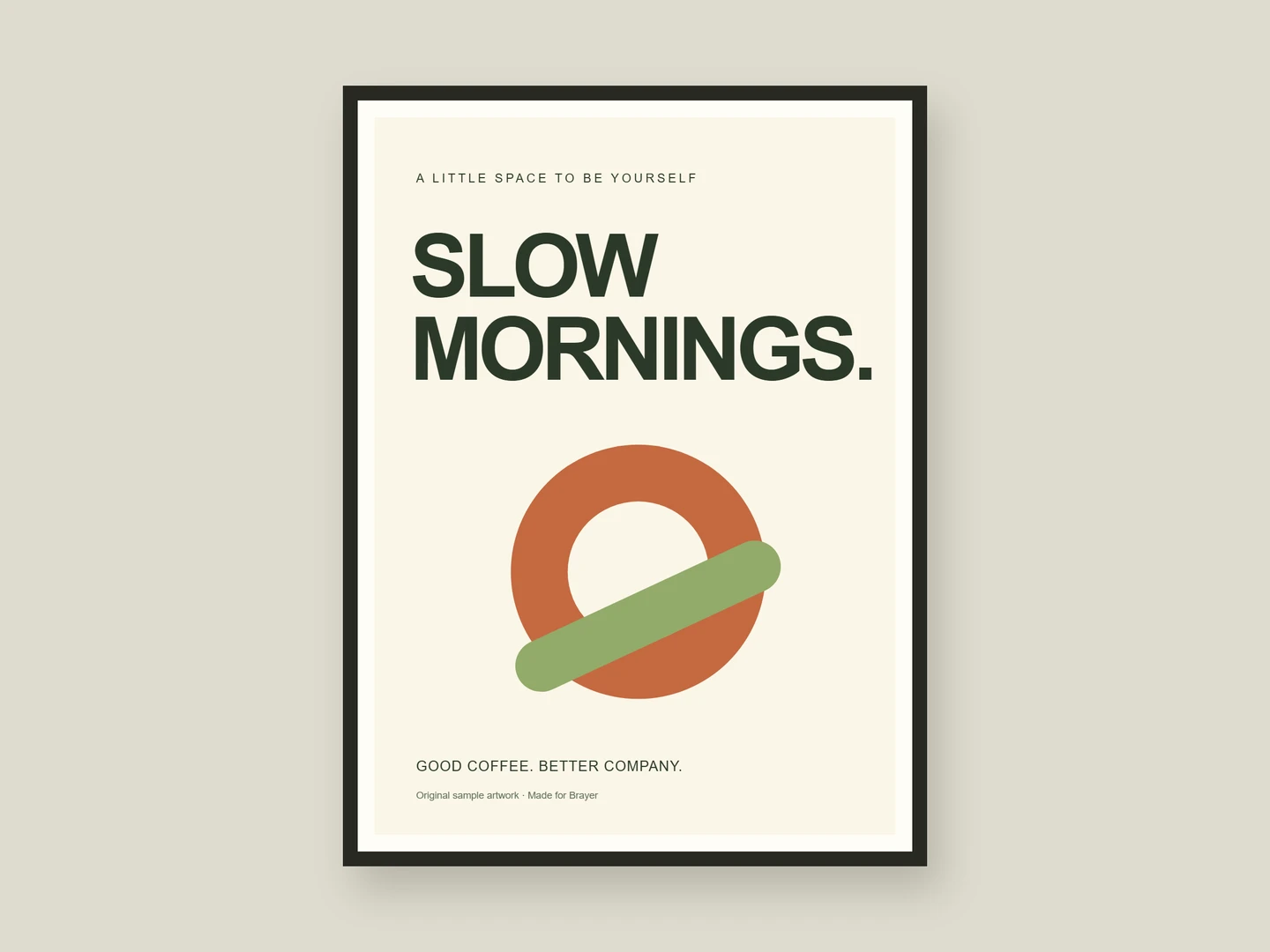
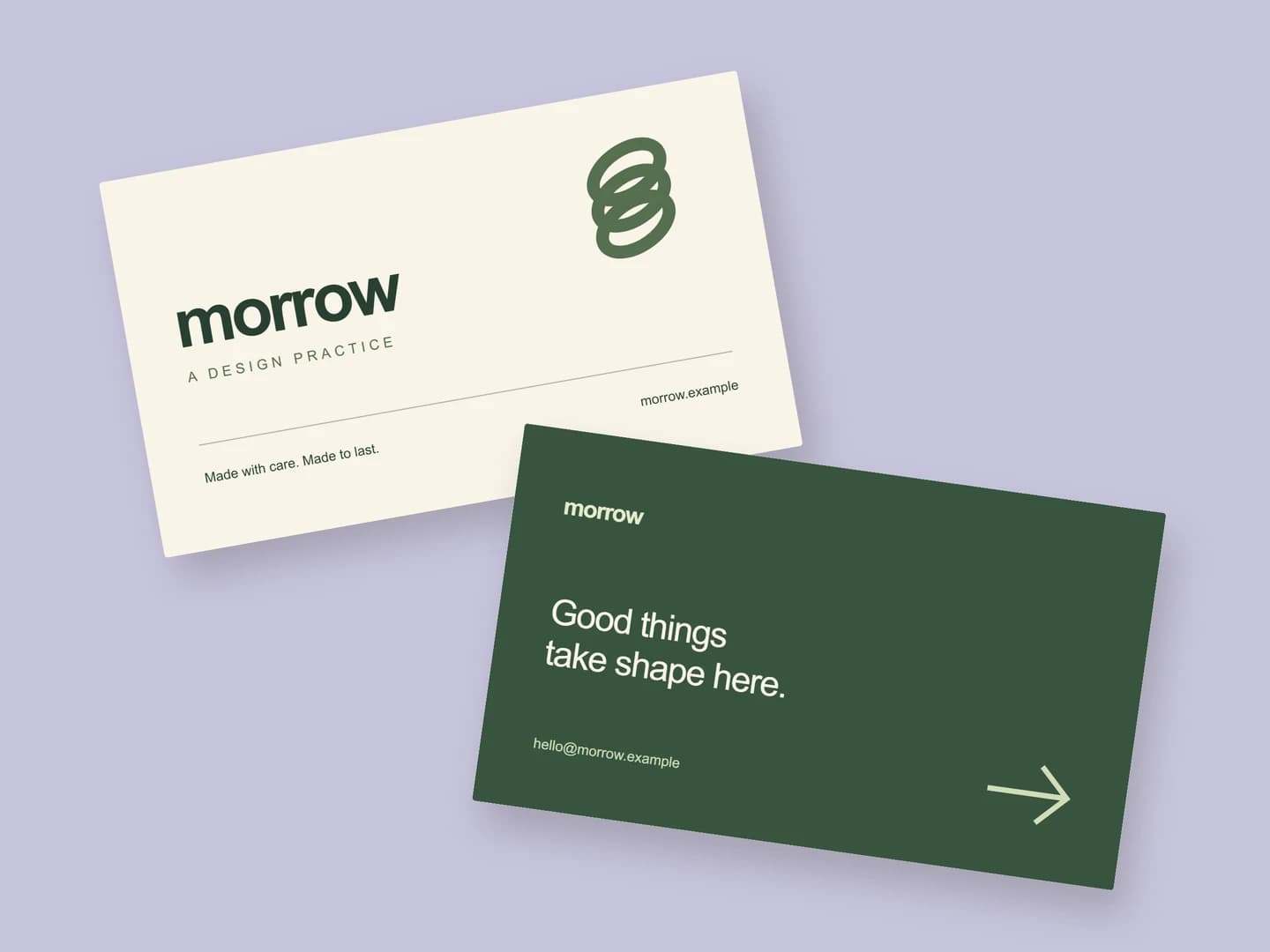
Open any scene and replace the sample artwork with your own.
Make something of your ownFlavours, languages, colourways. Change the can, the headline or the screenshot for each version; the layout stays shared.
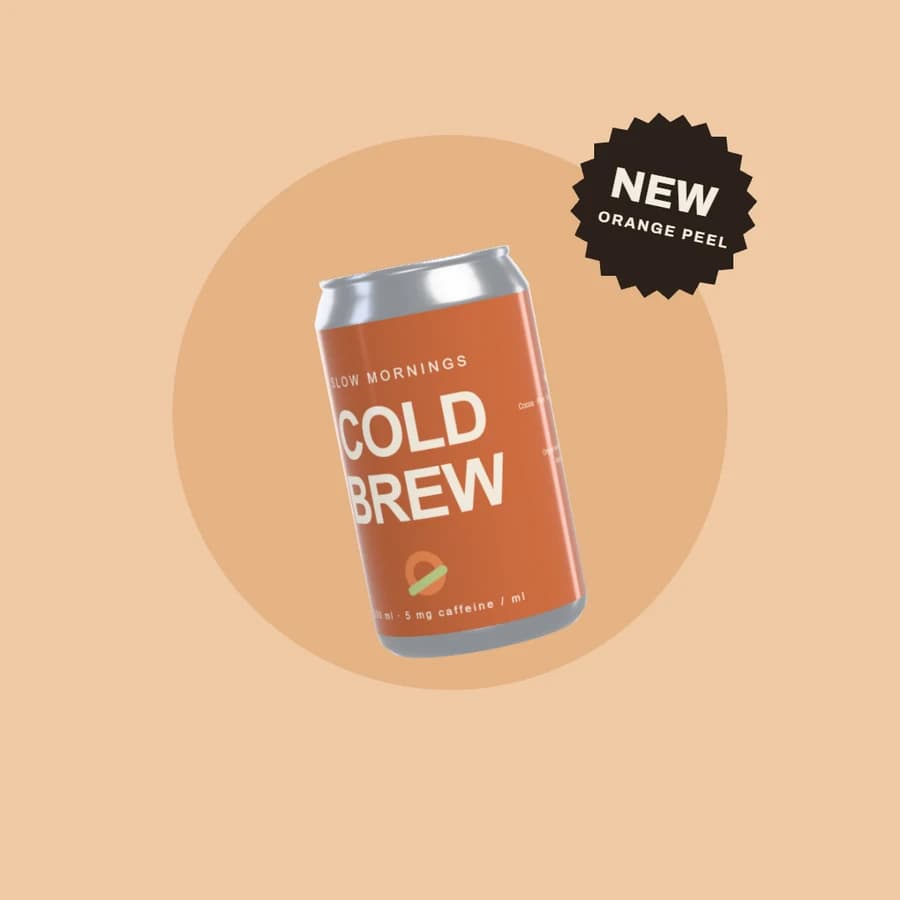
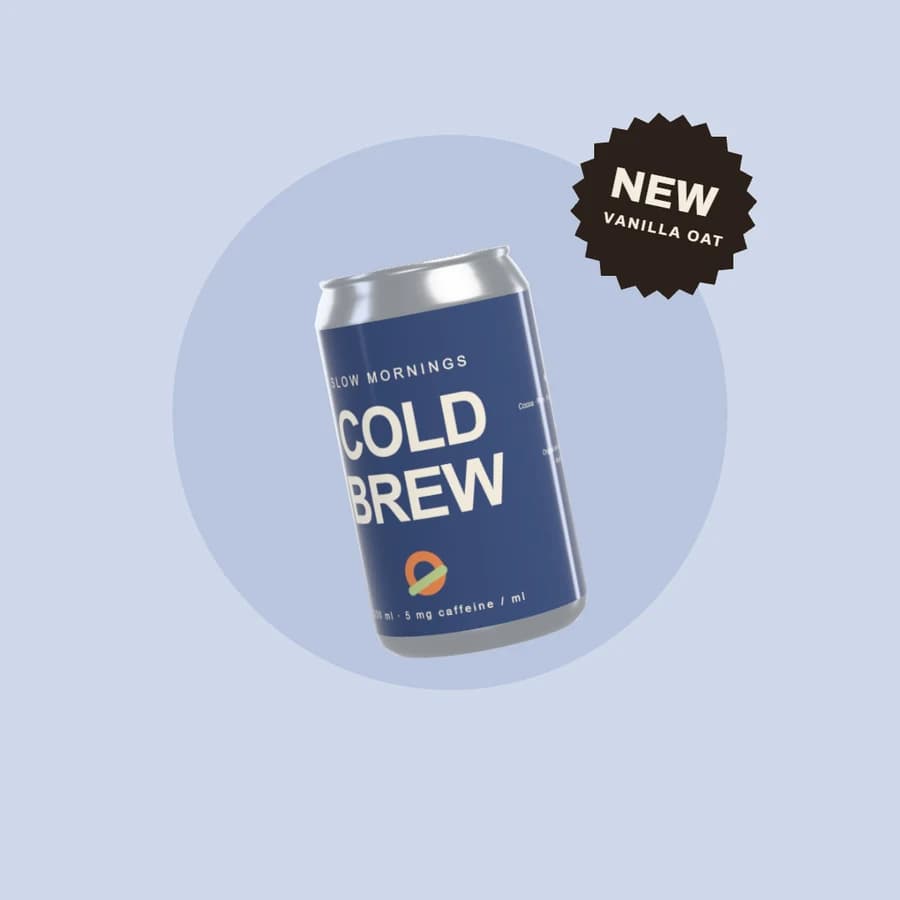
One launch post in three flavours: the can, the ground and the flavour name change. Every image here is an export of the same design. A Pro scene: open and edit it free, export with Pro.
Open this designA campaign set lays your design out again for a hero, posts, a story, a link card and the App Store, each at the size it has to be.
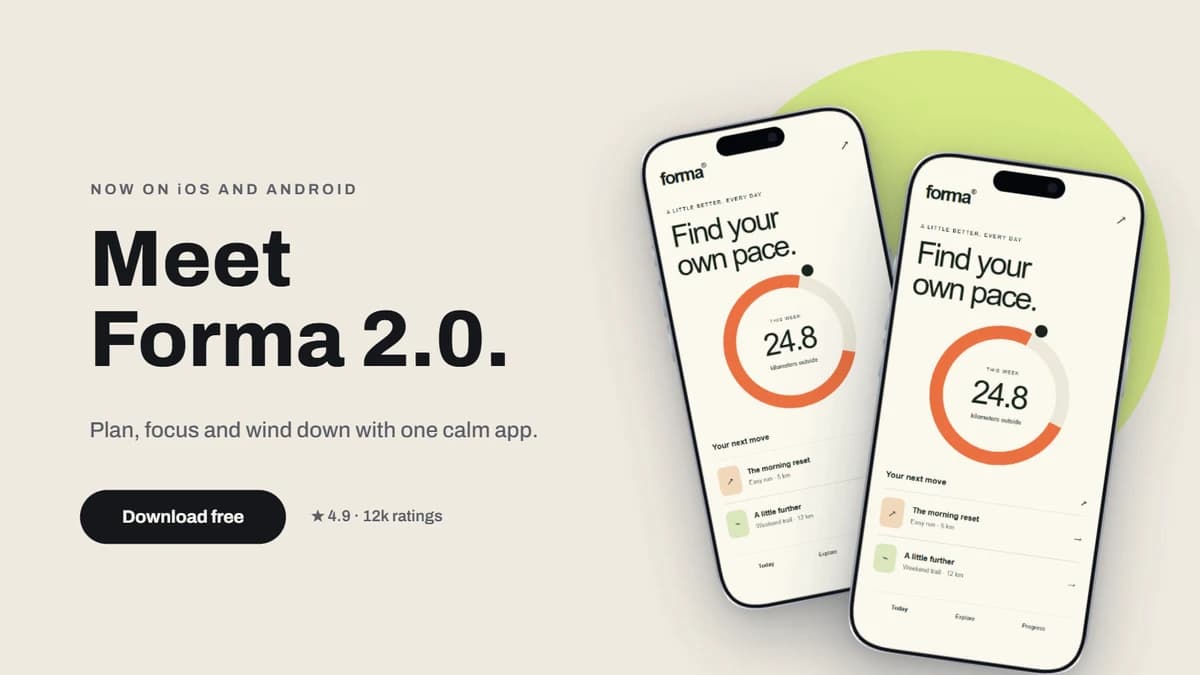
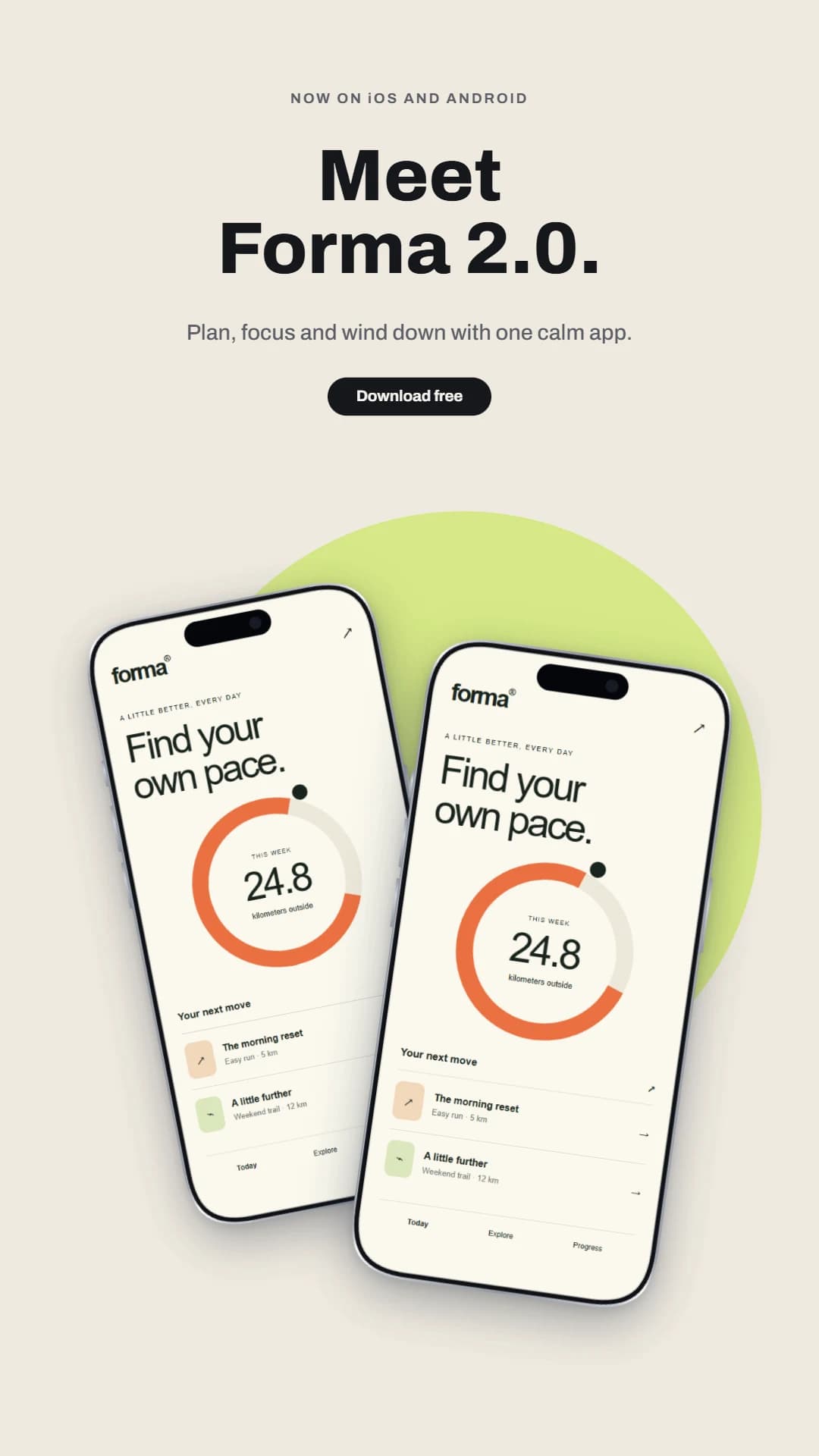
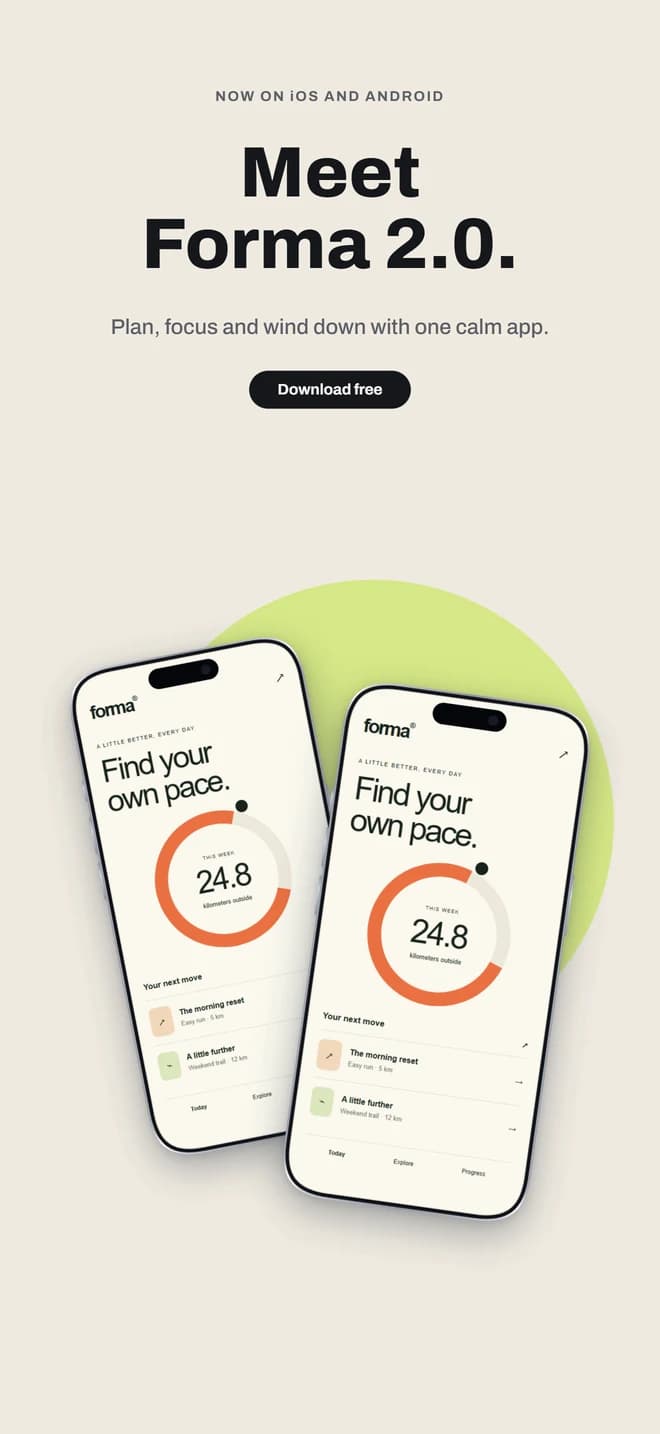
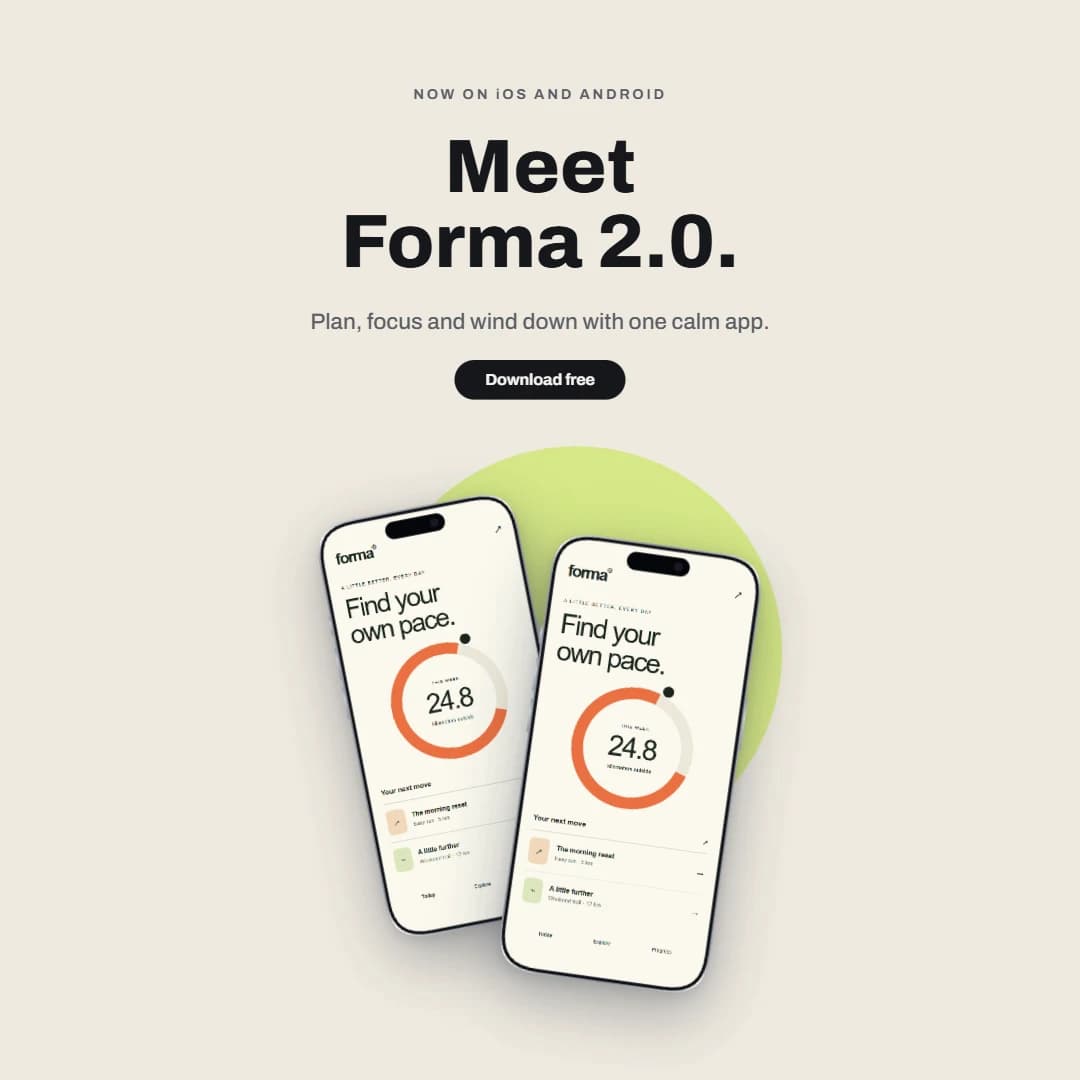
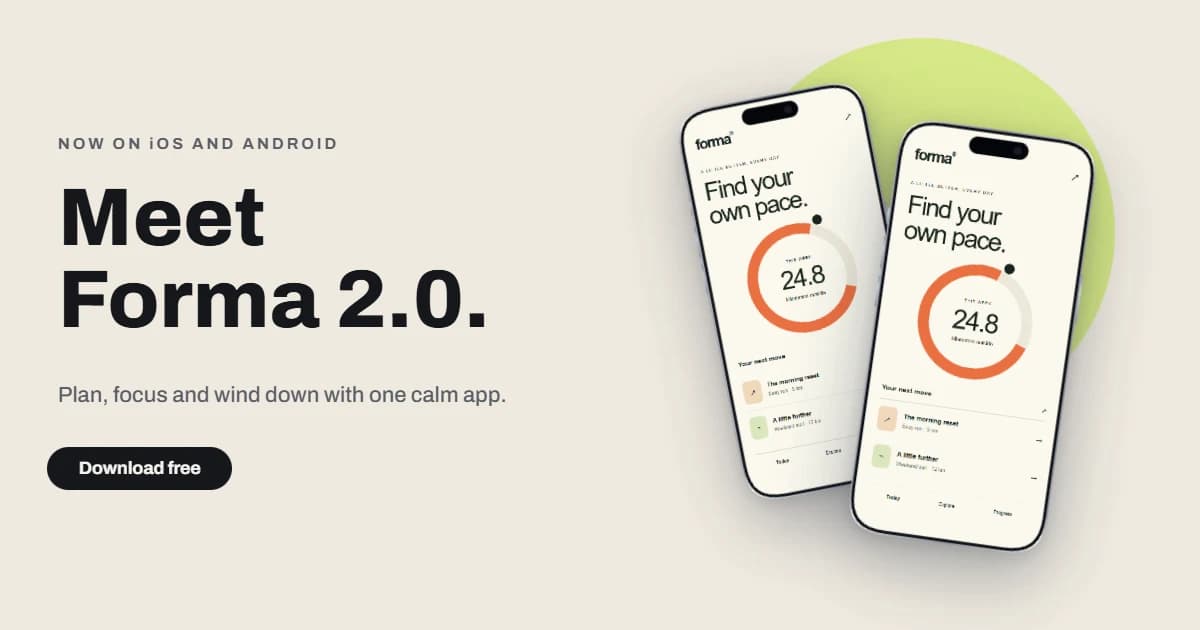
Laid out by the Campaign set from one page. Each one is a page you can still edit.
Try it on the Launch heroQuick mockup gets you a first result. Full editor adds layers, brand styles, variants, materials, multiple pages and precise layout.
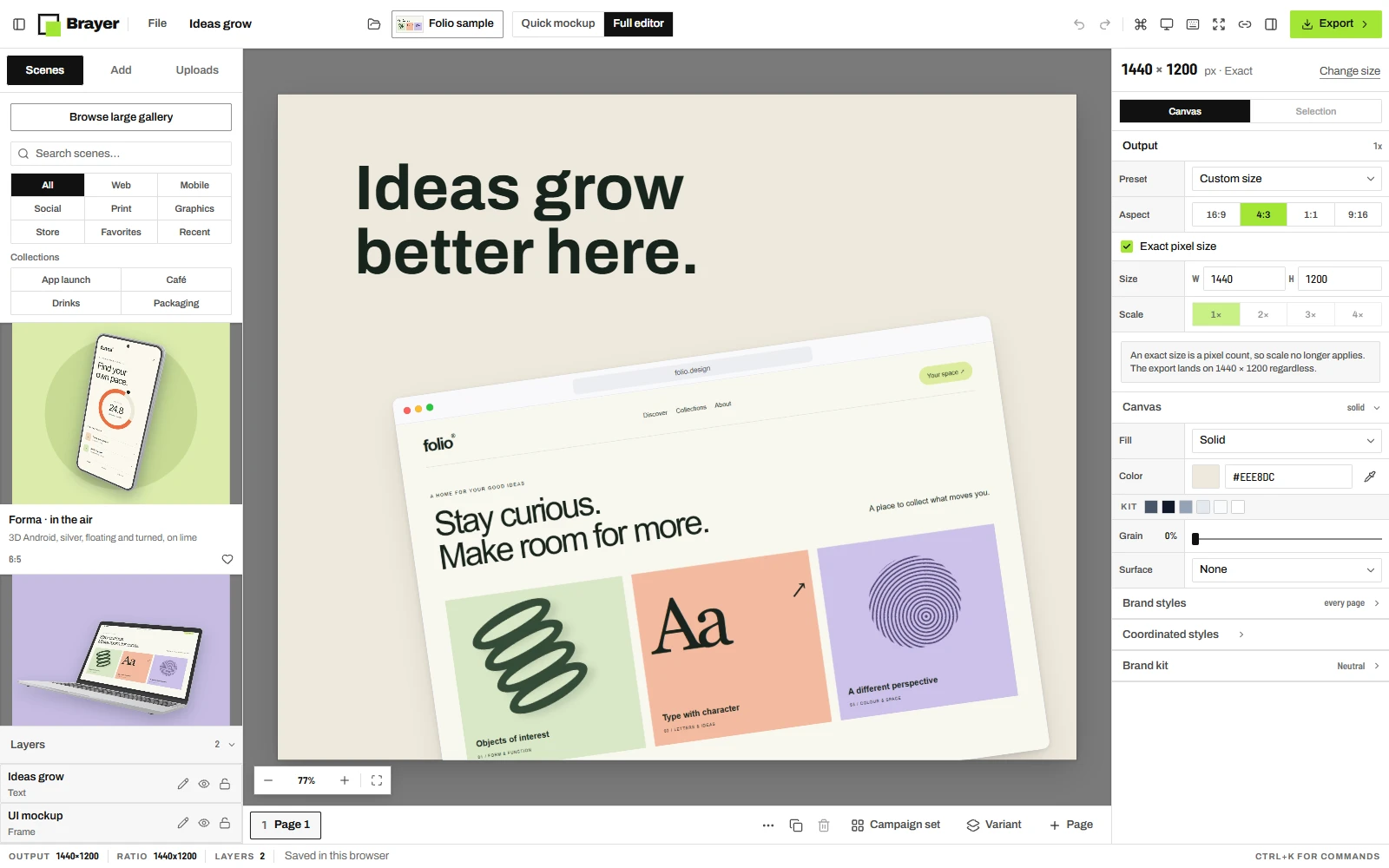
Browser, phone, tablet and laptop frames, 3D cups, bags, cans and cartons in materials from ceramic to foil, and posters, cards and menus.
Link colours and text styles to your brand kit, then change them once for every page, every product and every variant.
Set the pixel size the destination asks for and download a PNG or JPEG with no watermark, one page or a whole set.
Your artwork stays in your browser. Save the scene to reuse it, or export a whole launch set with Pro, without uploading a file.
Open the studioDrop in a screenshot, an image or a graphic. Pick a starting scene or begin on a blank canvas.
Choose the framing, set the background and arrange the details.
Download the mockup and put it on your website, in your portfolio or in your next post.
Starting points for product launches, portfolios and client work.
Looking for plan details?
Explore Free & Pro
Device mockups, framed posters, business cards, postcards, launch graphics and social posts. Start from a scene, or compose images, text, shapes and backgrounds on your own canvas.
Yes. Free includes every frame and editing tool, the core starter scenes plus one free scene from each premium collection, variants, campaign sets, and unlimited PNG and JPEG exports up to 3,000 px on the long side without a watermark, plus one saved brand kit, three reusable scenes and portable project backups. Pro adds larger exports, WebP, transparency, the premium collections, every page or every variant in one ZIP, image batches, size packs, more saved kits and scenes, and optional cloud sync with 1 GB of storage.
No. Start in Quick mockup: add your image, choose a scene and adjust it. Open Full editor when you want layers and precise control. Switching views keeps your whole design.
No. 3D products put your artwork on a takeaway cup, a coffee bag, a drinks can or a carton. Print & stationery covers posters, business cards, postcards, flyers, menus, letterheads and envelopes, and you can compose your own images and typography on a blank canvas. Clothing mockups are planned for later.
No. Open Brayer in a desktop browser and start. Your designs are saved in that browser, so you can come back to them. An account is only needed for Pro.
They stay in your browser. Nothing is uploaded to make a mockup or export it. Cloud sync exists on Pro, and only when you turn it on.
Free to start. No sign-up.